
Hey AI user group!
Sharing an awesome resource as we recently posted the official beginners guide to building your first AI app on Airtable!
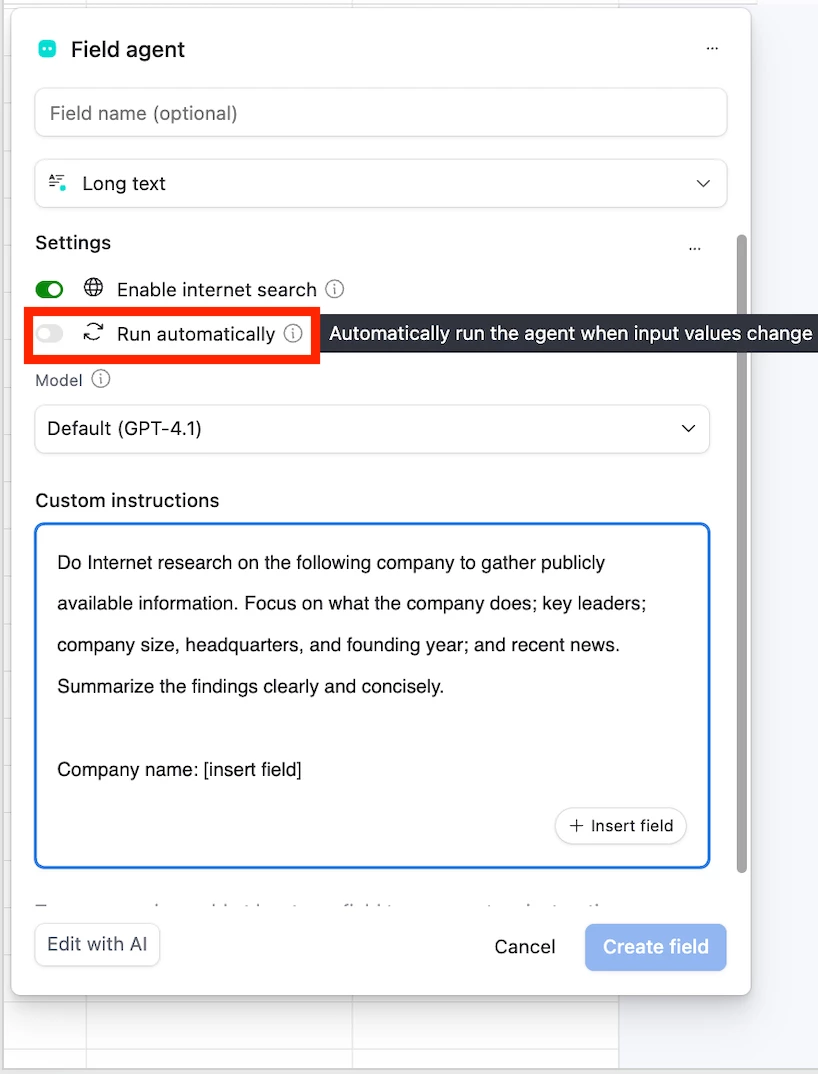
If you’re wondering how to leverage AI in Airtable (even as a beginner!) check out this tutorial that will walk you through creating your first AI app, covering fundamental Airtable principles like data organization, building user-friendly interfaces, and setting up AI Field Agents to automate repetitive tasks.
The techniques covered apply to any workflow. You'll learn how to:
✔️ Use Omni to create and customize your app
✔️ Link tables and manage relationships
✔️ Pull in real-world data from the web
✔️ Use AI field agents to automate research, content creation, and more
✔️ Design dashboards and interfaces to run your operations
Check it out below, and share in the comments what you build!