I am trying to import a Google Sheet containing ~500 rows of data into Airtable. Airtable successfully detects the data, including the column labels, but after I confirm and press the “Import” button, it always throws this error. How can I fix this?
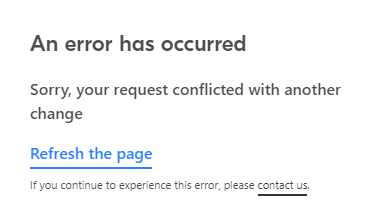

I am trying to import a Google Sheet containing ~500 rows of data into Airtable. Airtable successfully detects the data, including the column labels, but after I confirm and press the “Import” button, it always throws this error. How can I fix this?
Best answer by Tom_Engstrom
I ran into the same problem with importing a Sheets with multiple tabs and some lookup formulas from one tab to another. I first tried exporting it from Sheets to an XLSX and then importing that to AirTable but got the same error. What worked was importing a single tab individually to CSV and then importing that to AirTable. I didn’t need to have the linkages and formulas between the tabs so that worked out for me in this case.
Enter your E-mail address. We'll send you an e-mail with instructions to reset your password.