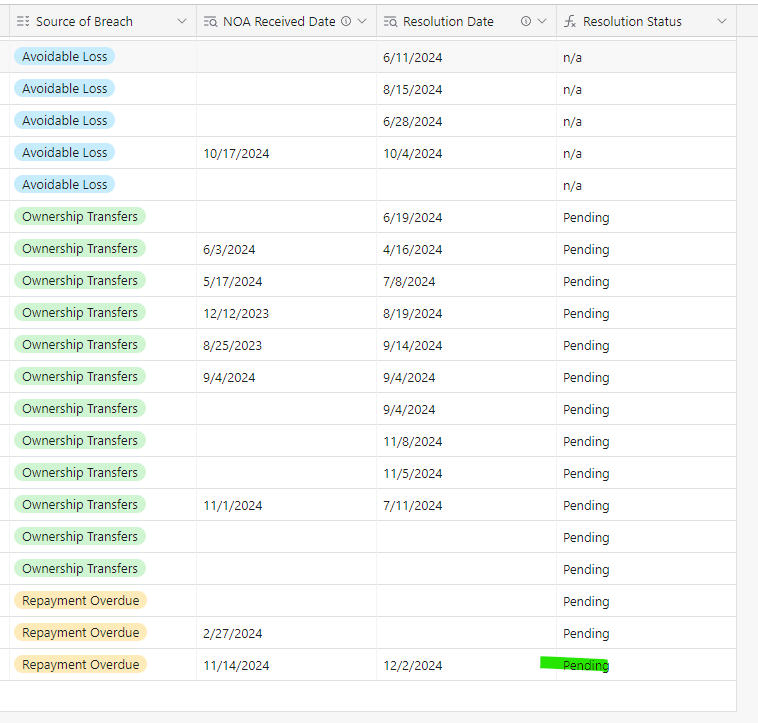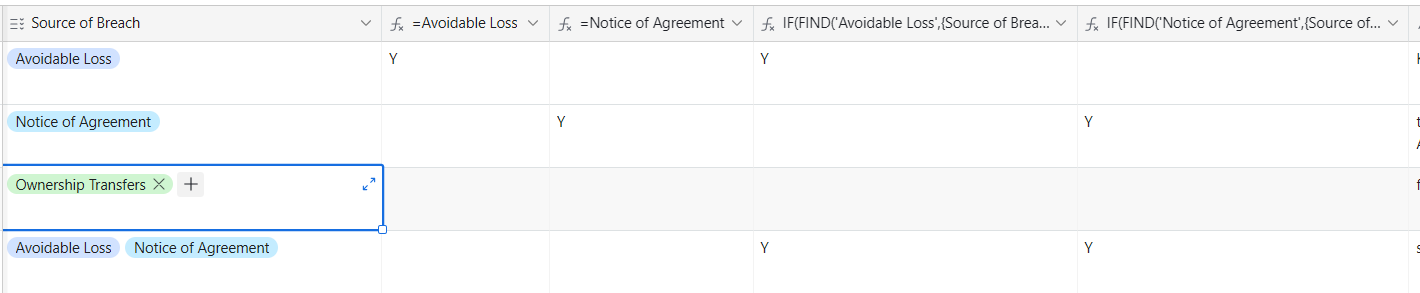

Hi there - I am attempting to track contract breach status (pending, resolved, or n/a) depending on the source of the breach and whether there is a specific response date.
My formula will be 5 if statements, of which 4 are also if/and. I've been able to add the first two successfully but when I try to add the third, nothing happens. Any help would be most appreciated! Thank you in advance!
- If source of breach = avoidable loss, “n/a- avoidable loss”
- If source of breach = notice of agreement & noa received date >1, resolved otherwise pending
- If source of breach = repayment overdue & resolution date >1, resolved otherwise pending
- If source of breach = ownership transfers & resolution date >1, resolved otherwise pending
- If source of breach = miscellaneous >1, resolved otherwise pending
IF({Source of Breach}="Avoidable Loss","n/a",IF(AND({Source of Breach}="Notice of Agreement",{NOA Received Date}>"1"),"Resolved","Pending",IF(AND({Source of Breach}="Repayment Overdue",{Resolution Date}>"1","Resolved","Pending"))))