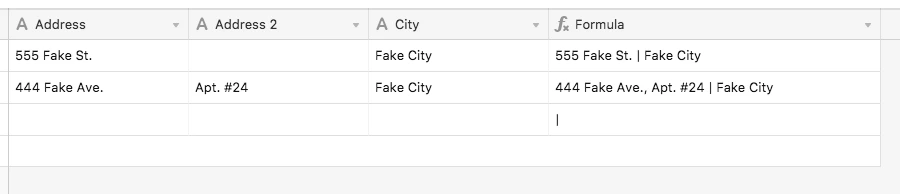

Scenario —
Tables are listed as such:
Address
Address 2 (for Suite number, Apartment, etc.)
City
ST
Zip
I’m making a formula in a table. If I make the formula
{Address} & “,” & {Address 2} & & " | {City} & “,” & {ST} & " "
Result:
123 Any St., Suite 2 | City, ST 12345
Which is what I wanted. But…
I’m struggling with the result if there is no Address 2.
When there is NO Address 2 I get
123 Any St., | City, ST 12345
That comma after the Address is incorrect, but I can’t figure out how to IF/THEN BLANK/NOTBLANK it away.
If I use
{Address} & " " & {Address 2} & " | " & {City} & ", " & {ST} & " " & {Zip}
Result: 123 Any St. Suite 2 | City, ST 12345 with Address 2. It has no comma between the St. and the Suite when there is a Suite, and it is needed.
Any suggestions appreciated!