How to make a specified invoice

  • June 21, 2018
  • 3 replies
  • 36 views

Kim_Trager1
Forum|alt.badge.img+23

I’m trying to make an invoice that needs to be specified.
I’ve been using ‘Super charge your client management with your automatic invoice creation

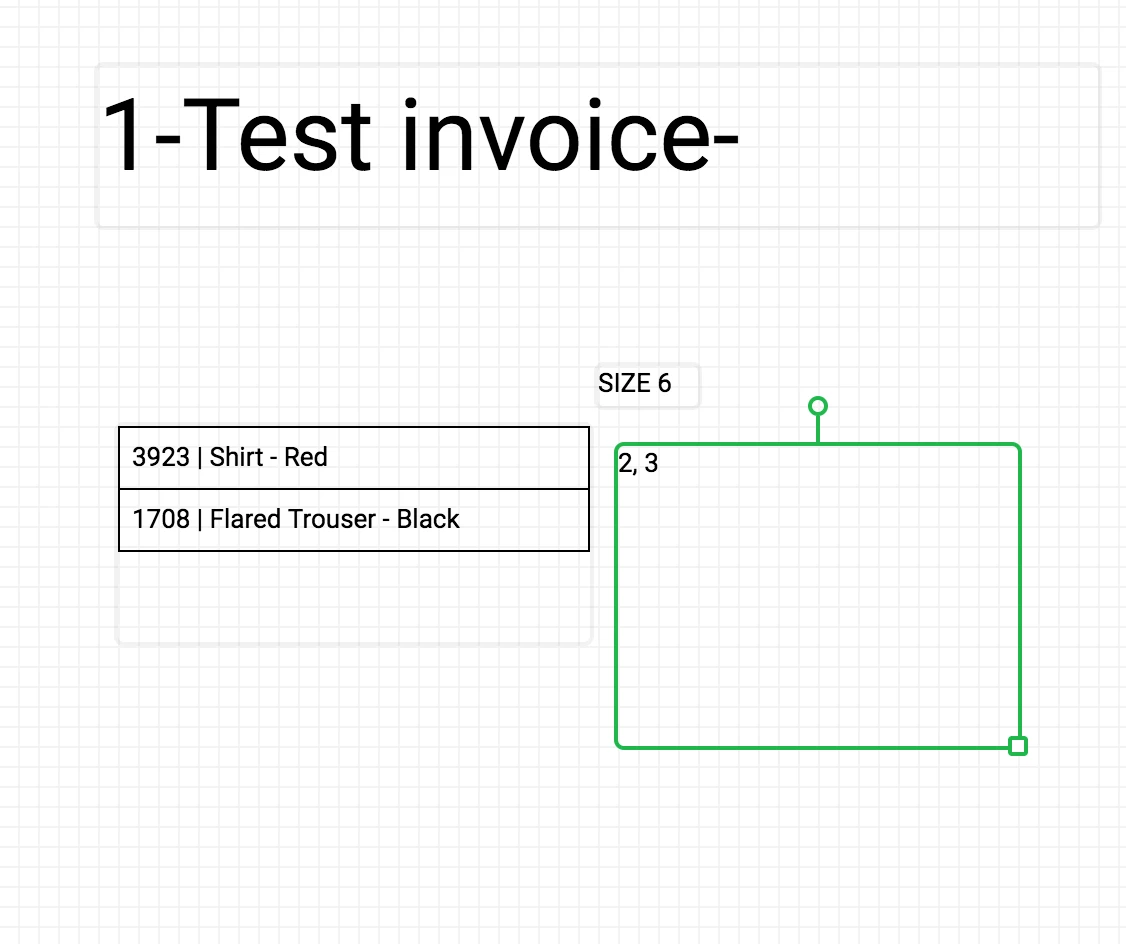
I can add the different items I want to charge but I can’t figure out how to show the individual amounts or prices as they line up horizontally divided by a ‘,’ instead of vertically.
Is it possible to stack a look up?

3 replies

Forum|alt.badge.img+5
  • Inspiring
  • June 21, 2018

I’m not sure what sort of field the green box represents, but if it’s a lookup or a rollup field, change it to a rollup field using ARRAYJOIN(values,'\n') as the aggregation function. That will concatenate your list of prices with a newline character as a separator value, which Page Designer will treat as a line-break. A little dithering with the line height should allow you to match leading with your item entries — or you may find it easier to rollup your item list in a similar manner.

I made extensive use of similar tricks in my Black Mirror base and a recent base tracking football win/loss records. In general, I always position fields in Page Designer by entering absolute X/Y offsets rather than drag-and-drop; it makes life so much simpler, especially when trying to align multiple multi-line fields.


Forum|alt.badge.img+17

I think you have not a “Line Items” table, and you are linking Invoices directly to Products, how are you saving the quantity of items buyed?

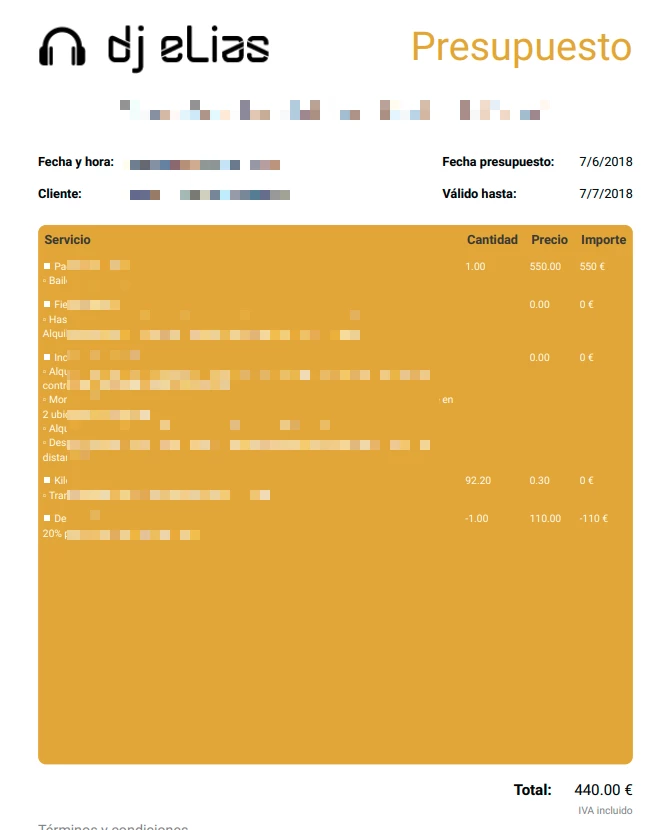
Anyway, you need to have a Quantity, Price, etc fields in the Line Items table, and then you could show those Line Items in the Invoice in a table format, with columns for the fields that you want. You want something like this?


Kim_Trager1
Forum|alt.badge.img+23
  • Author
  • Brainy
  • June 25, 2018

I’m not sure what sort of field the green box represents, but if it’s a lookup or a rollup field, change it to a rollup field using ARRAYJOIN(values,'\n') as the aggregation function. That will concatenate your list of prices with a newline character as a separator value, which Page Designer will treat as a line-break. A little dithering with the line height should allow you to match leading with your item entries — or you may find it easier to rollup your item list in a similar manner.

I made extensive use of similar tricks in my Black Mirror base and a recent base tracking football win/loss records. In general, I always position fields in Page Designer by entering absolute X/Y offsets rather than drag-and-drop; it makes life so much simpler, especially when trying to align multiple multi-line fields.


Thank you for this tip - it works beautifully