Automatically add a new record in a second table

  • February 12, 2018
  • 6 replies
  • 62 views

Forum|alt.badge.img+7

I set meetings with people to deliver items. When an item needs to be delivered, I have a STATUS column on sheet A, where I set it as “Pending”. I would like this to automatically generate a new record on the PLANNED MEETINGS table. Is this possible?

6 replies

Forum|alt.badge.img+17

Why do you have Meetings in 2 tables?


Forum|alt.badge.img+7
  • Author
  • Known Participant
  • February 12, 2018

I don’t. I have items on one page and meeting plans on another.


Forum|alt.badge.img+17

I don’t. I have items on one page and meeting plans on another.


What are Pages? I assumed that Sheets are Tables, because a Excel sheet is the almost the same as an Airtable table.

Anyway, what Tables and Fields do you have, and what do you want to achieve?


Forum|alt.badge.img+7
  • Author
  • Known Participant
  • February 12, 2018

What are Pages? I assumed that Sheets are Tables, because a Excel sheet is the almost the same as an Airtable table.

Anyway, what Tables and Fields do you have, and what do you want to achieve?


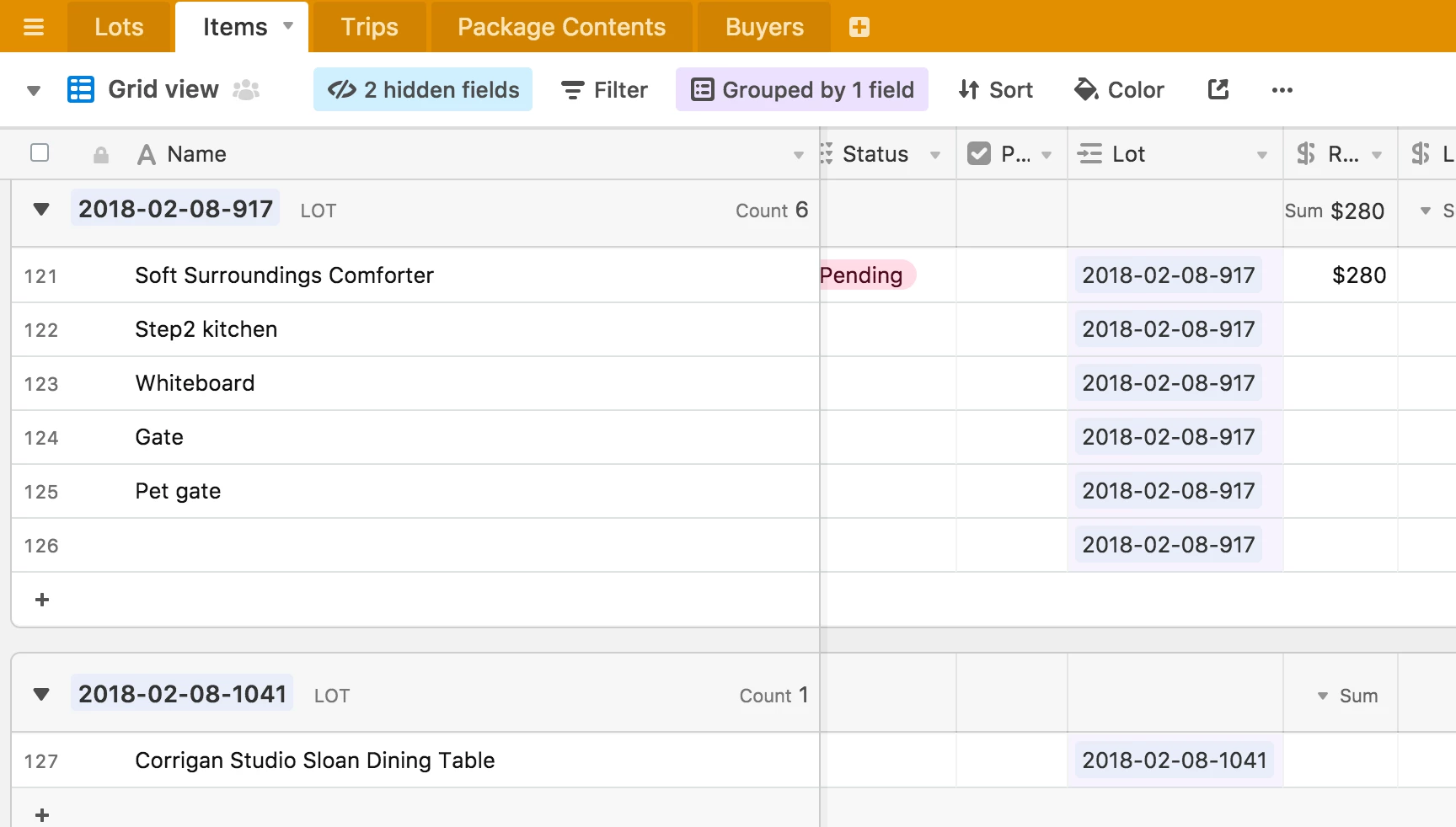
I have a table called “Items,” which has the status column.

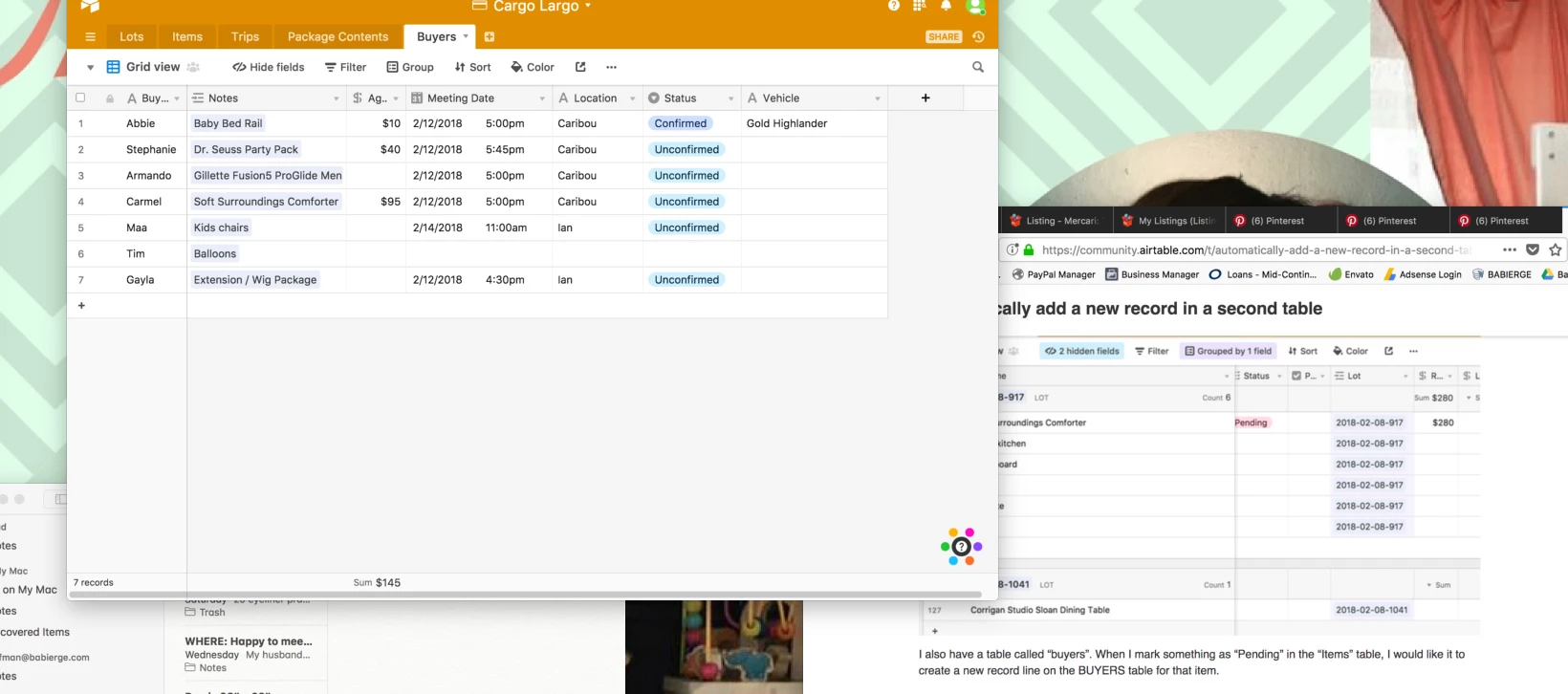
I also have a table called “buyers”. When I mark something as “Pending” in the “Items” table, I would like it to create a new record line on the BUYERS table for that item.


Forum|alt.badge.img+7
  • Author
  • Known Participant
  • February 12, 2018

I have a table called “Items,” which has the status column.

I also have a table called “buyers”. When I mark something as “Pending” in the “Items” table, I would like it to create a new record line on the BUYERS table for that item.


Forum|alt.badge.img+17

You can create a Record in a Table when a Record is created in another Table with Zapier: https://support.airtable.com/hc/en-us/articles/206785897-Using-Zapier-to-integrate-Airtable-with-other-apps-and-services

But, what information want you to add to the Buyer record? If is information from the Items table, you can do that with a Lookup field.