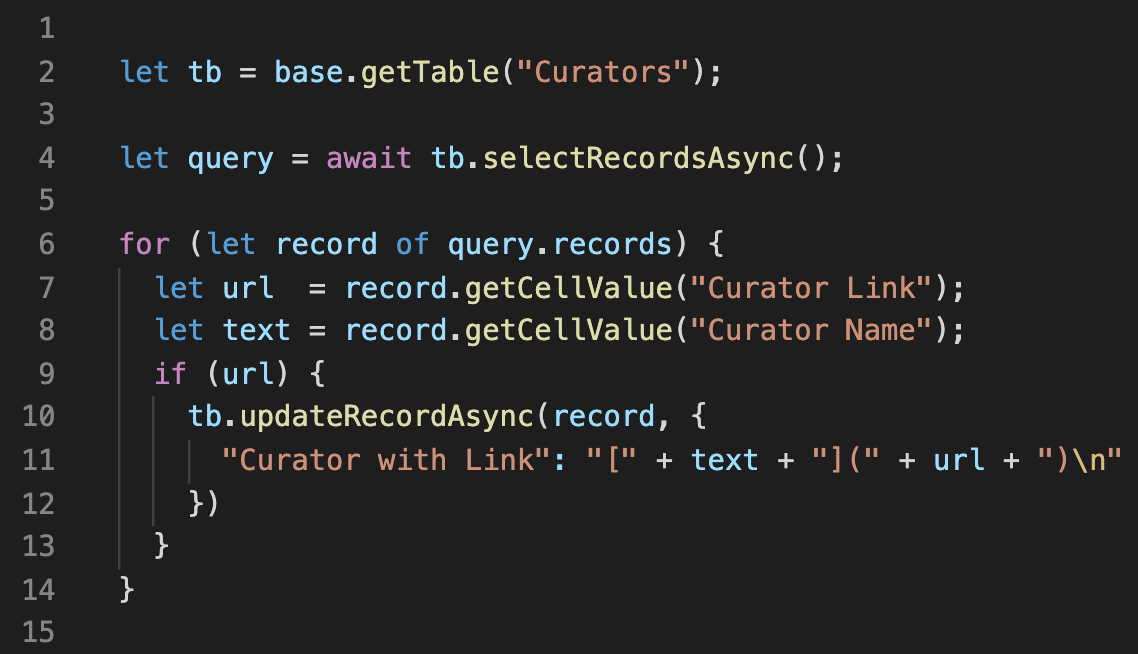
Hi,
Firstly … sorry for such a basic question but I’ve been through pretty much all the options a few times and still a blank look on my face!
I’m planning to migrate over from Knack.com, here it’s easy to set a url column of data and change it to a hyperlink so it shows another field’s data as the hyperlink text. So for example you have a column of Product Titles and when clicked they go to the url in a new window. Simples! Also their formula field accepts html so you can create <a href … code with the other field variables.
But … how do you do this in AirTable. I’m hoping there is a way as I was under the impression AirTables is an upgrade and more developed. Fingers crossed!
Here is what I’ve tried:
- Formula field: doesn’t seem to like html so I can’s put … <@ href="{Product Link}" target="_blank">{Product Name}</@> … (I’ve put @ instead of a so you can see the code)
- Button: I can select the url field but there no way to add a field variable to the hyperlink/button text
Anyone else having this issue?
Many thanks
Nick