Customizing field from long text to multiple select

  • March 5, 2021
  • 2 replies
  • 79 views

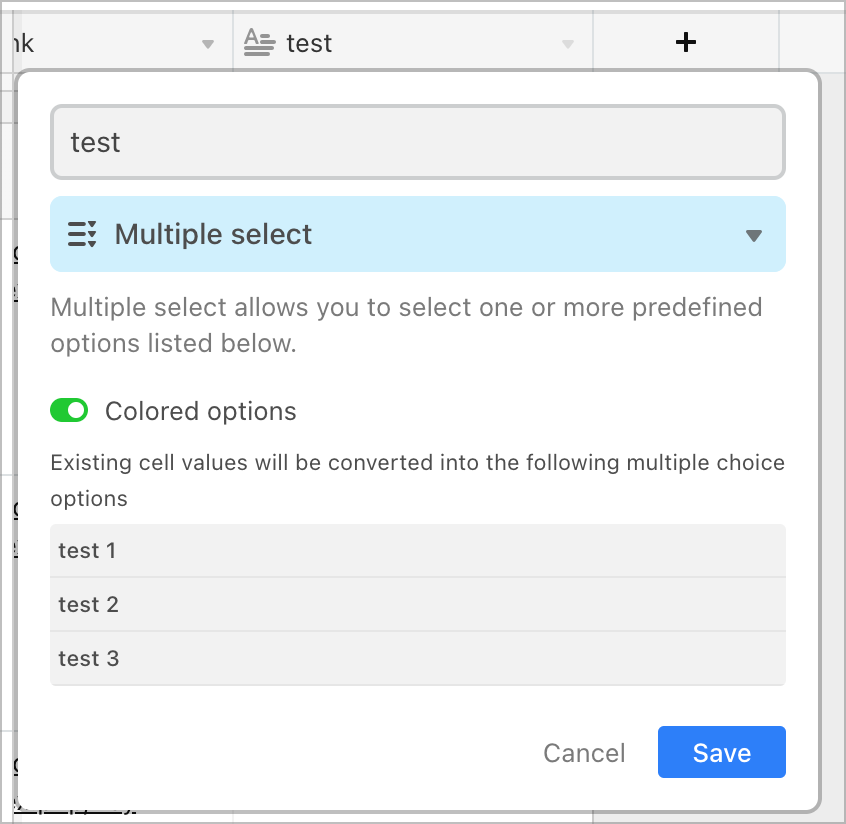
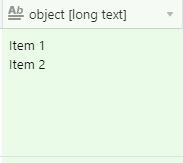
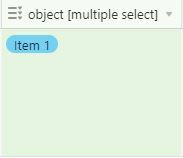
This seems like it should be intuitive but I can’t find the info. I have a field with two lines of text, formatted as “long text.” I want to convert that field to “multiple select” so that each line of text becomes an option. However, when I convert, only the first line of text remains. How can I retain both Item1 and Item2 when converting?
2 replies

Forum|alt.badge.img+18

Hi @Anna_Hurwitz - welcome to the forums.

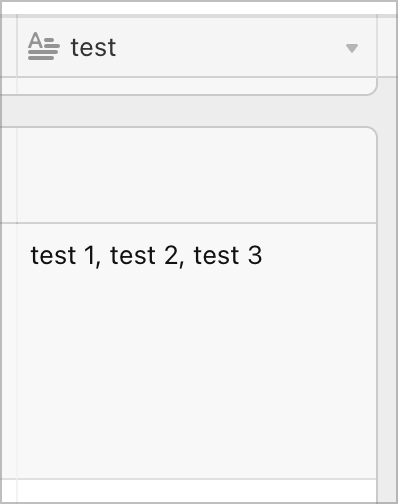
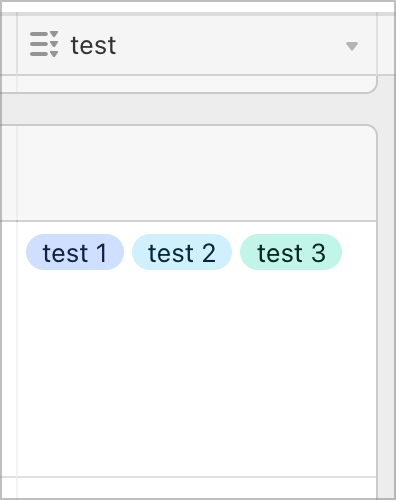
Separate the items with only commas, no newlines:


  • Author
  • New Participant
  • March 5, 2021

Hi @Anna_Hurwitz - welcome to the forums.

Separate the items with only commas, no newlines:


I knew it was something super simple like that. Just couldn’t see the tree for the forest (or the comma for the… well…) Thanks so much!