

Hi everyone! I’m Izzy, a product manager here on the AI team at Airtable.
We’re excited to announce the launch of a new building experience in Omni, now available in AI Labs. When you state your goals or ideas in your own words, Omni will now create and confirm a plan before proceeding to build your Airtable apps.
Now, you’ll no longer need to translate your needs into Airtable-specific terms before asking Omni to build them. Instead, just tell Omni what you want to achieve, and it will design the right Airtable solution for you. Whether your request is broad (“I need to manage a content production pipeline”) or specific (“Notify my team when a project status changes”), Omni will piece together the right Airtable building blocks, then present a plan for you to review and confirm.
What does this unlock?
- Outcome-oriented building: Just describe your workflow or problem, and let Omni handle the Airtable details. Spend less time thinking about the exact tables, fields, or interfaces you need to achieve your goal.
- Consultative guidance: Omni will now clarify its plan with you before building, just like an expert Airtable builder would do.
How to try it today
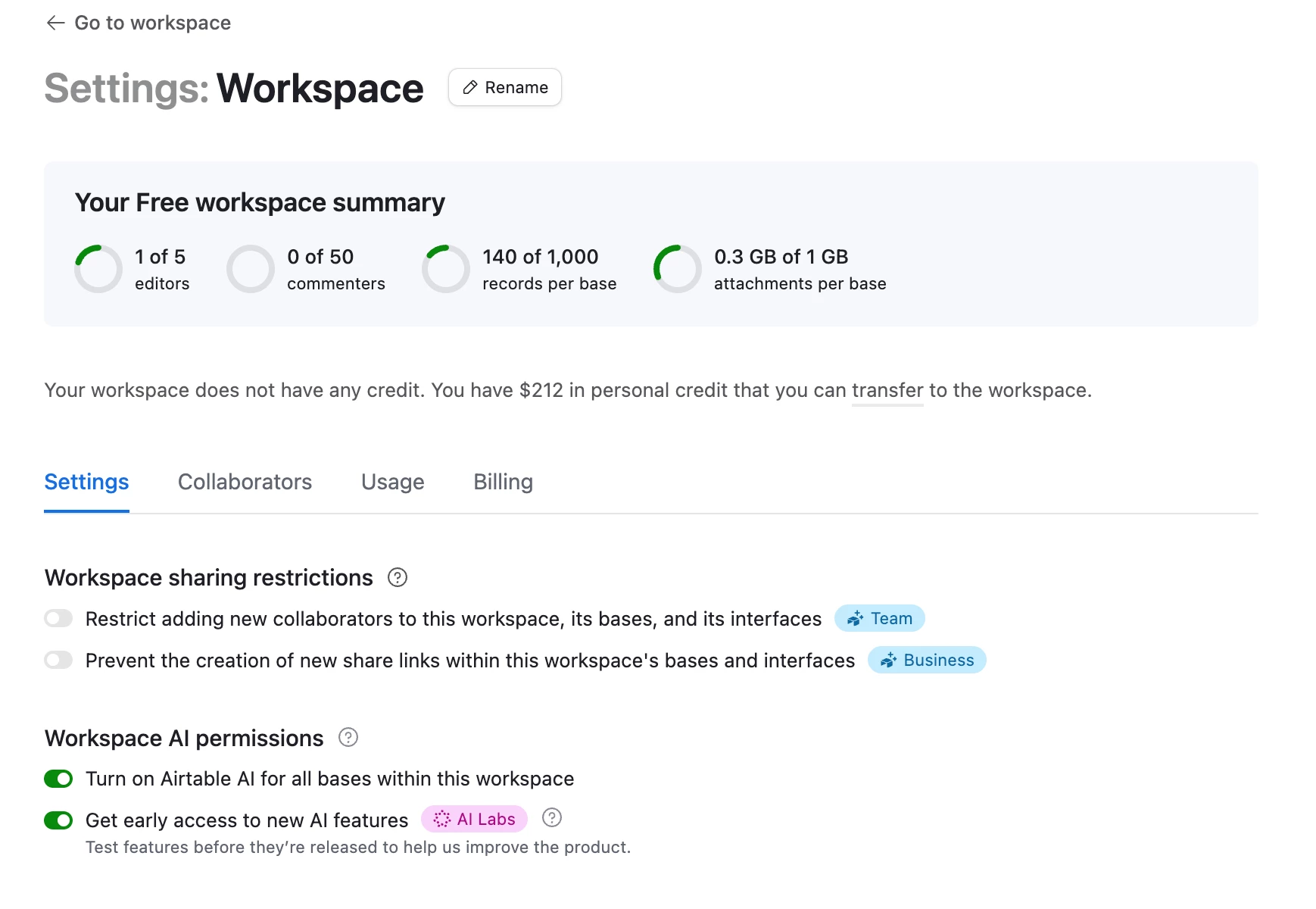
Workspace admins can enable AI Labs from Account > Workspace Settings. Once enabled, describe the workflow or problem you want to solve in an existing app and watch your plan take shape.
Important details
- This planning capability is in AI Labs and under active development. Your feedback will directly shape improvements.
- This capability is only available in existing apps, and is not yet available for the creation of new apps.
- This capability will only trigger for requests that Omni thinks are broad and workflow-oriented in nature. If you ask Omni to add an Airtable primitive like a table or automation, Omni will not present a plan.
- You can turn this feature off in Omni settings.
We can’t wait to see what you build with Omni!