
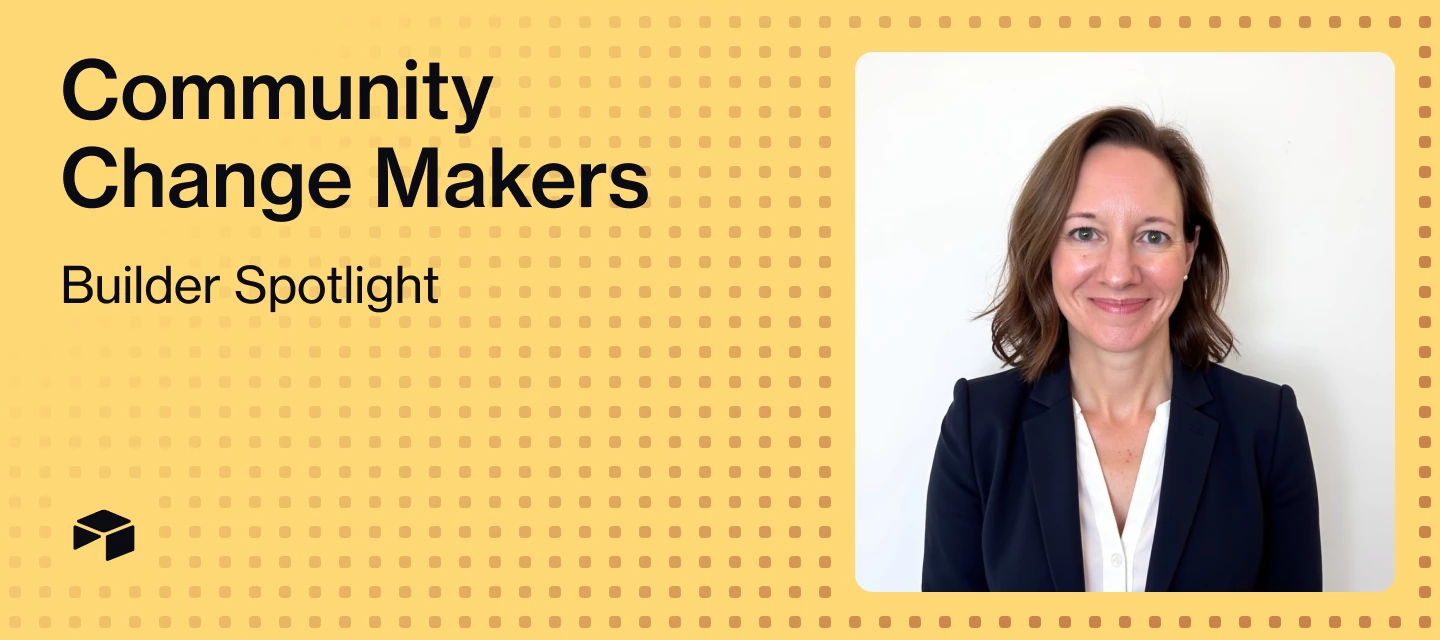



Welcome to Change Makers, our series highlighting customer stories and builders making an incredible impact with Airtable. Today's Change Maker is a graduate of the Airtable AI Incubator who built a review engine that uses AI to surface stakeholder conflicts before designers waste time on misaligned feedback.
Meet Carrie Dyer, Director of Digital Marketing at ALP Supply
💼 If you weren't in your current role, what would you be doing?
I’d run a digital agency to help small/medium businesses get the most out of their data and employ all the brilliant people I’ve had the pleasure of working with throughout the years. Or I’d pivot completely and become an immigration attorney or get more involved in local politics.
👩🏽💻 What's your superpower at work?
Is it cheating to say Airtable?! In all seriousness, I can join any team, quickly identify the challenges standing in the way of efficiency, progress, or employee well-being and create actionable plans for addressing those things, no matter the personalities or lack of existing process. I enjoy challenges and love learning how to apply new technologies to old ways of working.
📊 What's the first thing you ever built with Airtable?
It would have been way back in 2019 when I worked at GS1 US and stumbled across Airtable when I was looking for a non-Excel-based way of staying organized as the sole marketing resource for a fully-remote innovation team. The base was a simple campaigns-projects-tasks set up with no formulas or automation and I distinctly remember having “lightbulb moments” pretty much weekly as I discovered more and more of what Airtable could do, even back then.
⚒️ Where do you go for inspiration or new ideas — inside or outside your industry?
Inside, outside, and everywhere…but mostly outside. I’ve spent the majority of the past 10 years with companies directly or indirectly involved in manufacturing/distribution, where the appetite for digital transformation is just now starting to catch up with the status quo most B2C or B2B SaaS companies had a decade ago. It can be challenging to find Airtable applications that directly apply to the unique challenges and data/process realities of manufacturers/distributors, so I tend to idea-hunt by use case rather than industry.
The Challenge & Airtable Solution
Carrie Dyer (
Now at ALP Supply, Carrie’s small marketing team wears a lot of hats, which means they’re constantly fielding a high volume of requests from across the organization. "Right now it's really difficult for the marketing team to scale up our content production," she says. "So, we need a tool that will help us crank out a lot of content and get it in front of our engineering stakeholders quickly so that they can share feedback on a piece of content."
That’s why Carrie developed the Content Workflow Manager, an app that streamlines collaboration between marketing and engineering teams for approving technically accurate marketing content. Before the Content Workflow Manager, ALP Supply had no centralized way to track content through review cycles.
On top of that, the core problem wasn't just volume—it was conflicting feedback.
"Often, what we find is that our engineering stakeholders will be in disagreement about their feedback. So, I need the app to kind of bubble up those disagreements for me so that I can see where the challenges are and so that our designer knows not to move forward with edits until all stakeholders agree on the direction of the piece of content."
The Content Workflow Manager also centralizes activities, feedback, versions, conflicts, and approvals so stakeholders can easily review materials, see each other's comments, and stay aligned without endless meetings, email threads, or drive-by-desk feedback.
The system is structured around four core tables:
- Content Pieces: Marketing materials that need review
- Versions: Each piece of content can have infinite versions as it goes through revisions
- Feedback: Each version can have infinite feedback records from different stakeholders
- People: Reviewers and designers with role-specific views
"My latest prototype is structured so a content piece can have infinite versions and each version can have infinite feedback records," Carrie explains. "Then Omni steps in and helps me summarize feedback so the designer generally knows what to do. Omni is also flagging conflicting feedback so the team can discuss messaging issues together in a meeting."
The app features three primary interface views:
- Designer View: Shows what content pieces need initial versions, which ones need revisions based on feedback, and which are waiting on stakeholder input. Designers can upload new versions, assign reviewers, set deadlines, and add notes for context.
- Reviewer View: Engineering stakeholders see exactly what's waiting for their review, organized by priority. They can view the content, leave comments directly on attachments, and submit structured feedback summaries.
- Conflict Detection: When reviewers disagree, AI automatically flags the conflict with a red alert and provides a summary like: "One part requests adding three features while another part says not to include any features. Additionally, the ad's color and product image need to be changed and the entire ad should be completely redone. The design is not approved and requires significant edits. Clarify the direction regarding features and benefits before proceeding."
"This is critical for us at ALP Supply, since we don't have a product marketing team that 'owns' messaging at this point...so we need human discussion to work through basic marketing copy," Carrie notes. The AI doesn't resolve the conflict—it surfaces it clearly so the team can address it before the designer wastes time on misaligned edits.
Check out Carrie's Content Workflow Manager demo below:
The Impact: Scaling Content with Confidence
"By digitizing work flows and review cycles and using Omni to summarize feedback and flag conflict, a small marketing team can scale high-quality content faster and with more confidence," Carrie explains.
Carrie’s new system successfully:
- Detected real stakeholder conflicts and flagged them with red alerts (for example, when one reviewer requested three features while another said not to include any features)
- Provided designers with clear, actionable guidance through AI-summarized feedback that surfaces conflicts
- Enabled faster approvals and technically accurate content, allowing marketing to scale production with stakeholder alignment built into the workflow
“Airtable has also helped us see just how reactive our day-to-day work really is,” she shares, “This visibility is pushing us to rethink our processes and resources so we can shift from reaction to strategy.”
What's Next
Carrie identified several refinements for the Content Workflow Manager:
- Refined reviewer UI: "I need to refine my UI in the interfaces, especially around my status fields. Right now it's not super obvious to my reviewers where to start so I need a more elegant, straightforward experience there."
- Additional field agents: "I think I can also add in additional field agents to help reviewers understand each other's feedback. I'd also like to see if an agent can aggregate comments that are left directly in an attachment field."
- Campaign integration: "I really want to connect it into our campaign planning tool where we really say, 'Okay, well, we're going to make 17 blog posts about this one piece of or this one product. Here's where they are.'"
- Content repository connection: "When a version is approved by all stakeholders, where can I 'file away' this approved piece of content? Maybe I'll want to re-use it in a future marketing campaign, so I think I need to think about how to connect this base to a Content Repository base."
Luckily for Carrie, she can move fast on trying these updates out: “One of the best parts of working in a small, family-owned company is that we have the freedom to move quickly and try new things without a lot of roadblocks.”
Key Learnings from the AI Incubator
On data structure:
"My biggest learning was around how to structure my data to make my workflow more logical and easier to manage when it comes to the automations I'll inevitably need to add in. While I think there's a lot to do on the interface pages to make them simpler with more obvious action buttons for users, having the data structured the way it is should open those doors to me so I don't get burnt out on how to power this thing!"
On getting unstuck:
"The 1:1 session I had with Jessica [Velazquez] was a game changer. I was able to get unstuck and get back some momentum. I think I was overcomplicating the whole process and trying to cater to individual personalities on the team. My key takeaway is that having access to even a tiny bit of time with an expert can make all the difference in a newbie's ability to build effectively! I am beyond grateful for the opportunity!"
On the building journey:
"I feel like I'm at a point where my idea is too big for my abilities. Omni isn't able to build me exactly what I need even when I try prompting in significantly smaller asks. I am also concerned that I am over engineering an app to solve a business problem that is better solved outside an Airtable solution."
However, Carrie persevered: "I was able to get my schema in a good place (I think) and generate a detailed SOP for the process I want to see. It has helped me to conceptualize the entire workflow for everyone involved and I used ChatGPT to help me put together an SOP document to keep track of how I need the prototype to function for all stakeholders."
On user testing:
"User testing seems incredibly valuable and I LOVE the user testing app. My key takeaway is that I should have iterated on my initial idea a little bit more before wholeheartedly believing I could build a solution to solve it. Maybe I need a much simpler use case that I can build upon vs. jumping right into something so complex."
On change management:
"Change management will likely be my biggest hurdle in getting this app to work IRL at my office. My stakeholders are used to giving feedback in meetings or over the designer's shoulder, so this will be a drastic change in our ways of working."
Copy & Paste AI Builder Prompts
Below, Carrie shares how she created one agent to summarize all the feedback and detecting conflicts, and another agent that simply determines if the overall content piece is approved or needs edits. Try either of these out in your own content management apps!
The conflict detection agent prompt automatically flags when reviewers disagree and provides the red alert summary, and the prompt is as follows:
You are a data processor tasked with determining the final status of feedback based on its current status. Your role is to analyze the feedback status and decide if edits are needed or if it is approved.
Task description:
Evaluate the feedback status to determine if any edits are required. If one or more feedback statuses are "Needs Edits," then the final status should be "Needs Edits." If all feedback statuses are "Approved," then the final status should be "Approved."
Output format:
Output the final status as either "Needs Edits" with a yellow flag emoji (🏴) or "Approved" with a green flag emoji (🏳️) based on the evaluation. Do not include any additional text in the output. For example, if the feedback status includes "Needs Edits," output "🏴 Needs Edits."
The feedback summary agent prompt helps summarize reviewer feedback for the designer, and the prompt is as follows:
You are a professional editor specializing in summarizing feedback for designers. Your task is to create a concise, high-level summary of the actions the designer needs to take on the next version based on the feedback provided.
Analyze the feedback and determine whether the design requires edits or if it is approved. If there are conflicting feedback points, include a red flag emoji at the start of the summary to alert the designer.
Output the summary in plain text, ensuring it is succinct and to the point. If there are multiple versions of the content piece, always list the most recent summary first, and do not include any additional text or formatting.
Did this use case inspire you? Drop a comment below if you're building AI-powered review systems, and share how you're using Airtable to change the way you work for a chance to be our next Change Maker spotlight!

