I'm having trouble at a couple of points, and there may be multiple ways to fix this.
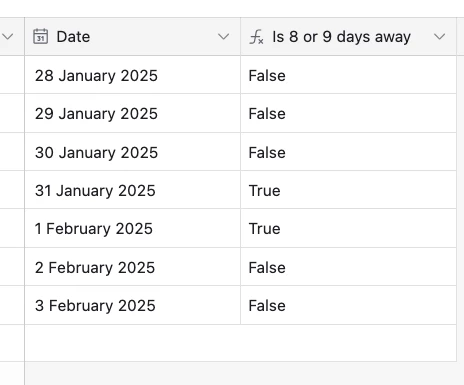
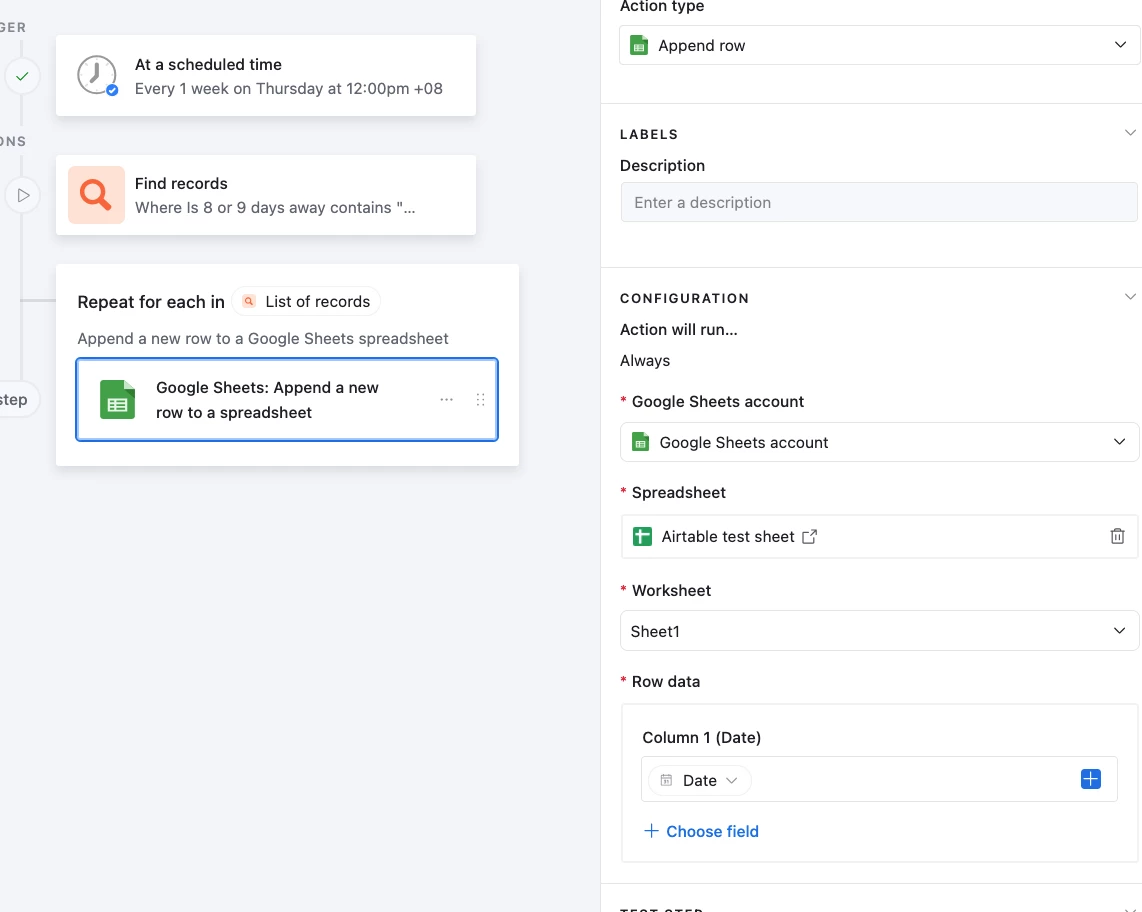
Firstly, I need this automation to happen once a week. Let's say I pick Thursday - I need it to run this automation on all records on a particular table that have the date as 8 and 9 days away. But I can't find how to make it a weekly repeating automation.
Then, lets say that there are 6 records that fall on those dates. If I have that data sent to a google sheet, it puts all 6 rows from AT into just 1 row on GS. Is there no way to have it go to multiple rows?
I have tried using a workaround of sending it to a Google Doc as a grid instead - but is there anyway to manipulate what order the columns are in? It looks like I can just select them or not, but the order I use them in for this purpose is different than the order we need them in for AT purposes.

Airtable to Google Sheets - multiple rows
 +1
+1This topic has been closed for replies.


Enter your E-mail address. We'll send you an e-mail with instructions to reset your password.