Question

Automations Not Recognizing my Emails

  • January 26, 2026
  • 3 replies
  • 40 views

Forum|alt.badge.img+1

Hello Airtable Friends!!


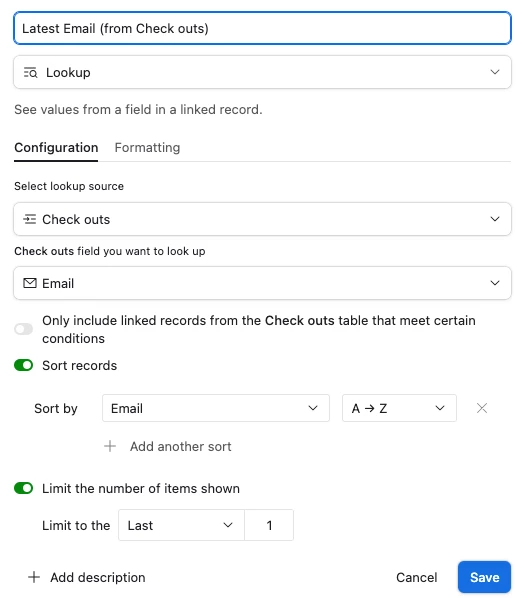
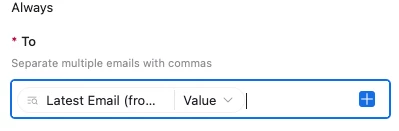
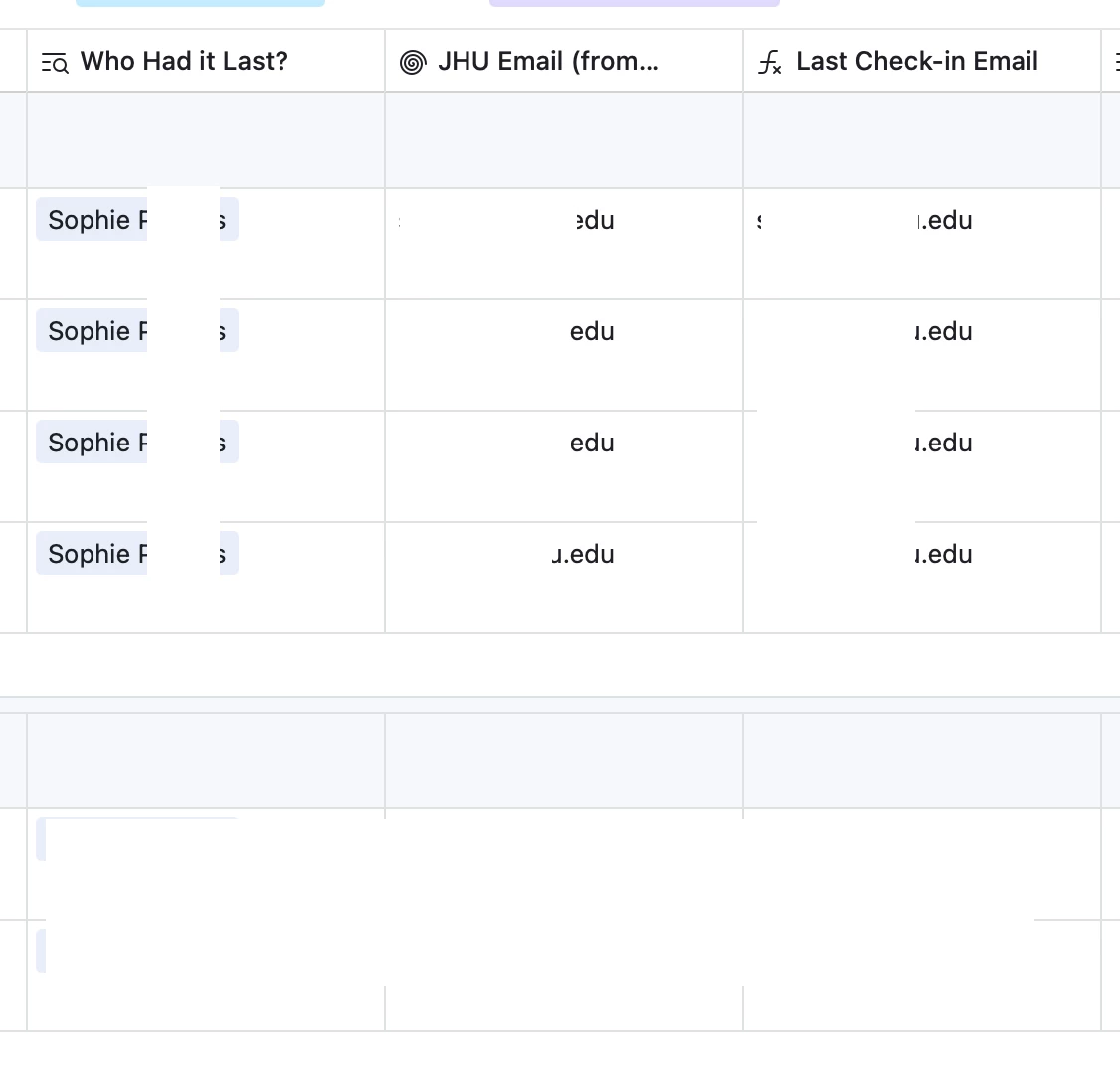
I am trying to send automations to emails, but my automation field is not loving any of the formats I am using to store the email. I’ve got a lookup field, I’ve got a rollup field, I’ve got a formula field to put the lookup field into, and nothing!!! Can someone please point to where I’m going wrong?

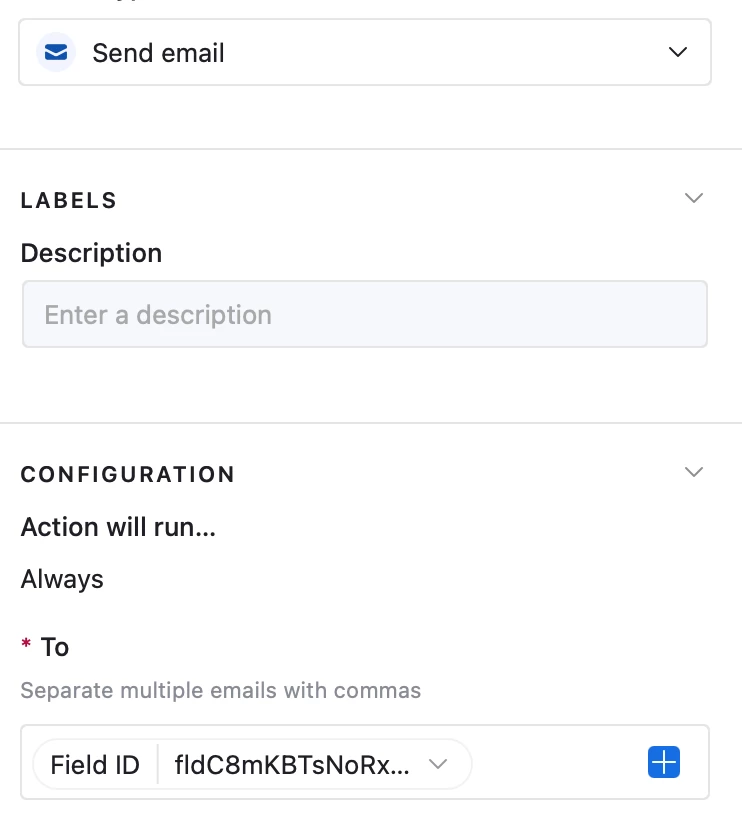
For some (maybe?) useful background: these fields are connected to one that is “limited to last 1”, so I only see who checked out a piece of equipment most recently, the original emails are synced from another base, and I select the field name in the drop down list so the “Field ID” keeps coming up, regardless of which field I select (the ID’s vary, though).


3 replies

DisraeliGears01
Forum|alt.badge.img+21

the original emails are synced from another base

By this do you mean the email addresses or are you trying to reference other emails?

Regardless, you don’t want the Field ID (I rarely use the Base Structure options in automation builds), you want the record of whatever trigger you have (presumably, there are other workflows but this is the simplest implementation). 


TheTimeSavingCo
Forum|alt.badge.img+31

Here’s screenshots of what DisraeliGears is talking about and you can find the base here

Assuming the data looks like this:


Then this is what the automation setup should look like:


Forum|alt.badge.img+3
  • Participating Frequently
  • January 28, 2026

Hello,

This is a real common problem that trips alot of people up.  I noticed in the image that you attached that the “Field ID” was mapped in the “To” field.  It may look like the automation is sending to an actual email address but in fact it is trying to send the fieldID which isn’t valid instead of the actual email value.  Despite “limit to last 1” being enabled, those lookup and rollup fields are still being treated as arrays. 

Perhaps you can try to create a new Formula field and put the lookup into ARRAYJOIN(). Looking like “ARRAYJOIN({EmailAddress})”.  The map that formula field into the Automation in the To value.  Just make sure the automation preview shows the Actual email address and not a Field ID and it should work just fine.