

How can I run a script that converts a plain text field to JSON data type and copy it to clipboard?

  • November 5, 2022
  • 2 replies
  • 27 views

Forum|alt.badge.img+2

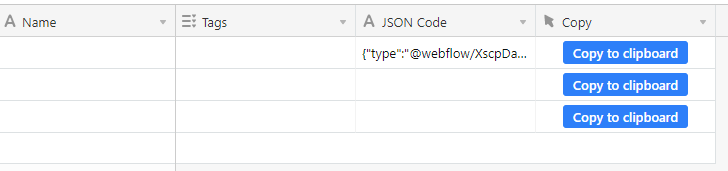
The title pretty much says it. I’m thinking this would be simple for someone who knows JS, but I don’t. So I’m hoping someone can help me create this button. I’m trying to do this with a button field type and the scripting extension. I have a column where I put the JSON in plain text and I want to convert it to application/JSON and then copy it to clipboard. All with the same button. If you’re curious, I’m doing this so that I can store my webflow components, So I can have easy access when I want to reuse one.
2 replies

kuovonne
Forum|alt.badge.img+29
  • Brainy
  • November 5, 2022

Welcome to the Airtable community!

Scripting does not have access to the window object, so it cannot place things in the clipboard.


Forum|alt.badge.img+2
  • Author
  • New Participant
  • November 5, 2022

Welcome to the Airtable community!

Scripting does not have access to the window object, so it cannot place things in the clipboard.


That sucks. Especially because a copy to clipboard button would be such a useful thing for airtable!