Question

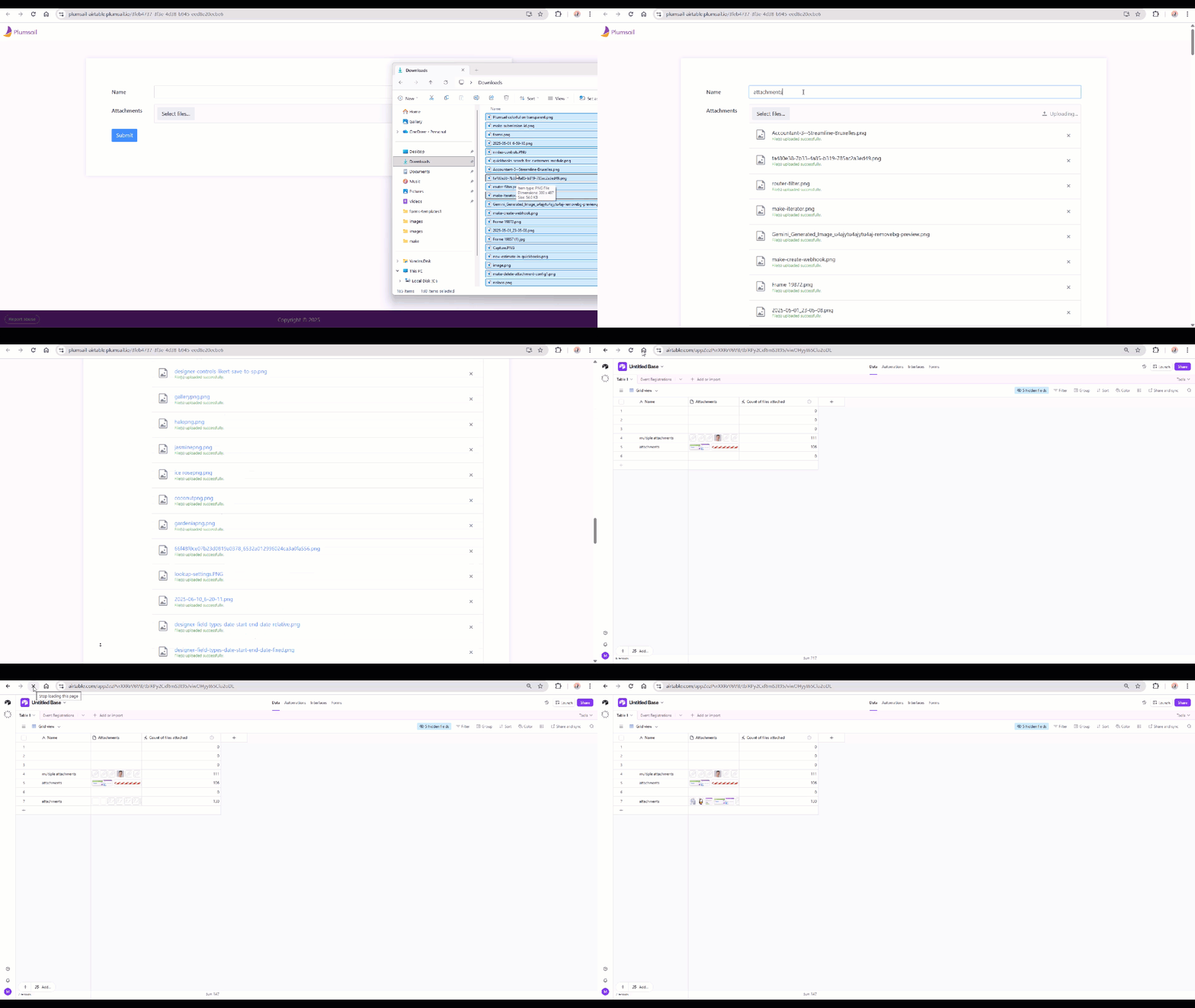
How do we auto populate a file attachment field from a form submission?

  • December 10, 2025
  • 2 replies
  • 20 views

Forum|alt.badge.img

Hello,

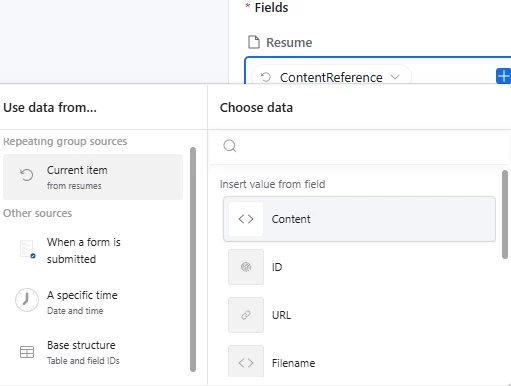
I’m trying to automate the population of resumes as attachments to a candidate table once a form is submitted.  I’m having trouble getting the resume file to attach to the resume field.  When I do it like this (within a loop through the uploaded resumes), I get an error saying “Invalid String”.  That’s likely because the “ContentReference” is a JSON formatted string.  I don’t see an option to insert the resume file itself, only metadata.  How can I actually auto-insert the resume file itself?
 

Thank you,

Robert

2 replies

ScottWorld
Forum|alt.badge.img+35
  • Genius
  • December 10, 2025

@robertatpbsd 

Scroll down in that list and choose “expiring download URL”.

That should do the trick!

However, are you trying to update an existing record in your Airtable system based upon the submission of attachments in a new form?

There’s actually a much easier way of doing that, which is to use Fillout’s advanced Airtable forms.

Fillout is 100% free, and it allows you to update existing Airtable records directly from a form. (It also offers hundreds of other advanced features as well.)

I show off this feature on this Airtable podcast episode:

Hope this helps!

If you’d like to hire the best Airtable consultant to help you with anything Airtable-related, please feel free to contact me through my website: Airtable consultant — ScottWorld


TheTimeSavingCo
Forum|alt.badge.img+31

Hm could you share a bit more about your workflow for this?  I’m curious what a single form entry represents for you, and in what cases it ends up with multiple resume files attached and why you need form entries moved to another table

Just wondering if there’s a chance to tweak the setup so the automation is a bit simpler, but no worries if you’re already sorted!