How to automatically create and update a multi-select field based on a linked record or a text field

  • Feb 3, 2022 8:07 PM UTC
  • 1 reply
  • 77 views

Tim_Steppich
Forum|alt.badge.img+5

Hey everyone,

I’m building my database into a website and in order for me to create filters, I need a lot of data in form of multi-select fields.

I have two cases where I struggle to automate this:

  1. A linked record column:
    I want to have whatever is in this column to always be added to a multi-select field
  2. A roll-up field:
    I want the values that the roll-up gives me to be added to a multi-select field

Currently, I need to always copy the entire column and paste it into a multi-select field. That works for now but isn’t really scalable and it’s too easy to forget / make mistakes.

Has anyone come across a way to automate this?

Thanks so much in advance!
Tim

This topic has been closed for replies.

1 reply

  • Participating Frequently
  • Feb 4, 2022 3:37 AM UTC

Hi Tim,

Airtable’s automations should definitely be able to take this manual task off your hands :slightly_smiling_face:

I would create an automation that is triggered by either the “linked record column” or “a roll-up field” being updated:

And set the action to amend the multi-select fields to the new values of the linked and roll-up fields.

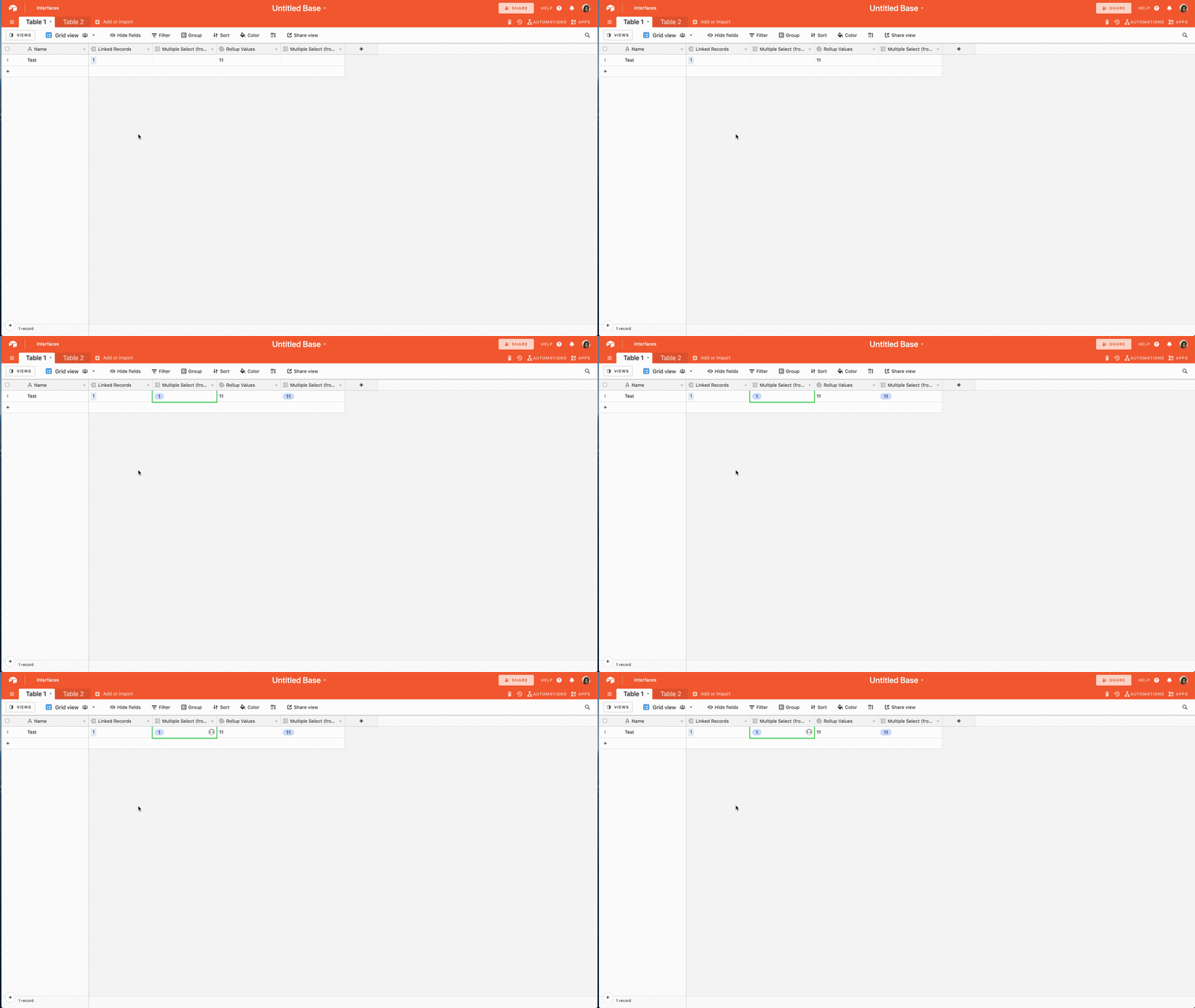
And you should get something like this:

Hope this helps!
Una