Solved

I want to turn an attachment field into a document archive

  • February 3, 2026
  • 2 replies
  • 25 views

Forum|alt.badge.img+1

We use Airtable to manage trailer rentals and insurance compliance. Customers periodically upload updated Certificates of Insurance (COIs), and we need to retain all past COIs for audit and compliance purposes. The issue is that Airtable automations overwrite attachment fields when updating records. When a new COI is uploaded, it replaces the previous file, which causes us to lose historical documents.

What we want is for a “Misc Attachments” field to act as an archive, where:

  • Any new file added to the COI field is copied into Misc Attachments

  • Existing files in Misc Attachments are preserved

  • No previously uploaded documents are deleted

Requirements:

  • Both fields are attachment fields in the same table

  • The process should be automatic (triggered when a COI is added)

  • The archive must be append-only (no overwriting)

  • Preferably no third-party tools

We are currently exploring a scripting automation that:

  • Pulls existing attachments from the archive field

  • Appends new COI files

  • Writes the combined list back to the record

Is there a best practice or native Airtable-supported method to append attachments without overwriting, or is a scripting action the recommended approach for this use case?
Best answer by TheTimeSavingCo

How is the COI being uploaded by the customers?

Some options off the top of my head and set up here for you to check out:

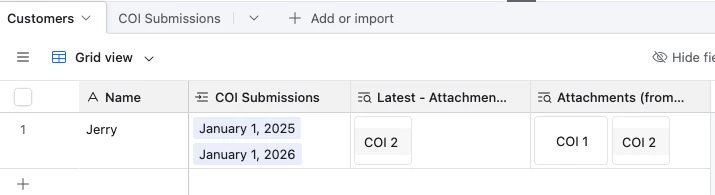
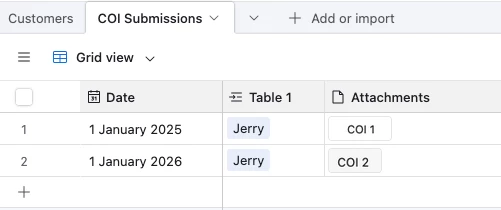
  1. Get users to submit new COIs via form submissions and then do a lookup field


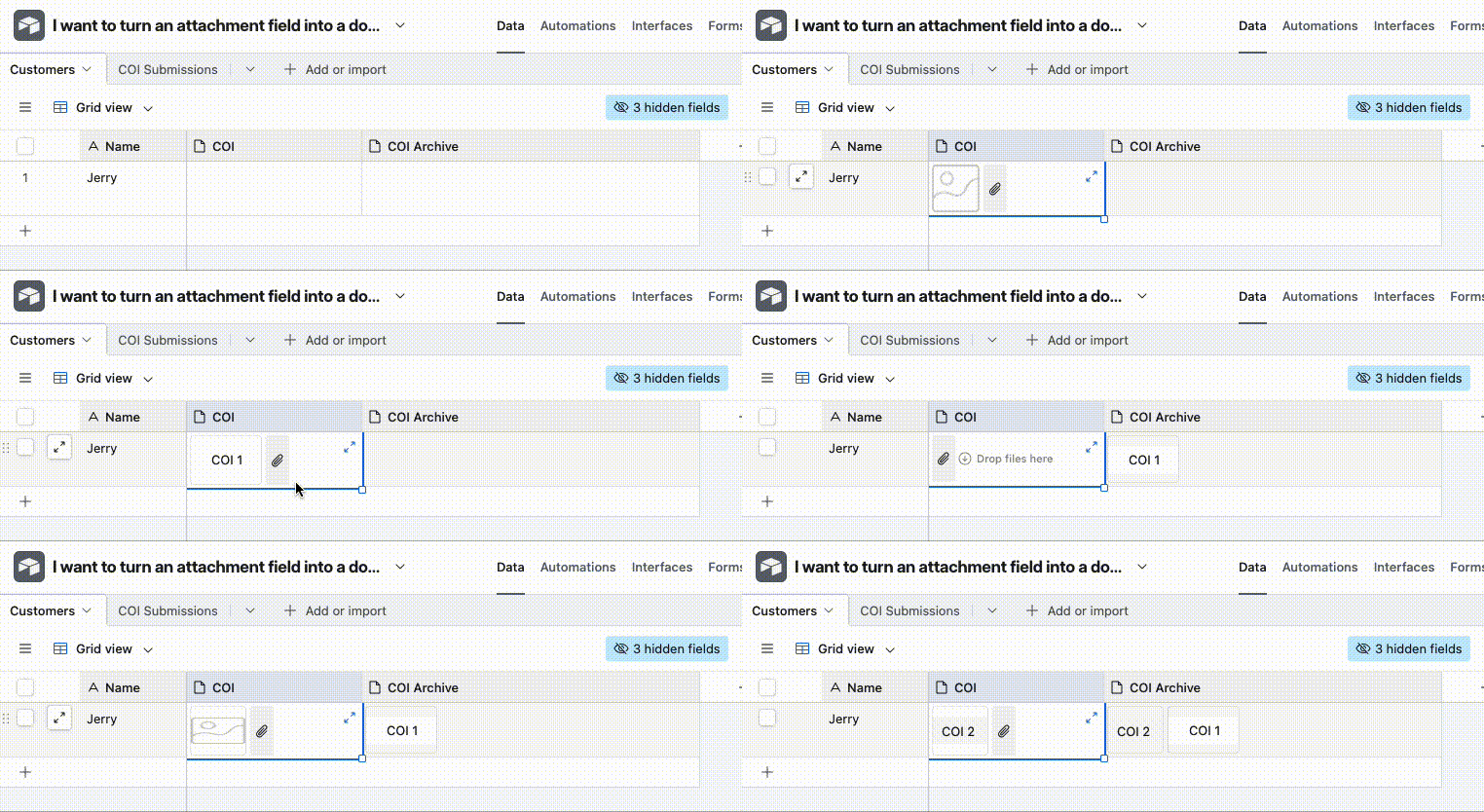
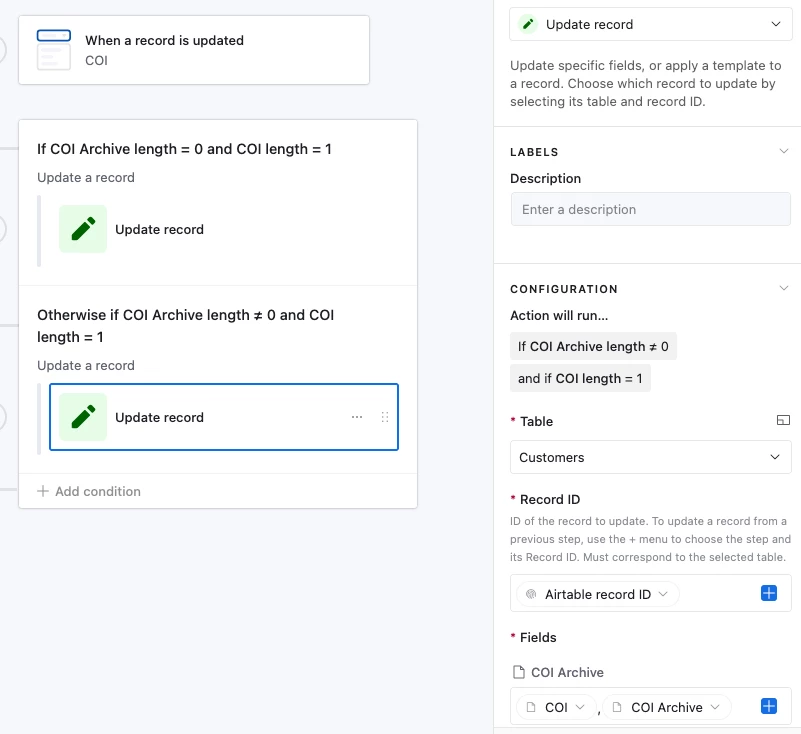
  2. If users are uploading the COI by modifying an existing record, set up an automation that’ll do an archiving process for you like so:
    The idea is to have an automation that’ll check whether the COI Archive field is empty, and if it is, ignore it.  If not, add the new COI into it with the old data:


  3. Same workflow as above, but with the Attachment field set to ‘Versions’ instead of ‘Files’

2 replies

TheTimeSavingCo
Forum|alt.badge.img+31

How is the COI being uploaded by the customers?

Some options off the top of my head and set up here for you to check out:

  1. Get users to submit new COIs via form submissions and then do a lookup field


  2. If users are uploading the COI by modifying an existing record, set up an automation that’ll do an archiving process for you like so:
    The idea is to have an automation that’ll check whether the COI Archive field is empty, and if it is, ignore it.  If not, add the new COI into it with the old data:


  3. Same workflow as above, but with the Attachment field set to ‘Versions’ instead of ‘Files’

Forum|alt.badge.img+1
  • Author
  • New Participant
  • February 4, 2026

Thank you for replying! Customers themselves do not upload the COI. We do this ourselves, I will see if this will solve our issue! Thanks again