IF Statements in Automation

  • June 15, 2021
  • 2 replies
  • 31 views

Is it possible to use IF statements in automations?

i.e. If there’s more than 1 item in a view, email the following…

2 replies

dilipborad
Forum|alt.badge.img+23
  • Brainy
  • June 15, 2021

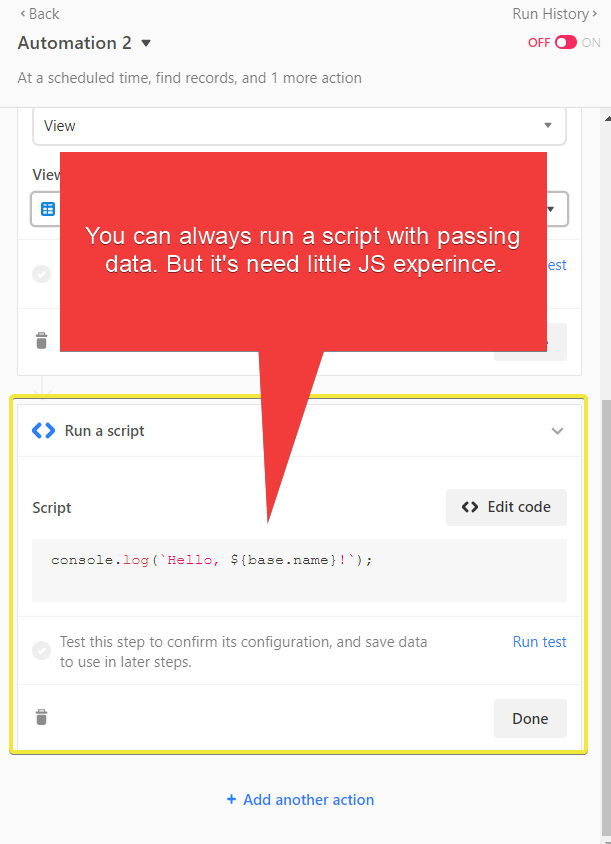
You can always use Script with passing data. You have to input values into Script and then output it as well.
Find more information at here Run a script Action – Airtable Support


kuovonne
Forum|alt.badge.img+29
  • Brainy
  • June 15, 2021

Welcome to the Airtable community!

Airtable automations currently do not directly support branching unless you use code. You can include an ‘if’ statement in a scripting action. However, keep in mind that all of the actions after the script will also need to run smoothly or your automation will report that it has failed.

You could have a script that checks the number of records in the view, and then the script composes a message based on the number of views. However, the script cannot actually send the email. Plus, your ability to leverage the pretty grid/table of records from the find in the message body I s hampered. And if your next step is to actually send the email, you must actually have an email to send, even if you do not want one. You can use a throwaway email address that you never check. Or you can use a system with an email table.