Need Help with Image Embedding in Google Slides via Make from Airtable URLs

  • January 15, 2024
  • 10 replies
  • 91 views

Forum|alt.badge.img+12

Hello everyone,

I'm currently working on an automation project where I'm facing a challenge with embedding images into a Google Slides presentation. I am using Make to lift the images from airtable and replace the placeholders in Google Slides template. I am able to pull in all the text information but have hit a roadblock with the image embedding part.

Here is the issue:
* I have a Google Slides presentation with placeholders for images.
* My Integromat scenario successfully retrieves image URLs from an Airtable base.
* The URLs are accessible and lead to a download option for a `.png` image when opened in a browser.
* However, these images are not being uploaded or embedded into the Google Slides presentation.

Sharing a screenshot of my Make scenario.

This is the template

And here is the settings of Upload Image module
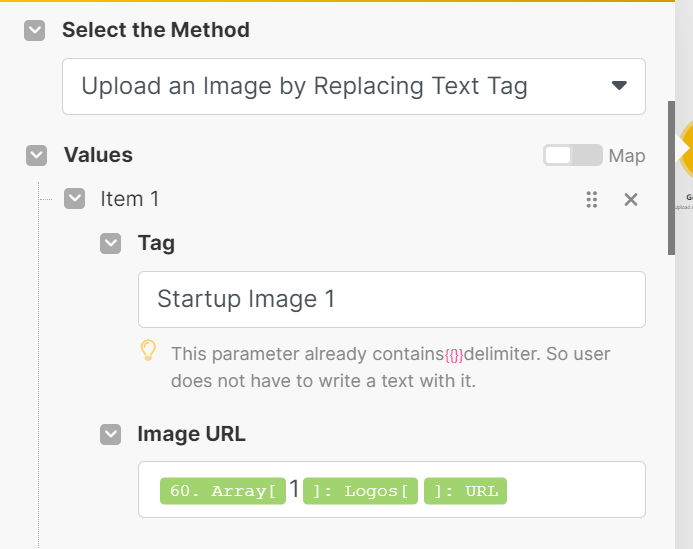
 

The url that I obtain from the previous module looks like this

It seems the URLs might not be in a format that Google Slides can embed directly, possibly because they initiate a download rather than displaying the image directly in the browser. Any advice on how to approach this? Alternatively if anyone has tips on URL manipulation within Make/Airtable , please do share your suggestions. Is there a formula to retrieve a image url with a filename at its end?

Thanks in advance.

 

10 replies

ScottWorld
Forum|alt.badge.img+35
  • Genius
  • January 15, 2024

It doesn’t look like your scenario is setup properly (and you probably don’t need that repeater module), but I can’t specifically tell you how to cleanup the scenario without playing with it myself.

In the meantime, I give a demonstration on working with arrays in Make in the context of Airtable attachments on this Airtable podcast episode:

https://youtu.be/sKPyG0HZCYY?list=PLqssva4liHRwHhQIpTXekG8WObEoyC2F1


Forum|alt.badge.img+12
  • Author
  • Inspiring
  • January 15, 2024

I need that repeater because in every single ppt presentation, I want no more than 6 logo images.

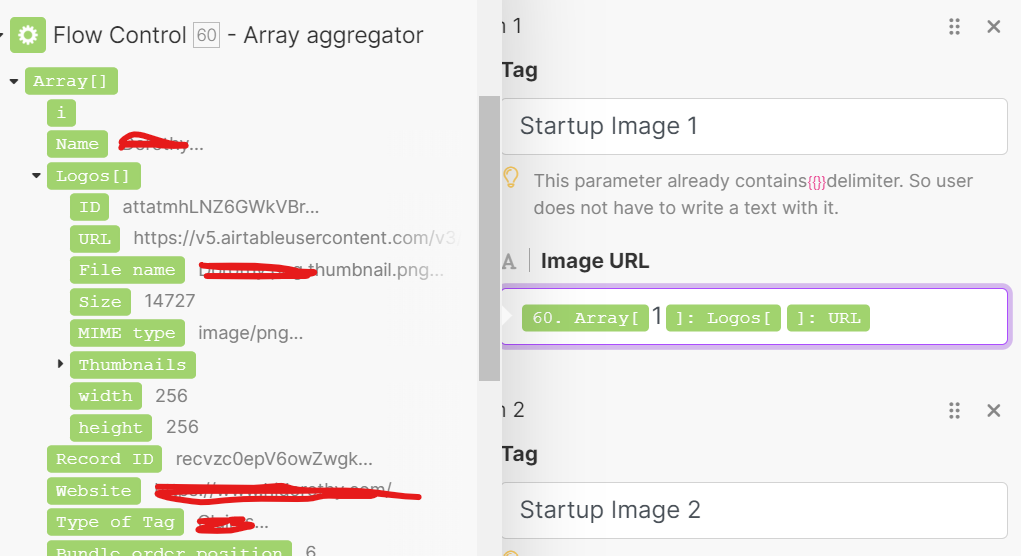
Also sharing a screenshot of how the URL is being pulled.

I used the same script for a mailchimp campaign as well (minus Google slides of course) and the images are being pulled correctly. Even here all the other details like name, website, description etc is being pulled correctly. The issue is only with images. 


ScottWorld
Forum|alt.badge.img+35
  • Genius
  • January 15, 2024

Hmm… the exact same scenario sent the images correctly to other modules, but not to Google Slides? If that’s the case, I would open a support ticket with Make and be sure to report back here with what they say!


ScottWorld
Forum|alt.badge.img+35
  • Genius
  • January 15, 2024

p.s. I just noticed this note on the documentation page for Make’s Google Slide modules — does any of this apply to your situation?

Note: The images must be less than 50MB in size, cannot exceed 25 megapixels, and must be in one of PNG, JPEG or GIF format.


Forum|alt.badge.img+12
  • Author
  • Inspiring
  • January 15, 2024

I need that repeater because in every single ppt presentation, I want no more than 6 logo images.

Also sharing a screenshot of how the URL is being pulled.

I used the same script for a mailchimp campaign as well (minus Google slides of course) and the images are being pulled correctly. Even here all the other details like name, website, description etc is being pulled correctly. The issue is only with images. 


I have added the same query in Make community as well. Waiting for their response. Thanks for the suggestion! 
I even checked the constraints. The image is max 20 kb , so well under the mandated 50 MB, is around 200 pixels (again under 25 megapixels) and in the png format. However when I check the url, I don't see it ending in the png format. Is that possibly the reason? Is there a formula that gives the url with a file name ending?


ScottWorld
Forum|alt.badge.img+35
  • Genius
  • January 15, 2024

That is very likely the reason!


ScottWorld
Forum|alt.badge.img+35
  • Genius
  • January 15, 2024

I think that Airtable automatically includes the extension if the original file had the extension, but I’m not sure. I’m not at my computer right now to verify this.


Forum|alt.badge.img+12
  • Author
  • Inspiring
  • January 15, 2024

I think that Airtable automatically includes the extension if the original file had the extension, but I’m not sure. I’m not at my computer right now to verify this.


I tried a workaround. I replaced all tags with placeholder images and then used a 'Get a Presentation' module to retrieve the object details. I finally used 'Upload an Image by replacing an image' in the Upload Image in Presentation module. And it worked. Looks like the tags aren't been recognised. 


ScottWorld
Forum|alt.badge.img+35
  • Genius
  • January 15, 2024

Wow, that’s a great discovery! Can you please report that to the Make team for them to investigate?


Forum|alt.badge.img+12
  • Author
  • Inspiring
  • January 15, 2024

Yes, certainly!