Question

Group Form Submissions by Student ID

  • December 8, 2025
  • 3 replies
  • 24 views

Forum|alt.badge.img+1

Hey all! 


I work in higher education, and we use Airtable to do a lot of our forms and petitions. When students submit these forms, we require them to include their unique 10-digit student ID. 


I am trying to do two main things: 

  1. Whenever a form is submitted, the ID number is checked. If the ID number has not been used in a form submission before, it creates a “student profile” in a new table. 
  2. All forms that are submitted with the same ID number are grouped under the same “student profile” so that our colleagues using the interface will be able to see all forms submitted by a student. 


Does anyone have any advice? 

3 replies

DisraeliGears01
Forum|alt.badge.img+21

This is a perfectly fine way of doing things as long as you feel confident that the students will enter their 10 digit IDs in correctly haha.

I’ve done this using emails as the unique identifier. Essentially you have your form/petition table(s) and then have a linked record field to a Student Profile table where each student has their ID# listed (along with whatever other info is useful). 

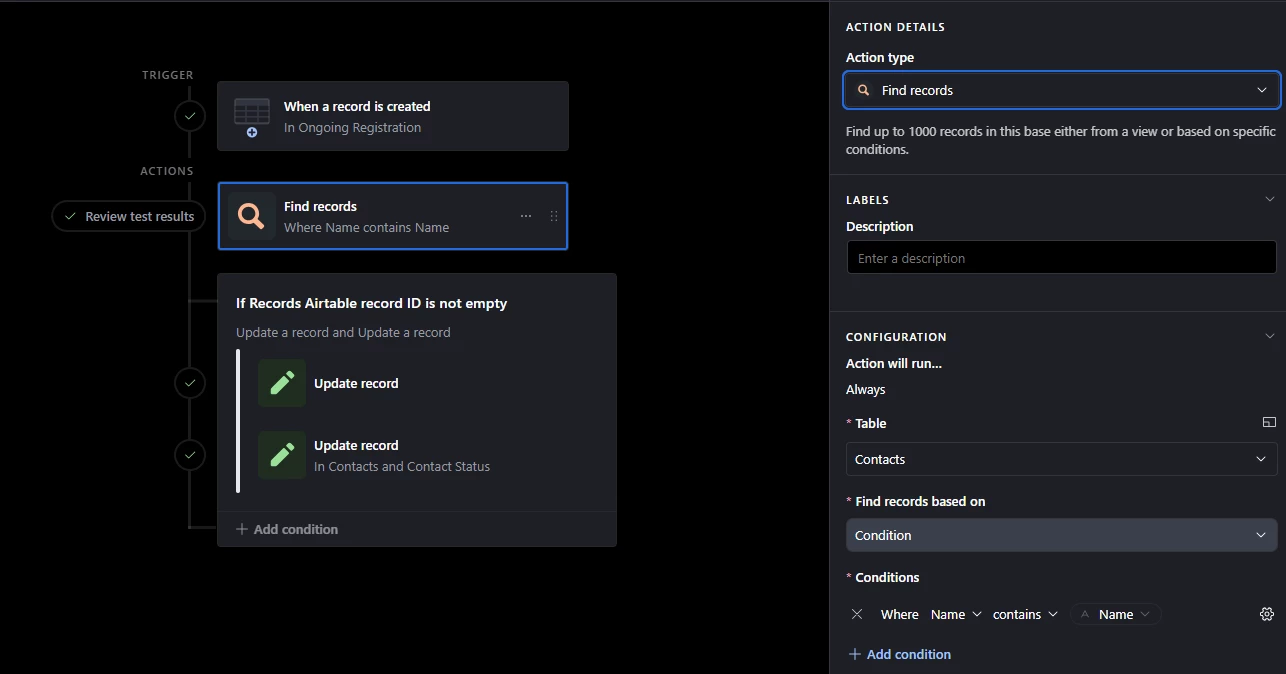
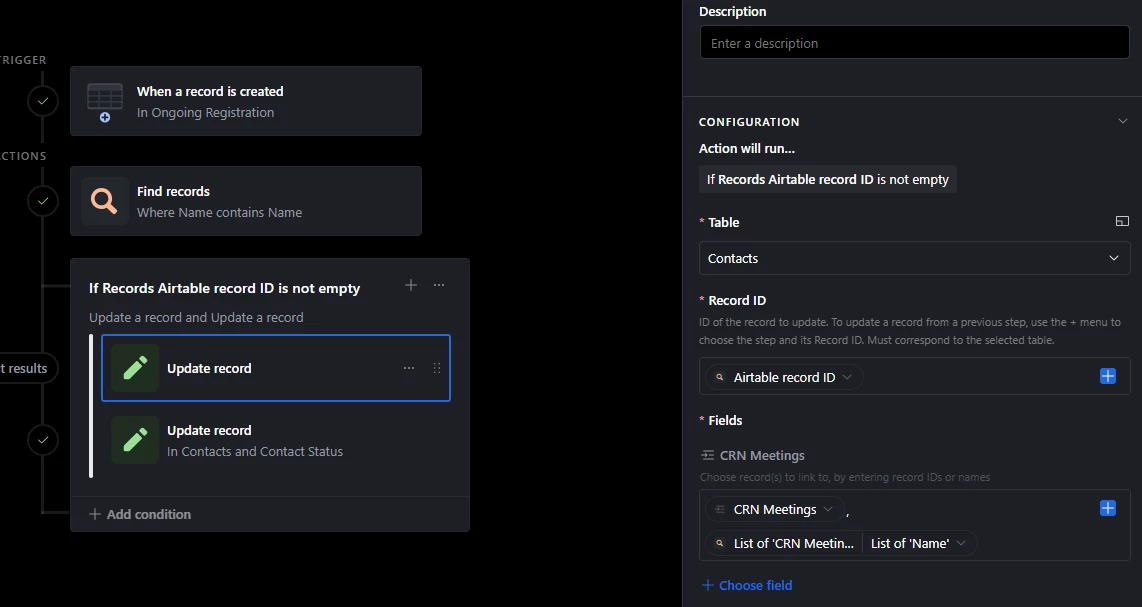
Then setup an automation where when form is submitted, find records in the Profile table where the ID # = ID# on form. Then create a conditional logic action where if that record list is not empty, update the linked record field in the form submission to the found record in the action. If it is empty, create a new record in the Profile table with that ID #. 


Mike_AutomaticN
Forum|alt.badge.img+28

Hey ​@mswest5,

Not exactly what you are looking for, but you might find Deep Match interesting if you want to link the records based on context different to that of their exact unique ID even if they have some typos or differences. 
 

https://automaticnation.com/airtable-deep-match-ai-powered-automatic-record-linking/
 

Mike, Consultant @ Automatic Nation


HannesK-ME
Forum|alt.badge.img+13
  • Participating Frequently
  • December 9, 2025

You can achieve this using the miniExtensions Form’s login feature. It allows you to have a login page where the student would enter their ID, or any other identifier (like an email address, for example, where you could also use email verification). If the ID exists, they would simply see their main record and any linked records you want to show to them. You’d have full control over what’s visible and editable here.

If the ID does not exist you can either have a new record be created automatically (prone to typos, but could still be useful) or forward them to a registration form to create a new profile. It’s super easy to set up and completely free to try out!