I tried all kinds of ways, but I can’t get it to work.
I want to combine a lookup field (containing multiple currency values) with a placeholder symbol (e.g. “;” ) so that I can then in the next step substitute this placeholder for a line break so that each currency value goes onto a new line in the same field.
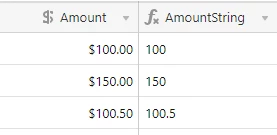
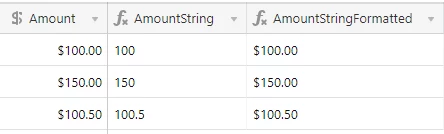
So for example, I have a lookup field {Item Amount 1} that contains the following three currency values: 100.00 150.00 100.50.
When I use the formula ARRAYJOIN({Total Item Amount 1},";") the result is: 100;150;100.5;
However, I want it to return 100.00;150.00;100.50; so that I can then use the substitute formula to substitute the “;” for “\n” which would result in:
100.00
150.00
100.50
I can’t use the Formatting tab because it’s not a currency anymore.
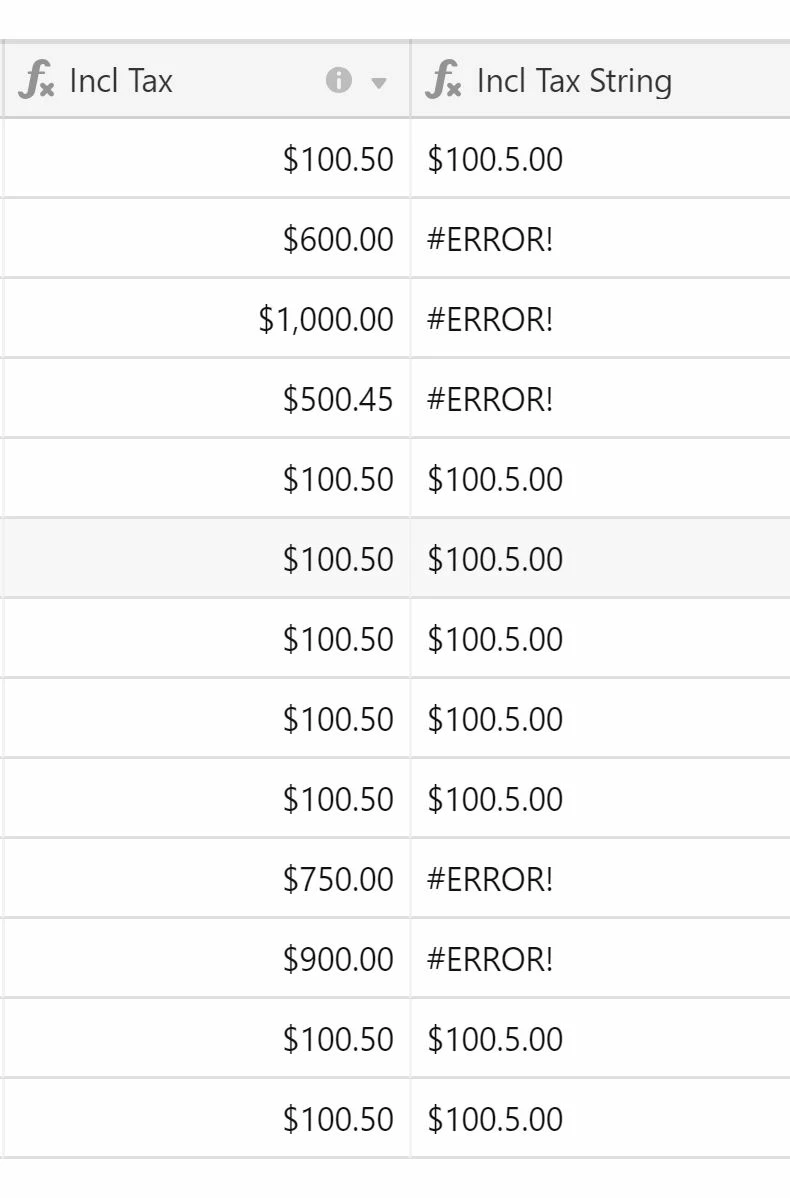
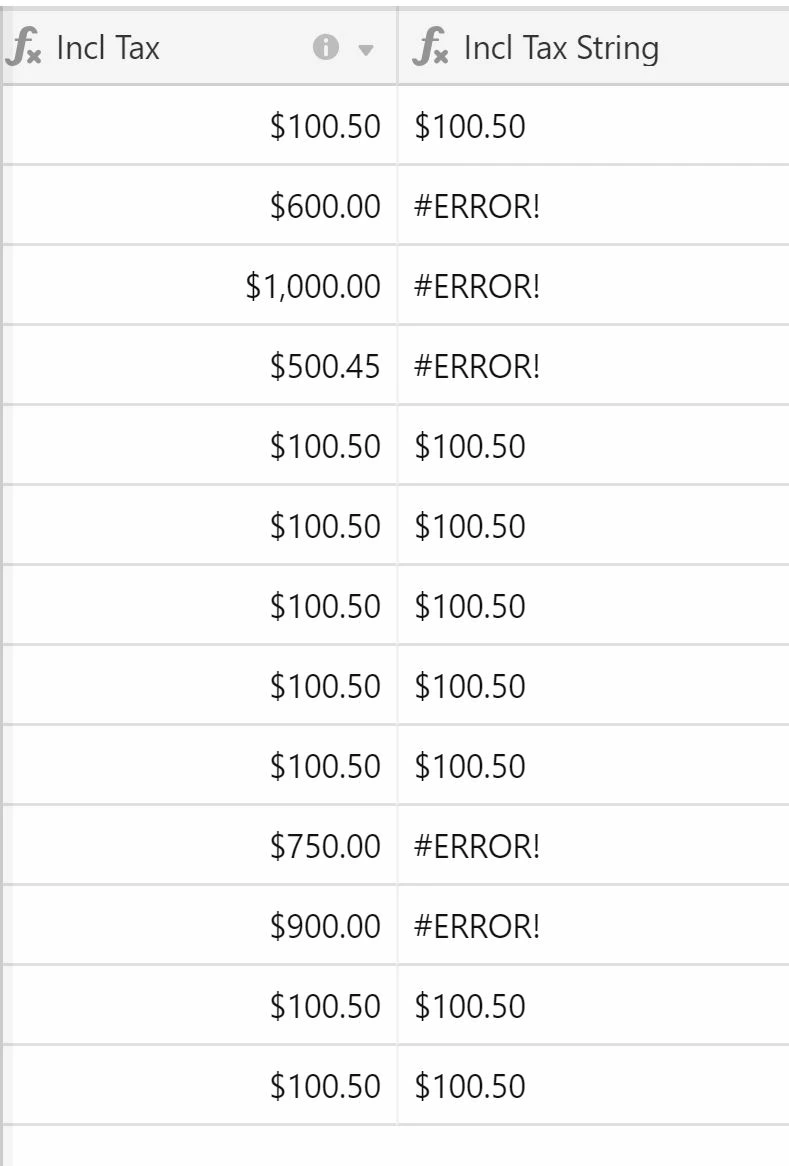
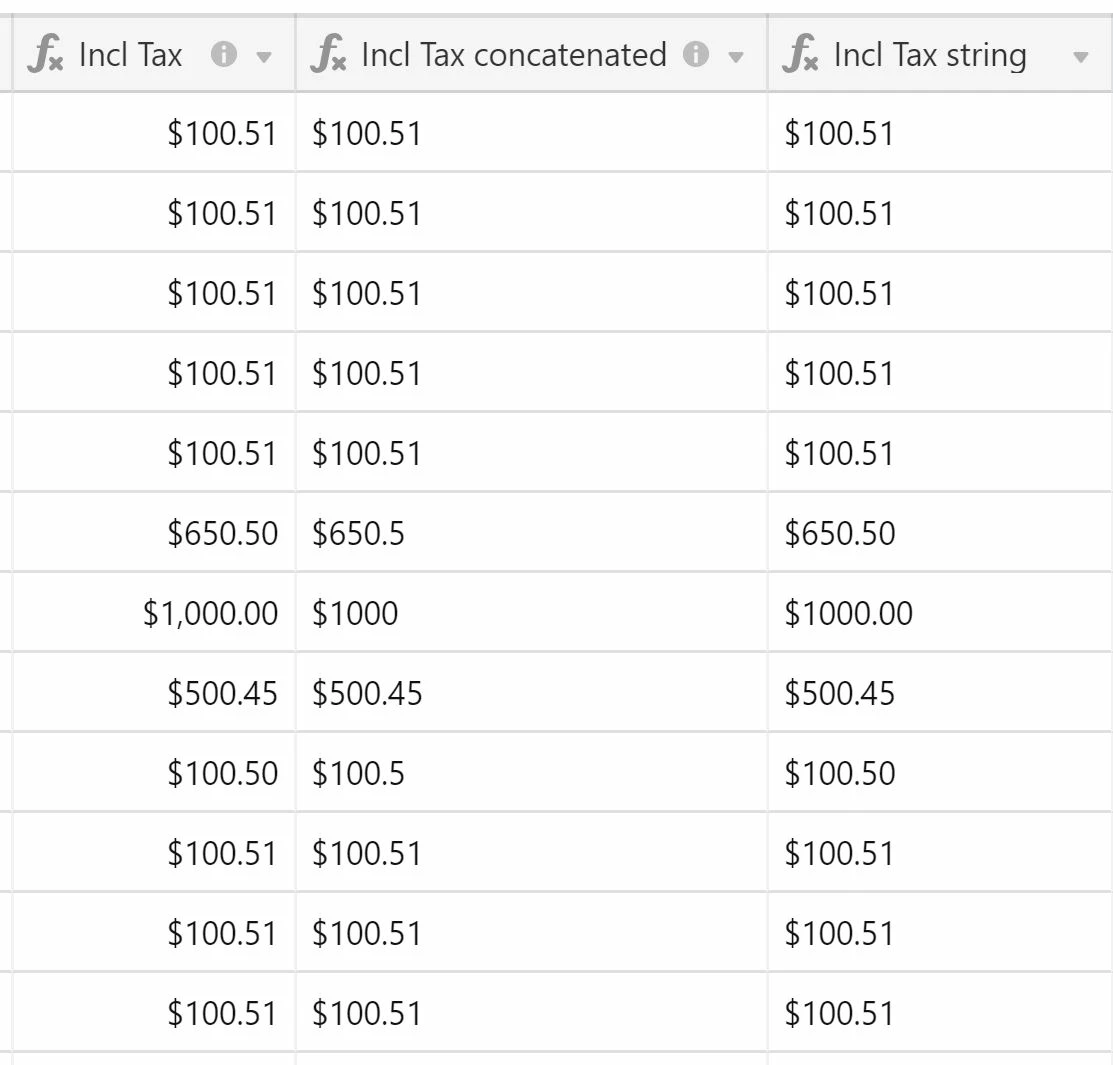
I’ve tried all kinds of possible solutions, including trying to concatenate the lookup field first, but I can’t get it to work. This procedure does work for a lookup field with just text strings that I want to place on a new line within the field, and I can also get it to work for a date format, but not with currency values.
Is there a way to get the currency format in my formula field? Maybe with an additional formula? Thanks so much for any help!