Solved

Problem with concatenate and DATETIME_PARSE

  • February 24, 2023
  • 2 replies
  • 39 views

Forum|alt.badge.img+9

Can anyone see what I am doing wrong here.

Two fields, one date (as text type) one time (as text type) - The formulae field SHOULD make these into a single date/time field - This is the formulae I have, but I get errors on any dates with two characters as the day - I have tried various formatting DD/MM etc with no joy!.


DATETIME_PARSE(CONCATENATE({TU Start Date} & " " & {TU Start Time}))
Best answer by Ben_Young1

Hey @Jon_Stephenson

Try this formula:

DATETIME_PARSE( {TU Start Date} & " " & {TU Start Time}, "DD/MM/YYYY HH:mm" )

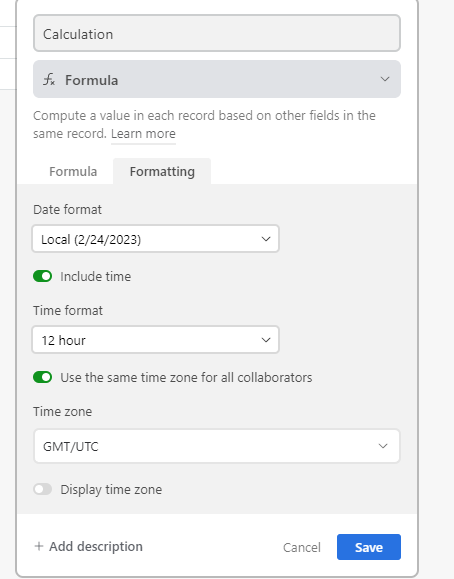
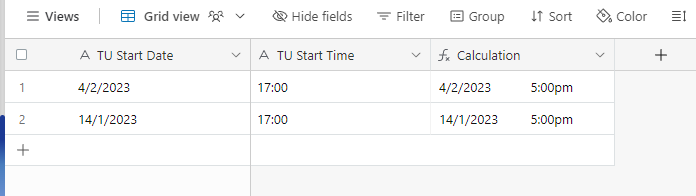
Here's what it looks like when I tested it:

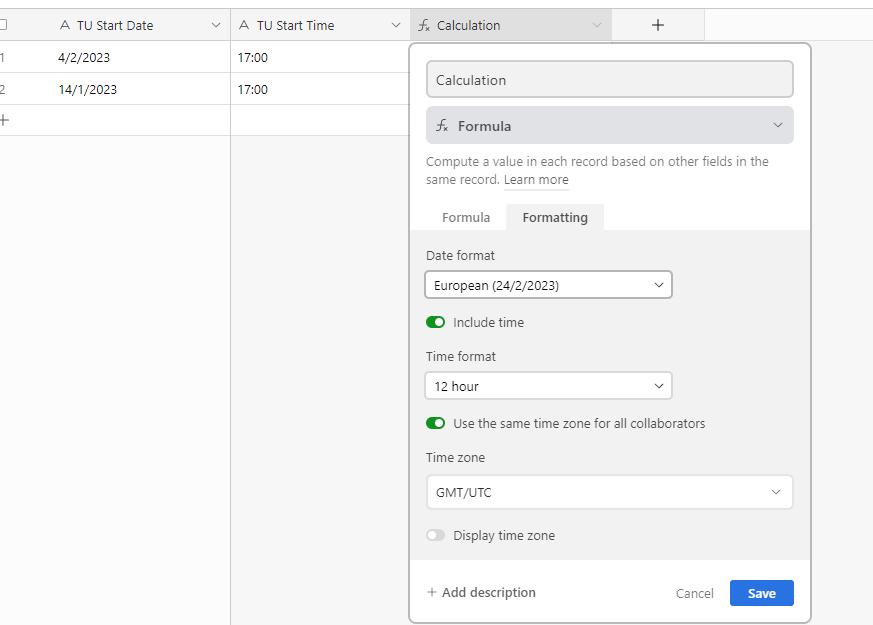
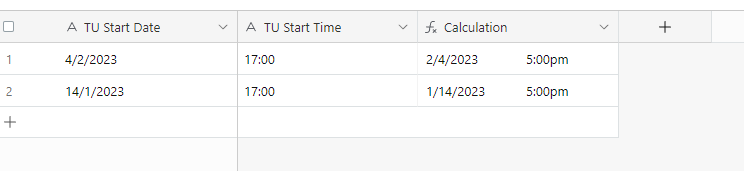
Here it is with European formatting:


2 replies

Ben_Young1
Forum|alt.badge.img+22
  • Brainy
  • Answer
  • February 24, 2023

Hey @Jon_Stephenson

Try this formula:

DATETIME_PARSE( {TU Start Date} & " " & {TU Start Time}, "DD/MM/YYYY HH:mm" )

Here's what it looks like when I tested it:

Here it is with European formatting:


Forum|alt.badge.img+9
  • Author
  • Inspiring
  • February 24, 2023

Hey @Jon_Stephenson

Try this formula:

DATETIME_PARSE( {TU Start Date} & " " & {TU Start Time}, "DD/MM/YYYY HH:mm" )

Here's what it looks like when I tested it:

Here it is with European formatting:


Ben, many thanks - worked a treat!