Hi,
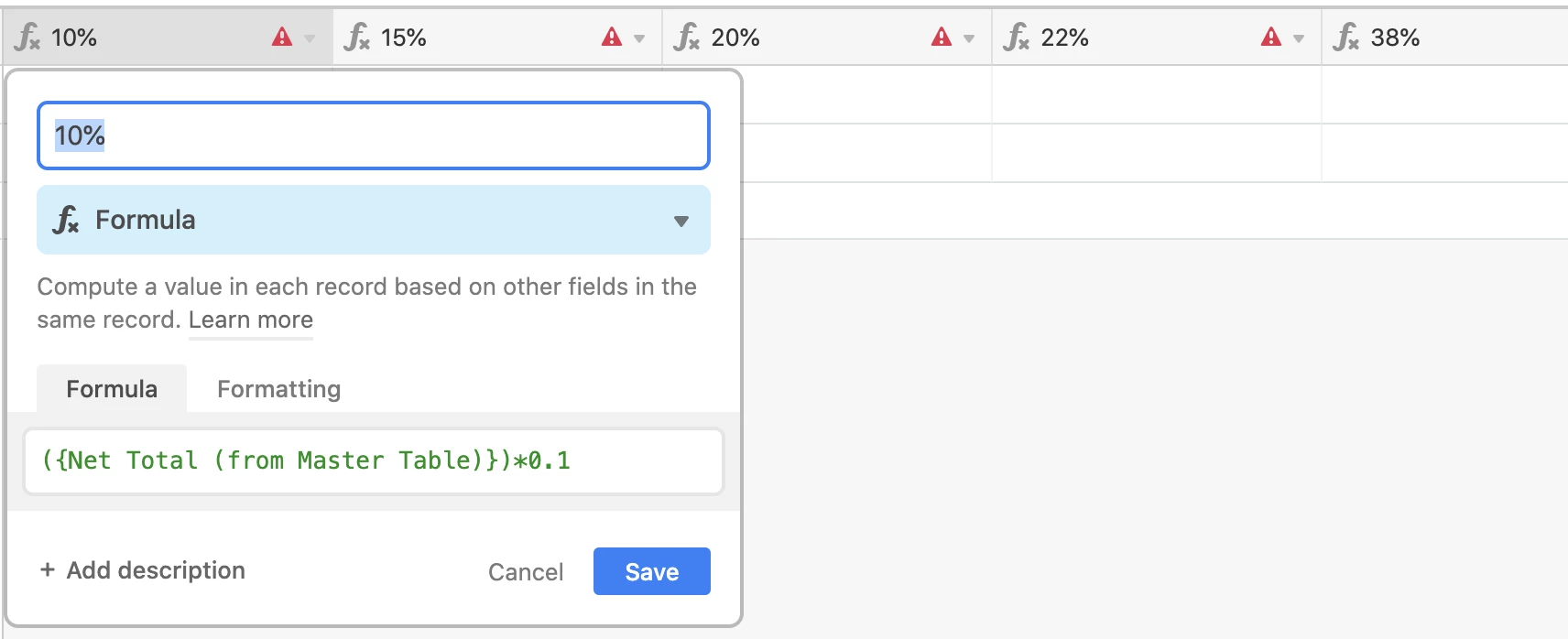
I have created (what is essentially) a spreadsheet that tracks my products for shipping and calculates the costs associated with shipping and duties. I want to create a Single select column where I can select a percentage to add to the Net Value of my items and have it give me the new total including the added percentage - for example, $100 Net cost x 10% = $110. I have multiple percentages I need to choose from - 10%, 15%, 20%, 22% and so on. I’m very new to this, so apologies if this has been asked before.
I tried to create a separate table and link them but it says there is an error in the configuration.
Any help would be much appreciated!