
Question

linked forms, is that a thing?

  • December 12, 2025
  • 3 replies
  • 33 views

Forum|alt.badge.img+3

Hello Community.

I want to create a form where the user is inputting an on-call schedule. They will add a technician’s name and the dates he is covering, then if they have another technician, then they add the next technician’s name and dates he is covering.

Since Airtable Forms does NOT support “Add another” button in the same form. I need a work around for a form that would have repeatable sections.

An internet search told me I need two linked forms – but I can’t find anything to help me do that

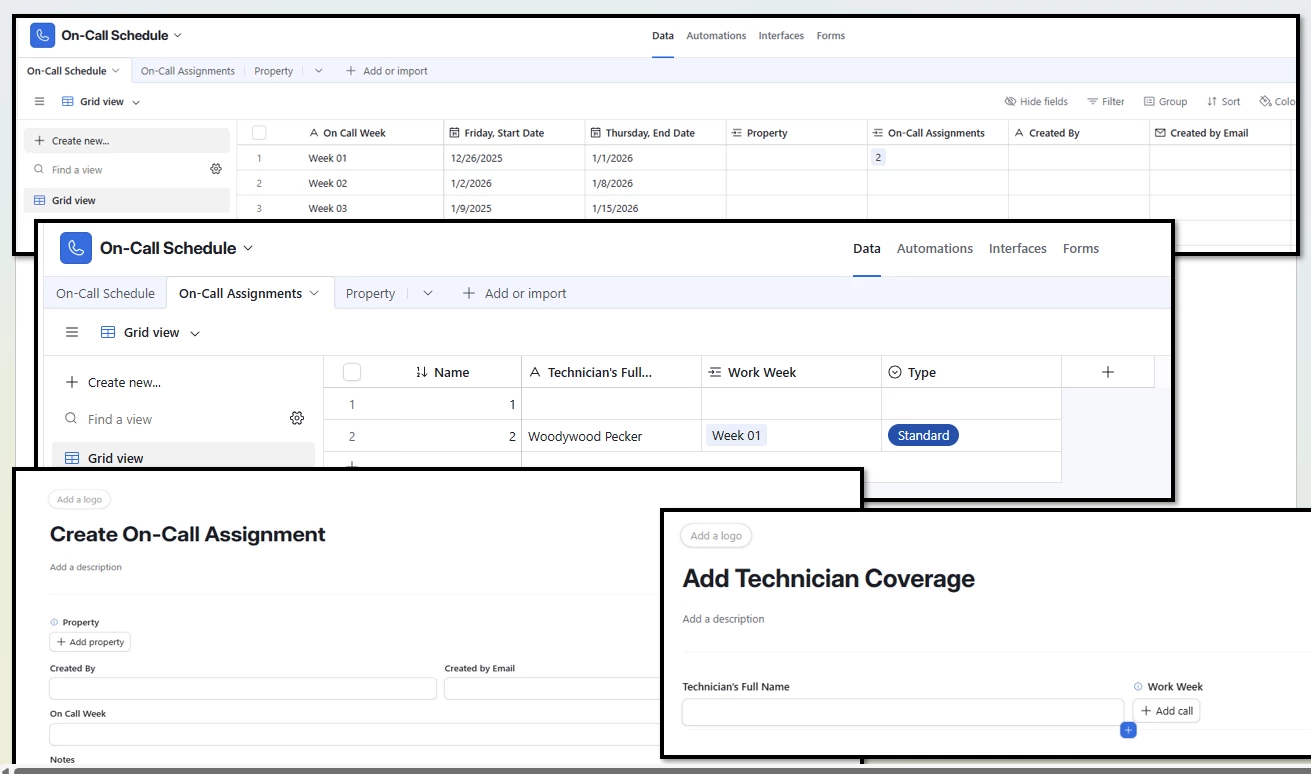
This is what I have. A table for the On-call schedule where a year of weeks is set up with the start and end dates for that week, and the property.

I then have a On-call Assignments table that has the technician’s name, the work week they are assigned.

Then I have two forms that I want it to seem logical for the user to fill out and,  I want the tables to logically be; This technician → belongs to → THIS schedule → At this property

Am I on the right track? How to I wrap this up in a bow? 

Thank you all for reading my book! I can’t wait to recieve some recomendations! 
 

3 replies

ScottWorld
Forum|alt.badge.img+35
  • Genius
  • December 12, 2025

It seems like you’re trying to create brand new linked records on an Airtable form?

If so, unfortunately that isn’t natively supported by Airtable’s forms.

You could send your users to multiple other forms to create the new records there, but that can get confusing for users and it is definitely tedious.

Instead, the easiest, quickest, and #1 best way of handling this is to rebuild your form in Fillout’s advanced forms for Airtable.

Fillout is 100% free and it lets you create new linked records on a form.

I demonstrate this feature on this Airtable podcast episode:

Fillout also offers hundreds of other features that Airtable’s native forms don’t offer, including the ability to update Airtable records using a formcreate custom PDF files from a form submissionaccept payments on formspre-fetch dynamic data from an Airtable recordcustomize the style and branding of your formcustomize a theme for your form, display Airtable lookup fields on forms, add a login page to your form, perform math or other live calculations on your forms, collect signatures on a form, and much more.

I show how to use a few more of the advanced features of Fillout on this Airtable podcast episode:

Hope this helps!

If you’d like to hire the best Airtable consultant to help you with anything Airtable-related, please feel free to contact me through my website: Airtable consultant — ScottWorld


Mike_AutomaticN
Forum|alt.badge.img+28

Also, this is really really really really needed. Please make sure to submit this as a feature request using this form!

I’ve been pushing this request for several years now :D. One day we’ll get it!

Mike, Consultant @ Automatic Nation 
YouTube Channel 


TheTimeSavingCo
Forum|alt.badge.img+31

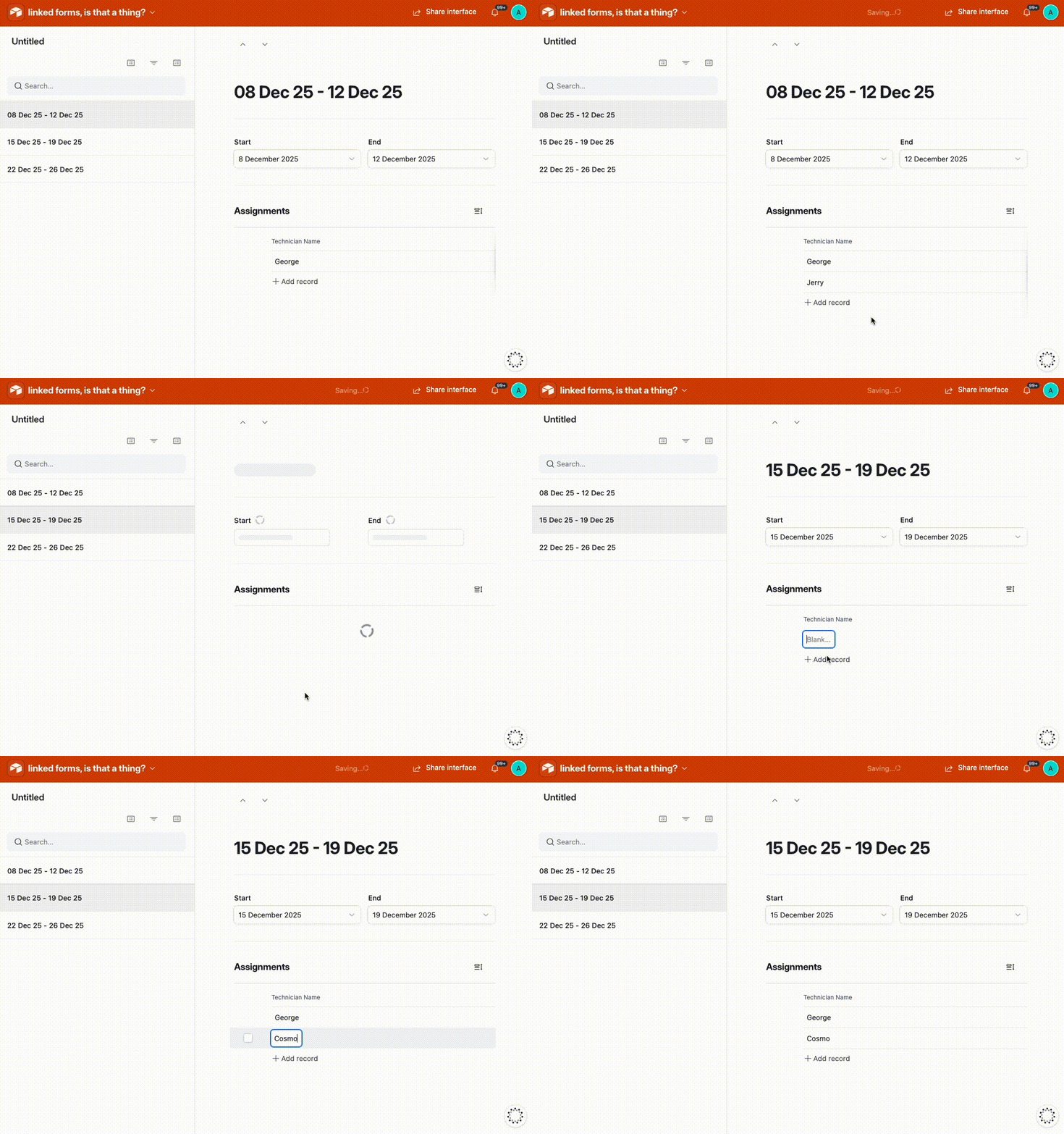
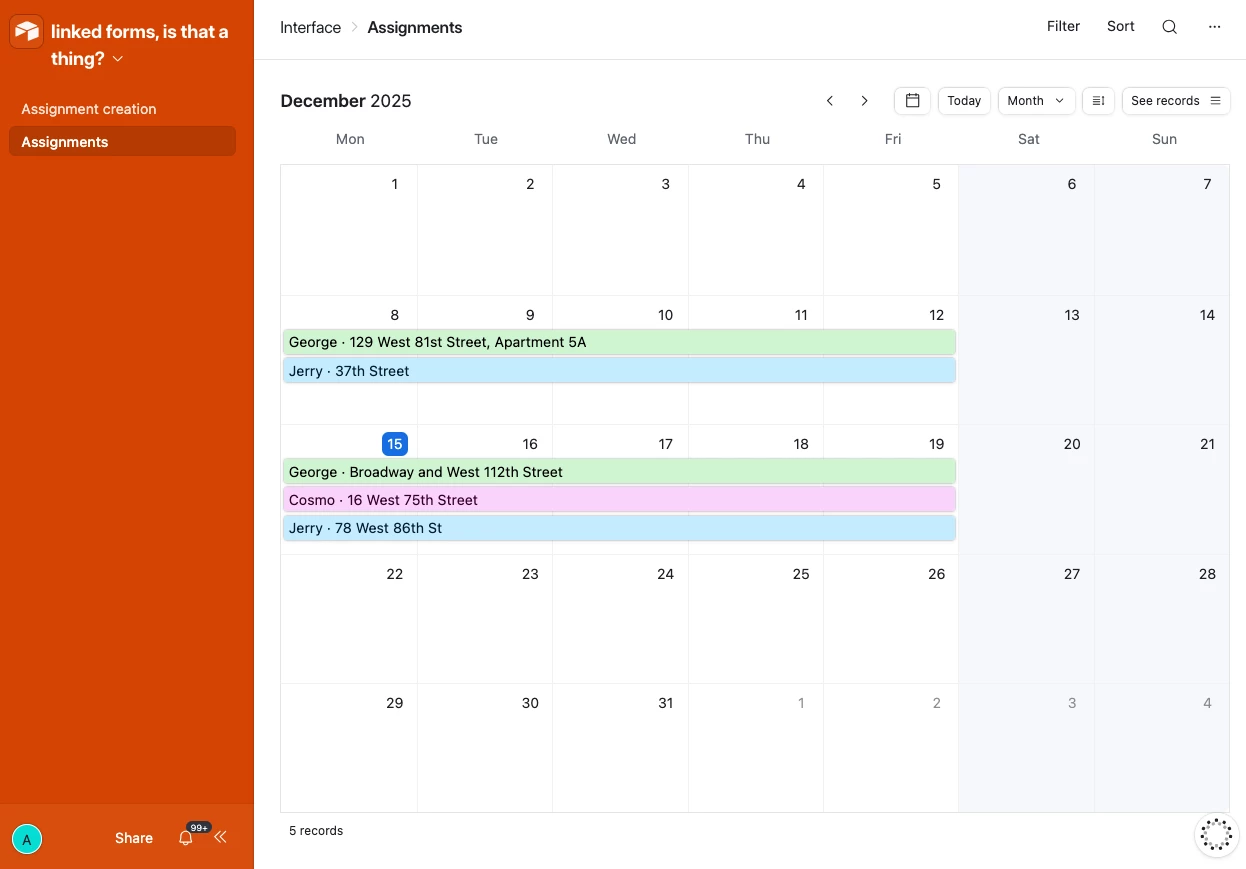
Hm, what if you tried an Interface?  I’ve set it up here for you to check out.  If they have a paid Airtable acocunt it’d look something like the following

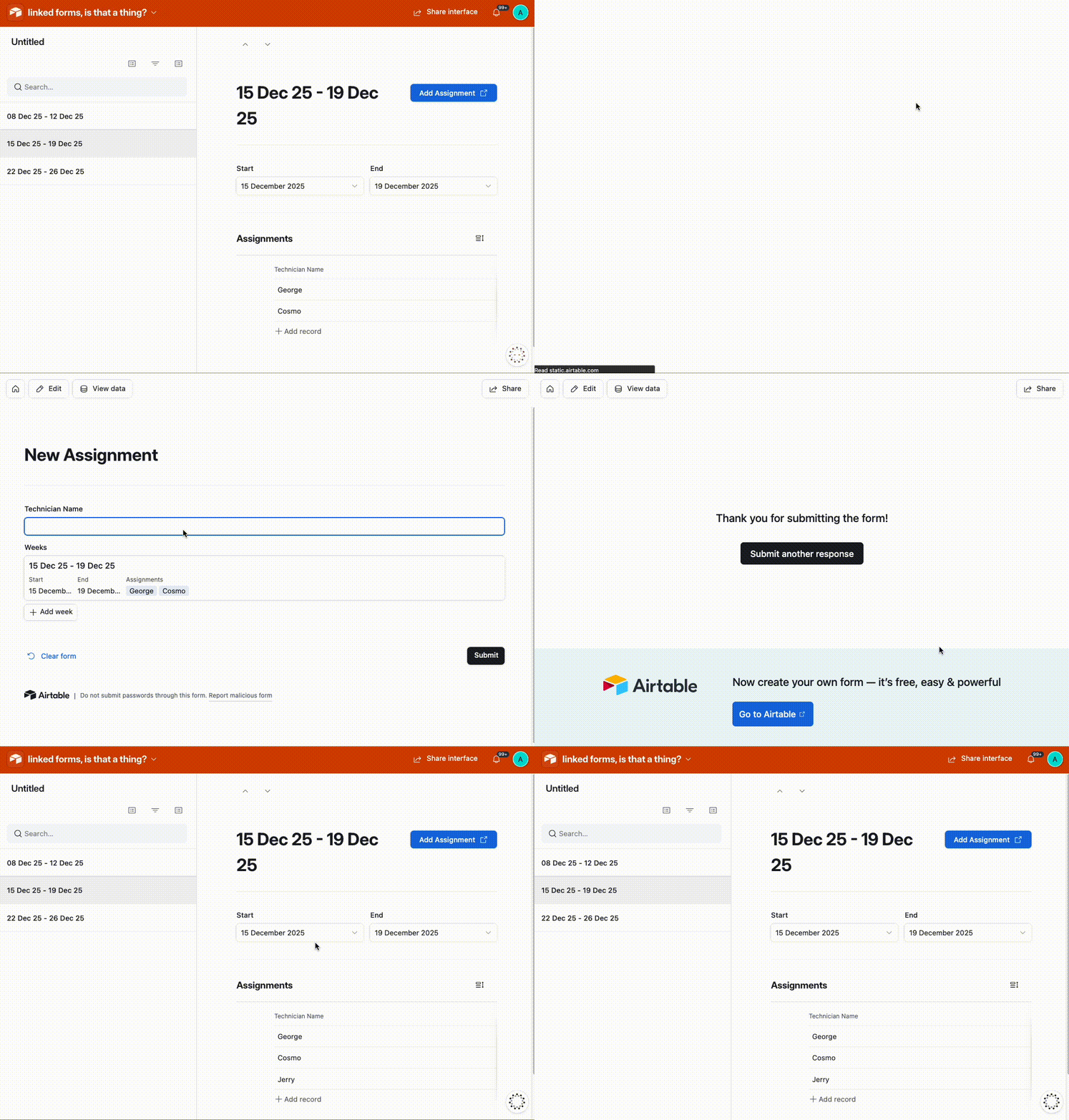
If they don’t have a paid Airtable account you could also set up a read-only Interface that lets them add new records via a form too: