Display Lookup Fields alongside Linked Records in Form Views

  • June 8, 2020
  • 9 replies
  • 45 views

Forum|alt.badge.img+18

Context

We’re putting together an order form for our clients. The various components of that order are listed in other tables. So they use linked record fields to select which components they need for the order.

Problem

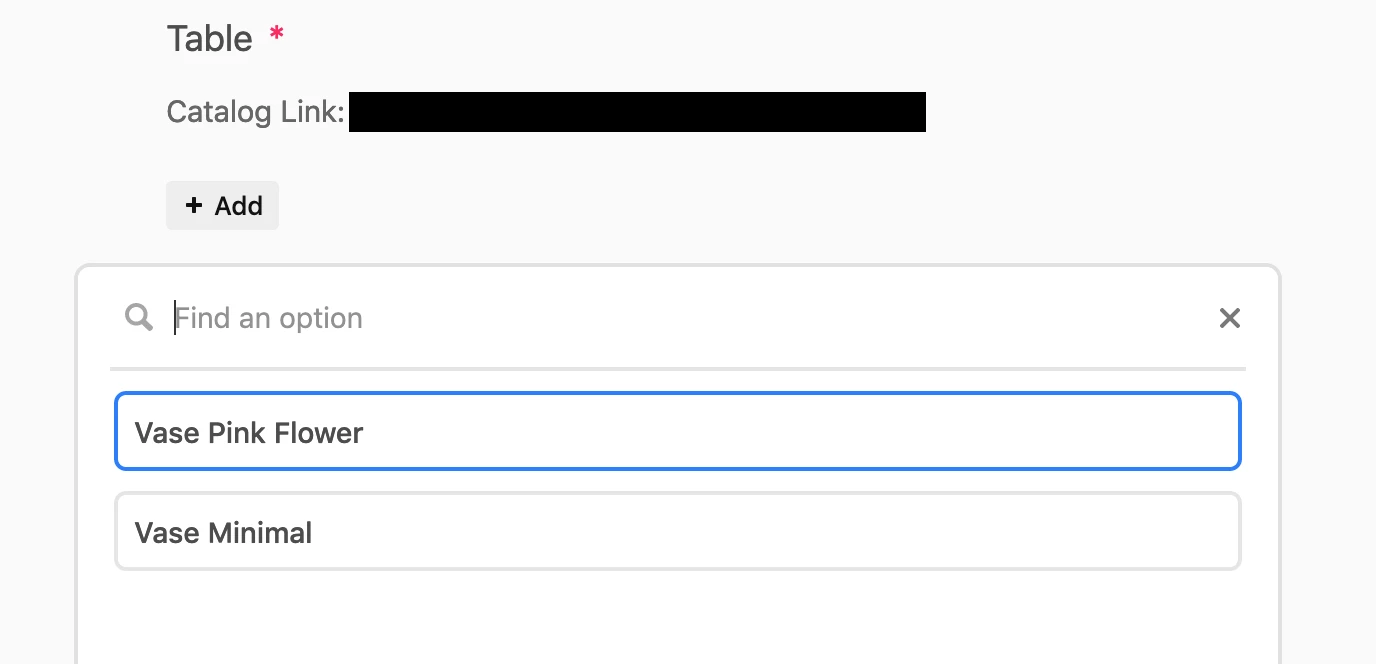
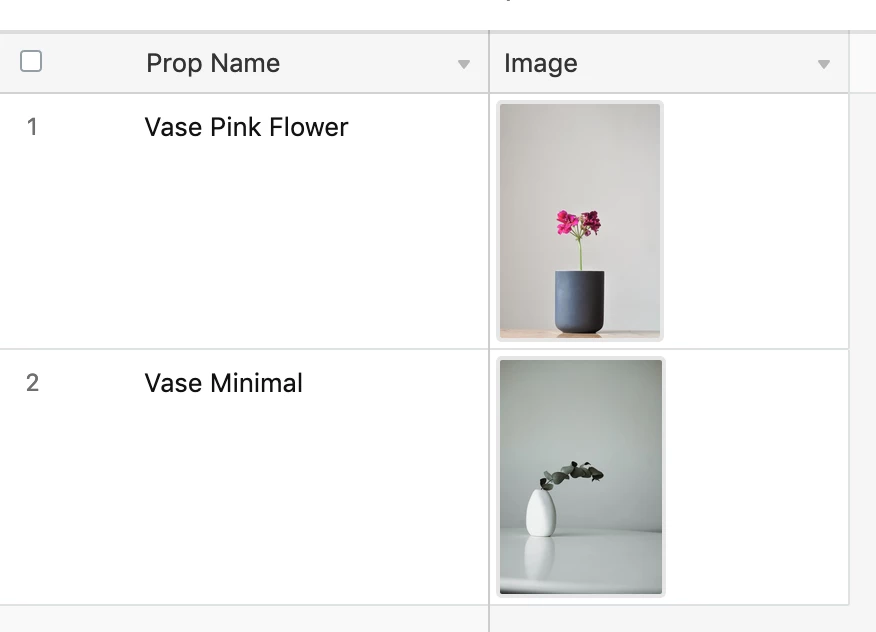
Because linked records only display the primary field, clients aren’t able to see the image of the component they’re choosing. As a workaround, we’re using helper text and shared links so they can at least see a catalogue of their options alongside the form. But representative thumbnails directly in the form would be preferred.

Current state of order form:
Catalogue example:
9 replies

Forum|alt.badge.img+3
  • Inspiring
  • June 12, 2020

Hi Zollie,

Thanks for the feedback! The only workaround that comes to mind is that if the person filling out the order is a member of the base, you can create a URL that pre-fills the right component directly in the catalogue table which they can use

I’d even recommend – if I was so bold – to use the new Button to create a “Order this item” button that pre-fill that item in the order form!

Hope that helps & appreciate the feedback
Best
Aron

Want to learn Airtable? Join me for a webinar at airtable.com/webinar


Forum|alt.badge.img+18
  • Author
  • Inspiring
  • June 12, 2020

Hi Zollie,

Thanks for the feedback! The only workaround that comes to mind is that if the person filling out the order is a member of the base, you can create a URL that pre-fills the right component directly in the catalogue table which they can use

I’d even recommend – if I was so bold – to use the new Button to create a “Order this item” button that pre-fill that item in the order form!

Hope that helps & appreciate the feedback
Best
Aron

Want to learn Airtable? Join me for a webinar at airtable.com/webinar


That’s a clever thought, Aron. Unfortunately:

  • I don’t think it would fit the schema *
  • We’re hoping to avoid adding client collaborators for now

* A given Order is comprised of number of records from additional linked tables - such as a Props, Background Images, and Products. Together they create an image we’ll be producing. So if the collaborator is indicating their interest in a given Product, for example, then the prefill will only have populated one portion of that order form - it wouldn’t have carried over information about the Prop or Background Image.


Justin_Barrett
Forum|alt.badge.img+21

That’s a clever thought, Aron. Unfortunately:

  • I don’t think it would fit the schema *
  • We’re hoping to avoid adding client collaborators for now

* A given Order is comprised of number of records from additional linked tables - such as a Props, Background Images, and Products. Together they create an image we’ll be producing. So if the collaborator is indicating their interest in a given Product, for example, then the prefill will only have populated one portion of that order form - it wouldn’t have carried over information about the Prop or Background Image.


Have you spoken with Dan at @openside about the On2Air: Forms product? I worked with him on some projects last year, and he’s got a way to have a text/image combo as part of a drop-down list, thanks to how his tool integrates with Jotform.


Forum|alt.badge.img+18
  • Author
  • Inspiring
  • June 14, 2020

Have you spoken with Dan at @openside about the On2Air: Forms product? I worked with him on some projects last year, and he’s got a way to have a text/image combo as part of a drop-down list, thanks to how his tool integrates with Jotform.


On2Air: Forms looks pretty awesome @Justin_Barrett and @openside. I’ll definitely be weighing it against the current implementation.


Forum|alt.badge.img+15
  • Inspiring
  • September 14, 2020

We’ve built a form that supports showing lookup fields inside the form, including images. You can check out the demo on this page for an example:


  • Participating Frequently
  • November 16, 2021

Hi,

I have the same need, as this for a Form.
Users click a field selection on the form and it does not explain or show them what they are picking?

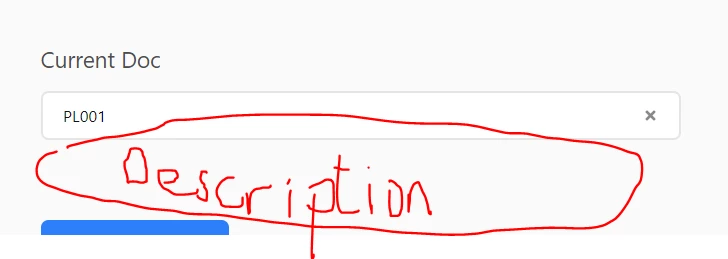
In this example Current Doc is the primary and is only a number.

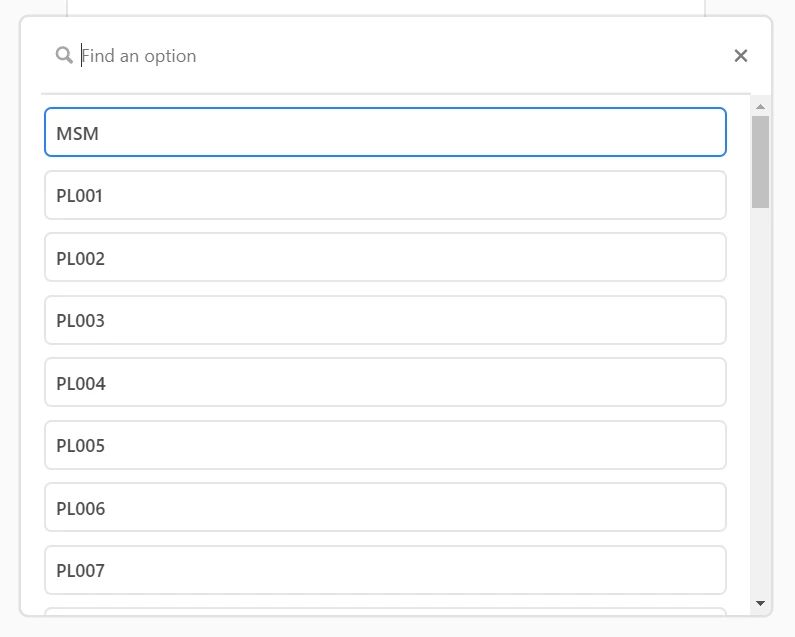
When i click Add, i get the scrolling pop-up window of all options:

This is not helpful and would like to see the linked field which is the description of the Document as well?

and then once a record is selected, it display’s the description linked field in the form as well

So there is 2 issues here;

  1. Showing the linked field when choosing the input field, scrolling up and down the pop-up window,
  2. Embedding the linked field in the form, based on the selection in 1).

Any guidance would be appreciated.


Forum|alt.badge.img+2
  • New Participant
  • July 20, 2022

I have the same need here


  • New Participant
  • July 28, 2022

same here… so frustrating! how hard can it be to add this functionality!!


  • Participating Frequently
  • September 14, 2022

Hi,

I have the same need, as this for a Form.
Users click a field selection on the form and it does not explain or show them what they are picking?

In this example Current Doc is the primary and is only a number.

When i click Add, i get the scrolling pop-up window of all options:

This is not helpful and would like to see the linked field which is the description of the Document as well?

and then once a record is selected, it display’s the description linked field in the form as well

So there is 2 issues here;

  1. Showing the linked field when choosing the input field, scrolling up and down the pop-up window,
  2. Embedding the linked field in the form, based on the selection in 1).

Any guidance would be appreciated.


Talk about coming late to the party…

You could move the Primary Key (PL001, PL002…etc) to a new field and add a new PK with the formula field type. You would then enter a formula such as:

Doc & " - " & Description

…depending on what your respective field names are

Then when a user goes to select the linked record on the form they will see the Doc and Description

Hope this helps everyone!