Row Number / Index and the Ability to tell how many rows are in a table

  • September 27, 2024
  • 3 replies
  • 22 views

Forum|alt.badge.img+4

I would like to be able to tell the top 5 selected items — I'm missing the ability to tell what row number an item is in/how many rows there are in a table.

3 replies

TheTimeSavingCo
Forum|alt.badge.img+31

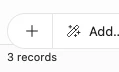
Hm, the bottom left of the screen indicates the number of records in a view, so to get the total number of records in a table you'd check that number on a view with no filters:


---

re: Row numbers

You could try using an autonumber field to help with this?


Forum|alt.badge.img+4
  • Author
  • New Participant
  • September 30, 2024

Its a little more complicated! Basically, I have a bunch of topics and each topic has a link to multiple dates (events). I want to create a chart with the top 5 most popular topics. So basically I can count how many dates are associated with each topic, but If I could get a row number that updates as the top 5 rearrange, that would be great. The autonumber feature is static and would not change as the top 5 topics shifts! 


TheTimeSavingCo
Forum|alt.badge.img+31

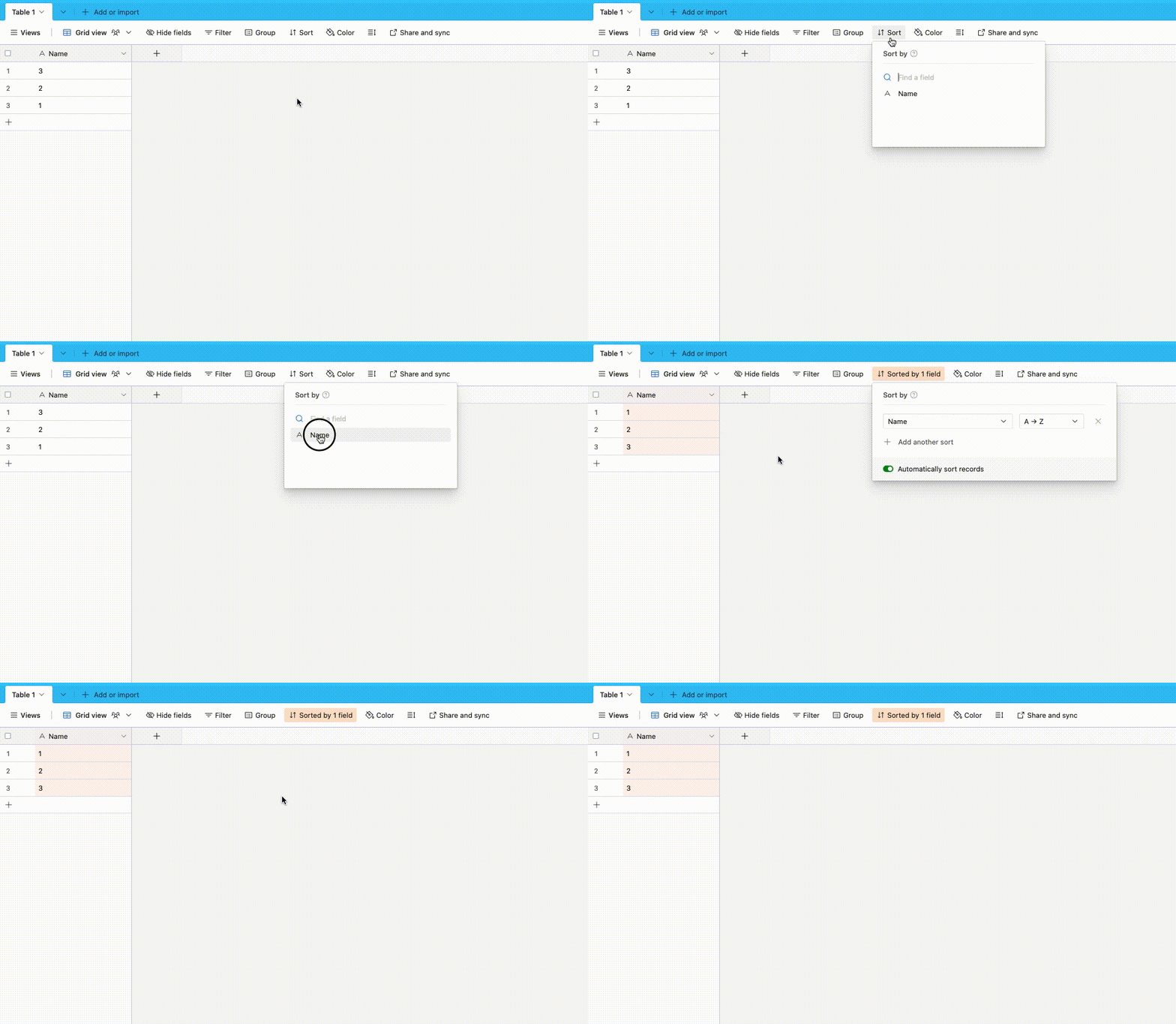
Ah I see!  If this is purely visual then the row number on the left works after we sort it?

I take it you need an actual field with the number in it so that you can use it somewhere?  If so, I created a marketplace app for that: https://airtable.com/marketplace/blkJYKH72q2NLBLZE/auto-ranker