I work for a photography company so all of my order data is imported from the photographers calendar, it then needs to be edited by our production team. I bring in the data manually from our calendar program as a .csv each day. I am trying to create a calendar for each of our retouchers so they are not overloaded.
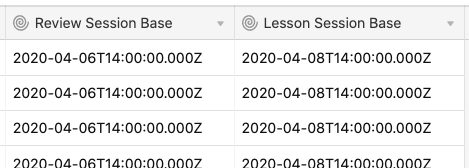
I have created a new table with each of our products and an estimate for editing time. The issue is the calendar doesn’t like computed dates. As I am using the photographers calendar the date is from yesterday and also the end time is for the photo shoot, therefore will be longer than editing time. I currently have the “date created” field (batch import same time each day), then a field for “local time zone”, a lookup field for “editing time” and a DATEADD calculation to get the “end time”.
My question is, how do I then show these on a calendar or timeline so I can visually see when someones day is full. Ideally they would be stacked in the order they are listed under each retoucher in my grid view.
If not able to do it visually, is it possible to have it calculate a completion time, based on how many orders are in the queue for each retoucher above it?
Thanks so much for any insights :sunny:
EDIT: I have manually made a date field and can paste the date over to my other fields very quickly each day, this means I can move things around in the calendar view very easily. The issue is just not being able to adjust the appointment duration time.
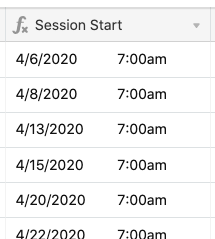
EDIT: I have tried to do the calculations in ‘numbers’ on a mac but when I copy and paste into airtable, it leaves the computed date cells blank.