Formula to Extract Date (MM/DD) within Inconsistent Text Strings

  • September 2, 2017
  • 11 replies
  • 104 views

Forum|alt.badge.img+2

Hi, everyone!

I need to devise a formula that can extract the date from large numbers of text strings that look (more or less) like this:

Purchase authorized on 02/08 Starbucks Card Rel 800-782-7282 WA S466038798107217 Card XXX

Purchase with Cash Back $ 20.00 authorized on 02/08 Vons Store 2665 Los Angeles CA P00466040145047099 Card XXXX

Purchase authorized on 02/09 Arco #42938 Los Angeles CA P00466040490070986 Card XXXX

Purchase authorized on 02/08 Rudy’s Barbershop S Los Angeles CA S286040133024078 Card XXX

Purchase authorized on 02/09 Lyft *Ride Mon 7 Lyft.ME CA S386041115222697 Card XXX

I guess the formula would have to FIND the first occurrence of the “/” symbol and return the two characters that come before and after it but from there I get lost… Any ideas, team?

:slightly_smiling_face: all the best!

11 replies

Forum|alt.badge.img+19
  • Inspiring
  • September 2, 2017
MID(myString, FIND("authorized on", myString) + 14, 5)

Should do the trick…


Forum|alt.badge.img+19
  • Inspiring
  • September 4, 2017

BTW: this does the same thing, but I personally don’t prefer searching for just a ‘/’…

MID(myString, FIND("/", myString) - 2, 5)

  • Known Participant
  • July 29, 2020

BTW: this does the same thing, but I personally don’t prefer searching for just a ‘/’…

MID(myString, FIND("/", myString) - 2, 5)

Hi @Tuur
I tried to replicate this but get “-2” as output.

I need to extract the time and date from strings such as this one and add them as a separate cell in the record:
"6/23 at 6:30pm: HIIT workout/Booty burn @Wrightwood Park "

I’m trying this but it’s returning “-2”: MID(my_string, FIND("/",my_string), - 2)
Also tried this to get the date and time up until the “:”: MID(my_string, FIND("/",my_string,0), -2,FIND(":",my_string))

[my_string is actually the field where the string is hosted]

What would you recommend to extract the date? And what format would you recommend to have the time & date (e.g. both in one cell or separate for time and date).

Many thanks for your help :slightly_smiling_face:


Forum|alt.badge.img+19
  • Inspiring
  • July 29, 2020

Hi @Tuur
I tried to replicate this but get “-2” as output.

I need to extract the time and date from strings such as this one and add them as a separate cell in the record:
"6/23 at 6:30pm: HIIT workout/Booty burn @Wrightwood Park "

I’m trying this but it’s returning “-2”: MID(my_string, FIND("/",my_string), - 2)
Also tried this to get the date and time up until the “:”: MID(my_string, FIND("/",my_string,0), -2,FIND(":",my_string))

[my_string is actually the field where the string is hosted]

What would you recommend to extract the date? And what format would you recommend to have the time & date (e.g. both in one cell or separate for time and date).

Many thanks for your help :slightly_smiling_face:


Hi,

You can grab the date (myDate) by searching for the first space:

LEFT(myString, FIND(" ", myString))

Then catch the time (myTime) with:

MID(myString, FIND("at", myString) + 3, (FIND(":", myString) + 5) - (FIND("at", myString) + 3))

You can combine them in one ‘real’ date field with an extra formula when needed…

DATETIME_PARSE(myDate & myTime, "M/DLT")

  • Known Participant
  • July 29, 2020

Hi,

You can grab the date (myDate) by searching for the first space:

LEFT(myString, FIND(" ", myString))

Then catch the time (myTime) with:

MID(myString, FIND("at", myString) + 3, (FIND(":", myString) + 5) - (FIND("at", myString) + 3))

You can combine them in one ‘real’ date field with an extra formula when needed…

DATETIME_PARSE(myDate & myTime, "M/DLT")

Hi @Tuur, thank you so much for your help!
I had to change the date format to (USA date type month/day):

  • Thu 7/06 9:30am - Vinyasa Yoga @ Millennium Park
  • Thu 7/06 9am - Vinyasa Yoga @ Millennium Park

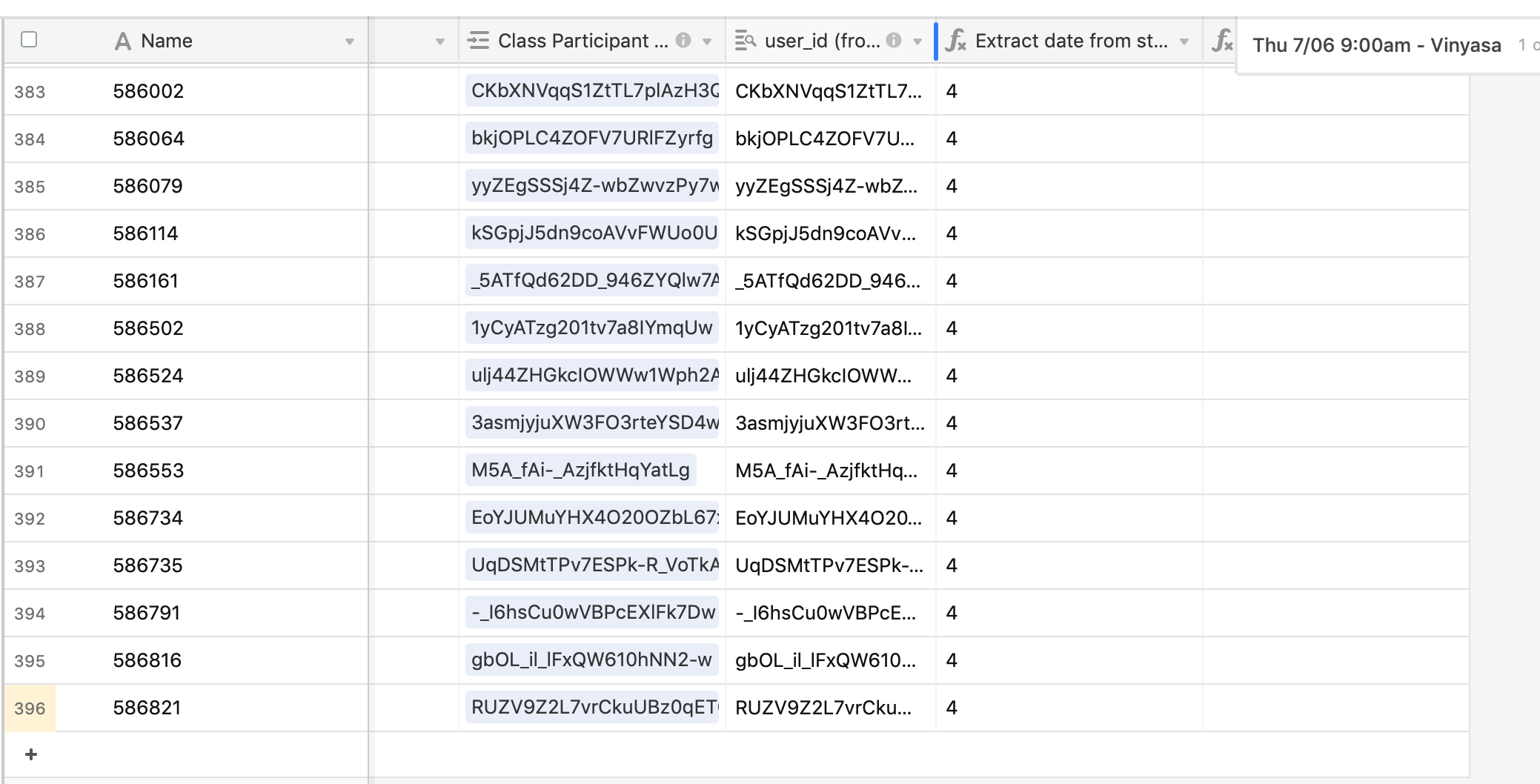
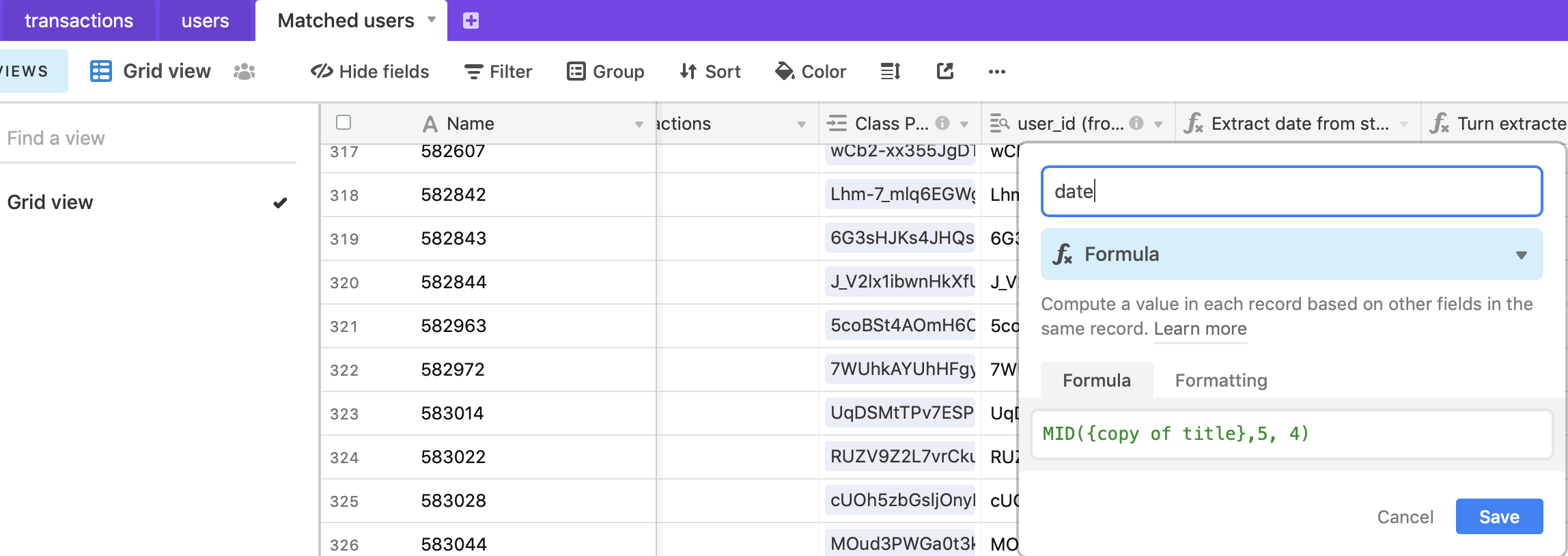
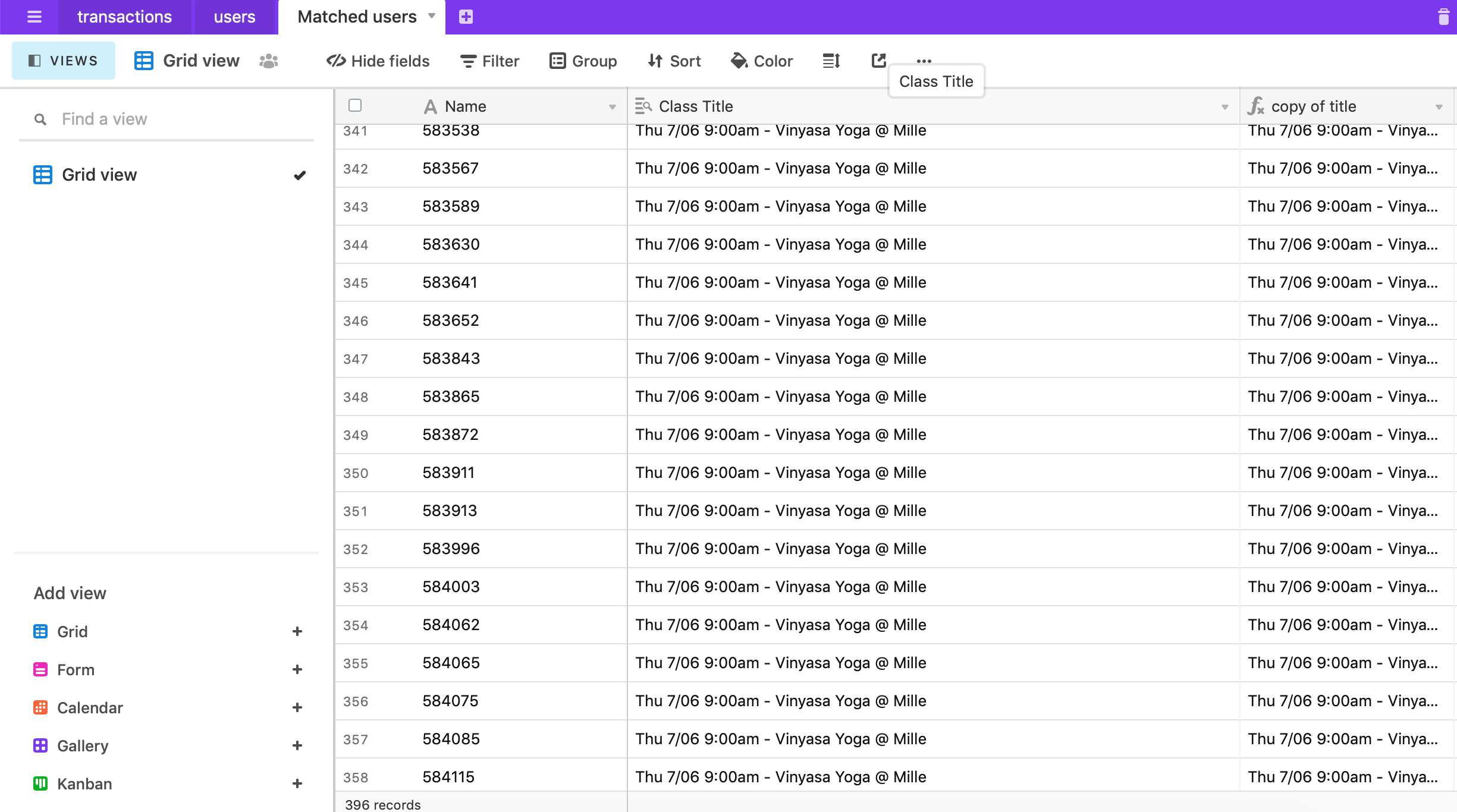
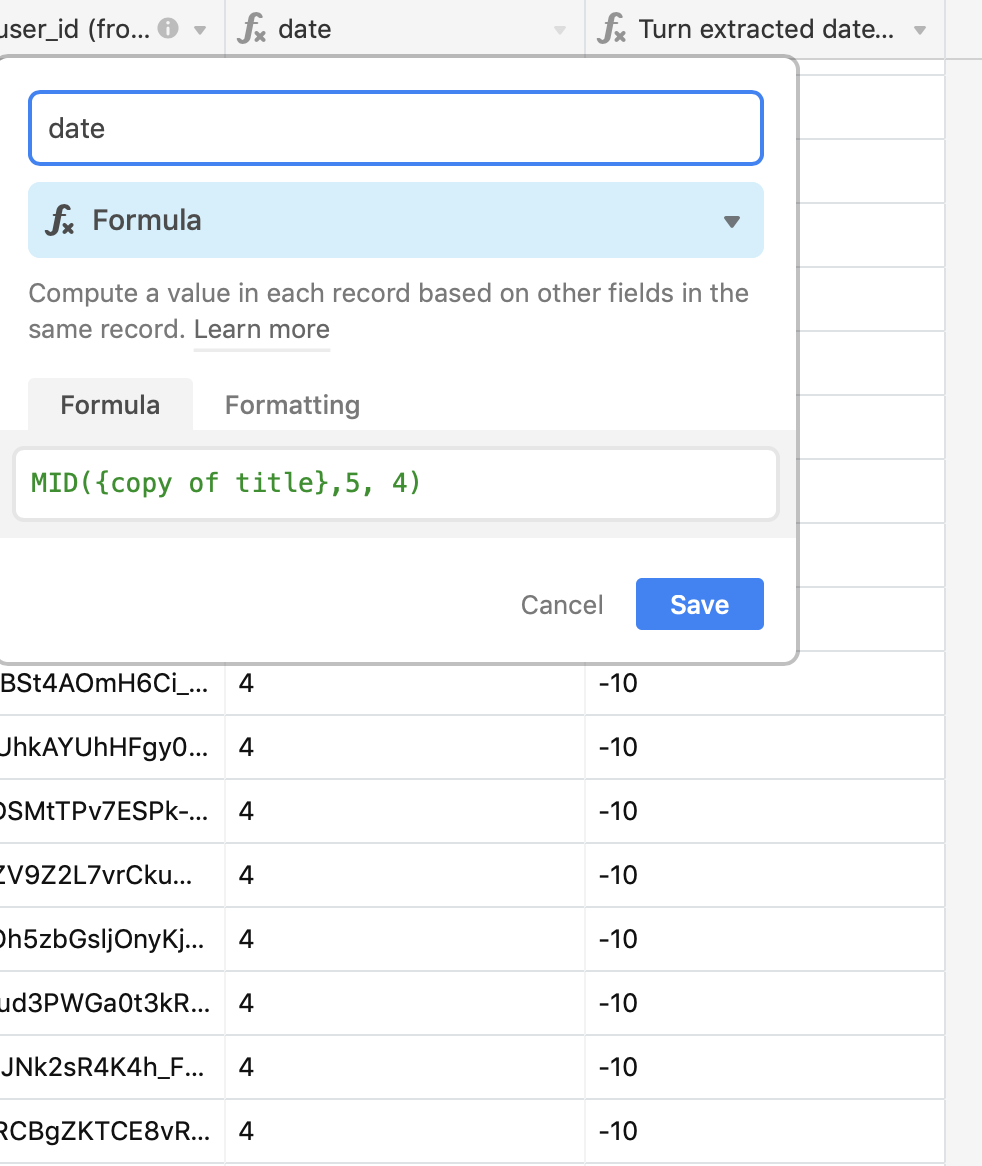
For the date I tried MID({Class Title},5, 4) but it returns “4”
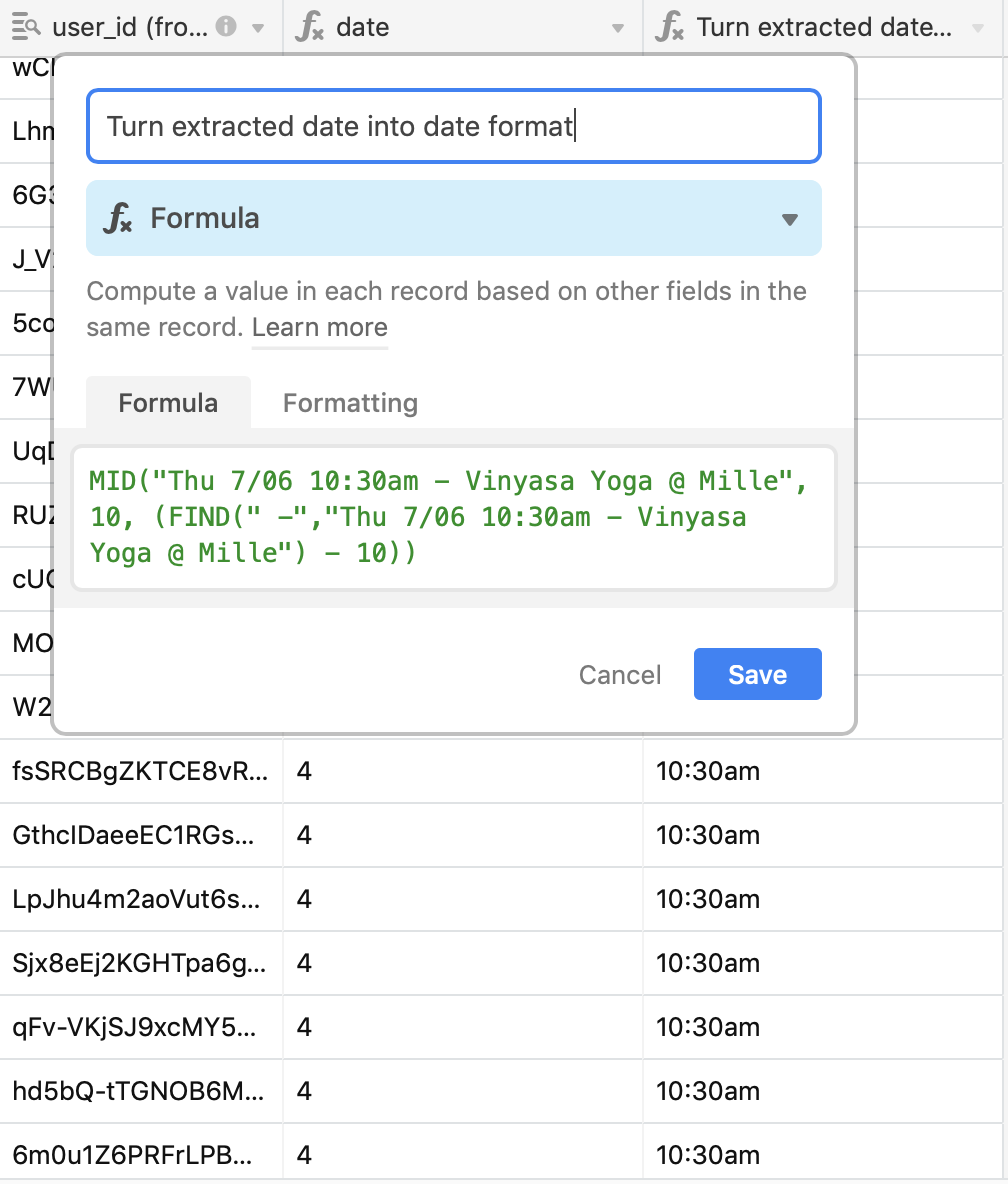
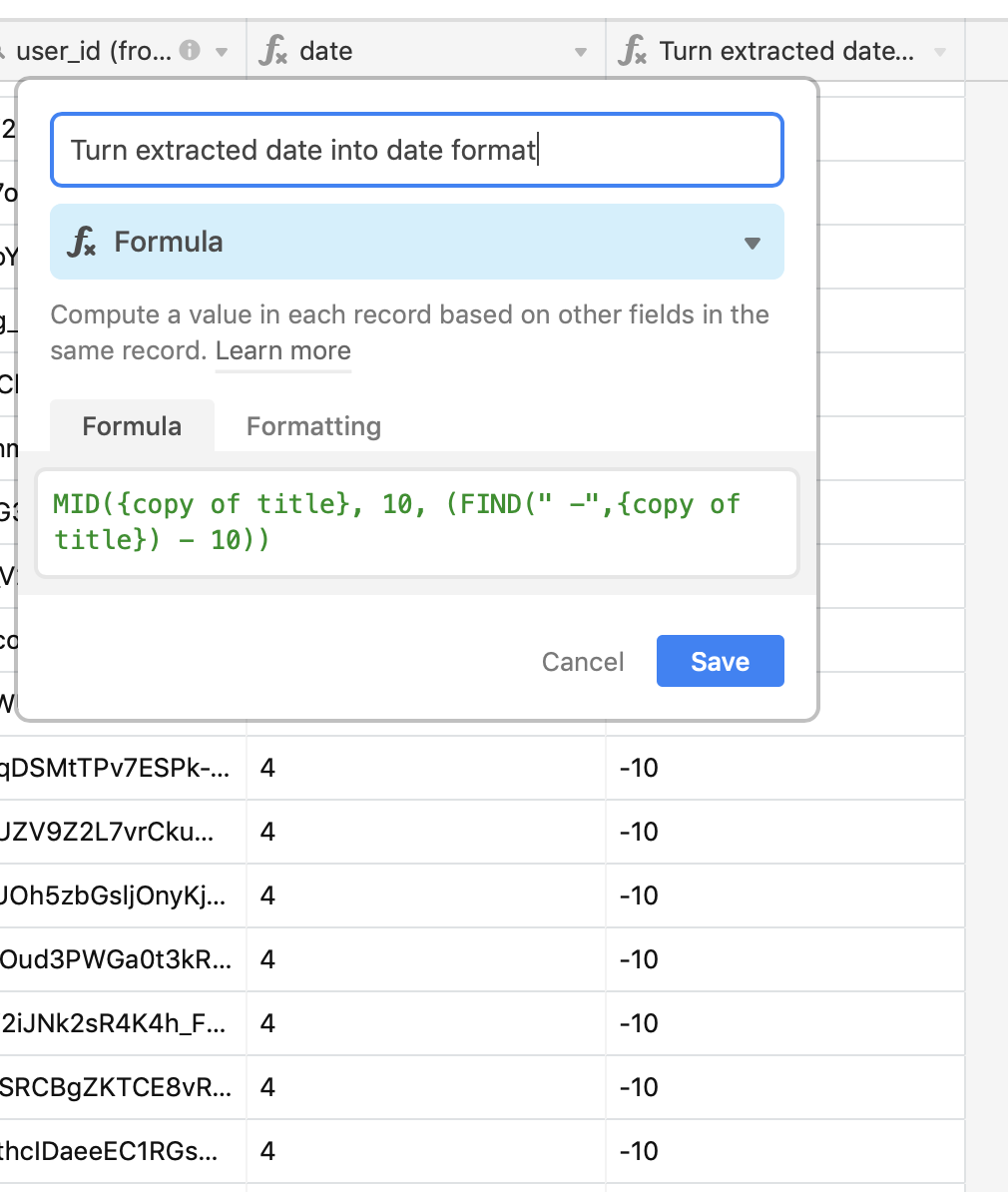
for time I tried MID({Class Title}, 10, (FIND("-", {Class Title}))) and it returns nothing.

Do you know why it could be? and how to fix it?

One problem could be that the string is written in different ways across the table (only some strings have this format Thu 7/06 9:00am - Vinyasa Yoga @ Mille, but even then they don’t appear)


Forum|alt.badge.img+19
  • Inspiring
  • July 29, 2020

Hi @Tuur, thank you so much for your help!
I had to change the date format to (USA date type month/day):

  • Thu 7/06 9:30am - Vinyasa Yoga @ Millennium Park
  • Thu 7/06 9am - Vinyasa Yoga @ Millennium Park

For the date I tried MID({Class Title},5, 4) but it returns “4”
for time I tried MID({Class Title}, 10, (FIND("-", {Class Title}))) and it returns nothing.

Do you know why it could be? and how to fix it?

One problem could be that the string is written in different ways across the table (only some strings have this format Thu 7/06 9:00am - Vinyasa Yoga @ Mille, but even then they don’t appear)


Hi,

I’m sorry, but the screenshot isn’t very helpful. Please show the column where your data is in too. If it’s a lookup then you’ll probably have to turn it into a string first (e.g. make a new formula field and reference the date info field or change the lookup to a rollup and use arrayjoin).


  • Known Participant
  • July 29, 2020

Hi,

I’m sorry, but the screenshot isn’t very helpful. Please show the column where your data is in too. If it’s a lookup then you’ll probably have to turn it into a string first (e.g. make a new formula field and reference the date info field or change the lookup to a rollup and use arrayjoin).


Thanks again @Tuur, you’re saving my day! I’ve tried rollup as well as copying the lookup field separately.
When I put the string in the formula they do work, so maybe it’s another reference issue.

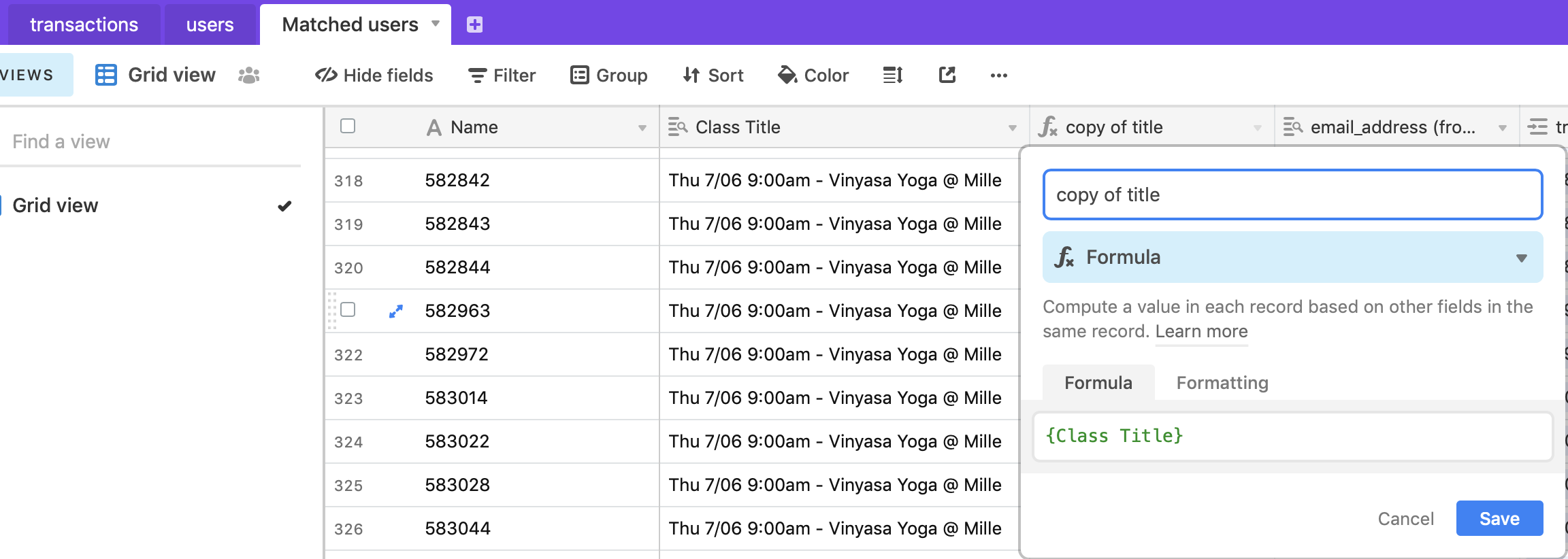
Do these screenshots help?


Forum|alt.badge.img+19
  • Inspiring
  • July 29, 2020

Hi,

Now if you use the {copy of title} in the formula I’m pretty sure it will work. :slightly_smiling_face:


  • Known Participant
  • July 29, 2020

Hi,

Now if you use the {copy of title} in the formula I’m pretty sure it will work. :slightly_smiling_face:


Thanks! Unfortunately it doesn’t work :open_mouth: any idea why that can be?


Forum|alt.badge.img+19
  • Inspiring
  • July 29, 2020

Thanks! Unfortunately it doesn’t work :open_mouth: any idea why that can be?


My bad: you’ll have to use ARRAYJOIN() for every reference to the original field, or make a copy of the field once with ARRAYJOIN(“myField”) and use that field in your formulas!

Sorry 'bout that!


  • Known Participant
  • July 29, 2020

My bad: you’ll have to use ARRAYJOIN() for every reference to the original field, or make a copy of the field once with ARRAYJOIN(“myField”) and use that field in your formulas!

Sorry 'bout that!


thank you @Tuur that worked!
for anyone wondering about this: MID(ARRAYJOIN(your_string),5, 4)