
Earlier today I responded to a question from a new user here, explaining how she could hide a field on a locked view and keep the field hidden from non-creator users by making it visible only on a personal view configured by the creator. I then had to add that this is security theater (I think that’s the phrase we use these days) because in truth, any user with editor or commenter privileges can simply duplicate the locked view as a new personal view, which they can then configure to their heart’s content–including making visible the fields that the base creator wanted hidden.
After posting my response, I began to feel uneasy, so I looked into this a little more deeply than I have before, and I’m a bit disappointed by what I’ve found. I’m praying someone here tells me that I didn’t look deep enough–that there are better answers to my concerns. But at the moment it appears that base creators have only a very limited, casual sort of control over who gets into their bases.
.
Nightmares
Consider this scenario. I develop a base for a law firm. I’m the creator, my contact at the law firm is the Owner, and the half dozen users in the firm are editors, because, well, because they need to be able to edit the data in the base. And let’s say that the base contains info that the law firm regards as sensitive: perhaps info about their clients, or data for a lawsuit they are working on; etc.
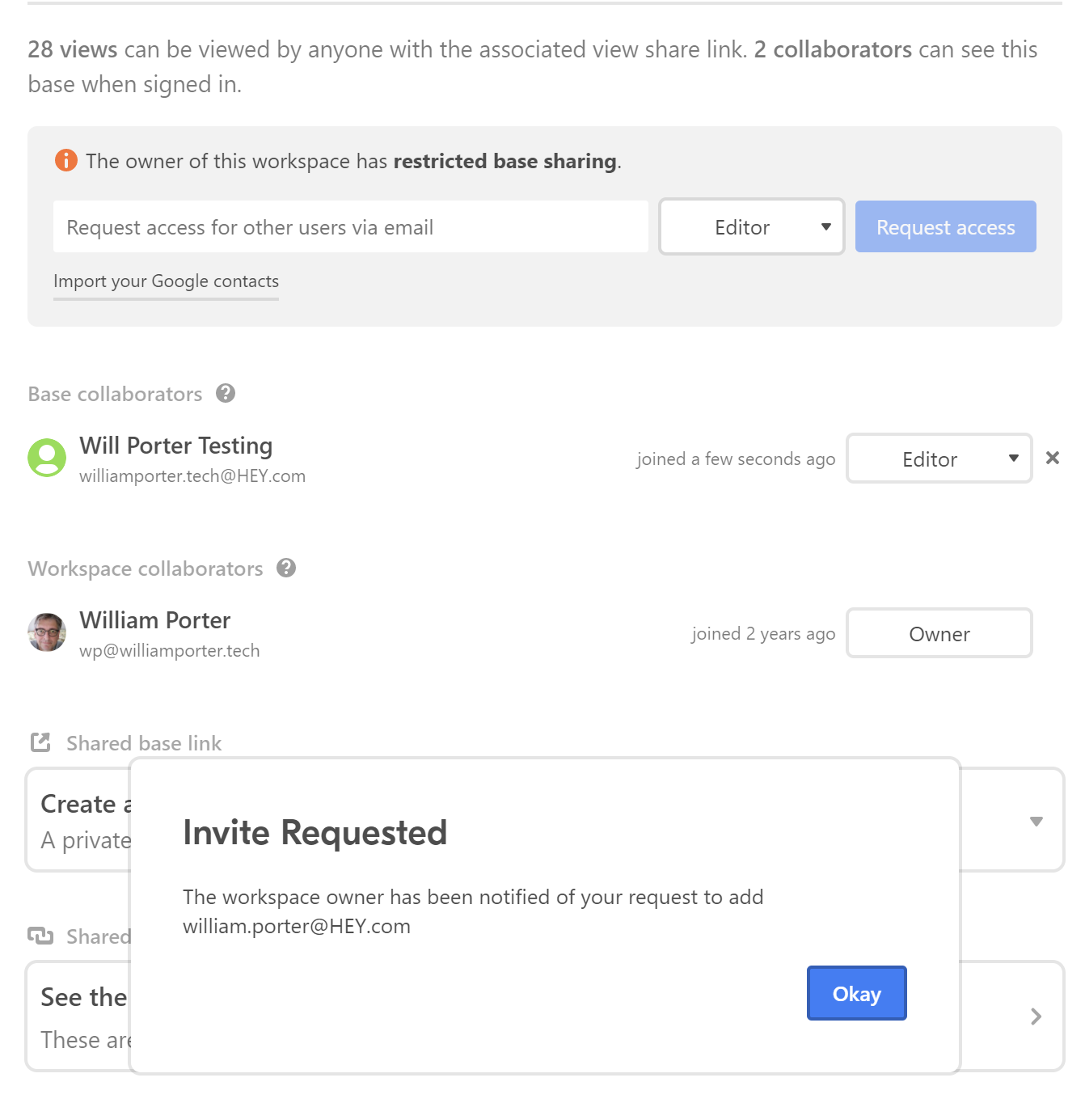
Now, one of the employees at the law firm is let go. Naturally, the firm’s manager (the base Owner) emails me and I remove that person’s sharing privileges. But the person calls somebody still working at the office and that person (whether maliciously or stupidly) shares the base with the ex-employee. The ex-employee is back in, thanks to a decision by somebody who perhaps should not have the authority to make that decision.
Or somebody on the other side of the lawsuit sweet talks one of the firm’s employees and they agree (again, doesn’t matter whether this is malice or mistake) to share the base with somebody who shouldn’t be allowed to view what’s in the base at all. And if these security breaches are committed by somebody with editor privileges, the person who should not have access but now does will actually be able to do things like edit records, delete records, etc.
I use the example of a law firm because most of my development work has been for law firms. But I don’t think I’ve ever developed a base for any client where the client didn’t care about controlling access.
And what if the security breach is committed by somebody with only read-only privileges? Well, even somebody with read-only privileges has the ability to share the base. Okay, fine, maybe I’m willing to live with that. The problem is, if I’m not happy about that, even as base creator there’s not a thing I can do about it.
Wow, just wow.
.
Living in the real world
Now systems like FileMaker, AppMaker, Caspio, Servoy and nearly all SQL app front ends, give developers the ability to restrict access to the databases to specific users and only those users. (I don’t understand the security models for Coda or SmartSheet well enough to comment on them.) If developers wish to authorize admin users to control access, too, they can do that. But who gets into the solution is always restricted to somebody who is, in theory at least, a responsible user. With Airtable on the other hand, granting access to the base is the prerogative of any and all users, regardless of their privileges.
Of course, I’m aware that users are always the biggest weakness in any security system. There’s always the chance that an authorized user might share his or her credentials with somebody who’s NOT supposed to have access. But doing so would be hard to do by accident. In those other systems there’s no “Share” button that invites the user to give some stranger access to the base. Since my users all log in using their email addresses, anybody who logs in using somebody else’s email address will be aware that they’re doing something fraudulent (even if they don’t realize how serious it could be). And in at least some of those systems, it’s possible to do various other things to minimize the risk of unauthorized access: require two-factor authentication to an authorized user’s mobile phone or email perhaps; and/or track IP address from which user is connecting and even restrict users on that basis.
.
My three wishes
I know that Airtable is designed to be like the friendly and convenient corner store, not like an Amazon.com distribution center that uses metal detectors and employs armed security guards. I love that about Airtable.
Still, at a minimum, I wish that any (or all) of the following were possible:
- Creator should have option to hide the share button for all non-creator users
- If creators aren’t given ability to decide who can share/not share the base, then read-only users absolutely should NOT have this ability. When I think “read only” I don’t think “read and make a copy for all your friends”.
- Finally, there should be a privileges level just below Editors called perhaps “End Users”. End Users should be allowed to edit data in records but NOT edit locked views, that is, for End Users, the “create private view” button would disappear.
I gather that some greater degree of control MIGHT be achievable if I gave access to bases strictly on a view-by-view basis using links that are embedded in a web page, but for me, that dramatically limits Airtable’s appeal and potential usefulness.
Somebody is going to read this and think, “My my, he’s not a very trusting person!” Guilty as charged, your honor.
Please tell me what I’m missing!
William