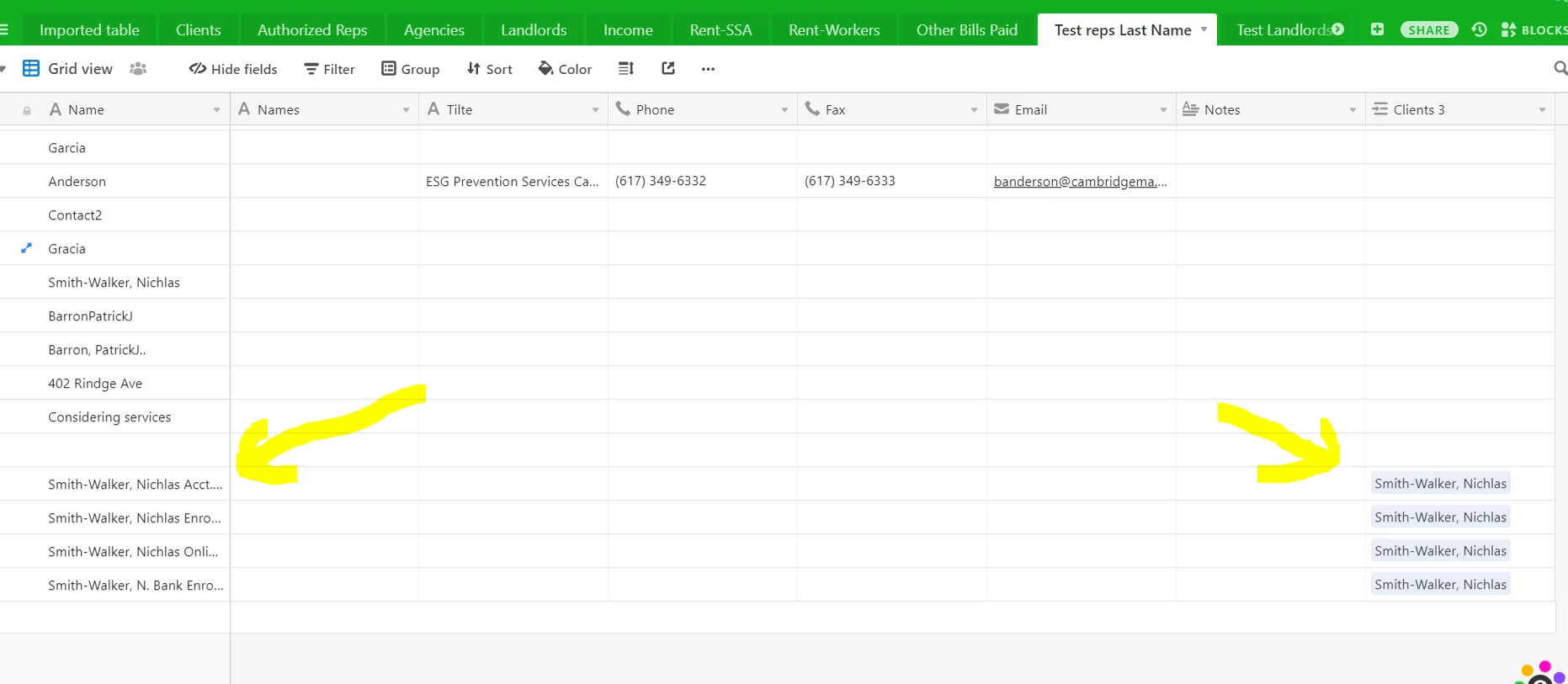
I have two tables I need to link. Ideally, I’d link them on their primary keys, but Airtable doesn’t allow you to link on primary fields. So I created a duplicate field for each table with the same content as the primary field. When I link the tables, however, Airtable doesn’t let me choose which fields to link on. I choose the field in Table A, but Airtable chooses the field in Table B to link to. Unfortunately, instead of linking to the appropriate field in Table B, Airtable goes ahead and makes a new field in Table B with a new row for each row in Table A. I’ve done this before in other bases and Airtable was smart enough to choose the correct field to link on. I tried making the field names the same. No success. I tried having the duplicate field in only one of the two tables as well. Nope.
What in the world is going on, and how do I get Airtable to link the correct fields?