Question

AI Data Assurance

  • April 10, 2026
  • 3 replies
  • 37 views

Hi Airtable Community,

I’m using Airtable in a business setting to track tasks and progress updates, with users updating records through a status dropdown field.

I’m interested in building in more assurance so the system can help identify clerical errors when a user misses something. I’m also looking to understand whether Airtable can support a control that prevents a status from being updated unless evidence of task completion has first been provided, such as an attachment or other form of verification.

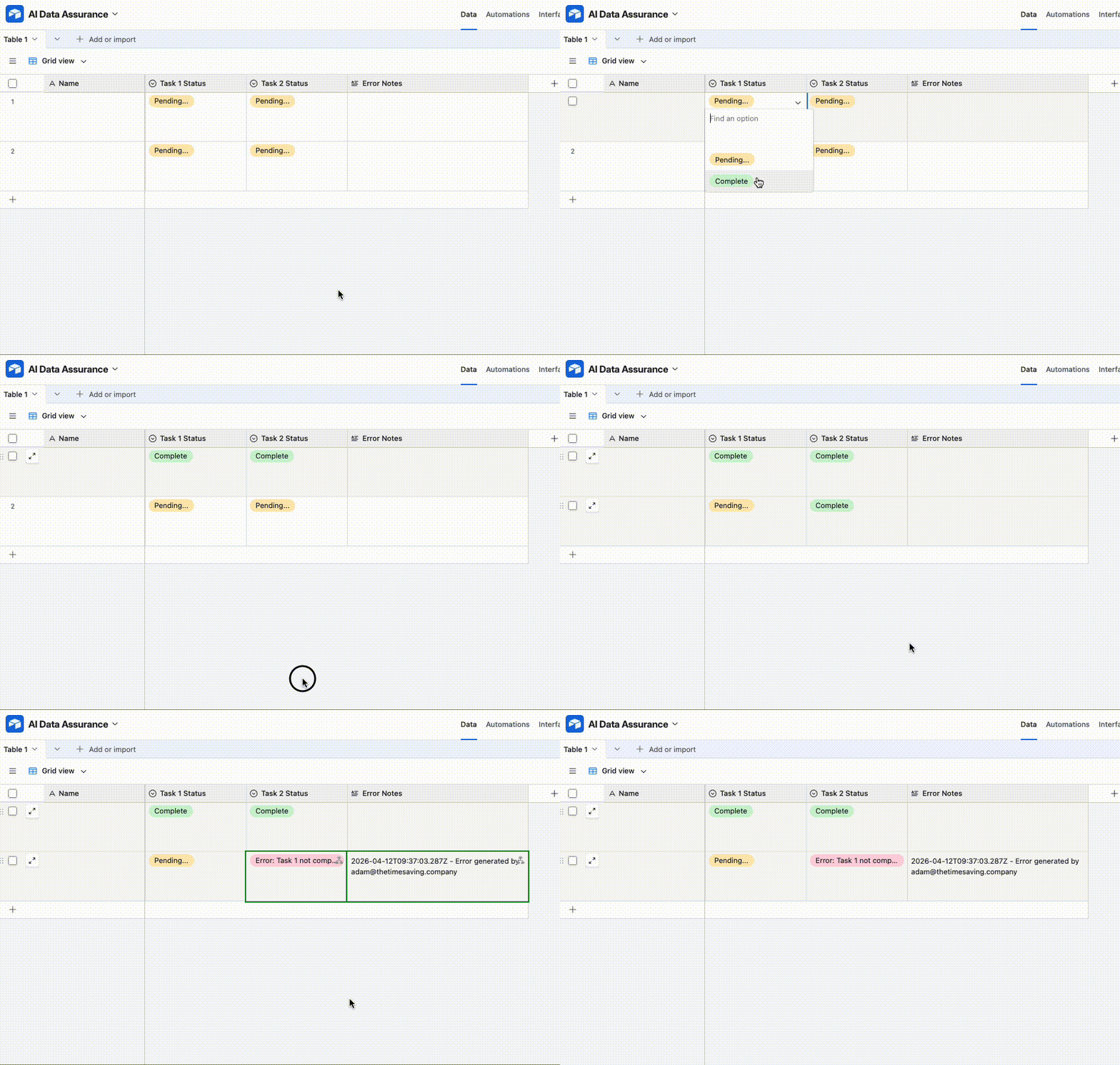
For example, if a user attempts to change a task to complete without uploading the required verification, I would like the system to either block the change or trigger an alert for follow-up.

Has anyone implemented something similar, or can point me in the right direction for how this could be achieved within Airtable?

Thanks

Haydyn N

3 replies

coderkid
Forum|alt.badge.img+5
  • Inspiring
  • April 10, 2026

Unfortunately, Airtable does not natively support strict conditional field locking (Like, preventing a status change unless certain conditions are met).

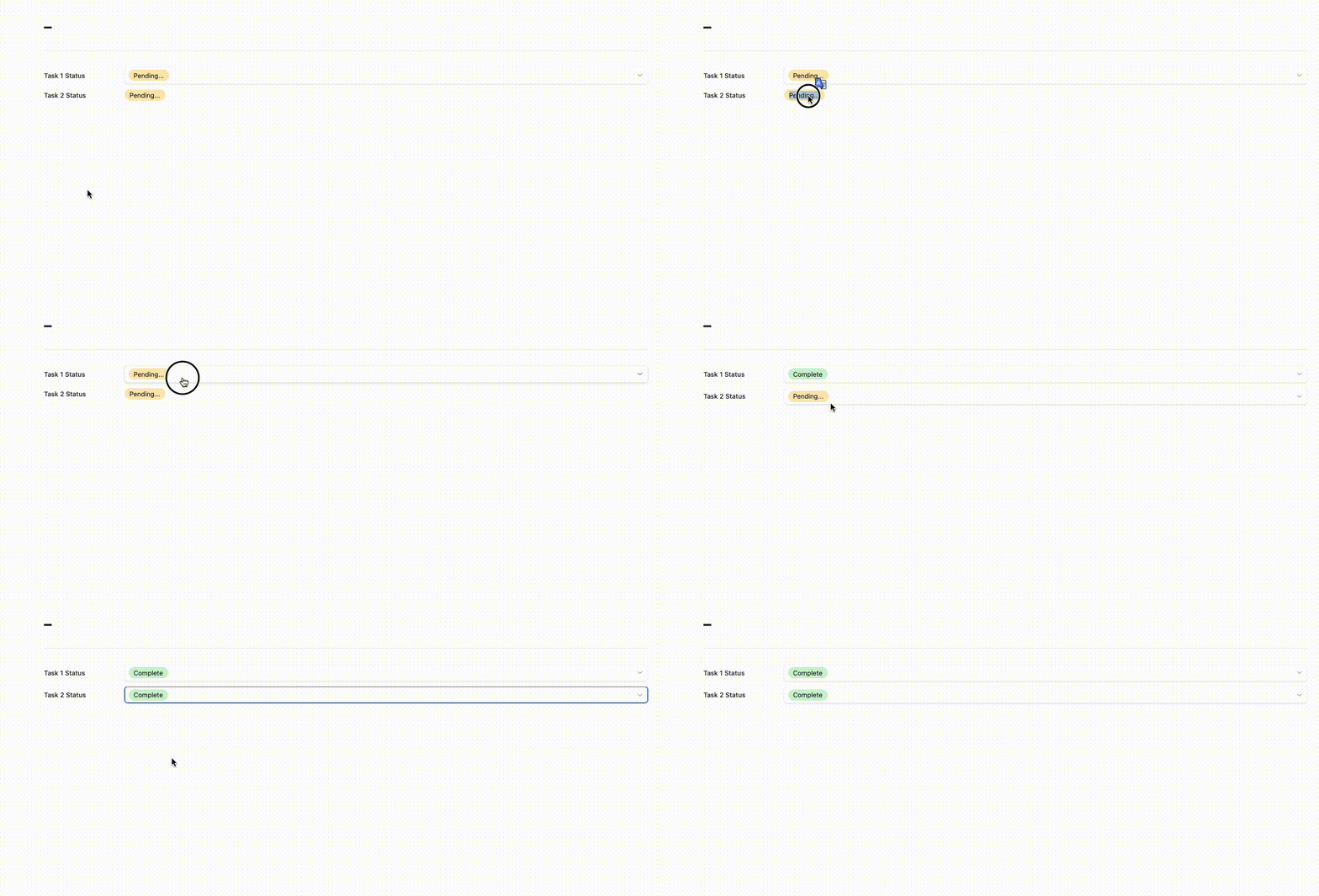
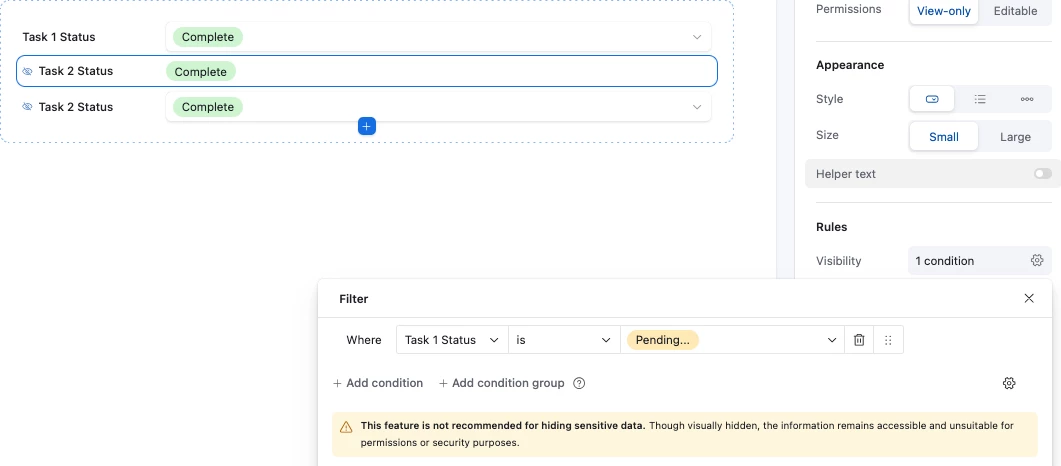
But, if you are on a Business plan or higher, you can approximate this behavior by using Interfaces and controlling the visibility or editability of fields. For example, you can configure the interface so that users cannot select "Complete" unless required fields (like attachments) are present.

Alternatively, a more robust design pattern is to make "Status field" a formula or automation filled field, rather than allowing users to edit it directly. For example:

If an attachment exists : Status = "Ready for Completion"

If approval is provided : Status = "Complete”

This approach reduces the risk of manual errors by deriving status from actual conditions instead of user input.

You can also add a separate field to display validation errors using a formula like this:

IF({Attachment}=BLANK(), "Missing attachment\n") &
IF({Approval}=BLANK(), "Missing approval\n")

This field can clearly indicate what is missing and guide users before they attempt to complete a task.


anmolgupta
Forum|alt.badge.img+3
  • Participating Frequently
  • April 10, 2026

Hi ​@Haydyn N , Think of Airtable as a Canvas - a powerful canvas. You can definitely build what you are asking for in Airtable but you wouldn’t find any out of the box solution for such use cases. 

We need to build all that business logic ourselves in Airtable using Base, Automation, Interaces and Forms. I have built the exact thing you are asking for for my own business as part of our overall project and task management system built over Airtable. 

You can achieve what you are asking for by using Interfaces and Forms. First of all, as a rule, no user should directly access or modify data in the bases. Bases are like your backend databases. Only system admin should have access to that.

End users should be able to see data only through Interfaces. 

As far as updating the data is concerned (updating status of task in your case), you can use Forms for such cases. For eg. you can create another table called “Task Submission Table”. You ask for Task ID as input in that, other input fields that you want (like time spent, notes etc.), and also ask for your proof (attachment, links, notes - anything).

Then Run an automation which is triggered when a new record is created in Task Submission Table. Do all the validation you want to do using conditional logic or even scripts and if you find everything valid, let the automation update the status of your record in the actual “Task” table. 


tl;dr: you need a validation layer before the record gets updated and that validation layer in Airtable is built using Automations.


Mauro_Failli1
Forum|alt.badge.img+1
  • New Participant
  • April 10, 2026

This may be a potential working solution….

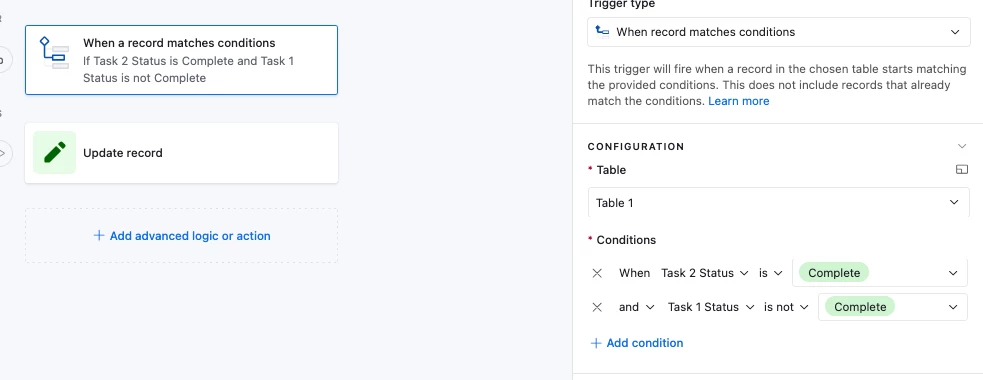
In theory,  once you consider the inputs that trigger status changes and their dependencies, the outputs with a set of clear governance definitions could be orchestrated.  A well defined automation with conditional steps could be used for updating the status field when all the pre-requisites are met.  The trick is that the field permissions would need to be modified so that only the automation (or event base creators) would have rights to change the field, not the users.

I have implemented something like this workflow for attendee nominations for our events.   I have 2 fields, one is status, and the other is stage.  Sales can add names through forms (defaults to NEW/NEW) but only the VP can approve (Status) and only the automation and base creators can change the their registrations (Stage).