Question

Automation to create records from a schedule

  • March 6, 2026
  • 2 replies
  • 12 views

I am setting up an airtable database that functions like a preventive maintenance module (scheduled events with a start date and scheduled frequency create individual records/tickets based on the due date). I have an automation with a script meant to run daily to create anything due within 12 months, however, I keep getting duplicate records. I've been using omni to troubleshoot but have hit a wall.


2 replies

leok
Forum|alt.badge.img+2
  • Participating Frequently
  • March 7, 2026

Hi ​@ChrisHollywood , hard to say exactly what is causing it without seeing the script, but duplicate records in this kind of setup usually come from one of two things. Either the script is not checking whether a ticket already exists before creating a new one, or the automation itself is being triggered more than once a day for some reason.

Could you share your current script? That would make it a lot easier to figure out what is going wrong.

Leo from UseEfficiently


TheTimeSavingCo
Forum|alt.badge.img+31

Hm, for stuff like that I usually recommend either:

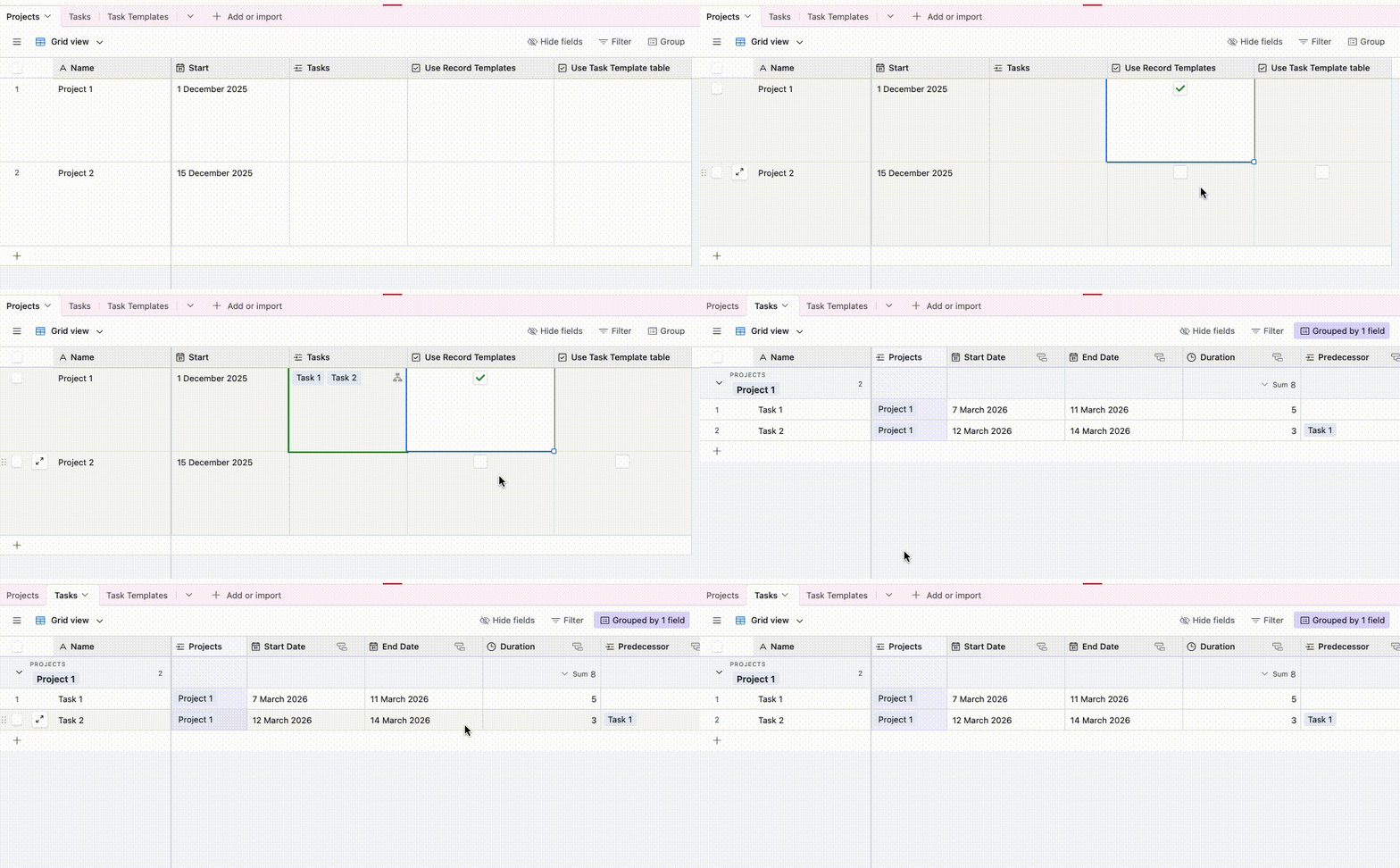
  1. Using Record Templates: https://support.airtable.com/docs/using-record-templates-in-airtable
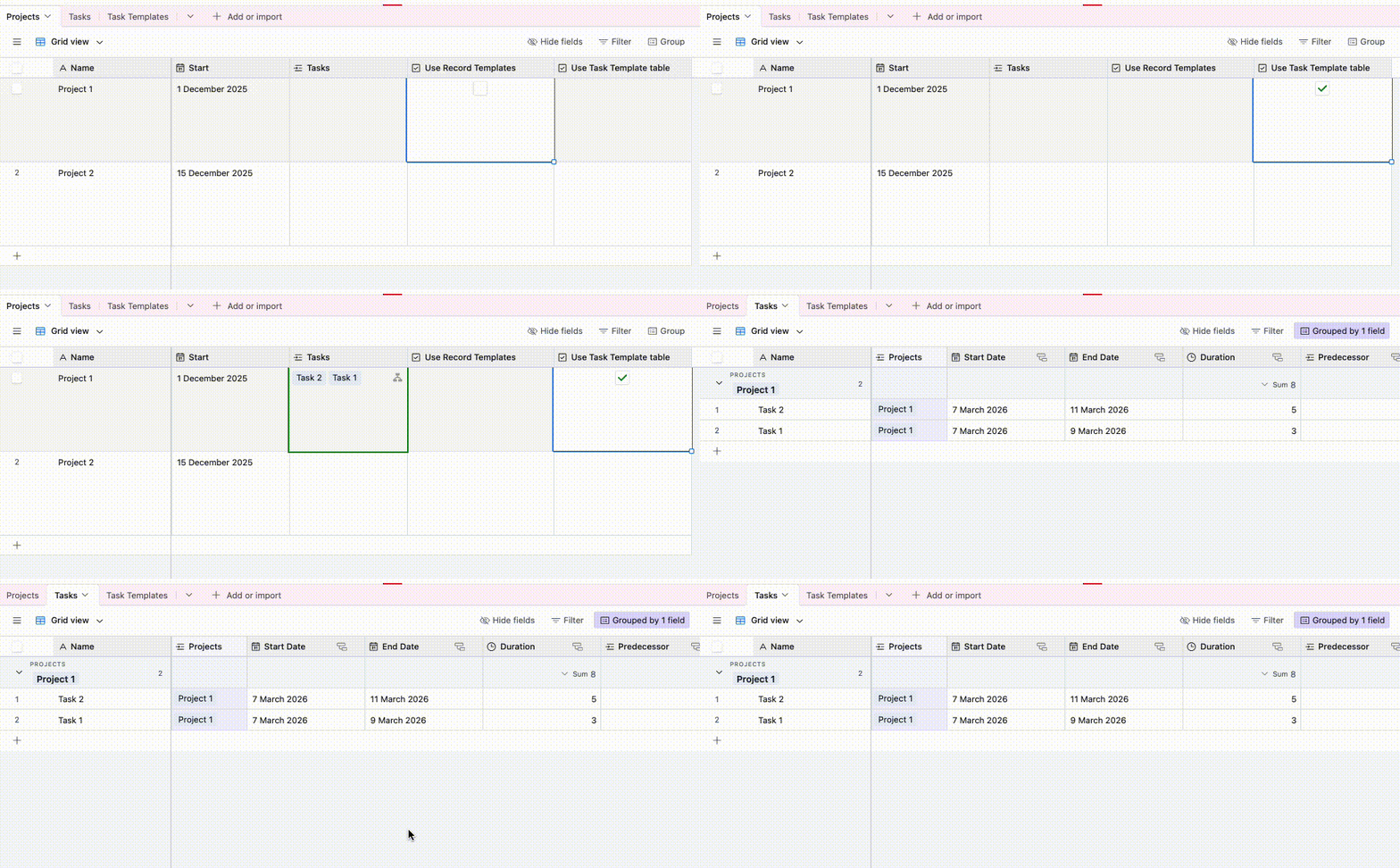
  2. Creating a table called ‘Task Templates’ where each record represents a single task, and creating an automation that’ll help you create those by doing a ‘Find Record’ followed by a ‘Repeating Group’

I also do free half hour calls and would be happy to jump on a call to get you sorted if you’d like, and you can schedule one here!

---

I’ve set up a base here for you to check out using both of these so that you can see how one would set it up, and here’s how they look in action:

Using the Task Templates table:


Using Record Templates: