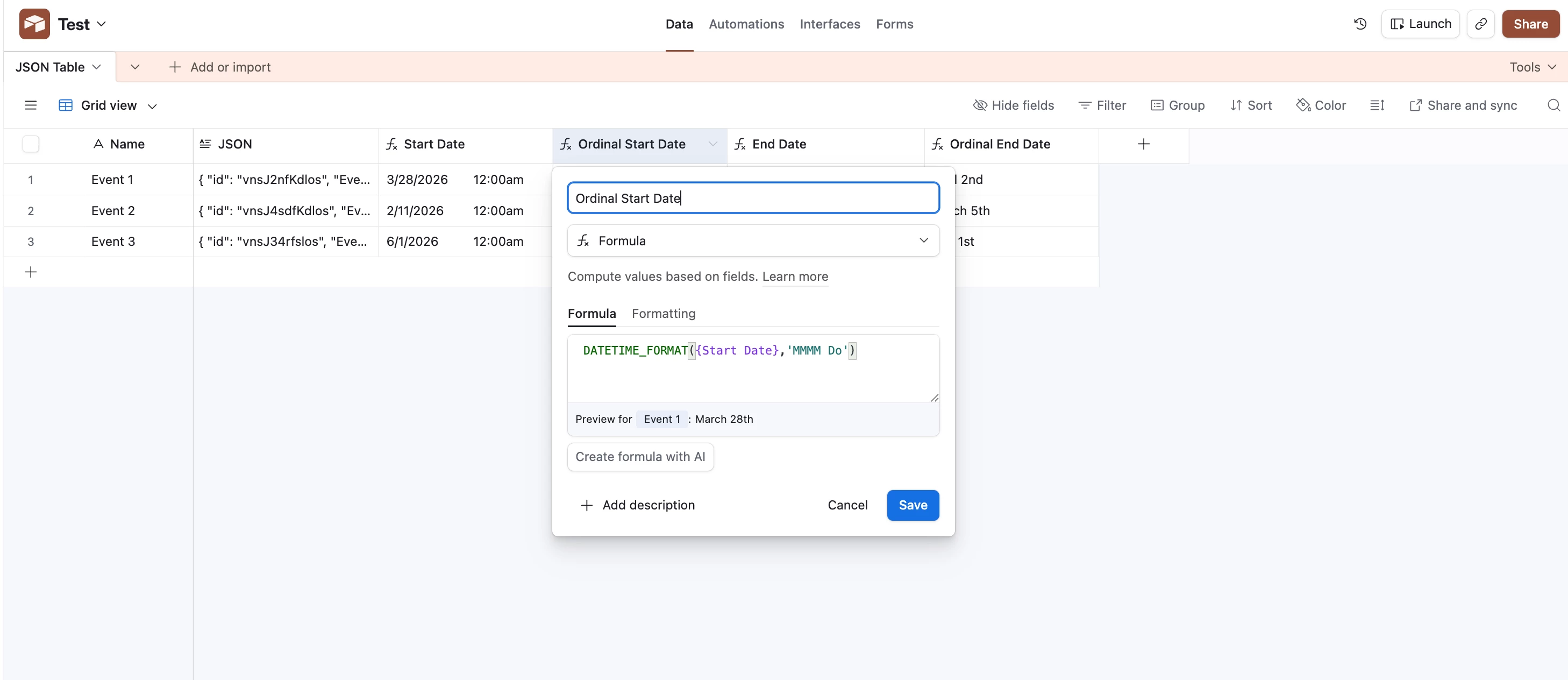
Hello everybody I have been working on some AirTable Automation scripts and I figured people might need some help on working with Dates and Times using Javascript on the platform so I am here to share with the community a little guide on both working with AirTable records with Dates along with how to convert them over to JSONs and access/modify them. I specifically cover how to get Ordinal values from the day of the month along with getting the name of the month from the numeric value of the month!
Setting Up Your Script
The first thing you will want to do is click the Automation Tab → Create your Trigger → under actions create an action that says “Run a script”.
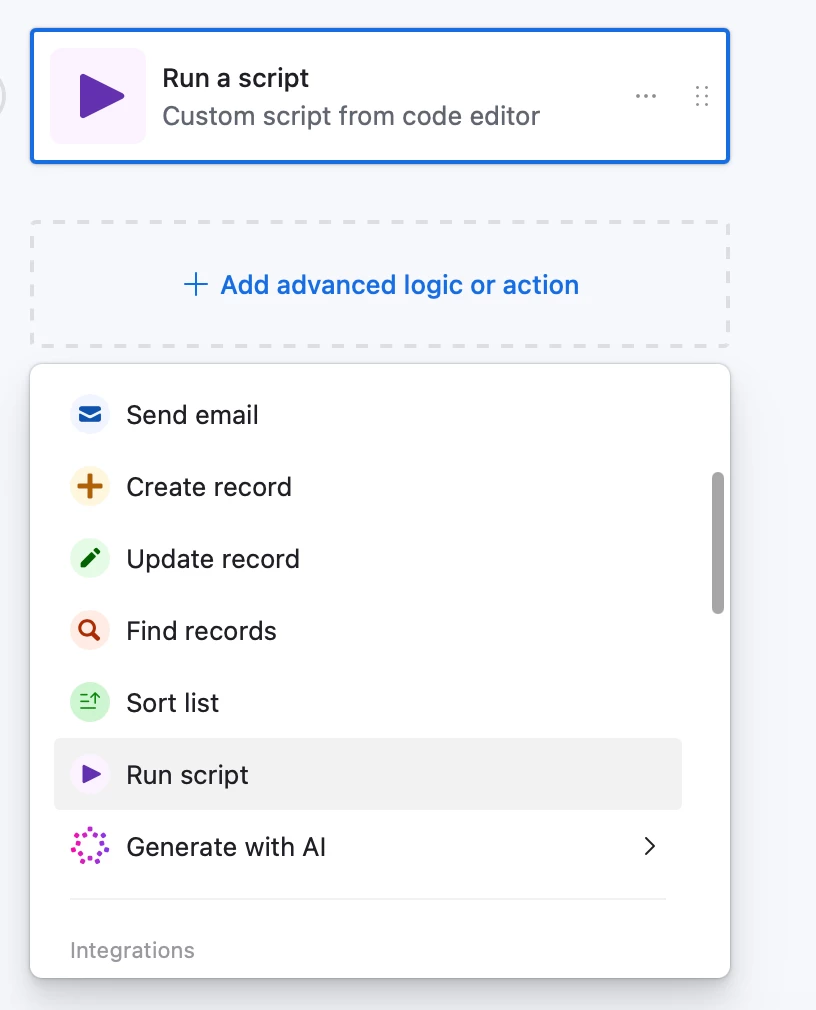
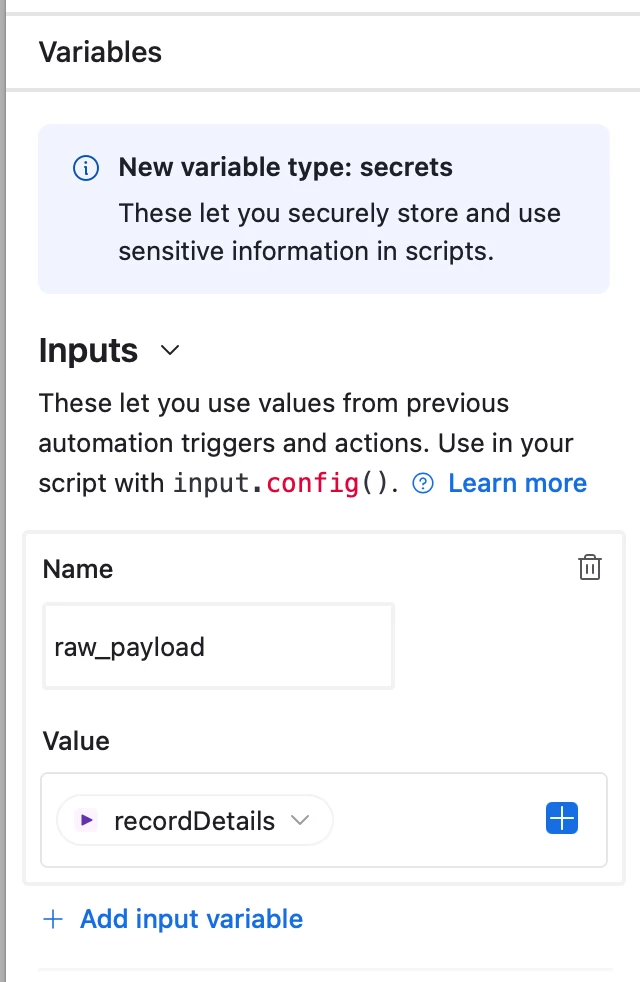
Next you will want to import your data either from a view or a table. In the left pane you will see a category called Inputs. inputs allows you to add in data from previous steps as long as it was mentioned using the output.set() function.
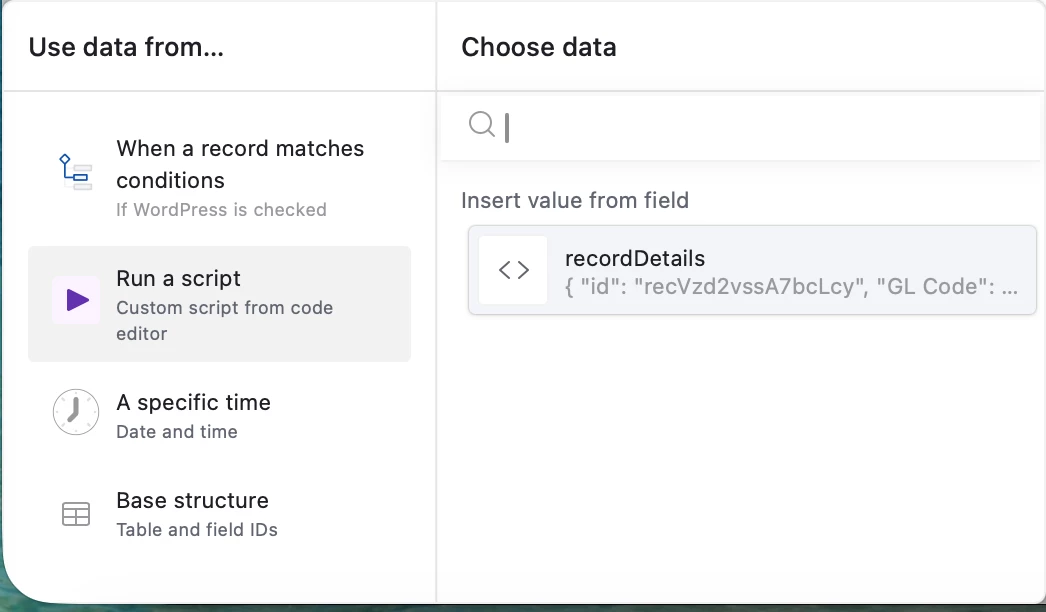
If you have any previous steps with the output.set() function from a previous script you will click the plus sign and for my example Run a script from a previous script and then recordDetails as I have information stored from there using the output.set() I mentioned earlier.
Importing Our Data & Converting to JSON
Next we want to create some helper functions to manipulate our data pulled from our inputs. If your data pulled was a string that is formatted to match a JSON you can use the built in library to parse the string and create a JSON object the allow access to keys which store your values. In this case, I will be using AirTable data converted into a JSON.
// Takes our input and checks if the type is a string, if so we will use the built in JSON library to parse it and return it as a JSON for us.


// input.config() allows us to use the input variables are have stored.
let inputs = input.config();

// we use the variable payload to create a JSON version of our raw_payloads input because it's original format is a string

let payload =
  typeof inputs.raw_payload === "string"
    ? JSON.parse(inputs.raw_payload)
    : inputs.raw_payload;
Creating The Helper DateTime Functions
Now that we have our data imported we want to have some functions that will grab and parse our data to exactly how we want it. We have three functions listed below:
- localeMonth
- The input required for this will be a date in the format of (mm/dd/yyyy) and it will pass back the month in a long format. The long format is going to be the full name of the month.
- In this example we pass 3/28/2026 and we are given back “March”.
- localeDay
- The input required for this will be a date in the format of (mm/dd/yyyy) and it will pass back the day of the month in a numeric format.
- In this example we pass 3/28/2026 and we are given back “28”. If you pass 03/02/2026 you will just get “2”.
- getOrdinal
- The input for this will be a date but in the format of the localeDay (“28”). This will give us the proper suffix associated with the day provided.
- In this scenario have passed “28” into this function and we are returned with “th” as the suffix.
// This will grab the month in long format (January, February, March etc.)
const localeMonth = (d) =>{
  return new Date(d).toLocaleString('default', { month: 'long' });
}

// This will grab the day of the month from our date passed in (mm-dd-yyyy)
const localeDay = (d) =>{
  return new Date(d).toLocaleString('default', { day: 'numeric' });
}


// This will give us the ordinal value based off of the localeDay function format (st,rd,th)

function getOrdinal(n) {
  let s = ["th", "st", "nd", "rd"];
  let v = n % 100;
  return n + (s[(v - 20) % 10] || s[v] || s[0]);
}


const startMonth = localeMonth(payload["Event Start Date"])
const startSuffix = getOrdinal(localeDay(payload["Event Start Date"]))

const endMonth = localeMonth(payload["Event End Date"])
const endSuffix = getOrdinal(localeDay(payload["Event End Date"]))
Example Inputs & Outputs
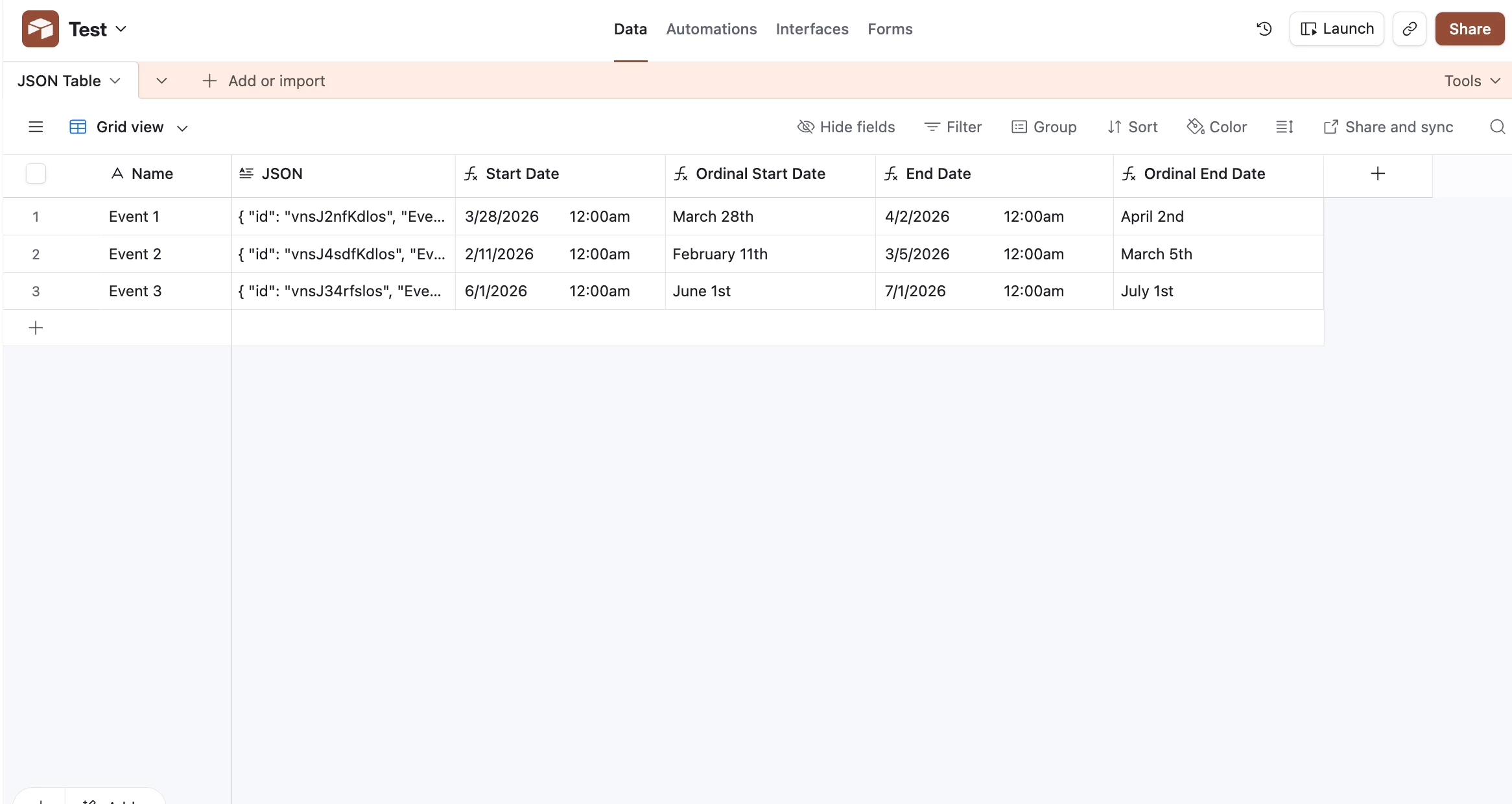
Let's apply everything together now and use some sample inputs to showcase what your outputs should look like. For our sample data I will be using this payload to demonstrate. Feel free to just copy this for learning purposes. If you have your own data that you have already cleaned then make sure you have imported it with the steps above.
Sample Code:
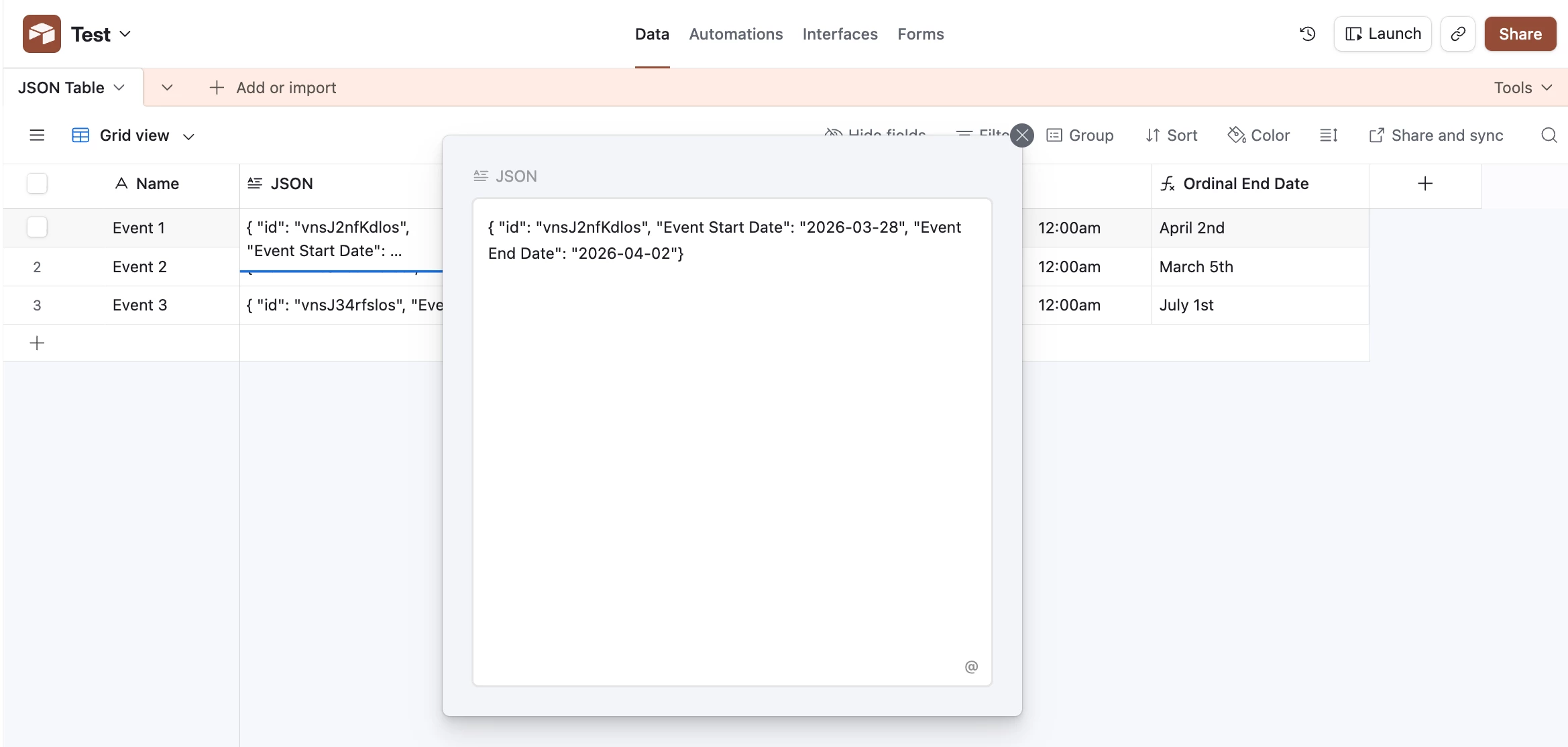
{ "id": "vnsJ2nfKdlos", "Event Start Date": "2026-03-28", "Event End Date": "2026-04-02"}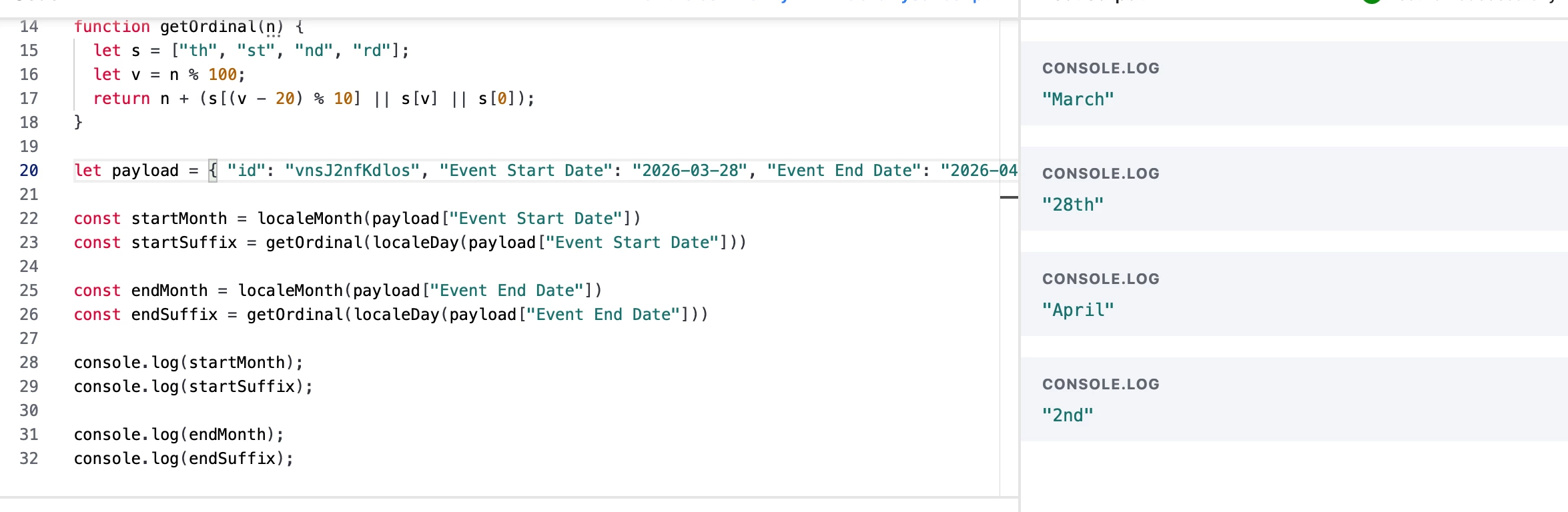
Reviewing the console on the right you can see that we have the proper month translated from “3” into March and the date of “28” is now “28th” thanks to our getOrdinal function! Hopefully this helps out when you are cleaning your data and using Javascript to work with Date formats. I have also published a full version of this script to the community as well.