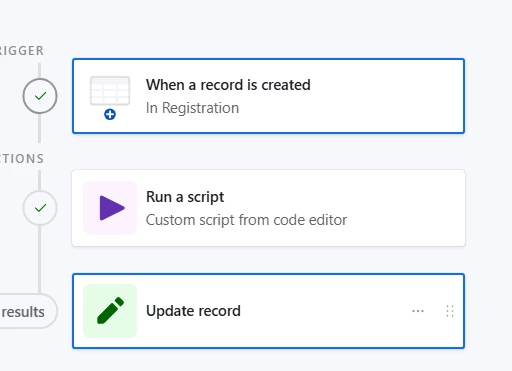
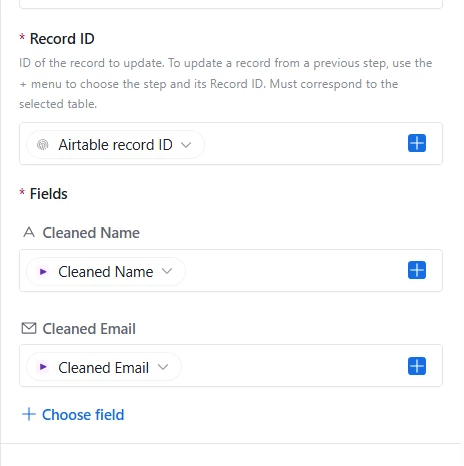
I currently have a sign-up form that collects both a name and email address. When the person signs up, I have an automation set up to send a confirmation email. I have a bizarre situation where one person somehow keeps submitting their name and email address in what I assume is unicode bold, sometimes courier, and sometimes in a type of cursive.
Whenever this happens, the confirmation email fails. The person who signs up on this form is older, and has no idea what she’s doing. I am hoping to be able to somehow convert all the unicode fonts into something that is readable so it can send emails.
Some more context, the font also doesn’t get picked up if I do a Ctrl+F on the back end of the form. It’s as if the text isn’t there. If I copy and paste the text somewhere else online, it keeps the formatting, which makes me think it’s some kind of unicode that is still readable, but obviously not in this email situation. Can I fix this on the back end of AirTable so anytime she puts her “fonts” in a submission, it can automatically be saved as good ole regular plain text? Or is this just something I have to live with?