I’m building a CRM within Airtable and need to create a two-way sync between Airtable and Google Calendar so if an event is created/updated/deleted in one, it automatically updates in the other. This is the current setup I have:
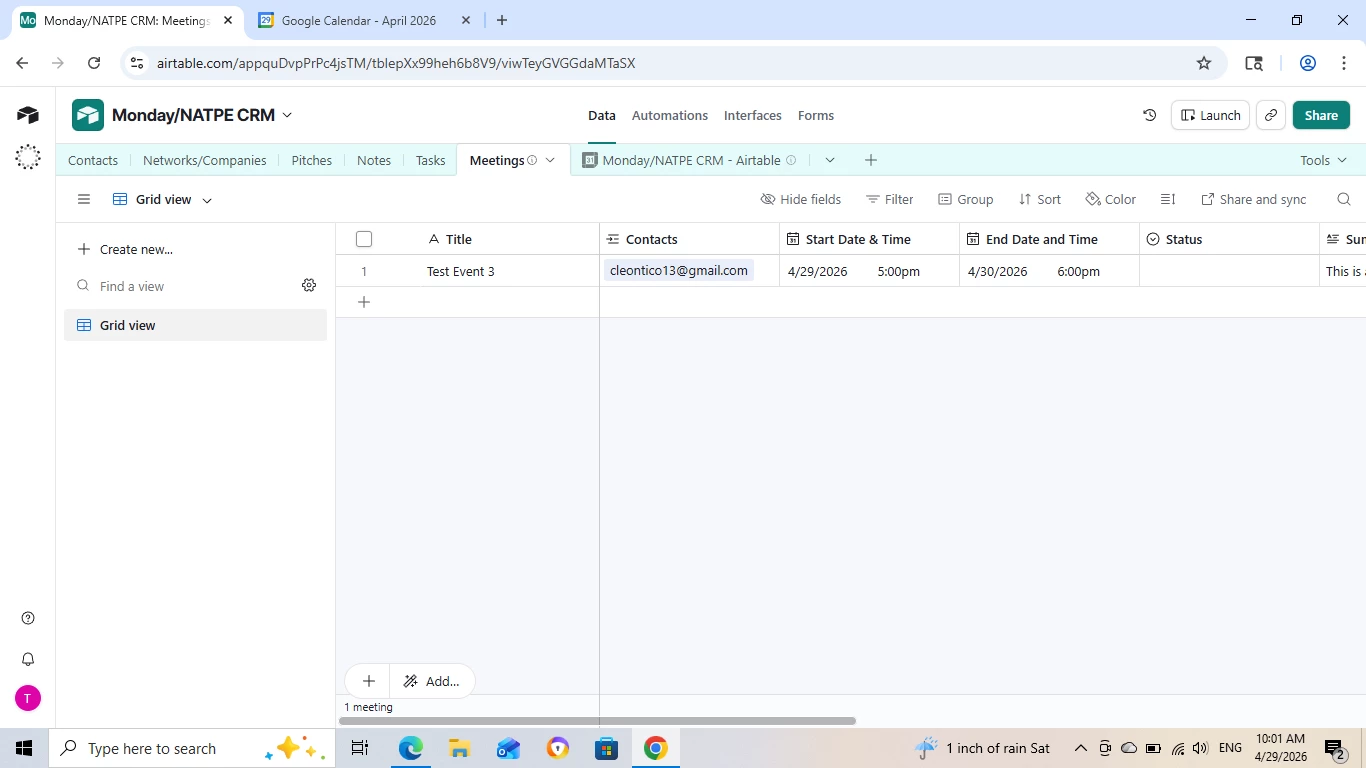
A separate ‘Meetings’ table for events created within Airtable and a separate table that’s integrated with the Google Calendar (on the interface, it will all just be one calendar).
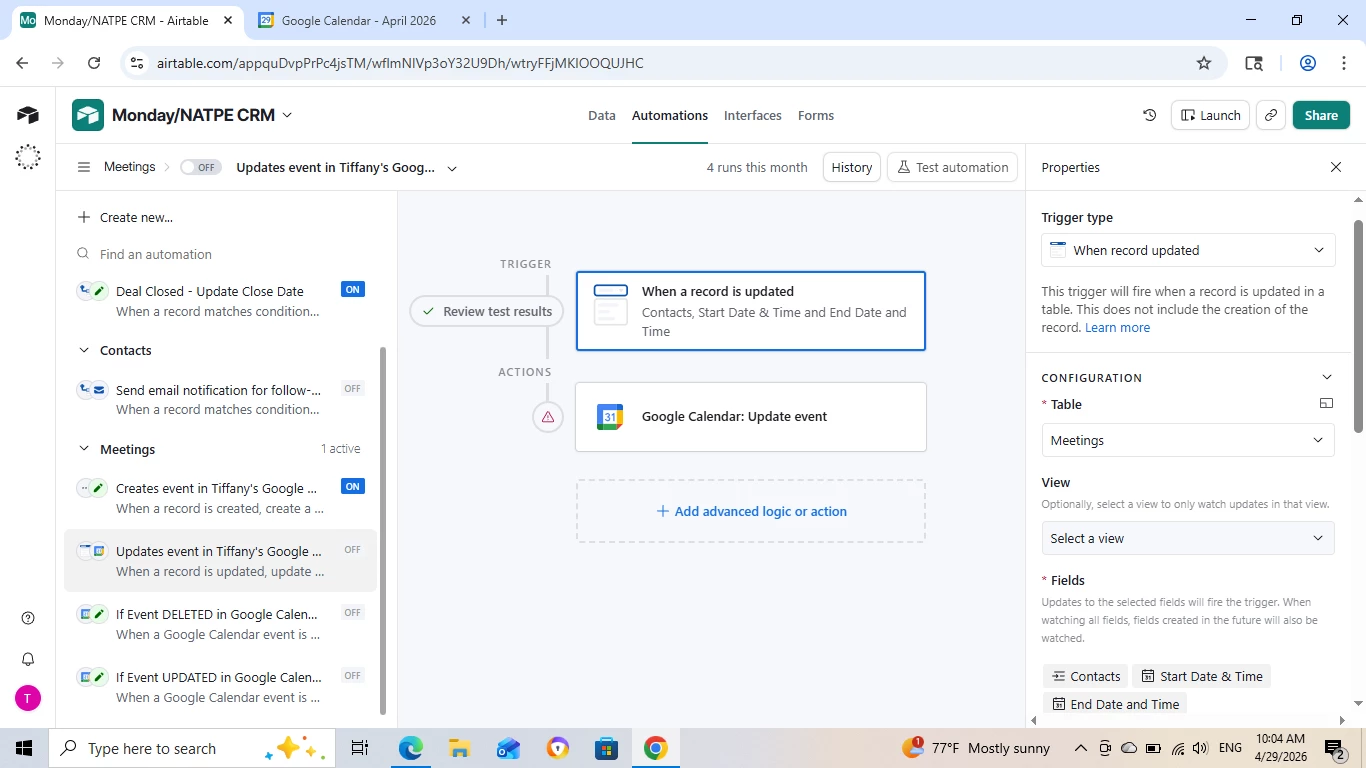
I am trying to create an “Update Record” automation so if an event is updated in Airtable, it updates in Google Calendar but I’m running into some issues and with the vice-versa automation.
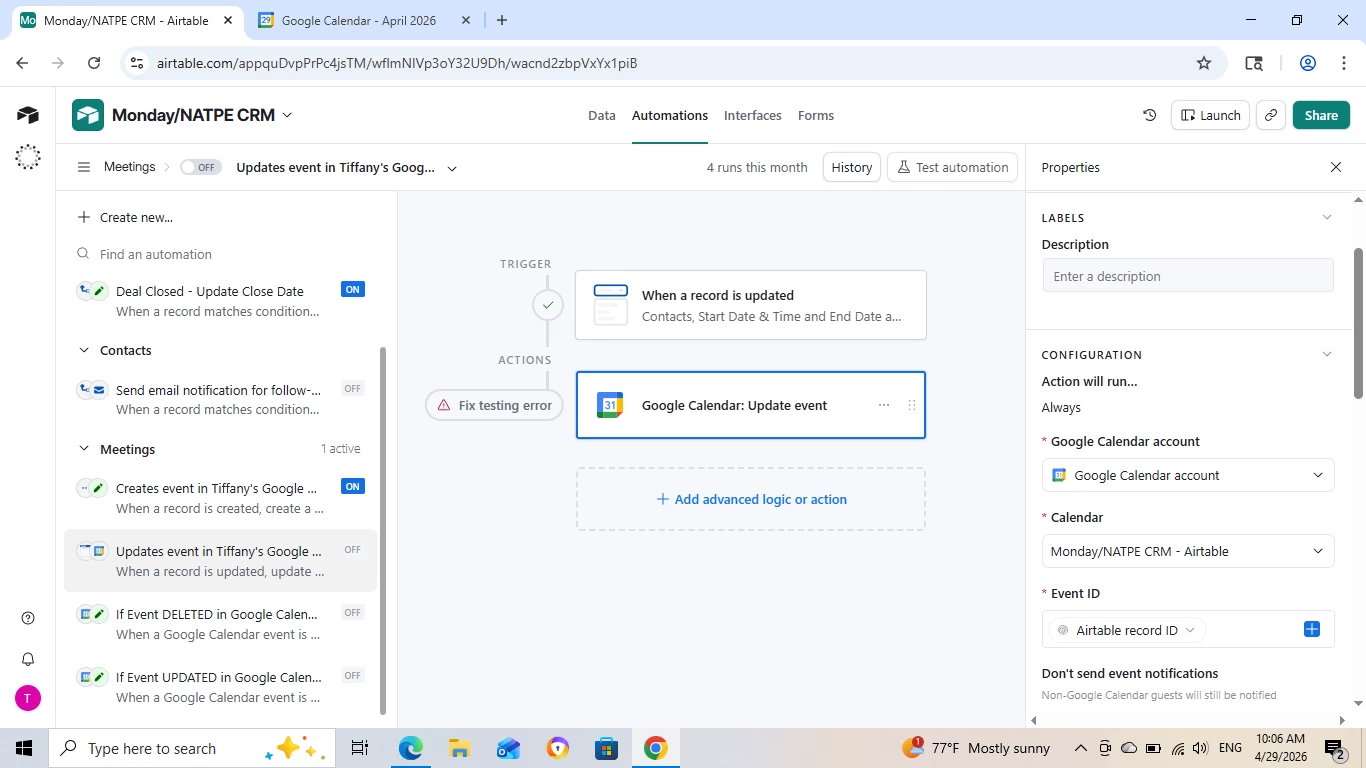
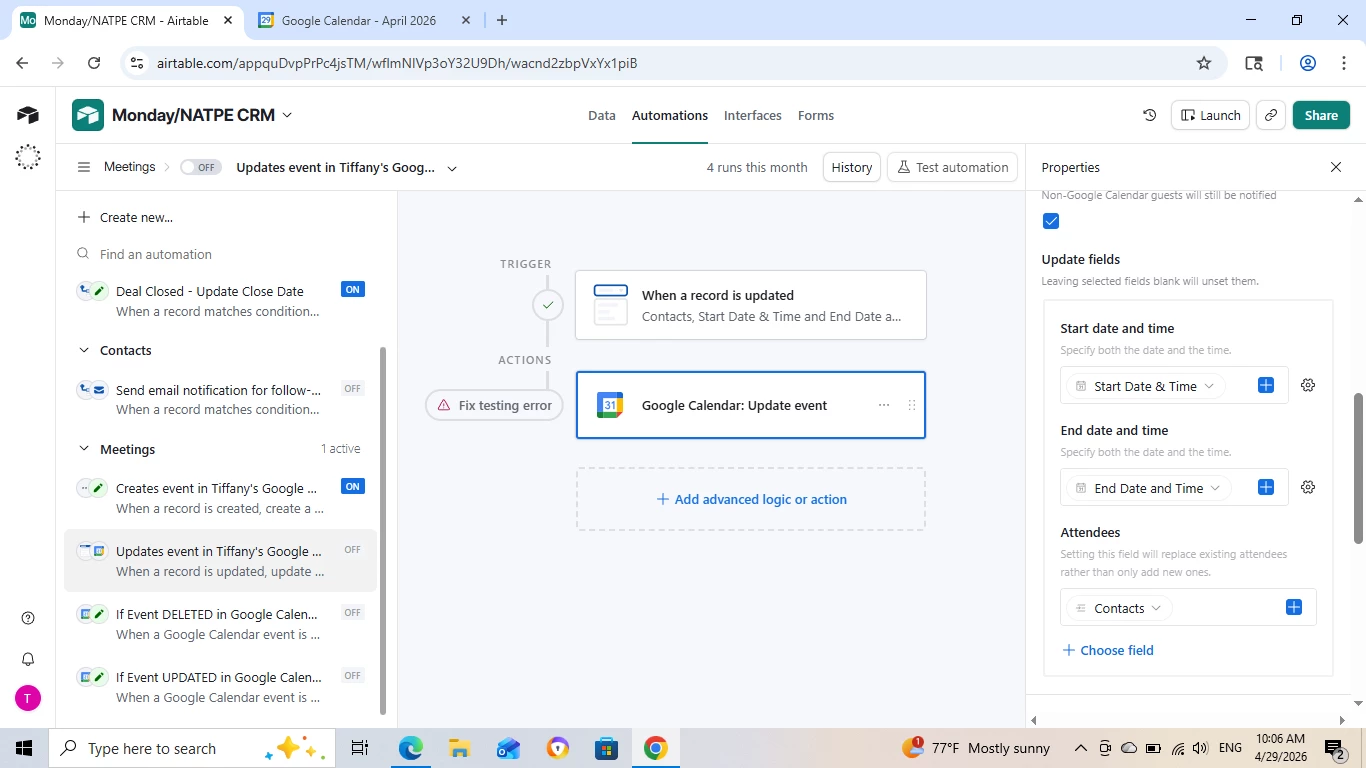
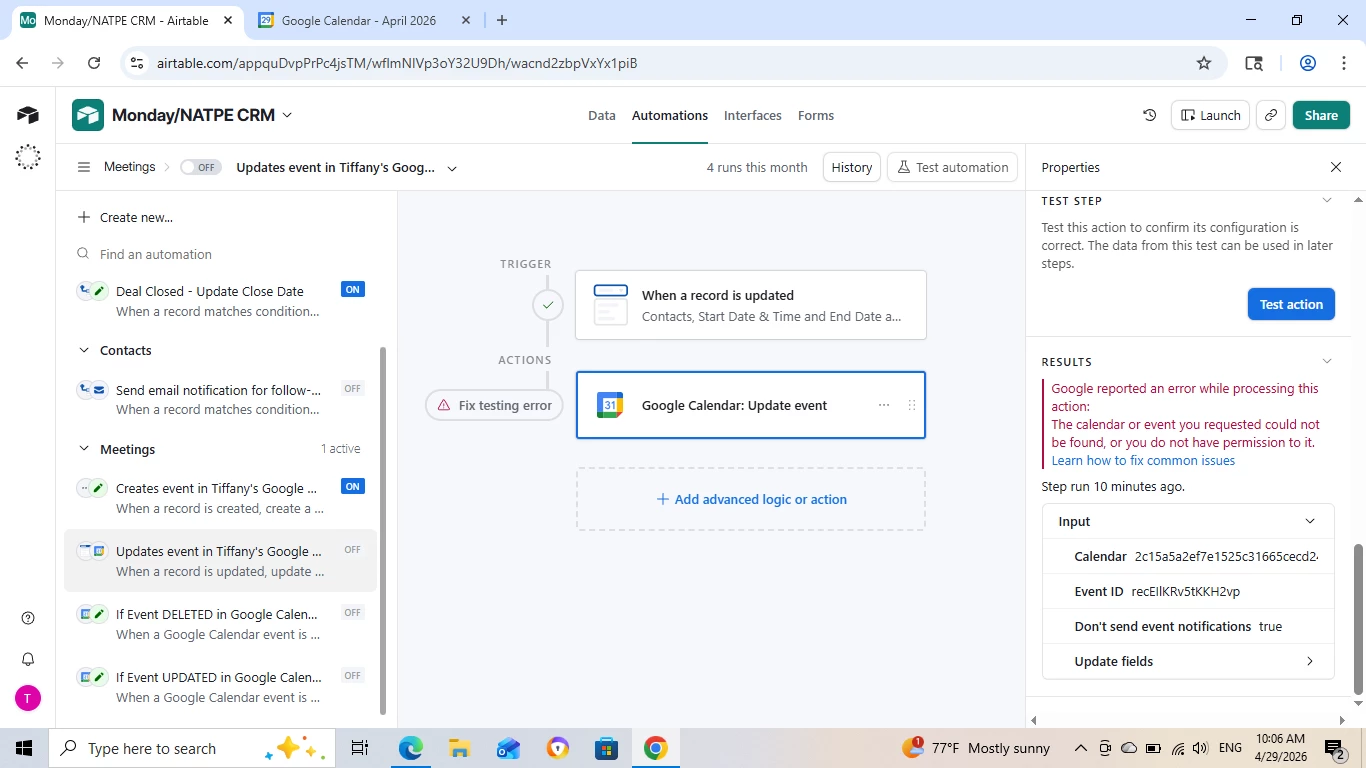
The trigger runs successfully but the action always fails:
Always the same error processing the action
Has anyone done a two-way sync before and can please shed some light on how to achieve this?
Thank you!
Best answer by DisraeliGears01
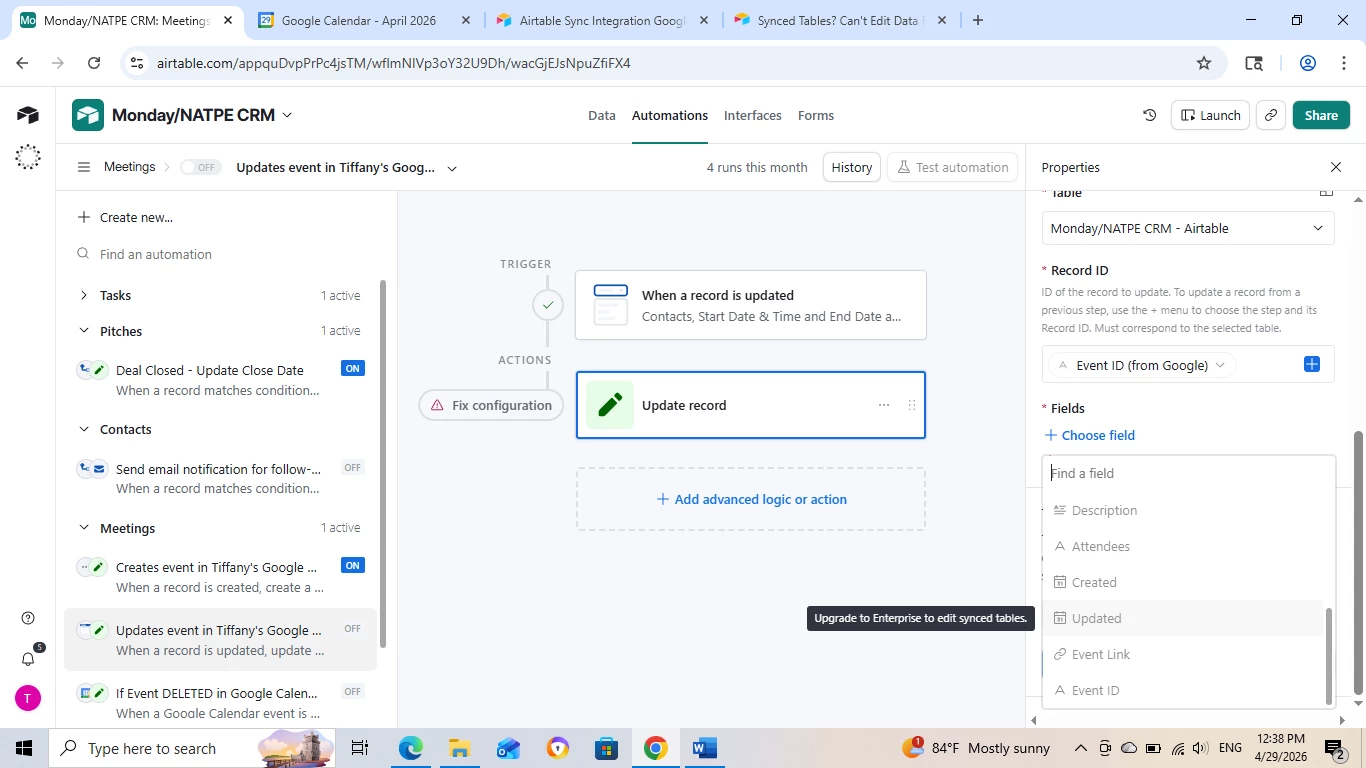
Well now you’ve changed your automation to attempt to update the record on the synced table instead of in Google Calendar.
One critical thing is that the Google Event ID should exist in both your Meetings table and your synced table. You can use that to associate records together.
To do two-way syncing on a Team plan you’ll need several automations and need to consider all the pathways for creating/editing/cancelling events. So for instance…
Google Cal as Source
Automation 1- Create Record in Meeting Table
When Record is created in Synced Table, create record in Meeting table with all relevant data. Doesn’t hurt to add a linked record field connecting the two either
Automation 2- Update Record in Meeting Table
When Record is modified in Synced Table (specify your fields), update associated record in Meeting table. You can either use the linked record field to ID the record to update in Meeting table or use the Google Event ID which should match across tables
Automation 3- Canceled Meeting
This one is a bit trickier as automations can’t delete records without scripting. I’ve worked around this by indicating CANCELLED instead of deleting a record.
Airtable as Source
Automation 4- Create Record in GCal
When Record is created in Meeting table, create Google Calendar Event with all relevant data. Also important to then update the Meeting table record with the Google Event ID or linked record field.
Also important to consider how records in Meeting table are created. If they’re being added in the data layer, you need a different trigger because record creation occurs when a row is created, even if that row has no data. If you’re using a form to populate Meetings, On Creation works because it all comes in at the same time.
Automation 5- Update Record in GCal
When Record is updated in Meeting table (specify fields), update Google Calendar Event with relevant data. This is where Google Event ID is important because it identifies which event to update on Google’s end.
Automation 6- Cancel Event in GCal
This ties a bit in with above and how you want to handle cancellations, could tbh be folded in Automation 5.
That's the way I’d approach this, and there might be some ways to consolidate automations a bit, but it’s where I would start at.
Well now you’ve changed your automation to attempt to update the record on the synced table instead of in Google Calendar.
One critical thing is that the Google Event ID should exist in both your Meetings table and your synced table. You can use that to associate records together.
To do two-way syncing on a Team plan you’ll need several automations and need to consider all the pathways for creating/editing/cancelling events. So for instance…
Google Cal as Source
Automation 1- Create Record in Meeting Table
When Record is created in Synced Table, create record in Meeting table with all relevant data. Doesn’t hurt to add a linked record field connecting the two either
Automation 2- Update Record in Meeting Table
When Record is modified in Synced Table (specify your fields), update associated record in Meeting table. You can either use the linked record field to ID the record to update in Meeting table or use the Google Event ID which should match across tables
Automation 3- Canceled Meeting
This one is a bit trickier as automations can’t delete records without scripting. I’ve worked around this by indicating CANCELLED instead of deleting a record.
Airtable as Source
Automation 4- Create Record in GCal
When Record is created in Meeting table, create Google Calendar Event with all relevant data. Also important to then update the Meeting table record with the Google Event ID or linked record field.
Also important to consider how records in Meeting table are created. If they’re being added in the data layer, you need a different trigger because record creation occurs when a row is created, even if that row has no data. If you’re using a form to populate Meetings, On Creation works because it all comes in at the same time.
Automation 5- Update Record in GCal
When Record is updated in Meeting table (specify fields), update Google Calendar Event with relevant data. This is where Google Event ID is important because it identifies which event to update on Google’s end.
Automation 6- Cancel Event in GCal
This ties a bit in with above and how you want to handle cancellations, could tbh be folded in Automation 5.
That's the way I’d approach this, and there might be some ways to consolidate automations a bit, but it’s where I would start at.
To build upon @DisraeliGears01’s excellent write-up above, if you don’t know scripting (to handle deleted events), you may want to accomplish this in a no-code way by using Make’s Google Calendar integrations in conjunction with Make’s Airtable integrations.
(You can even do ALL of your two-way syncing by using Make… you’re not limited to just handling the deleted records there.)
Ack, one other important thing I left out is to build in a flag in the automation workflows to prevent duplication, otherwise you can create an automation loop (where Create Record from Gcal trigger the Create Record in Meeting, which trigger the Create Record from Gcal, etc.)
Does this look right? If so I’ve set it up here for you to check out and you can duplicate it into your own Workspace to poke at it!
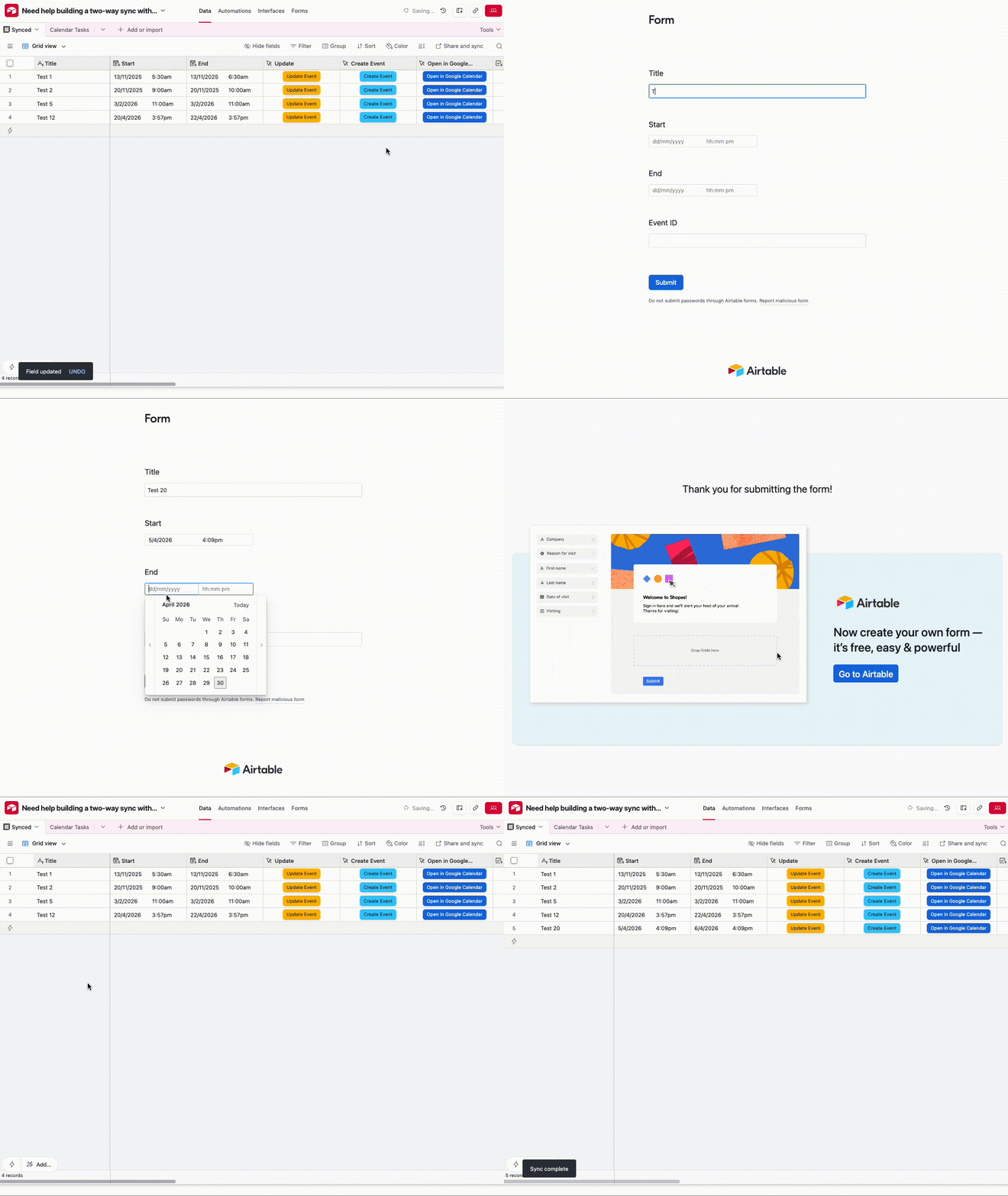
The idea is to use the Synced Calendar table as the source of truth (i.e. Contacts, Tasks etc would be linked to the ‘Monday/NATPE CRM’ table instead of the ‘Meetings’ table) and we create a system to make updates / create events on Google Calendar only, removing the need to update the ‘Meetings’ table
Creating an event:
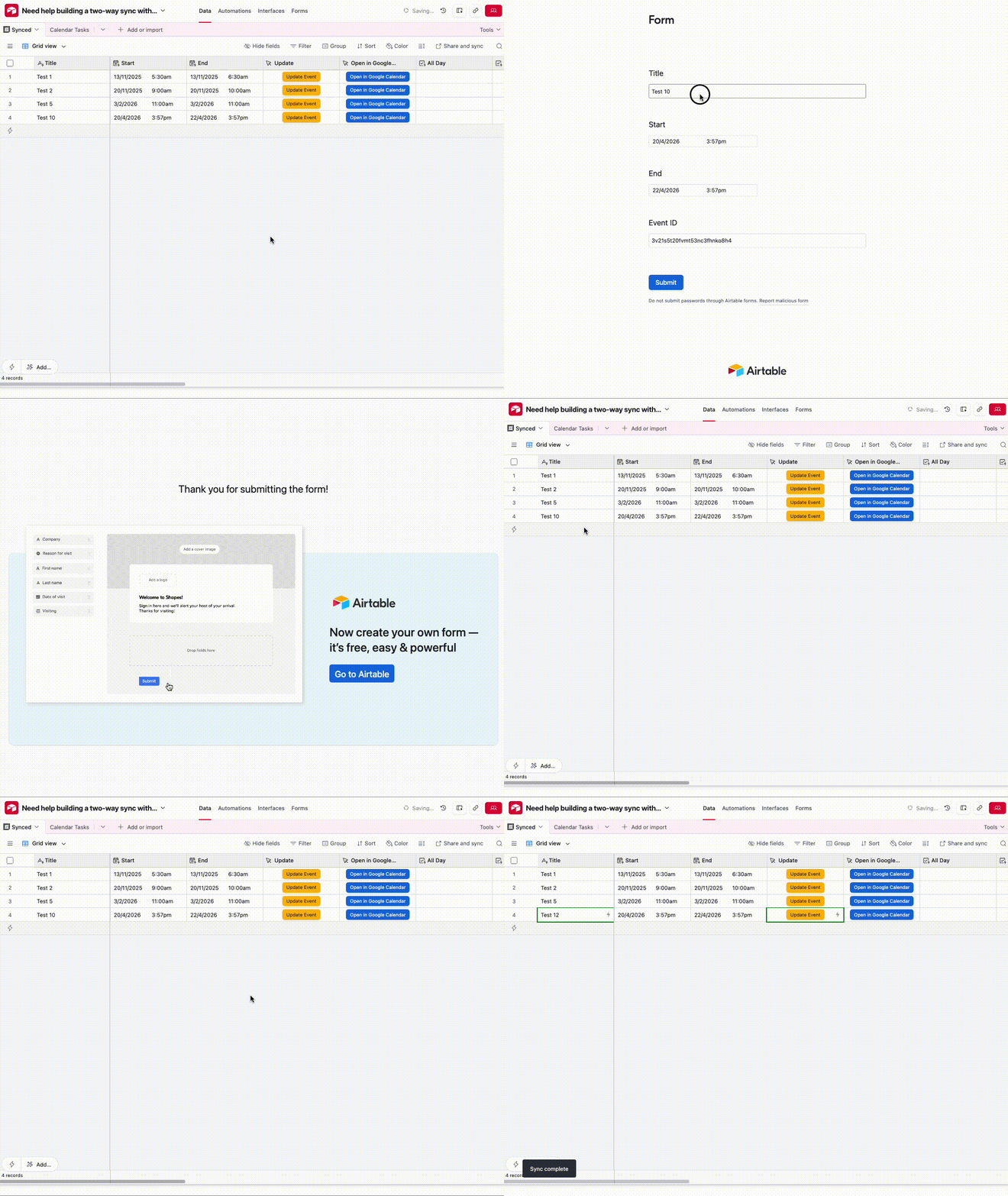
Updating an Event:
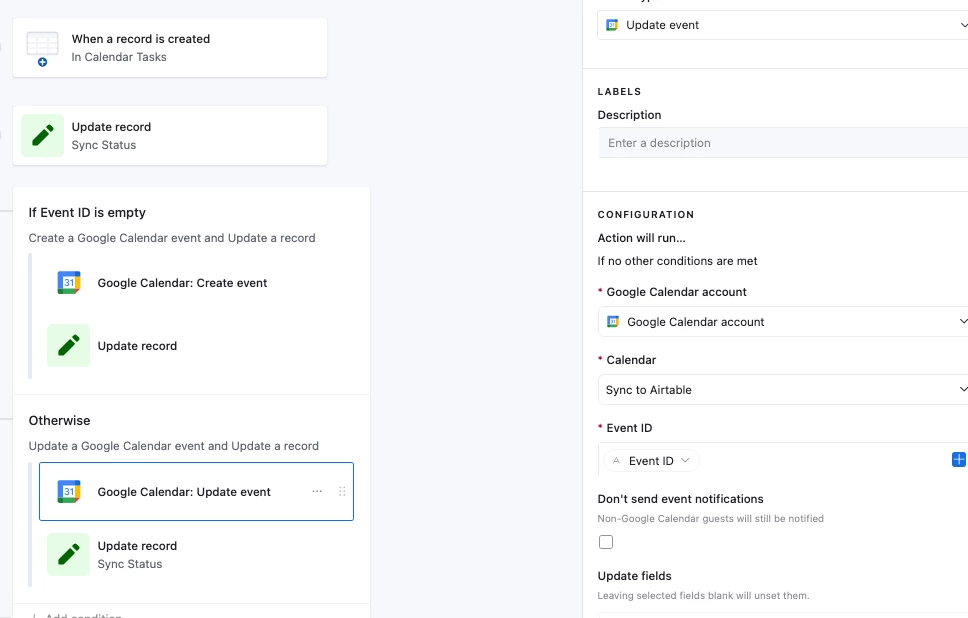
Submitting the form triggers an automation that’ll either Create or Update an event for us based off whether there was an Event ID: