Question

Updating An Existing Record via Google Sheet

  • February 26, 2026
  • 2 replies
  • 25 views

Hi Everyone!

I am planning a wedding and using a site like Zola to gather all Emails, Addresses, RSVP information. When someone completes the form it auto populates a Google Sheet. Currently I have my guest list organized in Airtable with just names and all of these other pieces of information blank. 

I would like to create an automation that searches the Zola created Google Sheet whenever a row is added, finds a matching name and updates the Record in Airtable. If in the case a name is mis-matched or not present in my Airtable guest list, ideally I would like it to just add it to my guest list and I can manually correct the issue. 

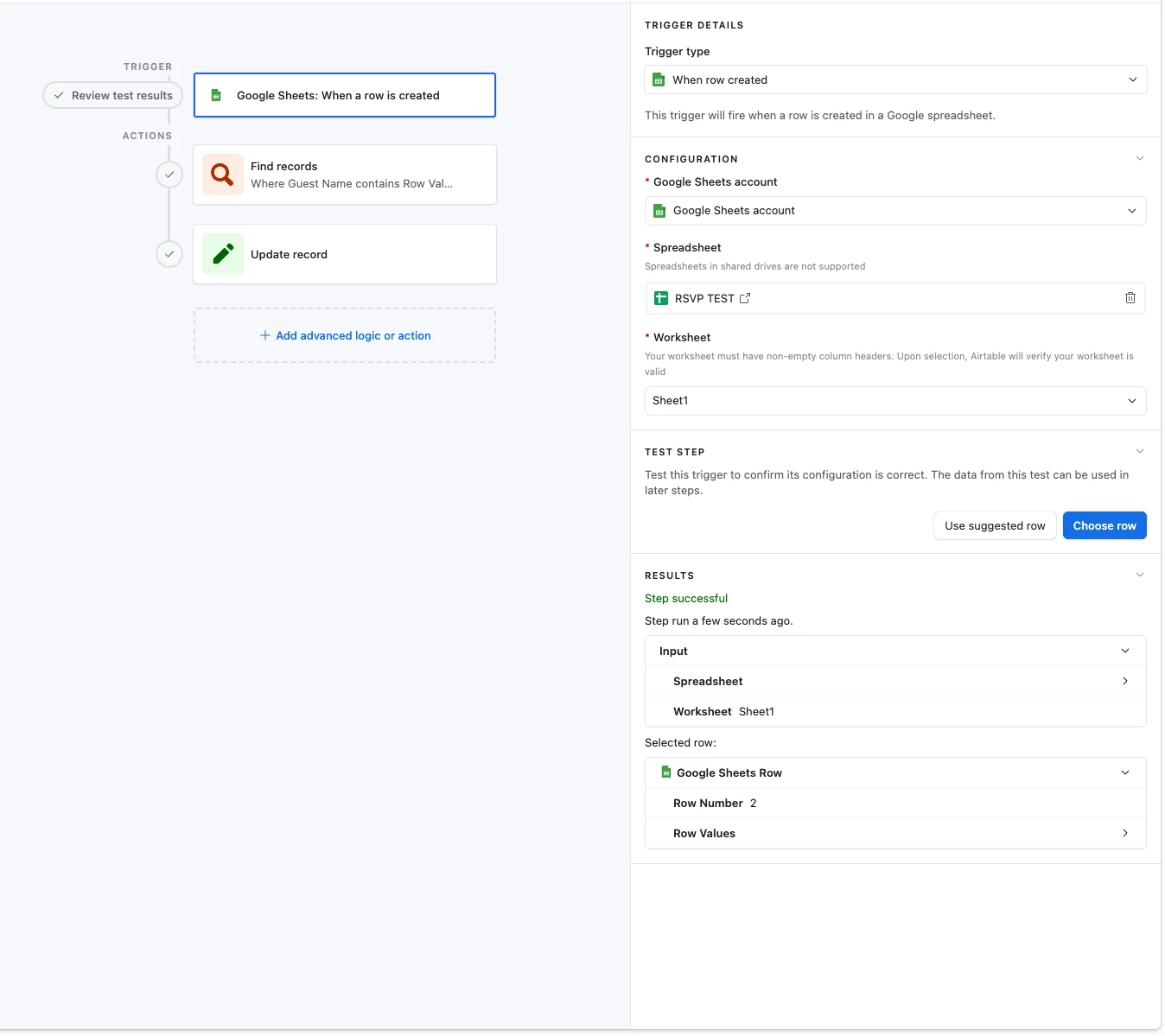
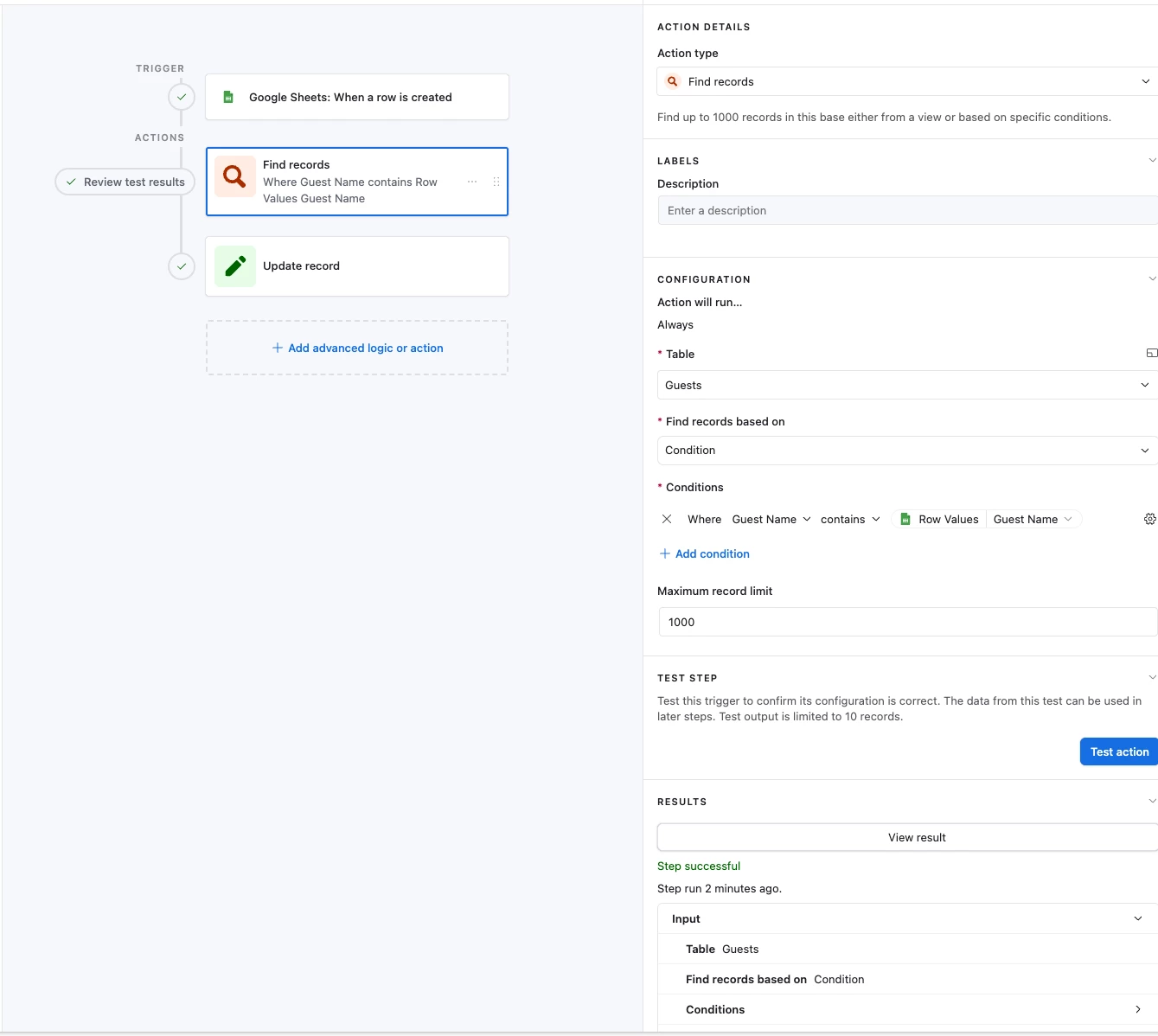
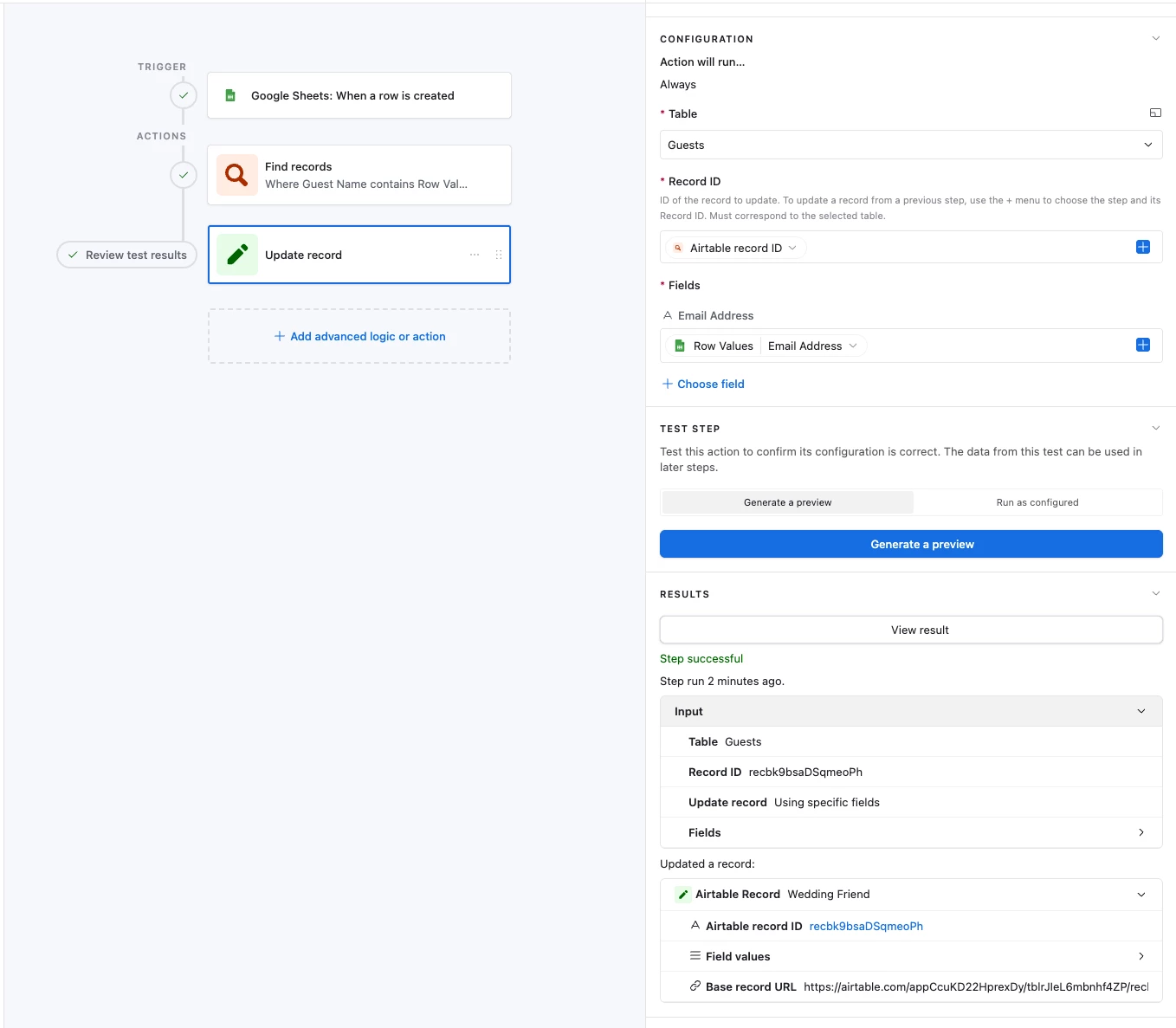
I created the automation and used a test Google Sheets and everything passed but I am not seeing my data reflected. I have attached screenshots:
 

2 replies

  • New Participant
  • February 26, 2026

Hello!

Your Airtable automation isn’t updating because the “Find records” step likely isn’t matching names exactly, so the “Update record” step never runs. Make sure the trigger is set to fire when a new Google Sheets row is added, confirm field mappings align, and add a fallback step to create a new record if no match is found. This way, exact matches will update automatically, and mismatches will still be captured for manual correction. 


TheTimeSavingCo
Forum|alt.badge.img+31

Could I confirm that the automation’s triggering fine when you check the history?

If it’s triggering fine, could you click into one of the runs and take some screenshots of the step history for one of the runs that didn’t work as expected?

---

If in the case a name is mis-matched or not present in my Airtable guest list, ideally I would like it to just add it to my guest list and I can manually correct the issue.

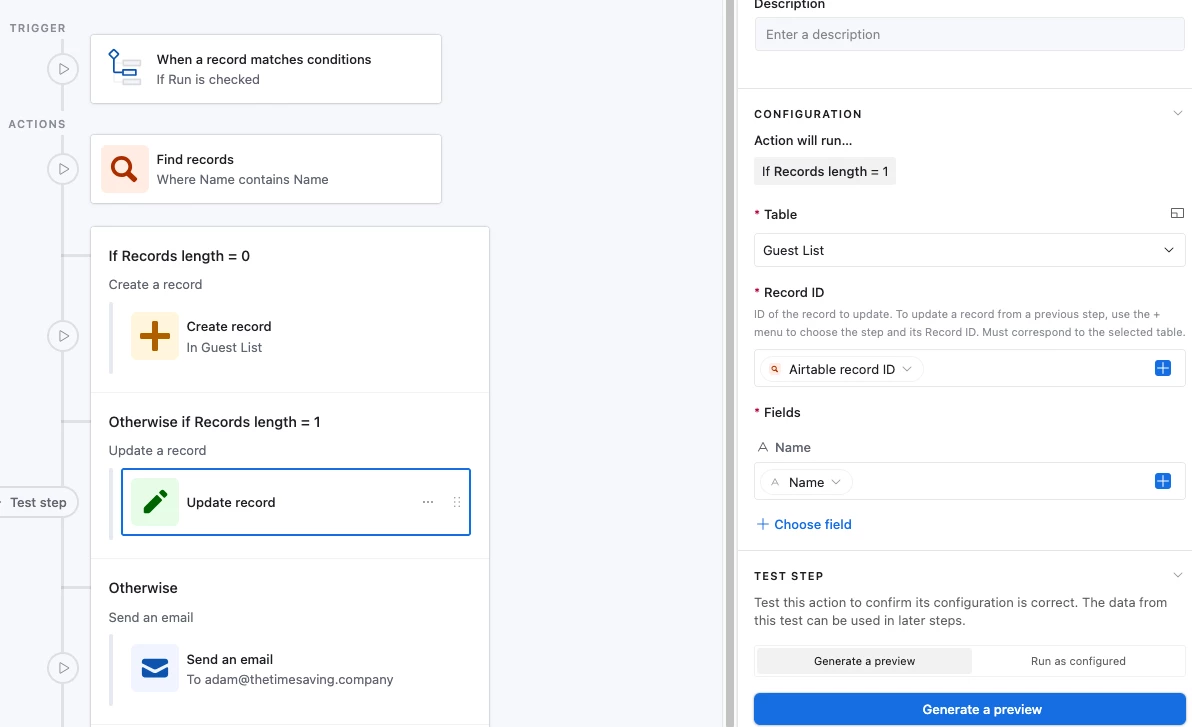
Ah try adding a conditional to it, it’d look something like the following and I’ve set it up here for you to check out

And so if the found records = 0, it’ll add that person to the guest list, and if it’s 1 then it’ll update it.  If it’s neither 0 or 1, i.e. the same name was found twice, then it’ll email you instead