
Question

any suggestions for creating flexible post-surveys base

  • April 8, 2026
  • 6 replies
  • 8 views

cori_parrish1
Forum|alt.badge.img+7

my organization does trainings and after each training, we send participants a post-survey to fill out. each training covers slightly different topics, so the questions we want feedback on change slightly with each training as well. 

right now, i have one table called post-surveys where each field corresponds to the questions we ask, and the field names are shortened versions of the questions. then we build the form for each post-survey based on which questions we’d like to include. the downside is that it means that table has a huge number of fields and it’s hard to see if the question you want to include already exists as a field or you need to create a new one. (e.g. “S3 FSOW: Challenges” means in session 3, we had a question about challenges that related to the reasons we did the session, you can see how that makes it hard to keep track of the actual question)
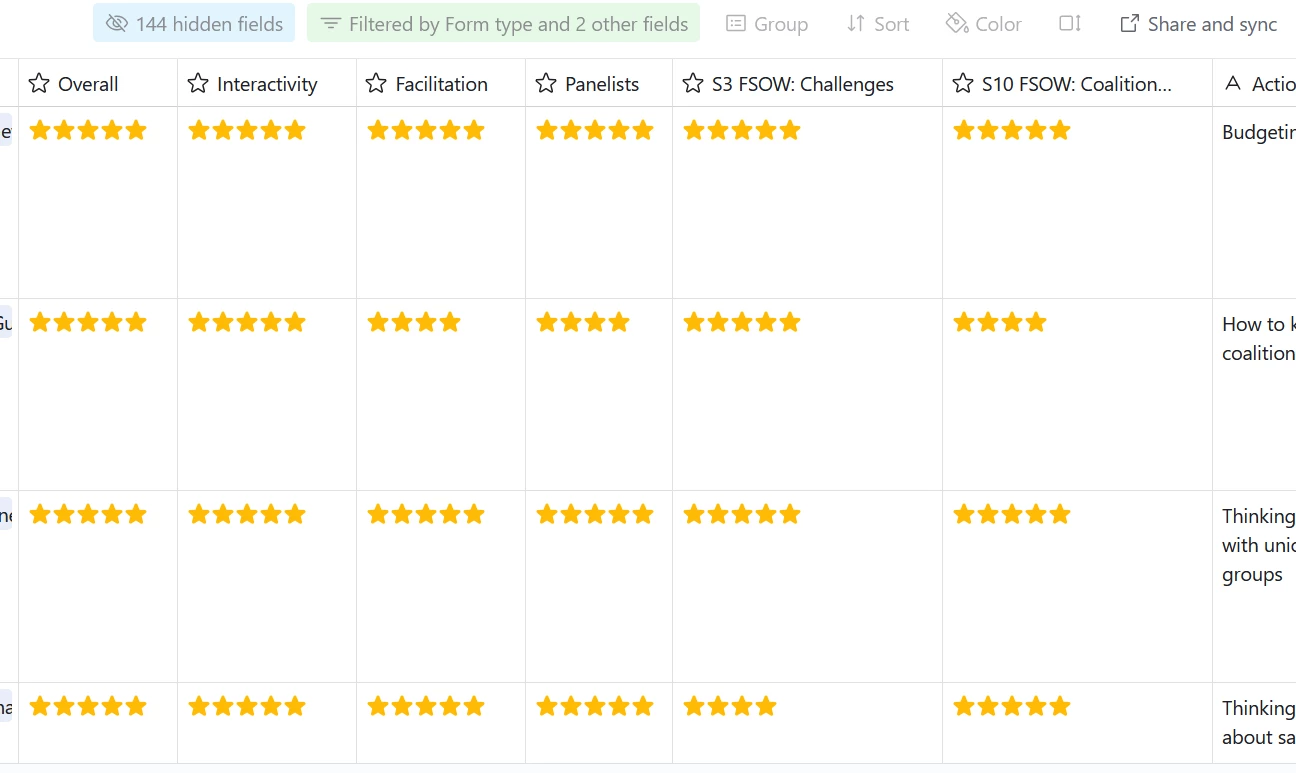
i’d like to have a table that’s a list of the questions & what type of question they are, a related field for the training it was used for, and be able to build the form from that. is that possible??

if not, any other ideas to better keep track of the questions we’re using for each survey?

thanks for any ideas!

 

6 replies

Forum|alt.badge.img
  • New Participant
  • April 8, 2026

What you're describing is a normalization problem and Airtable can handle it, just not with the single flat table approach you have now. The way I'd structure this is three tables: a Questions table (the question text, question type, category), a Trainings table (each training as a record), and a junction table called something like Training Questions that links which questions were used in which training. Your form then pulls from the junction table filtered by training. The 144 hidden fields problem goes away because you're no longer storing answers as fields, you're storing them as records. The tradeoff is that your reporting gets a bit more complex since answers live in rows instead of columns, but it's way more scalable and actually searchable.

If you want to keep forms native to Airtable this works fine. If you need more flexibility on the form side, pairing this structure with a form tool that reads from Airtable via API gives you even more control over which questions surface per training.


cori_parrish1
Forum|alt.badge.img+7
  • Author
  • Inspiring
  • April 8, 2026

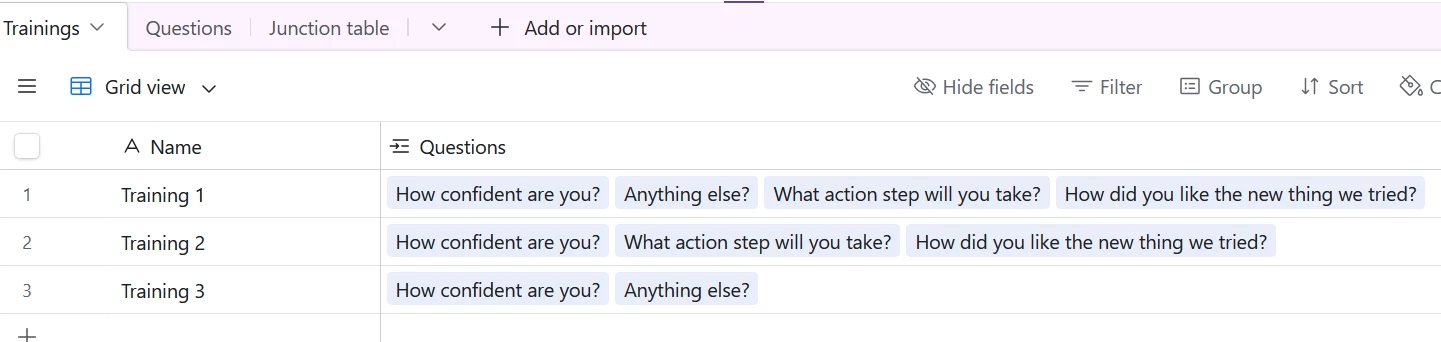
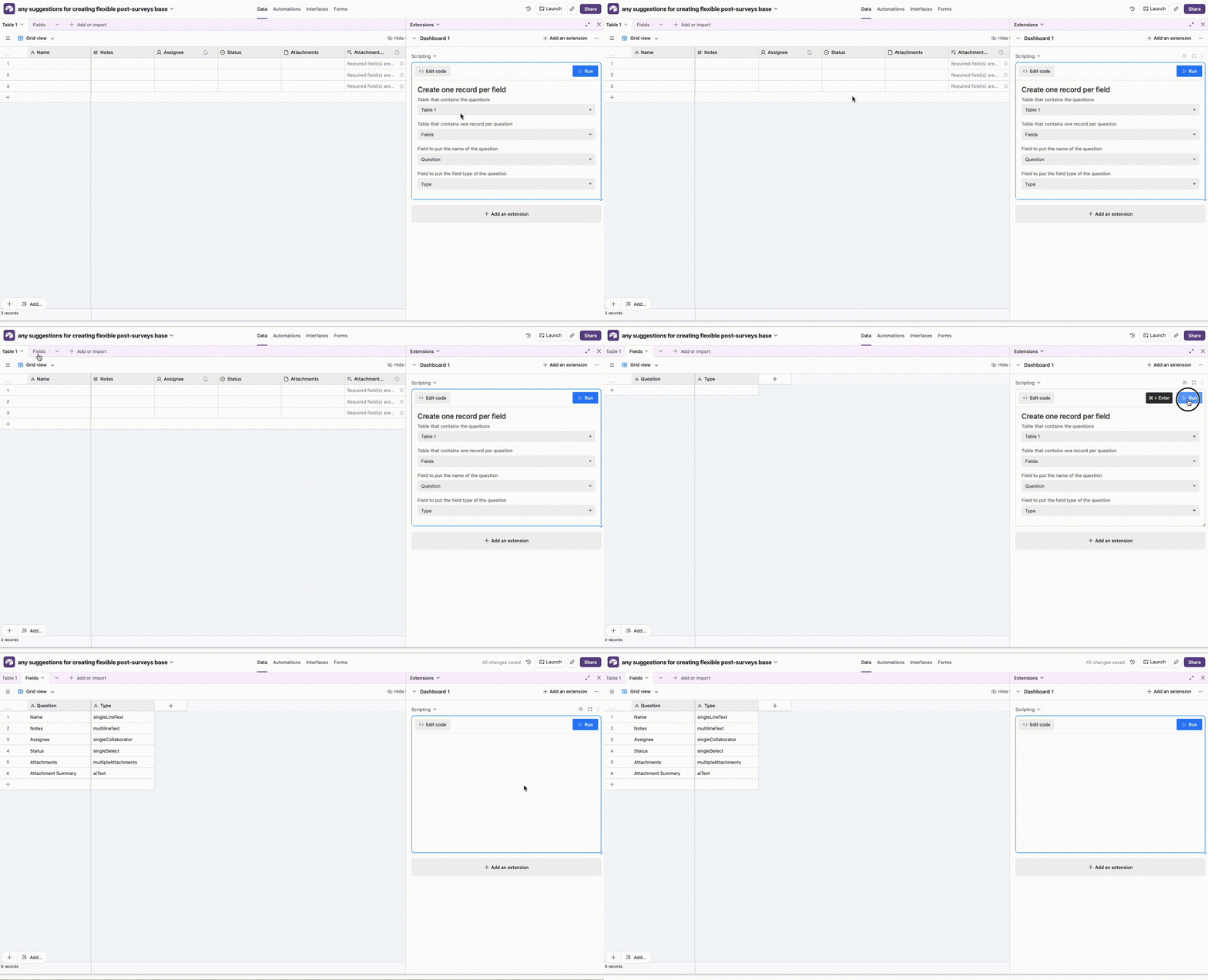
thanks for this suggestion! give me a little more info about how to set up the Junction table? here’s what i’ve got so far (just playing with concept):


ScottWorld
Forum|alt.badge.img+35
  • Genius
  • April 8, 2026

Yes, setting it up as a junction table would be the way to go.

However, Airtable won’t give your users a way to edit those linked records from a form.

To do that, you would want to use Fillout (which is 100% free), and it gives your users the ability to view/edit linked records from a form.

Hope this helps! :)

- ScottWorld, Expert Airtable Consultant


Mike_AutomaticN
Forum|alt.badge.img+28

Hey ​@cori_parrish1!

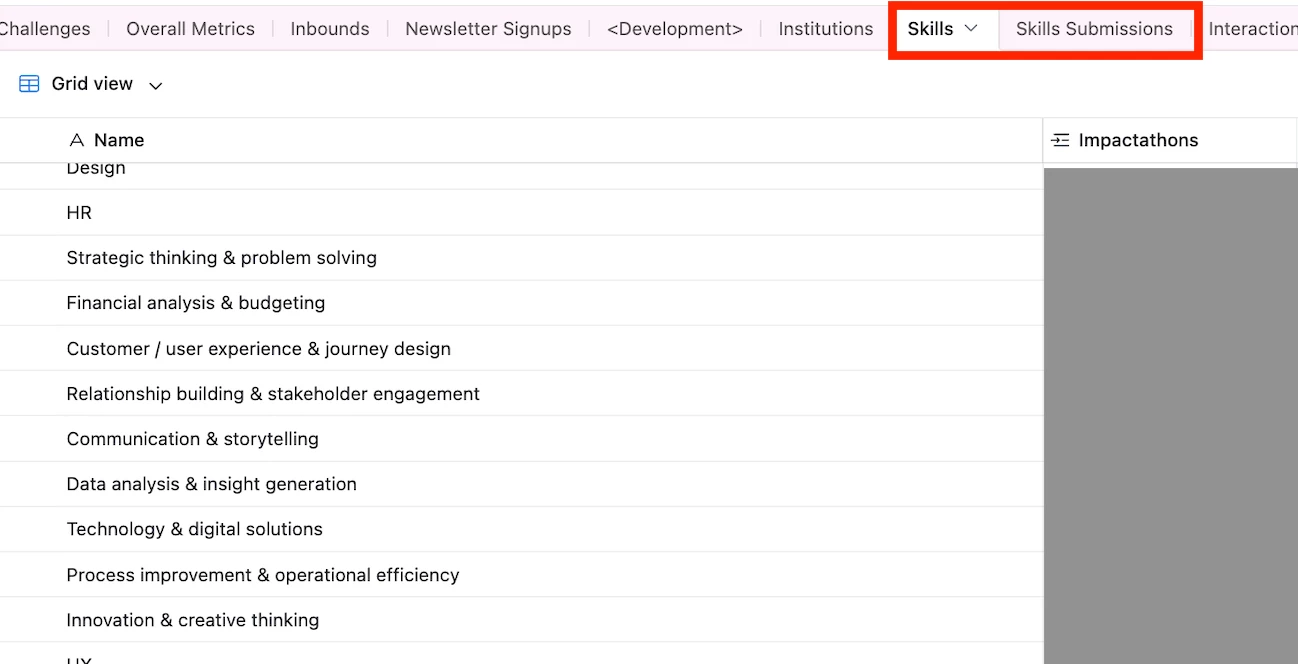
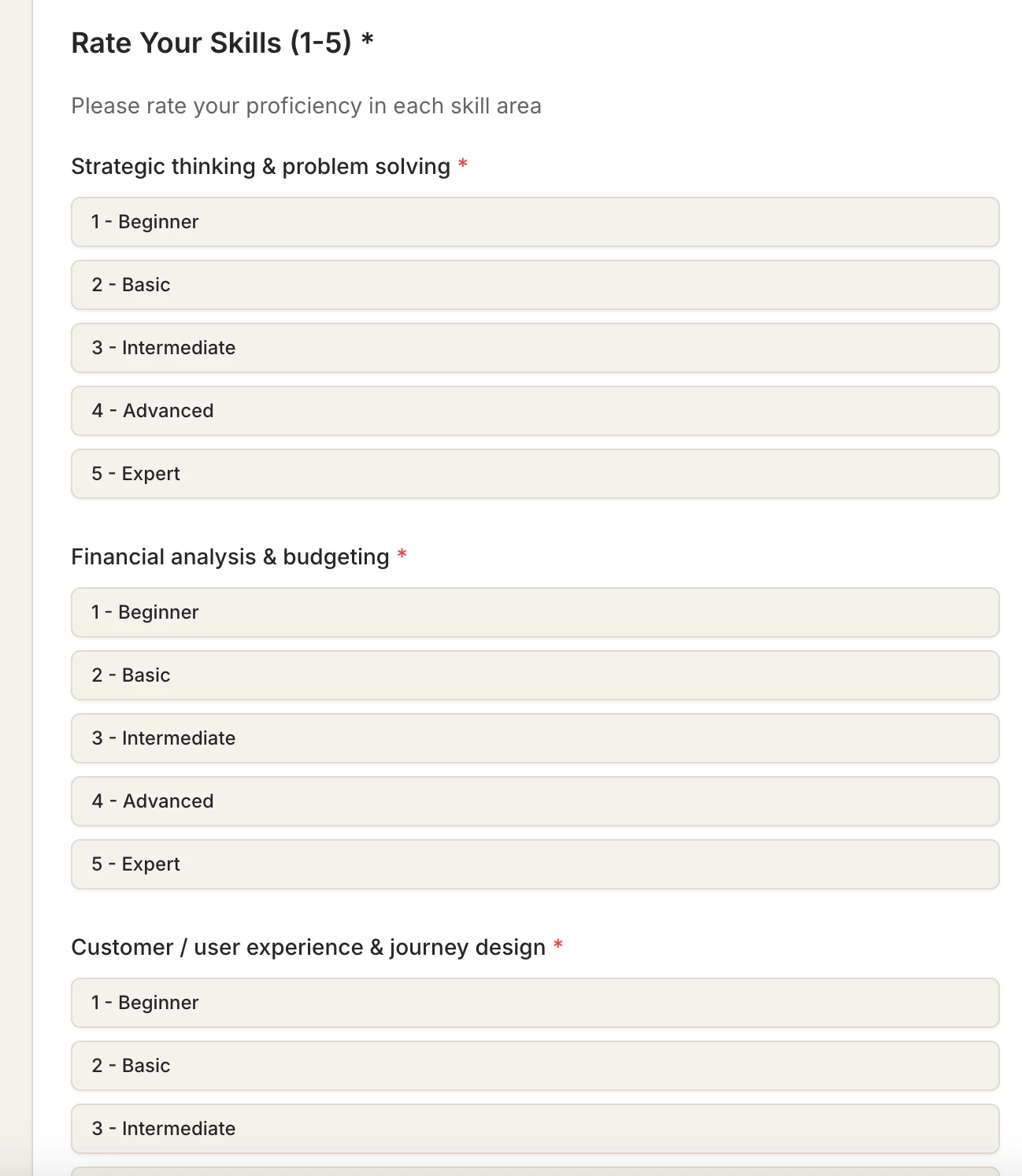
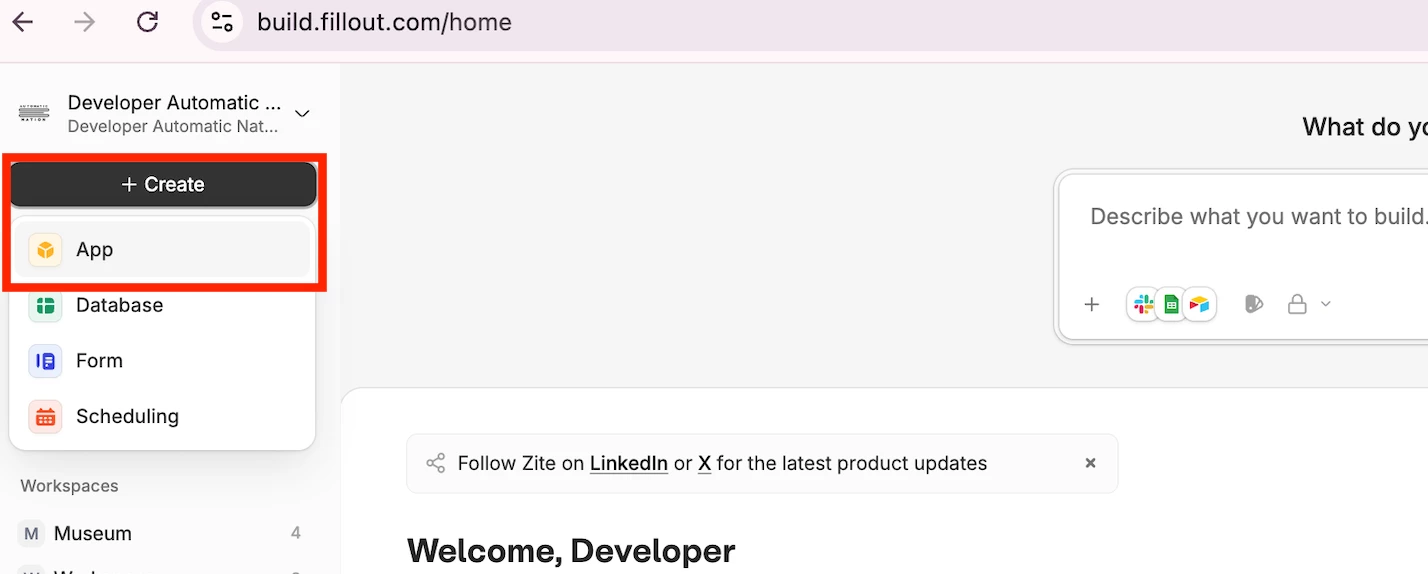
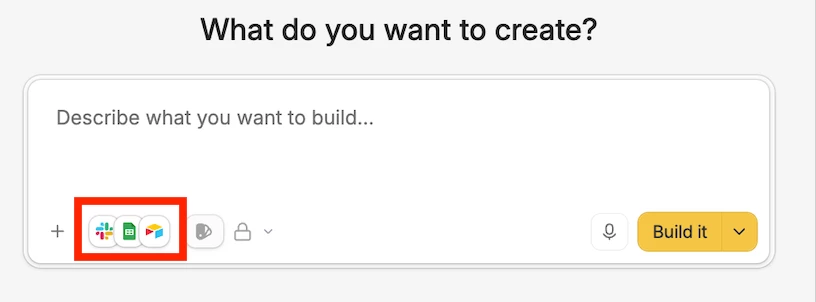
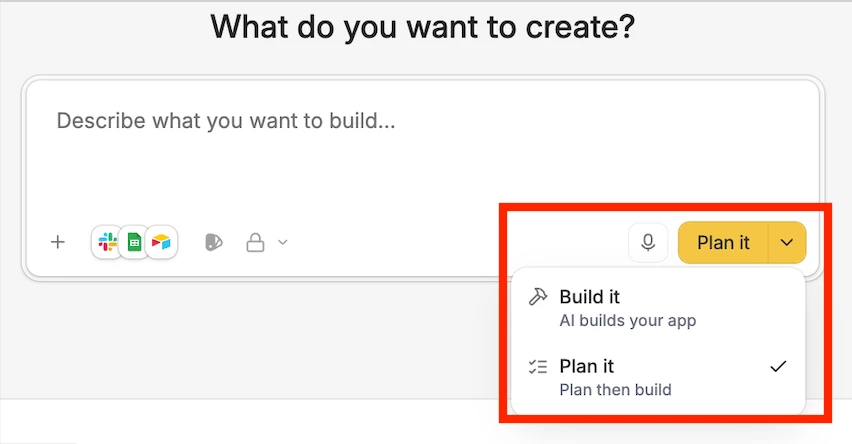
Building on top of what ​@ScottWorld mentioned, this is the exact use case I built on Zite (Fillout’s “AI APP” product) a few weeks ago. See a couple of screenshots below. 


My AT architecture handles Skills and Skill Submissions.

My Zite app will show for the corresponding Imapctathon, the only the corresponding skills, and for each it will create Skill submissions records linked to the user signing up.


Feel free to grab a slot if you need any help setting this up! I’d be happy to show you around.

Mike, Consultant @ Automatic Nation 
YouTube Channel ​​​​​​​


cori_parrish1
Forum|alt.badge.img+7
  • Author
  • Inspiring
  • April 8, 2026

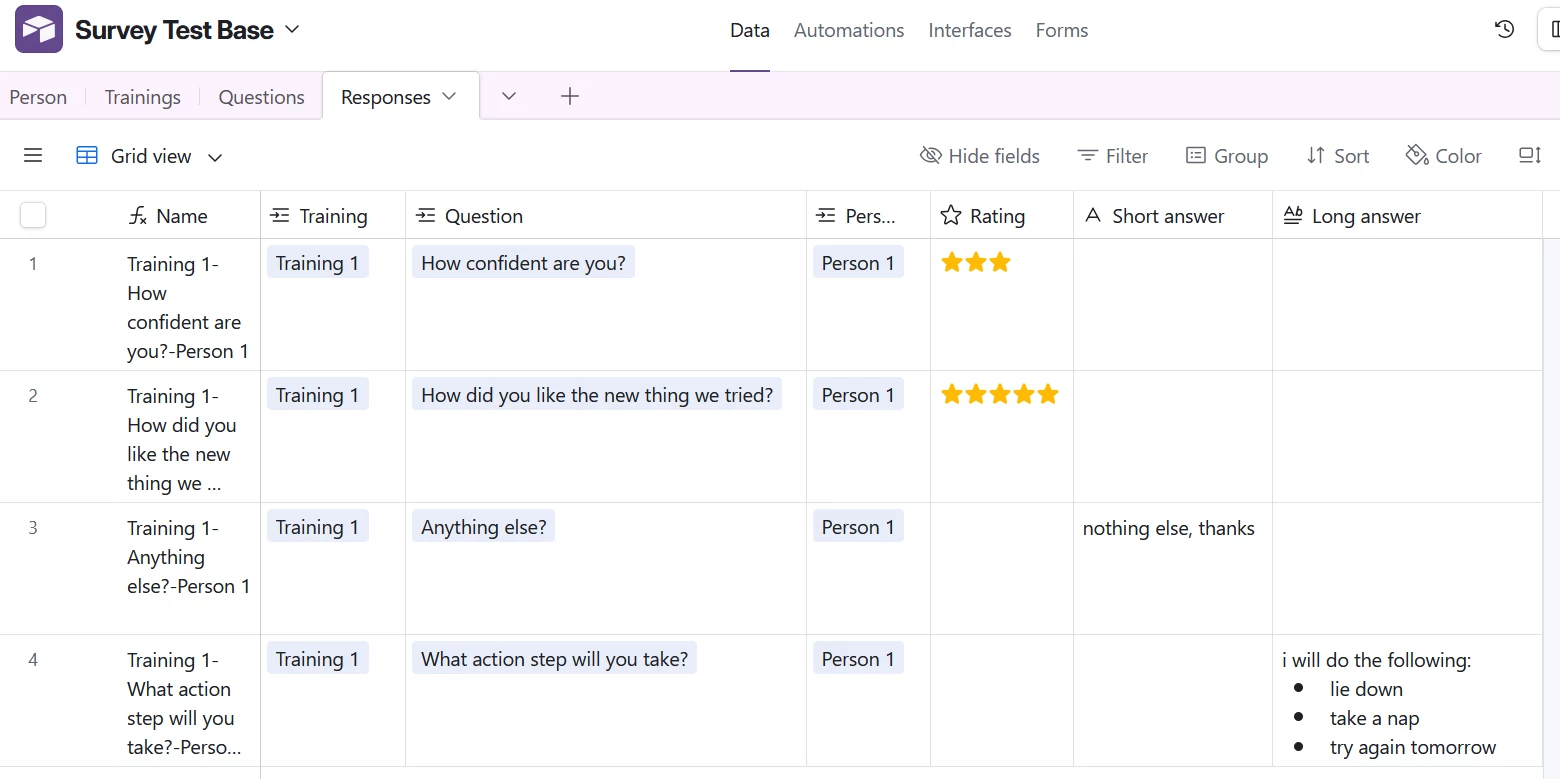
i still don’t get how to set up the junction table. can one of y’all give me just a couple more sentences on what the fields are in that table? thanks & sorry to be dense!


Mike_AutomaticN
Forum|alt.badge.img+28

I don’t have the full picture, so you might want to tweak the following a bit, but I’d suggest the following structure of tables:

Contacts
Training
Signups
Questions
Answers

Contacts is linked to Signups
Signups is linked to Training
Questions is linked to Training (this is you “list of questions”)
Answers is linked to Signups and to Questions (this is you junciton table. You get one record per answer per question for each training).

You can check out the video below for more info on junction tables!


Does this make sense?

Mike, Consultant @ Automatic Nation 
YouTube Channel