Question

Intermittent Rendering Issue with Airtable Views on Website

  • September 29, 2025
  • 5 replies
  • 117 views

ChristyNavarro
Forum|alt.badge.img+4

Hi everyone,

I’m experiencing an intermittent issue with an Airtable view embedded on our website. Sometimes it renders correctly, but at other times the view appears blank. Here’s an example: Enterprise Health Data Assets

I’m looking to understand:

  • Why this view might not consistently render

  • Any recommended fixes or workarounds

  • Best practices for embedding Airtable views on a website

Any insights or experiences would be greatly appreciated!

Thanks,
Christy

5 replies

MagPage
Forum|alt.badge.img+3
  • Participating Frequently
  • September 29, 2025

Hi EDU team, 
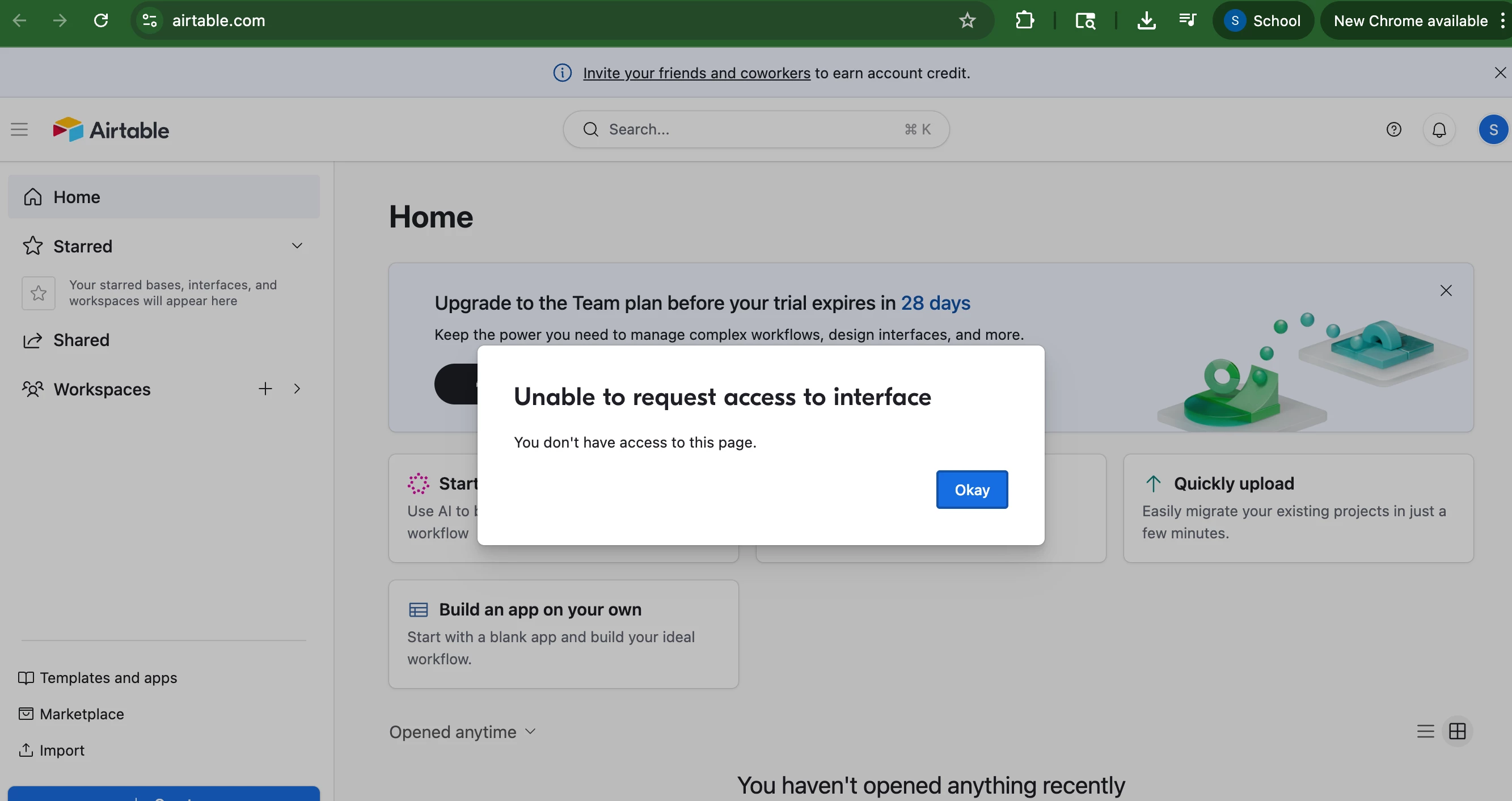
Christy, I appreciate you flagging this! I’m having some issues with airtable for my forms that prefill data and users cannot access them. This was the error message my advertiser had last week and I cannot figure out why as it works fine for me. The interface credentials are open. 

Thanks!
Kara


wperque
Forum|alt.badge.img+6
  • Employee
  • September 29, 2025

@ChristyNavarro Do you have a support case open for this? It’s something that team should definitely be aware of!


DisraeliGears01
Forum|alt.badge.img+21

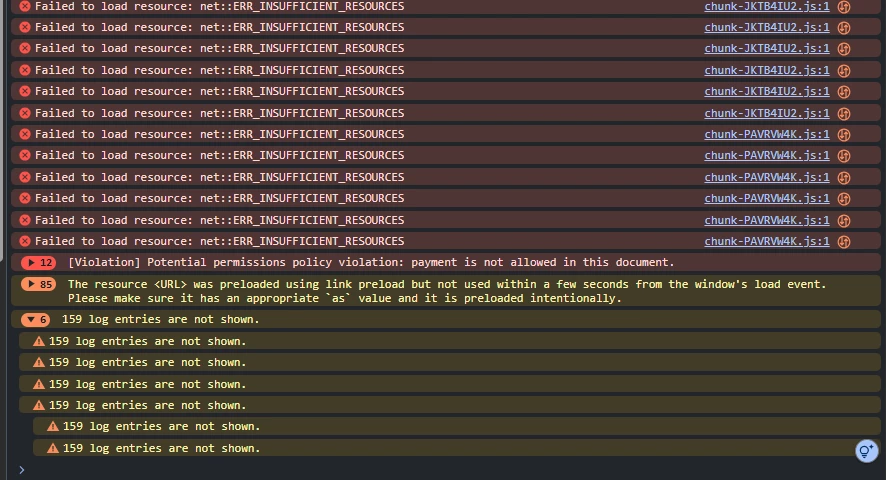
Hmm, how many records are supposed to be displayed ​@ChristyNavarro ? I took a look at your link with devtools and got a ton Insufficient Resource errors (this is just the bottom of the panel, there’s a bunch more).


I’d imagine the issue is something to do with the interaction between the Airtable iFrames and whatever tool/plugin your site is using to create the tab functions. If you have page edit permissions, I would start by testing if you plug in each iFrame stacked whether they load in or not (so eliminate the tab component and see if that’s part of the problem). 

Another option might be to overhaul what you’re embedding. From the one working view (aside from the form) it seems like you’re just embedding a grid view of the data layer? You could try embedding an interface page version instead.


DisraeliGears01
Forum|alt.badge.img+21

Also, follow up that I opened it in Firefox and it displayed fine. That said the one tab in Firefox immediately started sucking down 1.6GB of RAM, which is a lot for one tab I’d say (my computer’s fan immediately started spinning up haha). There’s def an optimization issue here.


Stephen_Juth
Forum|alt.badge.img+6
  • Inspiring
  • September 29, 2025

I see intermittent problems in Chrome while Safari loads successfully. However, both browsers are showing a ton of errors in the js console. Hopefully, someone at Airtable can dig into this, since 34 records—a small view size—shouldn’t cause this.