
Question

Resolution of attachment preview in interface

  • April 22, 2026
  • 2 replies
  • 11 views

Forum|alt.badge.img+7

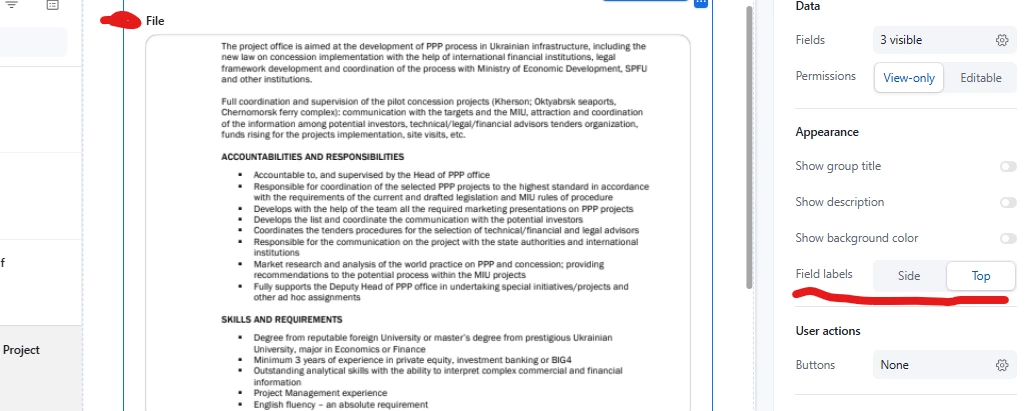
We’re using Airtable to review pdf documents, and the thumbnail on the interface page is just 5-10% too small for our users to do their job. They need to be able to look at the document and enter information on the same page, and clicking on the attachment field to get a better look takes the user away from the fields the need to access.

Setting the appearance to “hero” in the settings and fitting the image to size makes it slightly too small to be useable. Unchecking “fit image size” degrades the quality to slightly too fuzzy to be comfortable to read.

Noloco’s interface solves this particular problem easily, because they place the preview window directly in the interface, but we want to go back to Airtable’s native interface for a lot of other reasons.

Does anyone have an idea of how to solve this, or can we request a slightly larger zoom on a pdf fit to size, or better quality preview resolution?

2 replies

TheTimeSavingCo
Forum|alt.badge.img+32

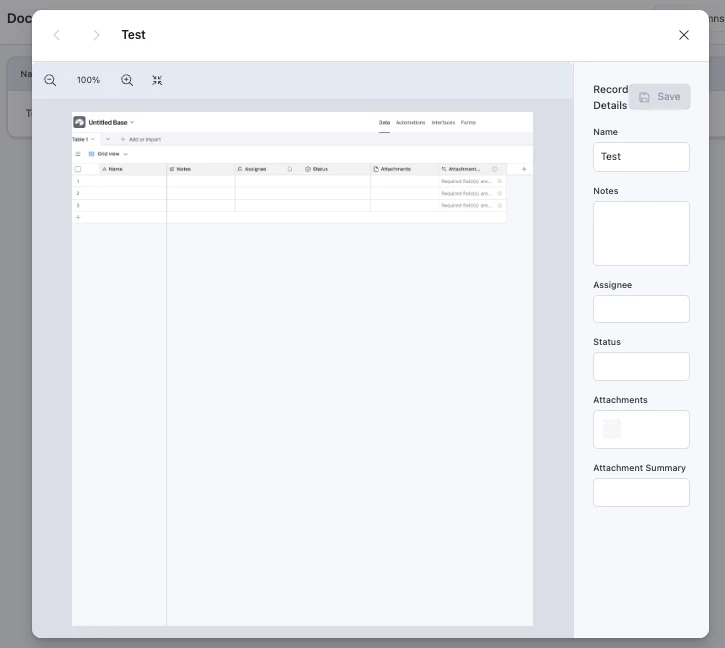
Sigh I had this exact same problem.  I even tried to use Omni to create a new element to handle this but maximum height of custom elements is the same as the height of the attachment preview, so it was still too fuzzy:

Hopefully someone else has a solve, and in the meantime you may want to submit this as a feature suggestion to via the official form: https://community.airtable.com/p/product-ideas


Stephen_Biegner
Forum|alt.badge.img+3

I have two thoughts: One is, you might try using the Blank Canvas interface which uses a lot of legacy elements, but you have more control over the size and placement of the fields you need. In the newer interfaces, you might be able to stretch an attachment field a little wider, but you’re essentially locked into the overall size. In the Blank Canvas view, you can make the attachment field larger so that you can potentially see more information without having to click into the PDF. This may still affect the image quality, however, so I’m not sure if this is the right fit, but it might be interesting to experiment with this to see if it works. 

My other thought is whether or not you could be using AI to look at your PDFs. If there are specific elements you’re looking for in the PDF, like a vendor name, contract price, payment terms, specific clauses, etc. you could set up an AI field to analyze the PDF and output those details into the fields you need. Or if you still want folks on your team to be plugging in values for specific fields, you could have AI at least pull the details you need into a text box that’s easier to peruse and pull from. 

Not sure if either of those does exactly what you’re looking for though, but those were the first things that popped up as possible solutions.