

Question

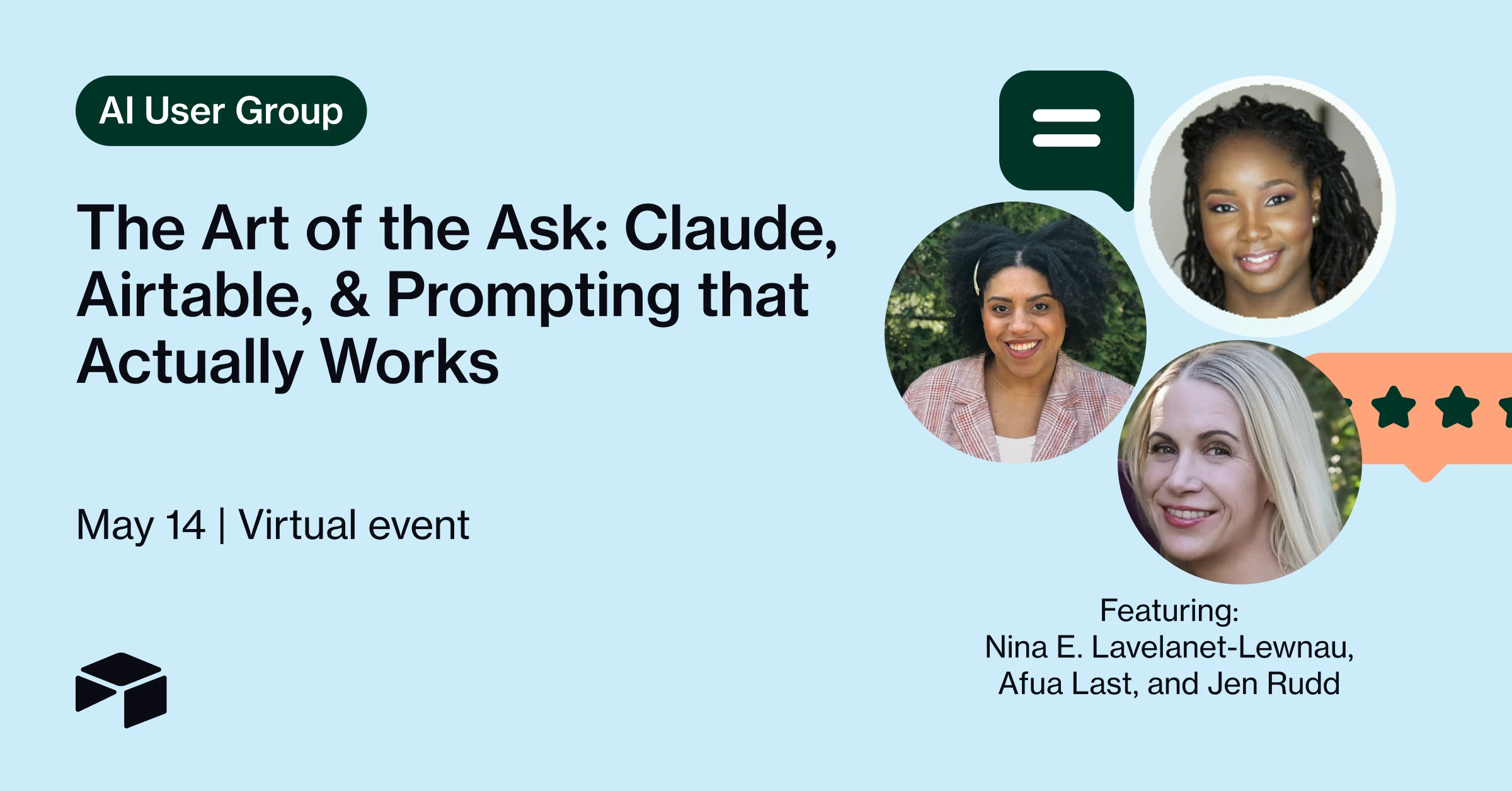
Event Recap: The Art of the Ask: Claude, Airtable, & Prompting that Actually Works | May 14

  • May 6, 2026
  • 1 reply
  • 146 views

RuddConsulting
Forum|alt.badge.img+13
The Art of the Ask: Claude, Airtable, & Prompting that Actually Works

One of the most interesting parts of leading the Airtable AI User Group is sitting at the intersection of three very different perspectives:

• What Airtable is seeing internally across enablement, product evolution, and enterprise adoption
• What we’re seeing as Partners inside real operational environments
• What the broader community actually needs to understand to make AI useful in practice

That synthesis is what shaped this month’s session.

Last month, I hosted a conversation with Anna Rigby around the Airtable <> Claude connection and how prompting is evolving as AI shifts from simple chat interactions into workflows, automation, and agents.

As those conversations have continued, I wanted to intentionally bring together voices from different parts of the ecosystem because successful AI adoption is not happening in silos.

That’s why I’m excited to be joined by:

  • Afua Laast, Airtable’s Lead Trainer, sharing what’s emerging across enablement and prompting best practices
  • Nina Levalanet-Lewnau, Airtable’s Enablement Manager, discussing how organizations operationalize and scale these capabilities internally

What I appreciate most about this conversation is that it reflects how enterprise transformation is actually happening right now: through close collaboration between platform teams, enablement leaders, and strategic partners working directly alongside customers.

The strongest partnerships extend beyond implementation alone. They help organizations translate platform capabilities into operational outcomes by connecting strategy, enablement, workflow design, adoption, and execution.

As Partners, we have a unique vantage point. We see what Airtable is building and enabling internally, what customers are struggling to operationalize in practice, and what patterns are emerging across real-world implementations. Bringing those perspectives together and translating them into something actionable for the broader community is a big part of why I wanted to host this session.

That’s the lens we’ll be bringing into the discussion.

We’ll be covering:
• Why prompting matters more in the age of agents
• What’s actually working in enterprise AI adoption
• Practical reliability tactics for AI workflows
• Airtable + Claude in operational environments
• Where implementation, enablement, and community learning intersect

If you’re trying to move beyond AI hype and better understand what operational AI adoption actually looks like inside organizations, I’d love to have you join us.

May 14th at 2PM ET
[See the recap and recording below!)

#AI #Airtable #ClaudeAI #EnterpriseAI #PromptEngineering #AIWorkflows #Automation #DigitalTransformation #Operations #ChangeManagement

1 reply

MaddieJ
Forum|alt.badge.img+25
  • Community Manager
  • May 14, 2026

Event Recap


Missed the live session or want to revisit the demos? We’ll attach the full event recording to this post so you can catch the walkthroughs, prompting frameworks, and live Q&A in action.

One of the best parts of this session was the incredibly active chat — attendees shared dozens of practical prompting techniques, Claude + Airtable workflows, and AI troubleshooting tips. Keep scrolling for a roundup of some of the most valuable gems shared by the attendees in the chat.


🔥 Top Prompting Tips & AI Workflow Hacks Shared by the Community


Treat AI like onboarding a junior teammate

One of the biggest themes from the session: context matters.

Community member Alex Braud shared a standout workflow for Claude + Airtable onboarding:

“I had Claude explore the base schema and ask me questions about how it is supposed to function… It gave itself a full documentation breakdown of how everything functions as a system.”

The key insight: don’t just ask AI to do things — first teach it how your system works.


🧠 Build a “README” for your Base

Several attendees recommended creating lightweight documentation specifically for AI context.

Why this works:

  • AI performs better with clear written instructions

  • A README-style document is often easier for Claude to interpret than raw schemas

  • It reduces token usage and repeated explanations

Recommended contents:

  • Table purposes

  • Field definitions

  • Naming conventions

  • Business rules

  • Common workflows

  • Relationships between tables

As Jack Harvey noted:

“README is probably more legible to Claude because it doesn't have to interpret a schema to get its instructions.”

Bonus tip: some attendees suggested using Claude itself to generate the README by asking it to analyze the base and document how it functions.


🔗 Claude + Airtable MCP Tips

Attendees shared several practical tips for improving Claude’s reliability with Airtable:

Helpful tactics:

  • Specify the base at the start of the conversation

  • Ask Claude to pull schema first before deeper tasks

  • Save base IDs and field mappings in reusable documentation

  • Use screenshots when Claude misunderstands field names or layouts

  • Remind Claude about Airtable syntax differences if needed

One attendee shared:

“If you specify a base at the start of a given convo that can be helpful.”

Another noted:

“Sometimes I need to pull the data schema first then ask about what I need.”


🧩 “Meta Prompting” Works

A recurring theme: ask AI to help you build better prompts.

Examples shared included:

  • “What information do you need to answer this well?”

  • “Write the best possible prompt for accomplishing this task.”

  • “Generate a handoff prompt for continuing this in a new chat.”

This helps:

  • surface missing context

  • improve output consistency

  • reduce frustration from unclear requests

@Melissa_Hanson summed it up perfectly:

“I ask for a prompt for what I'm doing and then put that prompt in. Meta.”


🪄 Handoff Prompts = Huge Token Saver

One of the most popular tips in chat came from Bianca Kugblenu:

“Been using ‘handoff prompt’ saved to memory so that LLM lets me know when current session is bloated and recommends a handoff prompt.”

This workflow helps:

  • reduce token drain

  • preserve context across chats

  • keep responses cleaner and faster

Several attendees immediately called this out as a “must try” workflow.


🎭 Give AI a Role

Many attendees still find strong results by assigning a role before prompting.

Examples:

  • “You are a fashion editor.”

  • “You are an Airtable architect.”

  • “You are a technical documentation specialist.”

This can help guide:

  • tone

  • depth

  • assumptions

  • formatting style

One attendee even shared that they save role behavior in custom instructions so the AI announces which role it’s taking before responding.


🧪 Use Adversarial Review for Higher Accuracy

A particularly advanced tip came from Alex Braud:

“Ask Claude to evaluate its response with an adversarial agent before providing the answer.”

This essentially asks the AI to critique itself before finalizing output.

Best for:

  • critical decisions

  • complex logic

  • executive summaries

  • sensitive workflows

Caveat:

  • token heavy

  • not ideal for every interaction

But incredibly powerful when accuracy matters.


🧵 Prompt Iteration Beats Perfect First Drafts

The community had a great discussion around whether prompts should be:

  • highly detailed upfront

  • or refined iteratively

Consensus: iteration usually wins.

Recommended workflow:

  1. Start with a focused prompt

  2. Evaluate output

  3. Refine constraints/style/details

  4. Continue conversationally

Many attendees noted that overloading image prompts with too many requirements can actually reduce quality.


🗂️ Use Claude Projects for Persistent Context

Another highly recommended workflow:

  • upload brand guidelines once into a Claude Project

  • reuse them across conversations

Benefits:

  • consistency across outputs

  • fewer repeated uploads

  • cleaner prompting

  • stronger brand alignment

Great use cases:

  • marketing teams

  • design systems

  • documentation standards

  • tone of voice consistency


⚖️ AI Ethics & Bias Mitigation Tips

The chat also surfaced several thoughtful approaches for responsible AI usage.

Recommendations included:

  • adding governance guardrails into prompts

  • using “steelman arguments” to reduce bias

  • asking AI to explain reasoning behind recommendations

  • requiring AI to critique its own conclusions

One attendee shared:

“Been using steelman argument to mitigate bias — it’s a great way for AI to self-correct.”


🤖 Omni vs. Field Agents — Quick Clarification

One helpful distinction shared during Q&A:

Omni

Best for:

  • ad hoc tasks

  • one-off analysis

  • summaries

  • exploration

Field Agents

Best for:

  • repeatable workflows

  • recurring transformations

  • extraction/classification

  • ongoing automations

As Nina Lavelanet-Lewnau explained:

“Omni functions for ad hoc tasks, field agents are used for the same ask over and over again.”


📚 Resources Shared During the Session


Huge thanks to everyone who attended and especially to everyone who shared workflows, prompting strategies, and troubleshooting advice in the chat. There were so many practical gems shared live and we can’t wait for the next one!