Question

Editing the displayed fields in the Record Picker of a List View

  • July 14, 2026
  • 3 replies
  • 20 views

xaviero
Forum|alt.badge.img+5

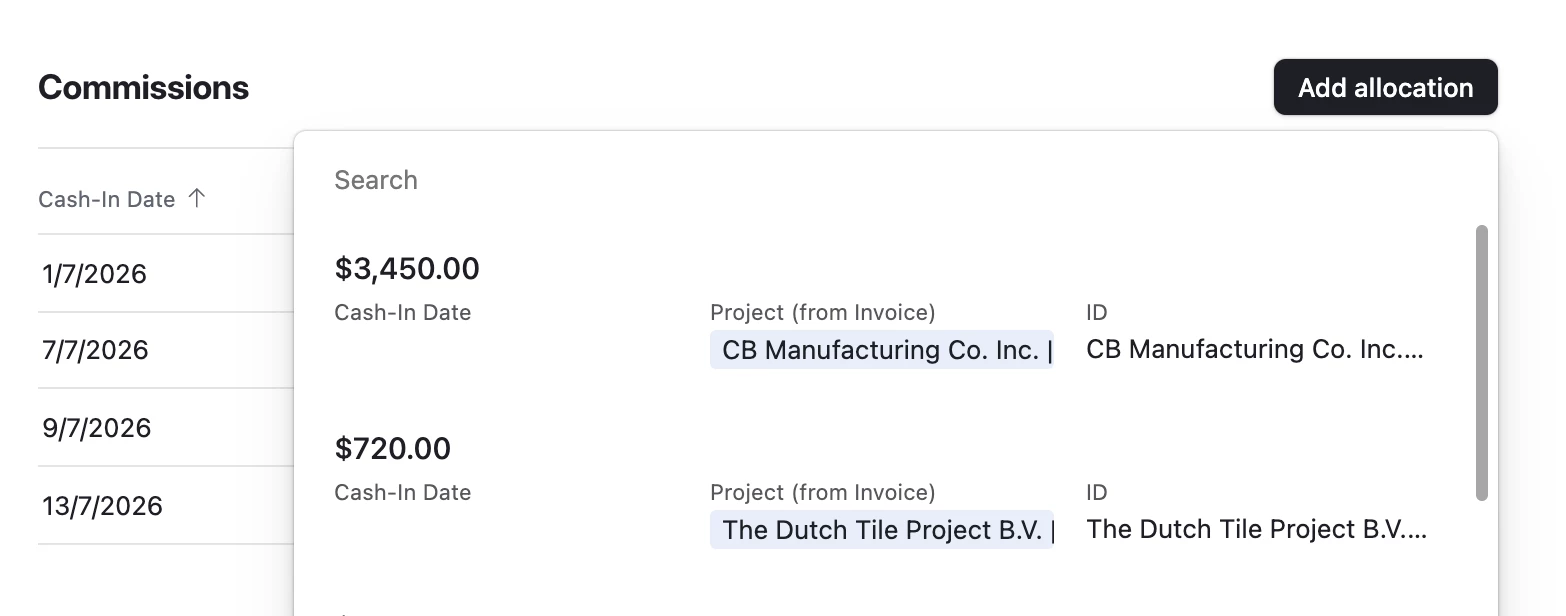
Hi all. I’m trying to edit the displayed fields inside the Record Picker when inside of a List View, inside of an Interface.


I found information saying that these fields will be ordered the same as the “View” selected when limiting the record selection in the field, but this has not been the case for me. If I disable the “Limit record selection to a View”, nothing changes either (I read it’s supposed to take the fields from the top grid view, but this didn’t happen).


Furthermore, the “Primary” field being displayed is not even the primary field for the table (I checked that I’m not using the option to use a different display field).


Is this a bug?


3 replies

TheTimeSavingCo
Forum|alt.badge.img+32

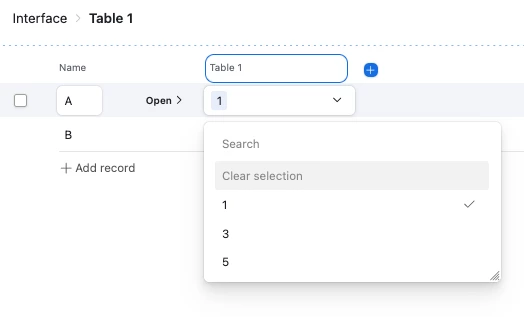
Interesting!  Could you provide a screenshot of how you get that record picker to show up?  I tried to replicate this but when selecting a record via a linked field in a List Interface I only see the primary field:


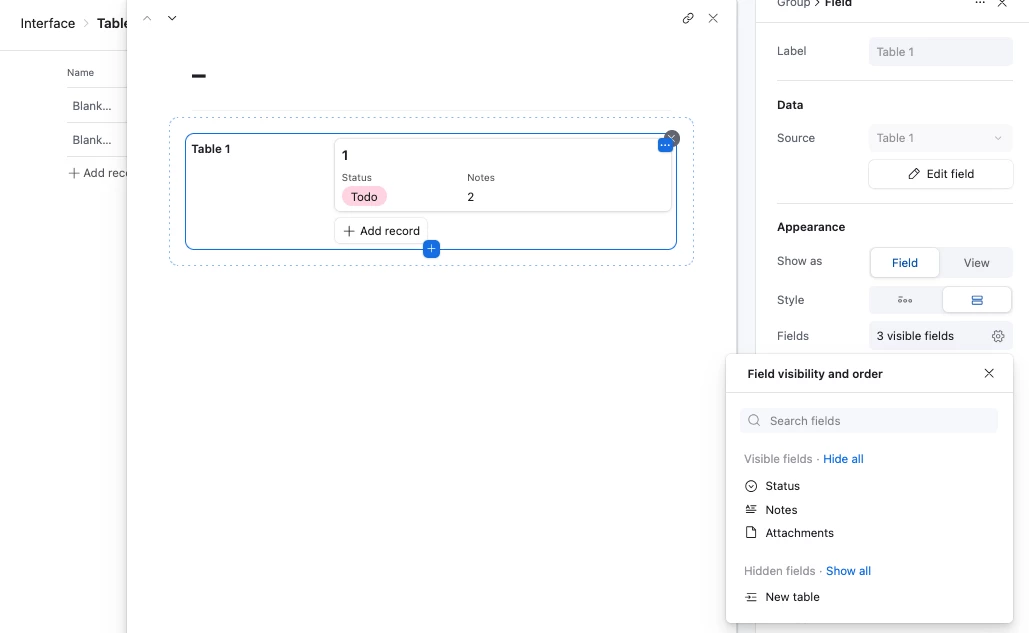
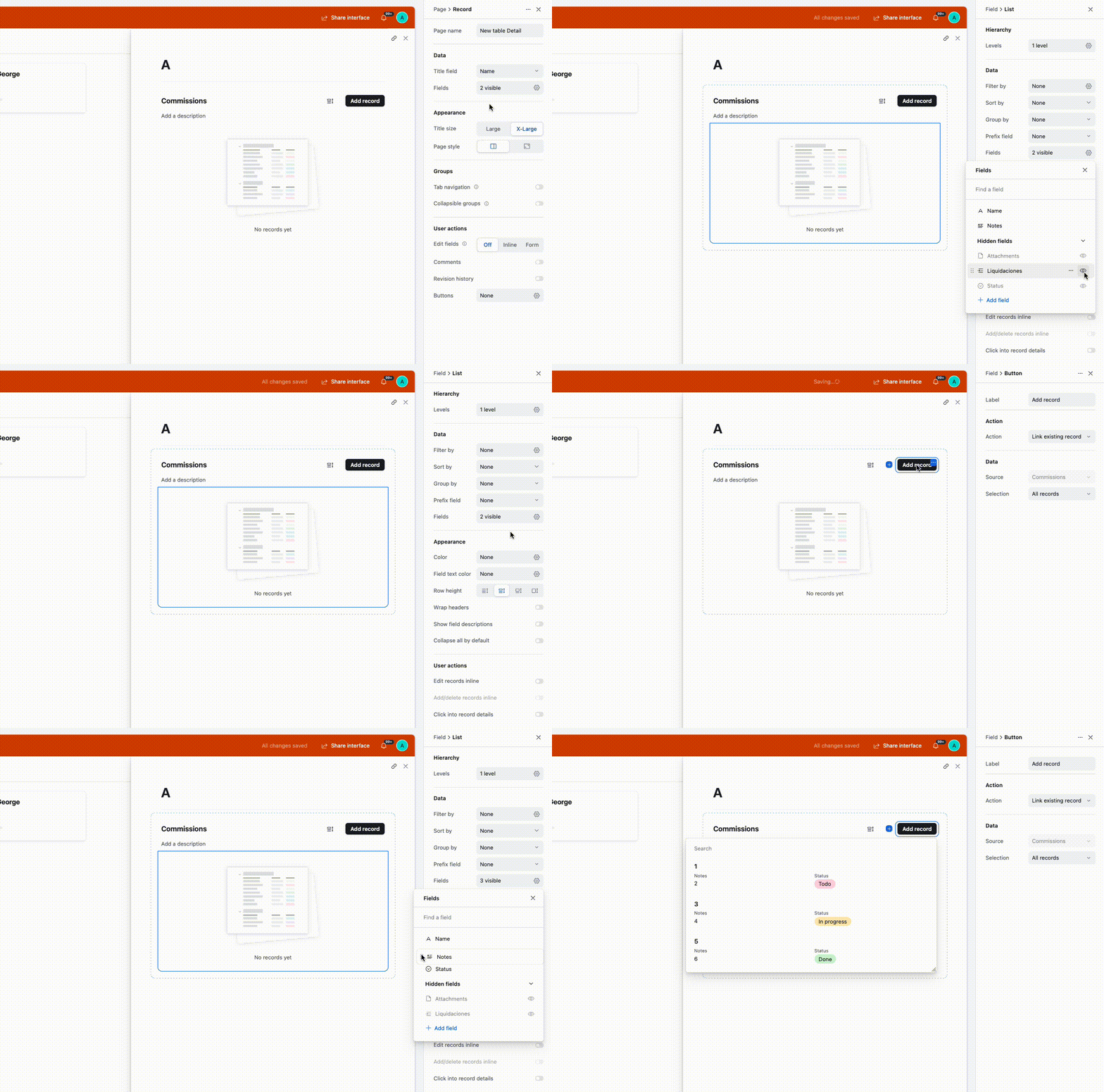
If I’m modifying this via the Record Details page, I can set the visible fields + order though:


xaviero
Forum|alt.badge.img+5
  • Author
  • Participating Frequently
  • July 15, 2026

I’m very sorry, I got some of the element names confused. This is not in a List View. My Record Picker is a button in a Linked Records field, where this field is Shown as a List View instead of a “Field”. This field is inside of a Record Details Page.


Since this might be related to the complete structure, the complete structure is:

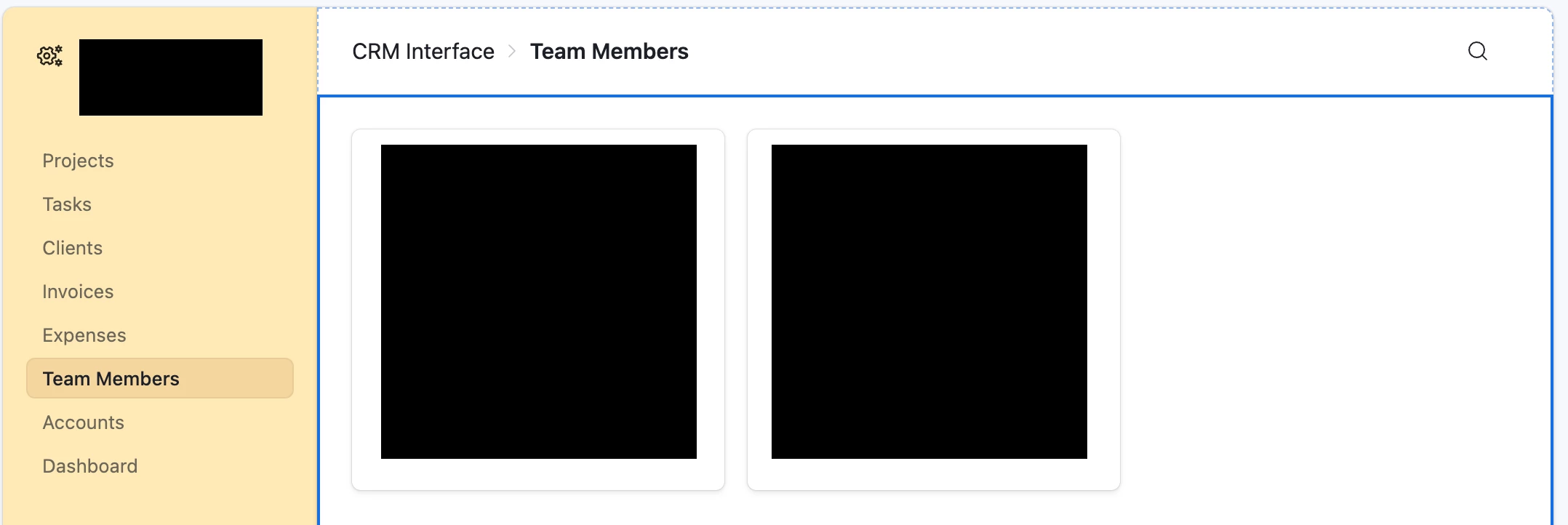
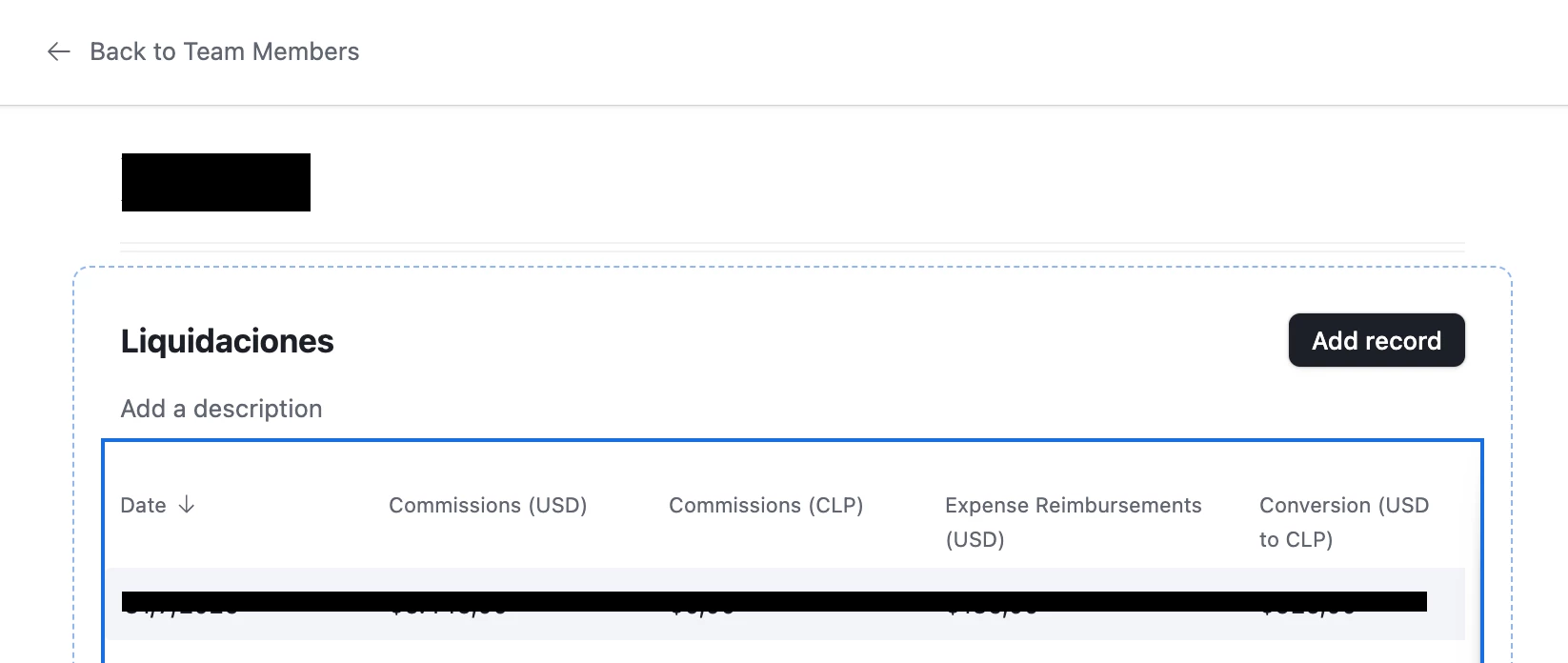
Interface → Interface Page (Gallery View) [Team Member table] → Record Details page → Linked Record shown as a List [Liquidaciones table] → Record Details page → Linked Record shown as a List [Commissions table] → button to Link/Unlink records.

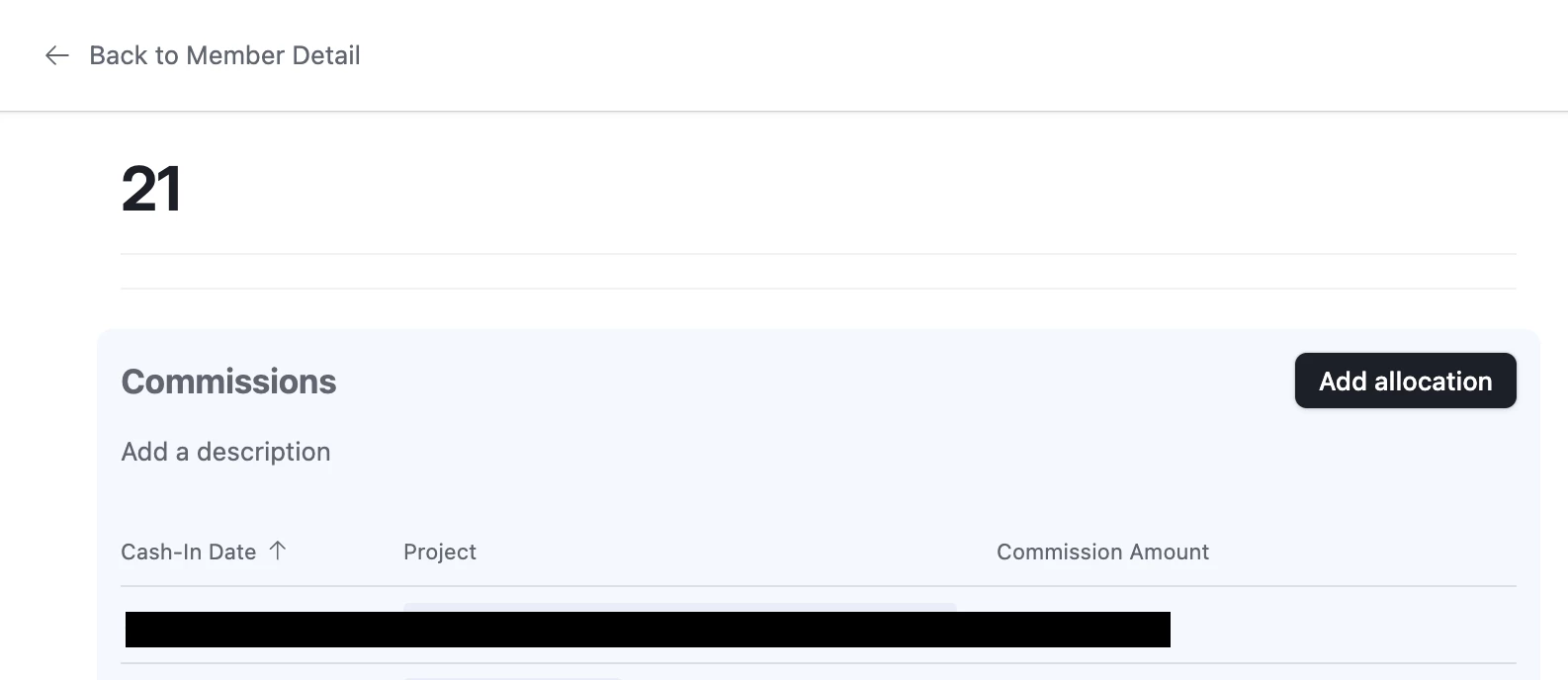
Gallery View Page. I open this Details Page
Liquidaciones (links to Liquidaciones Table). Displayed as a List. I click to open this Details Page
Commissions (links to Commissions table). Displayed as a List. This is the Link/Unlink records button that I’m trying to change the fields of

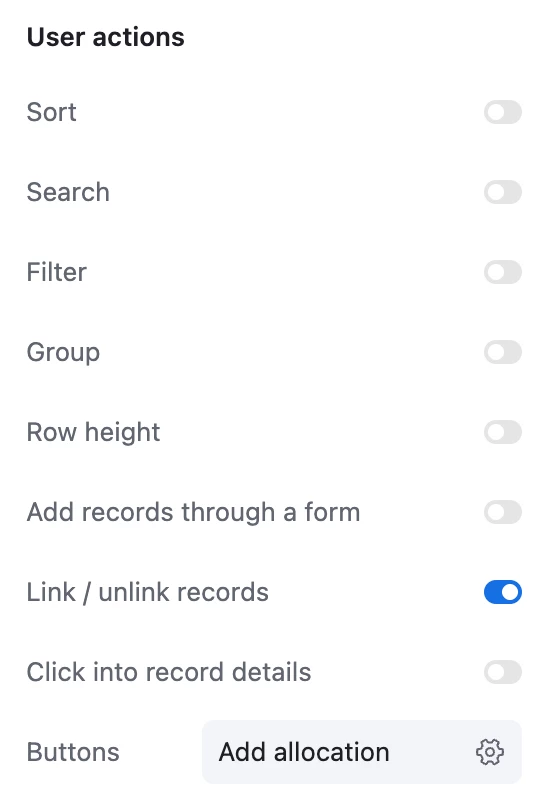
The Commissions field above only has “Link / unlink records” as a User action

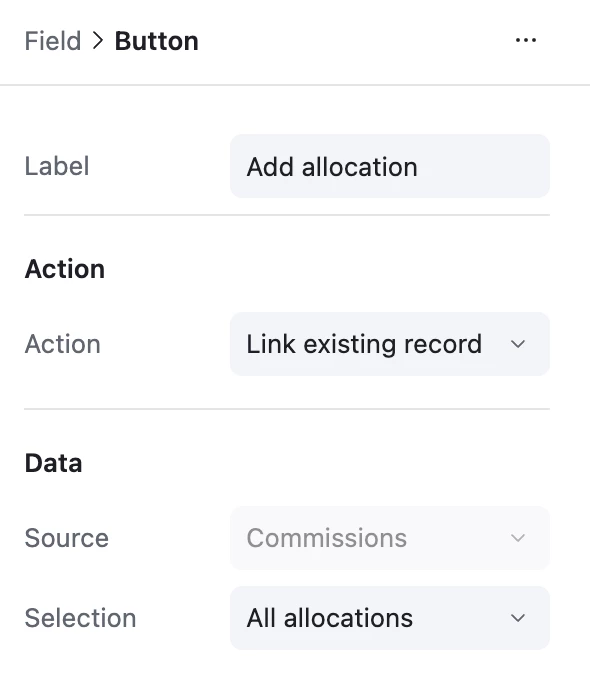
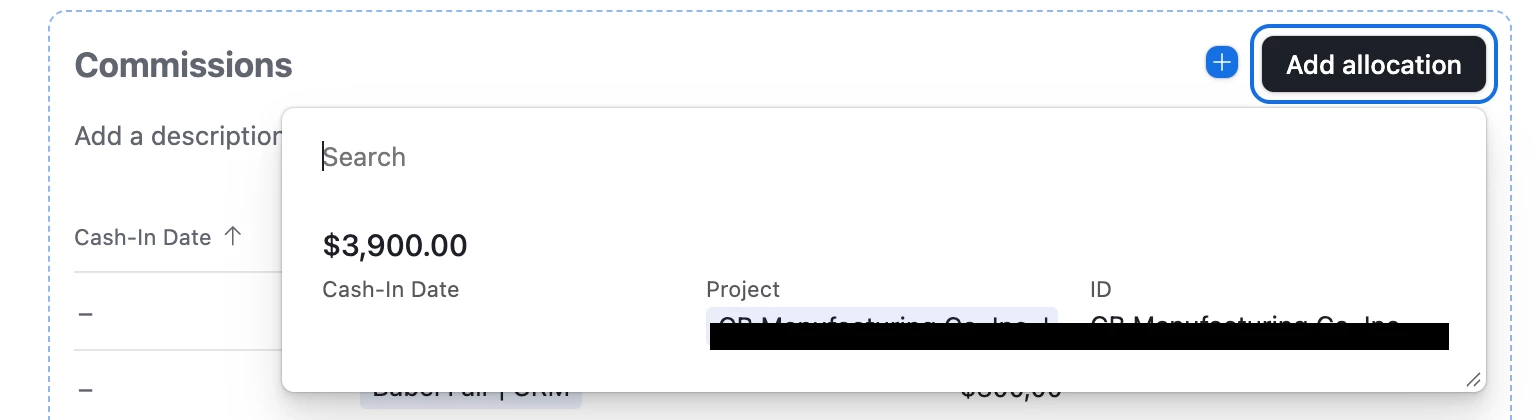
The “Add allocation” button itself is set up like this, though I even tried a few variations with the same results.

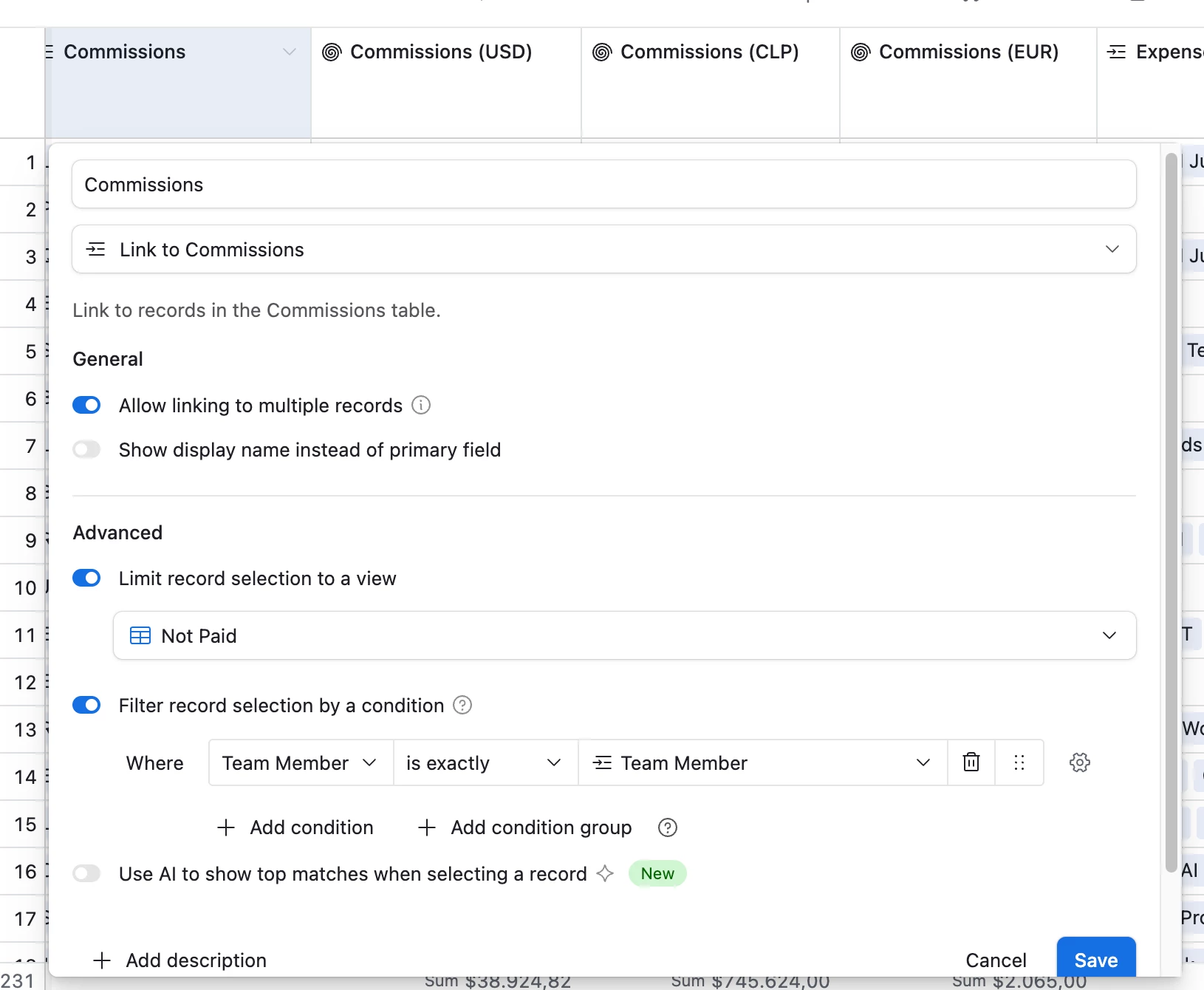
Commissions (linked record) field inside the Paychecks table is set up like this, though again I also played around with switching off the “Limit record selection to a view” option.

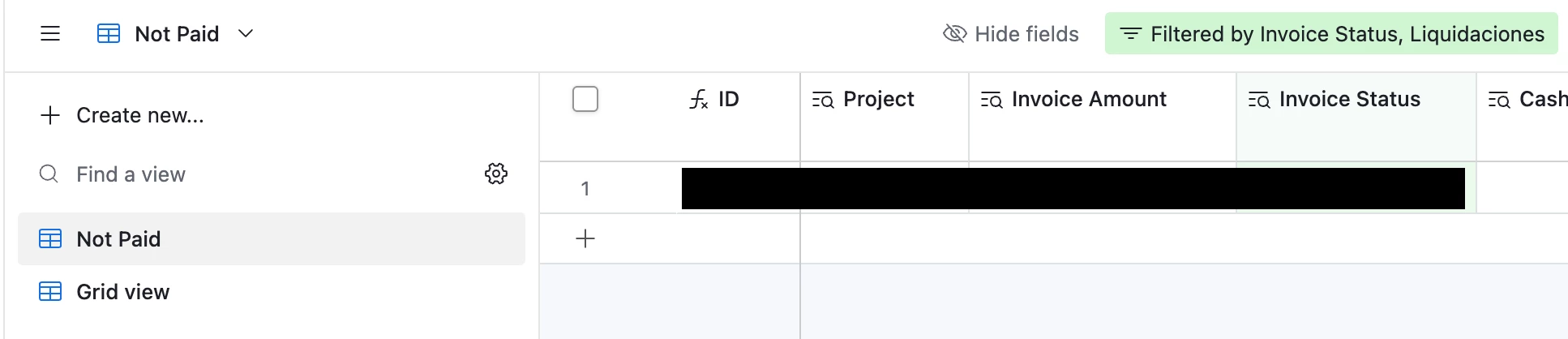
Finally, this is how the “Not Paid” view has the fields listed, which differ from the ones displayed by the Add Allocation button, and even differ in the “main” field being displayed (Invoice Amount is shown as if it was the primary one).


Happy to share any additional details. I think this might be a bug?


TheTimeSavingCo
Forum|alt.badge.img+32

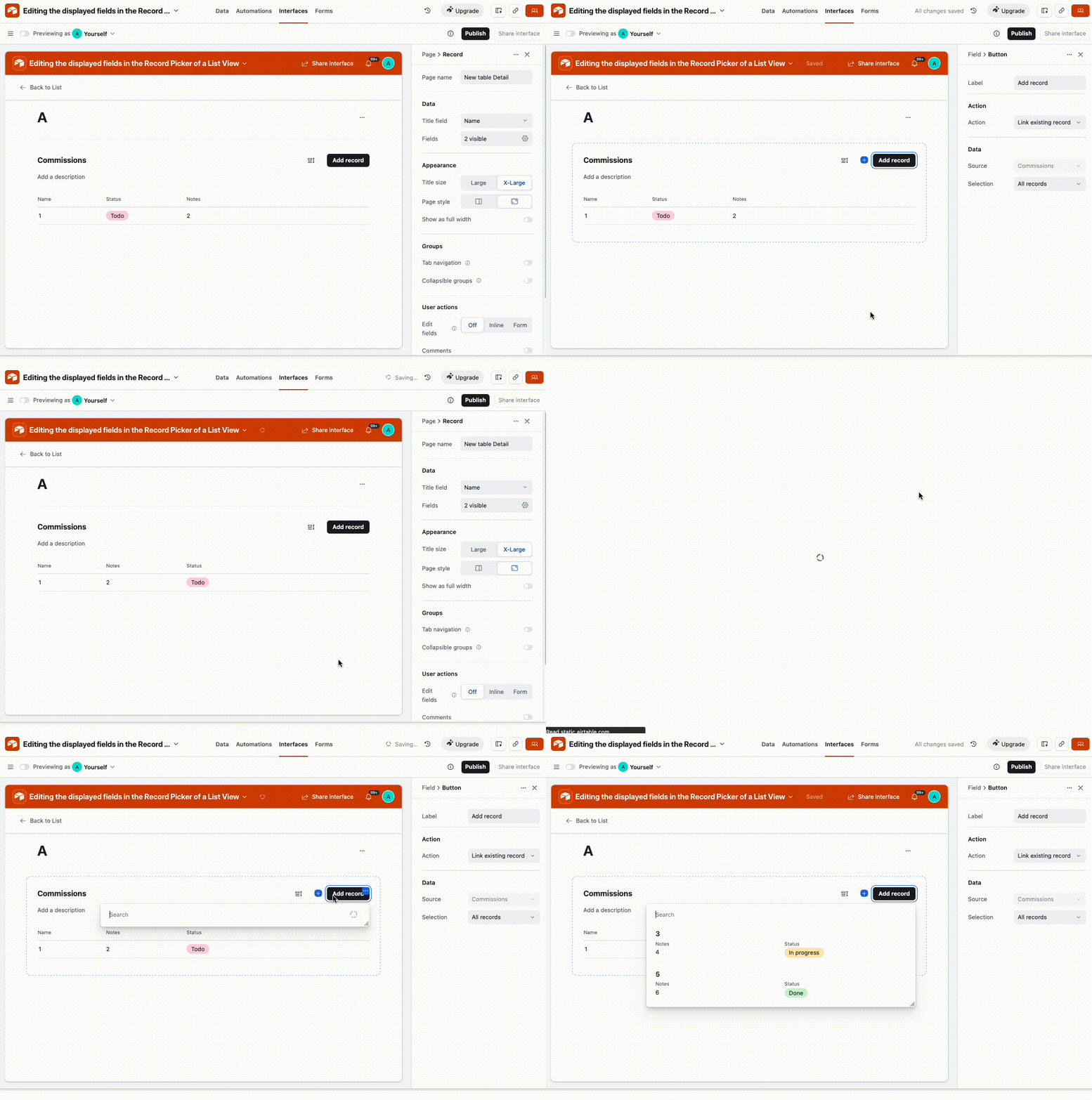
Ah, thanks for the details!  In this situation, the order of the field display is determined by the settings within the List view itself.  Try clicking into the records section of the List view and modifying the field display / order, and here’s a gif of that in action and how it affects the record selector: