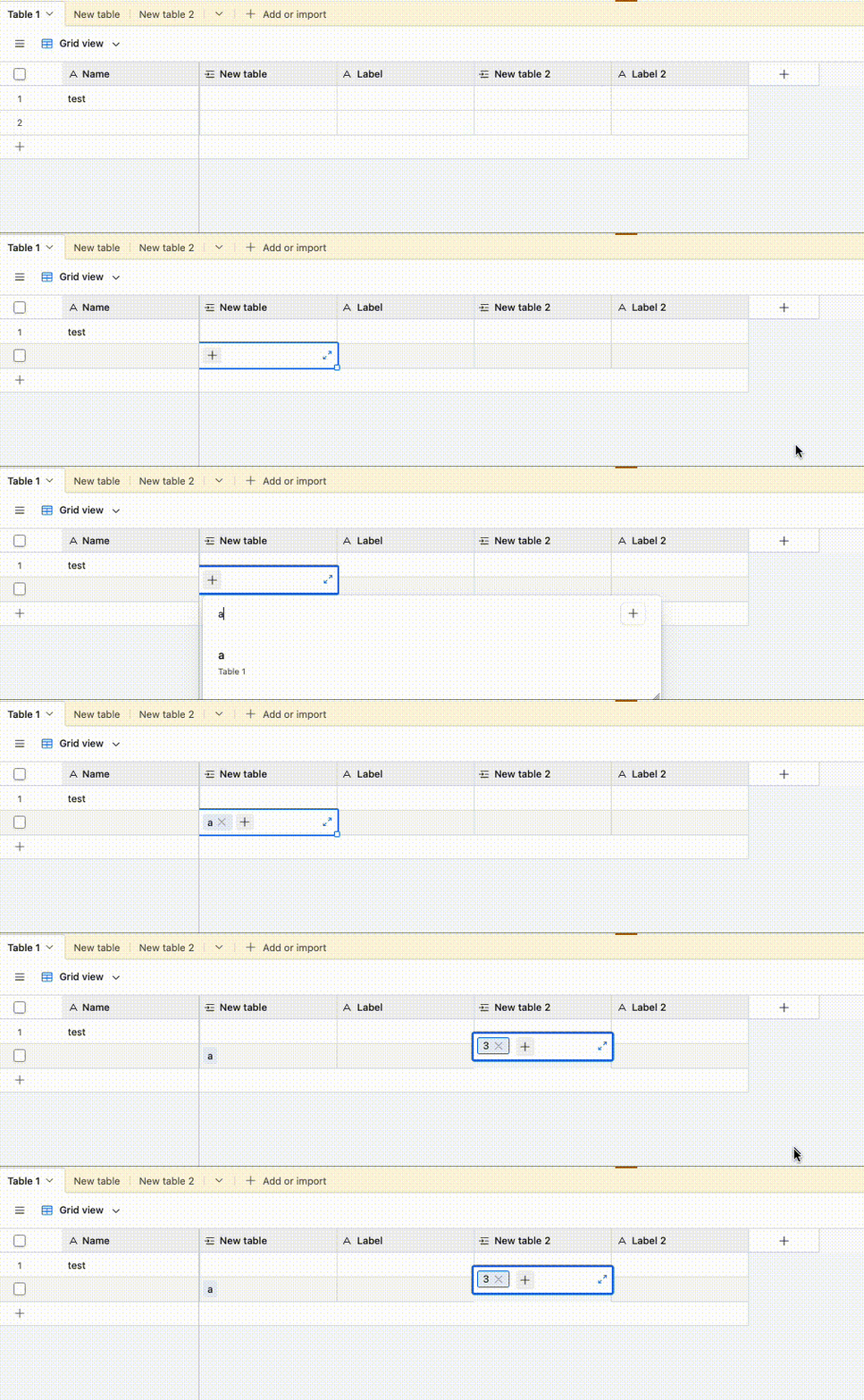
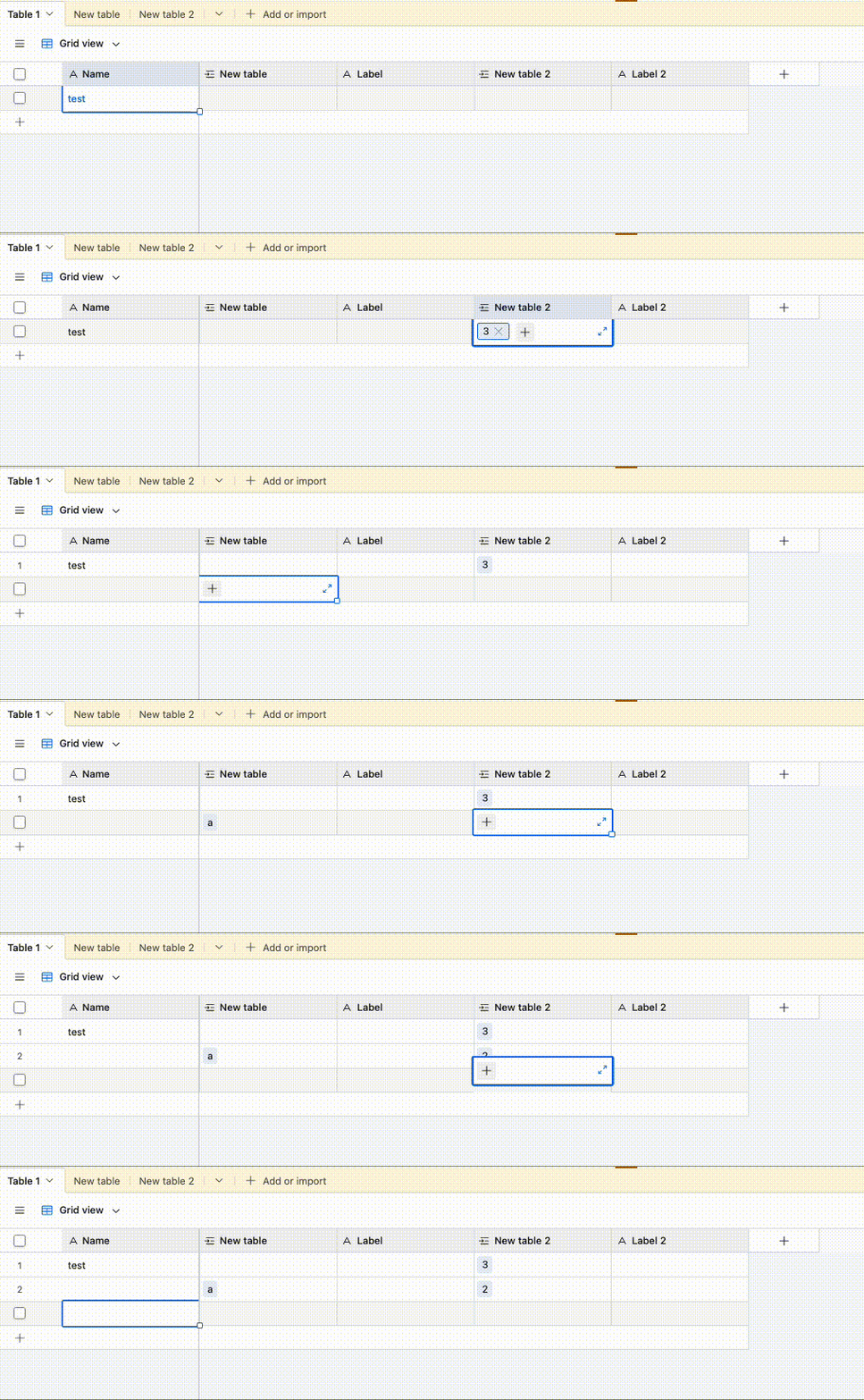
Over the last 5 or more years, I’ve entered many thousands of records in our airtable, which I use to manage our small business services. Hundreds of entries a week, and I’ve always used a spreadsheet style page to do this.
Then I can hit shift+enter, create new record, start typing to find customer, hit enter then tab to next field and do the same for product/service. This is using a field type that links to other tables for customers and products/services.
Today, I go to do this and something changed that makes this same method seemingly impossible. It’s like each of the fields is now a separate entity that when you enter it, any tabbing or arrow keys just change position on things within the same cell.
Now to do the exact same thing I’ve been doing for years, I have to ‘Shift+Enter’ to create a new record, then hit esc to deactivate the cell, then use arrow keys to get back to the start, then navigate to the first cell and hit enter to activate it, press tab until the search + is selected, hit enter again, then do a search, then hit esc to deactivate the cell, then press tab to go to the next cell and do it again.
Wayyy more tedious and frustrating, certainly a time drain for something that was much quicker before.
Is anyone else experiencing this? Anyone see information about this particular change and if there is a way to turn it off?
I really hope the change gets reverted personally, I don’t see how it makes anything easier and has, for me, ruined something that worked well for years.