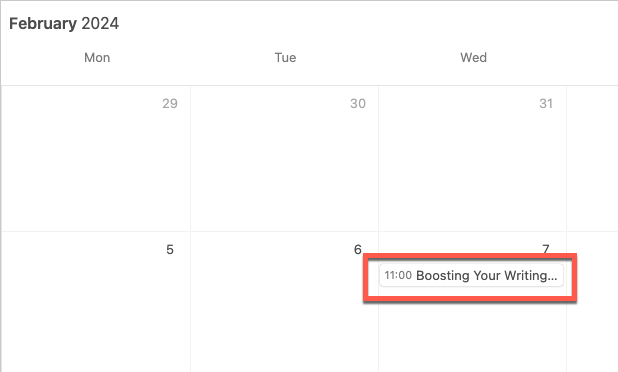
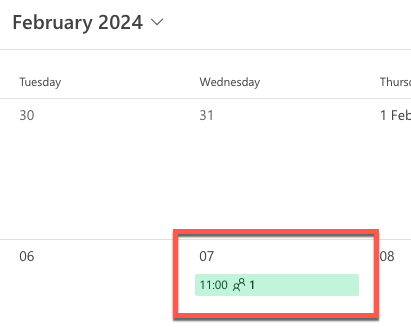
Hello. I've just started using Airtable today. I've created a database of workshops for my job. I have add a calendar view, which shows the workshop title and facilitator. It all looks great! However, when I subscribe to this calendar through Outlook or Google Calendar, it only shows the workshop ID. How can I also display at least the title, too?
The event label that appears in an external calendar app will be the primary field of the synced table. You can't change the primary field from view to view but you can adjust what appears in it (such as combining multiple fields) using formula fields.
The event label that appears in an external calendar app will be the primary field of the synced table. You can't change the primary field from view to view but you can adjust what appears in it (such as combining multiple fields) using formula fields.
The event label that appears in an external calendar app will be the primary field of the synced table. You can't change the primary field from view to view but you can adjust what appears in it (such as combining multiple fields) using formula fields.