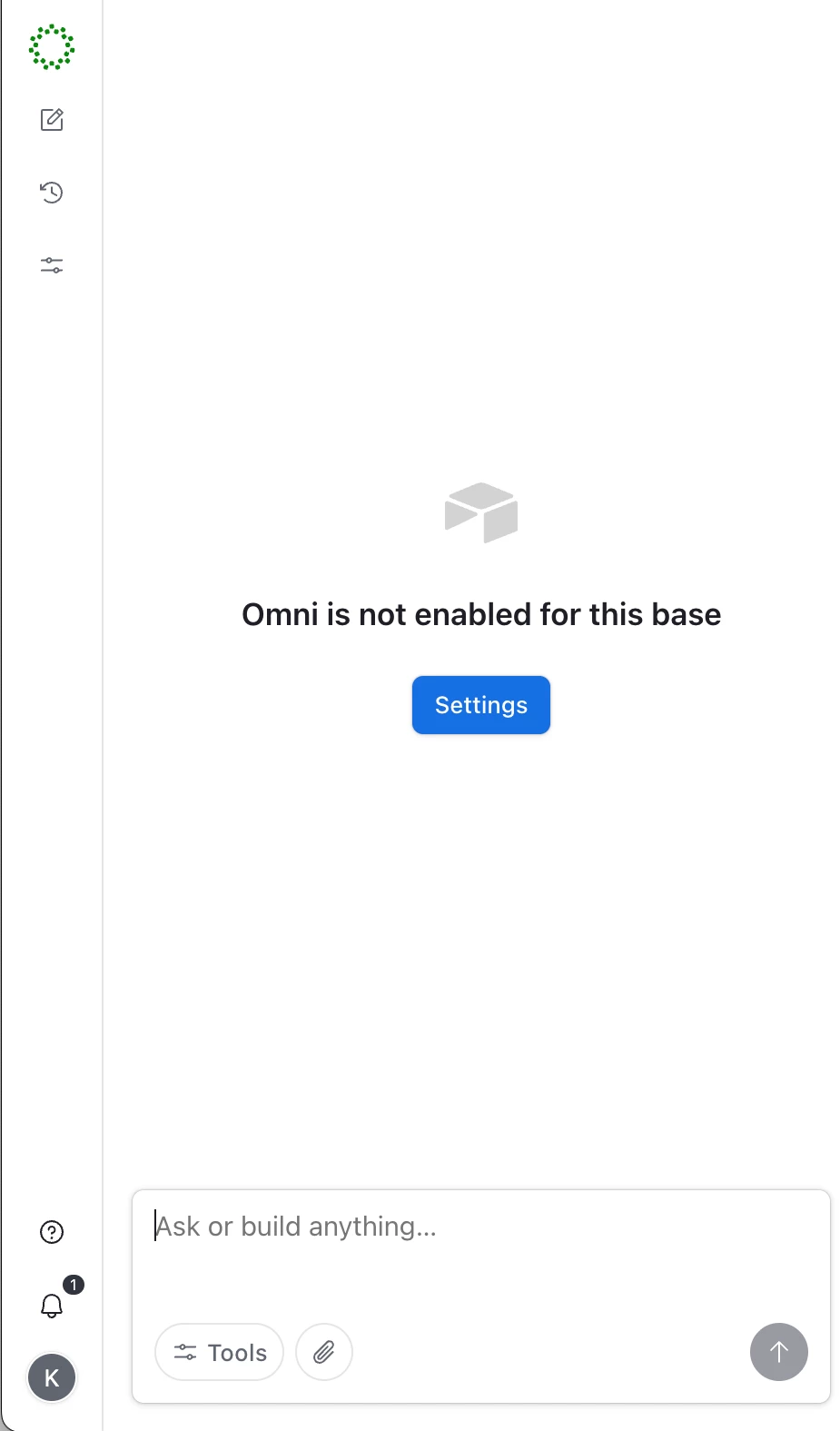
This thing is extremely annoying and interferes with editing the table. The only way I’ve found to disable it is to turn off Omni for the entire base. Is there any simpler way?


 +25
+25
This thing is extremely annoying and interferes with editing the table. The only way I’ve found to disable it is to turn off Omni for the entire base. Is there any simpler way?
Best answer by Mike_AutomaticN
Hey
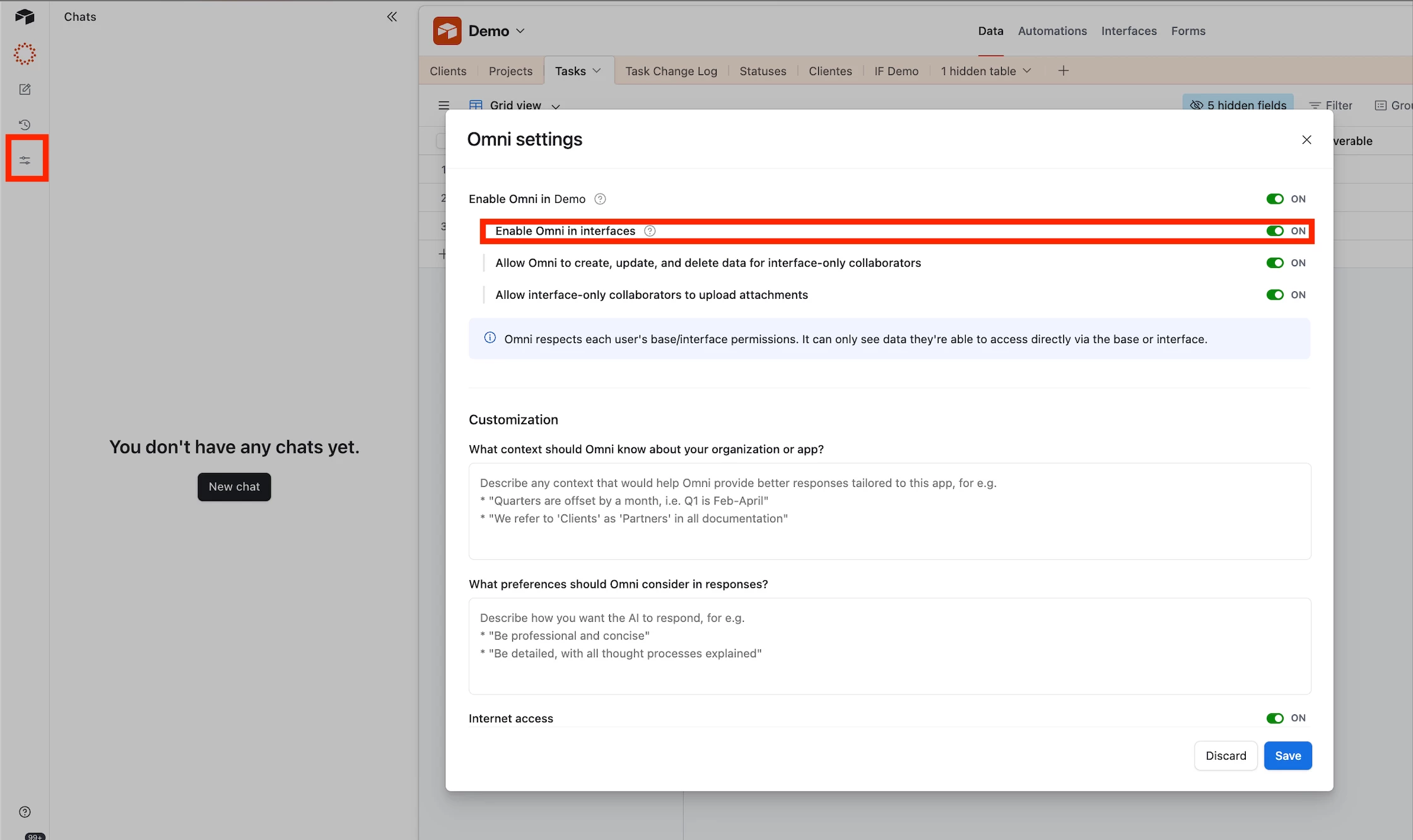
Glad you got this solved. Just sharing some additional detail for any future reader:
Documentation on Omni settings here.
Screenshots of what you mentioned:
Enter your E-mail address. We'll send you an e-mail with instructions to reset your password.