
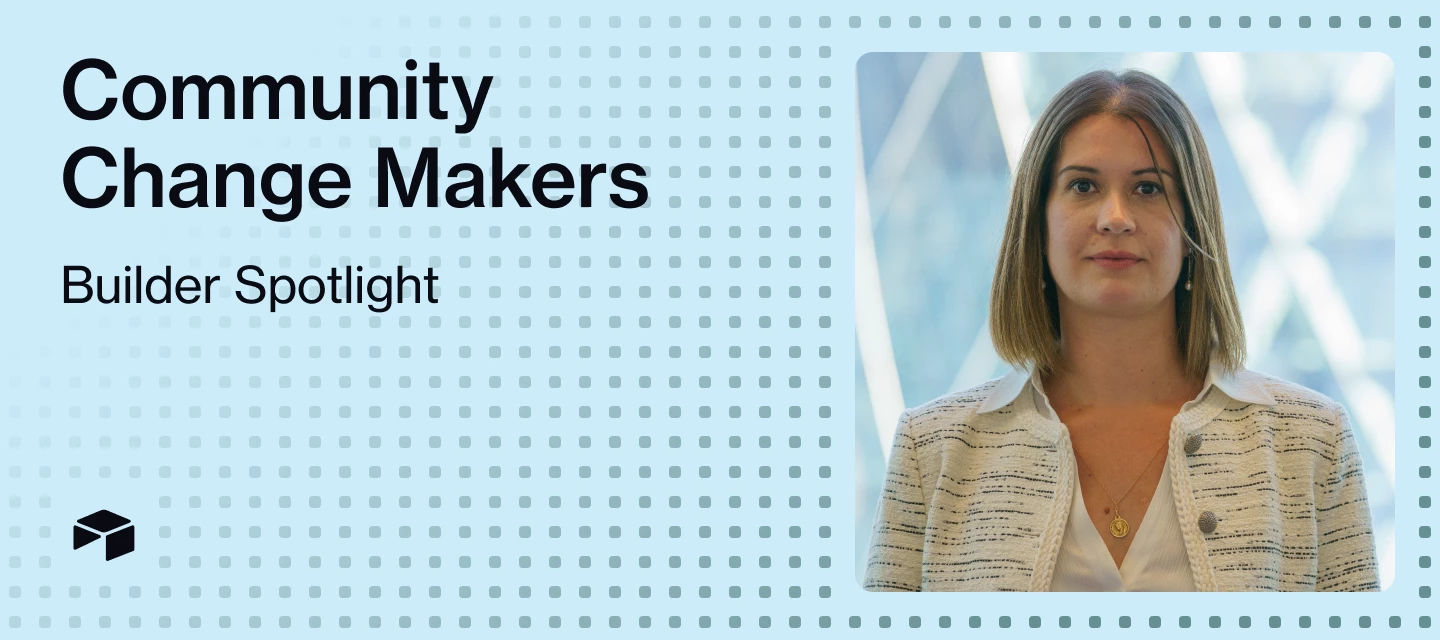



Welcome to Change Makers, our series highlighting customer stories and builders making an incredible impact with Airtable. Today’s Change Maker leveraged Airtable's AI features to transform her organization’s payment approval workflow from a 2-3 day manual process to same-day execution with full compliance audit trails.
Meet Sonia (@Sonia_AV ), Investment Operations & Compliance Manager
Q: Do you have a go-to creative outlet or way to unwind after a busy day?
A: CrossFit! I'll admit I'm naturally lazy about exercise and it takes effort to show up, but once I'm there, focusing on reps and completing the workout is the perfect way to switch off. My favorite part? When it ends!
Q: What's a small feature or automation that makes a big difference in your day-to-day?
A: Slack notifications from Airtable automations. They tell me when actions are completed (not when I have more work to do!), so I don't need to track everything on my to-do list. I've even personalized them with Spanish phrases and salutations; it's like getting updates from a close friend. These are the only Slack messages that always make me smile!
Q: What advice would you give to someone just getting started with Airtable?
A: Just go for it! Start using Airtable even without a big project in mind. The more you use it, the more addictive it becomes. Once you build your first database, ideas keep flowing and you'll always have your next "nice to have" ready to implement!
The Challenge & Airtable Solution
Before implementing Airtable, Sonia's team struggled with a Capital Call process that relied entirely on email chains and manual tracking. This created significant operational risks including missed notifications, delayed approvals, and late payments that potentially damaged relationships with fund managers and raised compliance concerns.
"Our previous workflow suffered from multiple manual handoffs and communication bottlenecks that introduced delays, errors, and compliance risks at every stage," Sonia explains. The multi-step approval process could take up to three working days, with team members manually creating PDF approval documents, coordinating with signatories via Slack, and drafting emails to the payments team.
Sonia built an integrated Capital Call management system in Airtable that serves as an operational hub for the entire approval and payment workflow. The solution leverages Airtable AI in two powerful ways:
- Field Agents automatically extract 10 critical data points from uploaded Capital Call PDF documents, eliminating 15-20 minutes of manual data entry per capital call while improving accuracy.
- AI-powered formula fields intelligently process the extracted data, generating record identifiers, conditionally assigning the appropriate CFO based on legal entity, and creating dynamic interface URLs for stakeholder access.
The system includes sophisticated validation automation that continuously monitors each record to ensure all required fields are populated correctly before triggering notifications to the CFO, Operations Manager, and Account Lead through Slack integration.
Check out a demo of what Sonia built below:
The Results
The implementation of Airtable's AI-powered solution has transformed the Capital Call process from a manual, multi-day operation into a streamlined, same-day workflow. Payment processing time has been reduced from 2-3 working days to same-day completion, with over 90% of requests processed within one hour.
"We've achieved significant efficiency gains across multiple dimensions," Sonia notes. "Beyond speed, we now have automated notifications enabling immediate stakeholder engagement, centralized request logging with complete audit trails that meet SOX compliance standards, and a single source of truth for all requests."
The solution has eliminated the risk of missed payments and late fees while providing the audit trail necessary for compliance requirements. Each record maintains complete documentation including the original Capital Call document, AI extraction timestamp and data, validation checkpoints, approval documentation, and communication logs.
What's Next
Building on this success, Sonia is expanding Airtable into a universal payment approval platform for her organization. She's currently developing Slack actionable messages to bring the approval process directly into Airtable, allowing approvers to receive Slack messages with complete payment details and actionable "Approve" and "Reject" buttons.
"We're also exploring an intelligent document signature workflow where the 'Approve' action in Slack would trigger an automation that applies an electronic signature to the original document," Sonia shares. "AI would validate signature placement based on document type and requirements, automatically generate countersignature requests, and file executed documents in Airtable."
The team will measure success through metrics including time from notification to payment execution, error rates in payment processing, compliance audit preparation time, and user satisfaction scores across stakeholder groups.
Copy & Paste AI Builder Prompts
Below is an example of simple instructions delivered to a field agent that extracts data from a Capital Call PDF for a “Currency” field:
Retrieve currency from {Capital Call Document} and use the following mapping
USD or $: USD
GBP or £: GBP
EUR or €: EUR
Next, Sonia has an example of a field agent with more specialized instruction that was generated using the “Edit with AI” button. This “Manager” field autogenerates record identifiers which previously had to be manually recorded:
You work at the Investment Operations team at Acme Insurance Company which is a company that invests on Limited Partnerships. For this type of investments, a specific amount of capital is committed when the agreement is made with the invested company, but capital is funded at different points of time. Every time the invested company needs to request for funds from Acme Insurance Company, they will issue a Capital Call Notice or similar document to notify Acme Insurance Company.
Based on the above please extract the name of the invested company requested for funds to Acme Insurance Company as per details in {Capital Call Document} Include in your response just the name of the company, no further text.
Did this use case inspire you? Drop a comment below if you're building AI-powered review systems, and share how you're using Airtable to change the way you work for a chance to be our next Change Maker spotlight!