


Available to all users by April 24, 2026
Hey Builders!
We’re launching two updates that give you more control over how and when your field agents run, and that make them easier to configure.
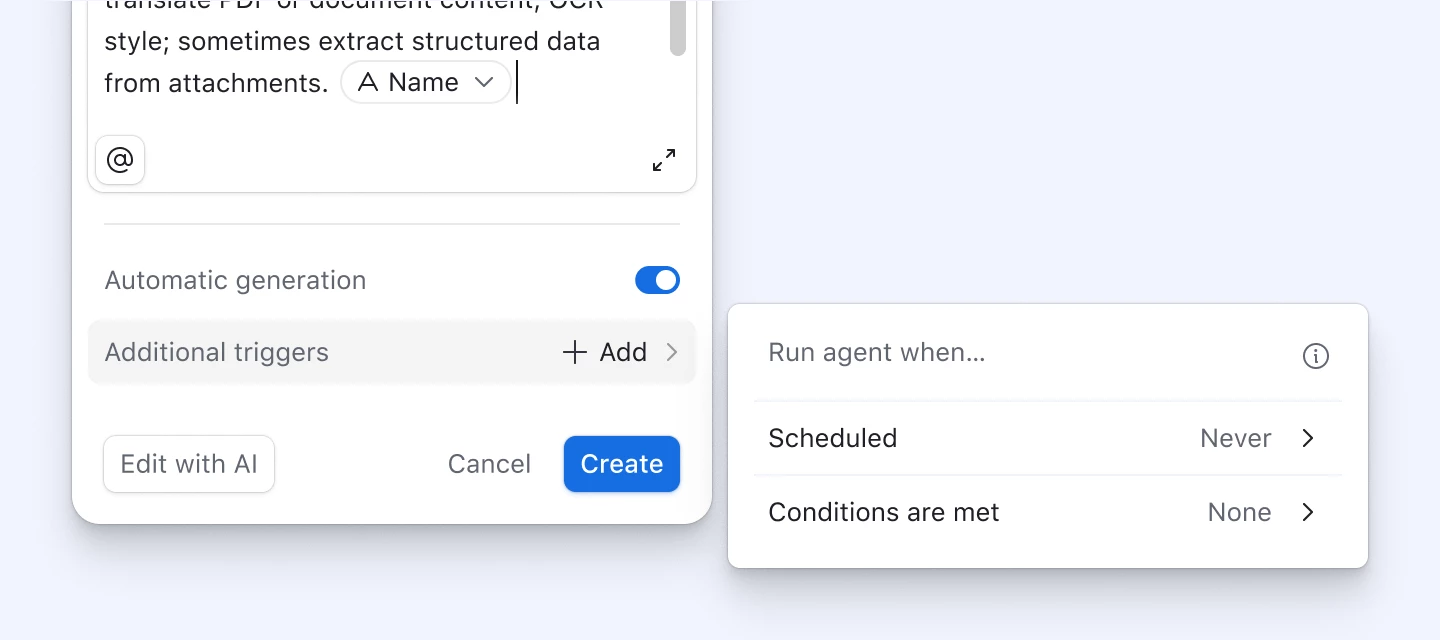
Field agent generation triggers
Until now, field agents could only run in two ways: automatically whenever referenced fields changed, or manually when you clicked to generate. Now you have the option to run field agents automatically on a schedule or when a condition is met.
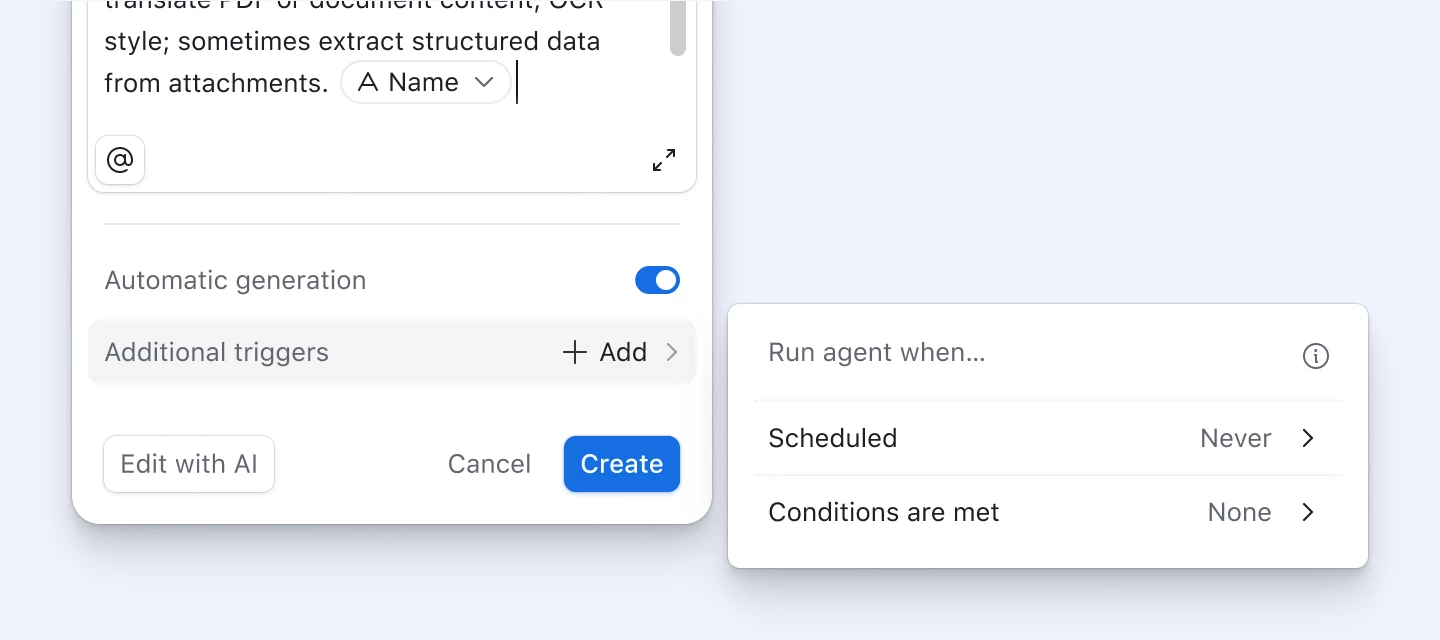
Trigger types
- [new] On a schedule: Runs at a particular time
- Scheduled triggers can also have conditions applied to the schedule, to only run a subset of records on the schedule
- [new] When a condition is met: Runs when a record meets the specified condition(s)
- [existing] Run automatically: Runs when the field agent’s referenced fields change
Example use cases
- Competitive price monitoring: Run every morning to pull updated competitor news via internet search.
- Contract renewal warnings: Fire when days-until-expiry crosses 60, generating a renewal strategy from contract terms and customer history.
- Conference attendee enrichment: Run when an individual is marked as “Attending”, pulling info about their bio automatically.
- Weekly PM digest: Every Monday morning, pull comments from GDrive PRDs and surface a summary of open issues.
A few things to know
- Triggers are a part of field agents — they do not show up in Automations and do not count against your automations budget.
- Scheduled and conditional triggers can be paused and resumed. When you resume, your previous settings will be pre-populated.
Redesigned field agent config
Alongside triggers, we've shipped an updated config experience for all field agents.
What's new:
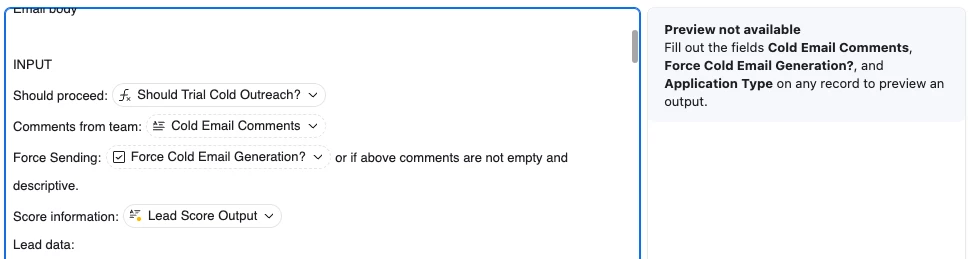
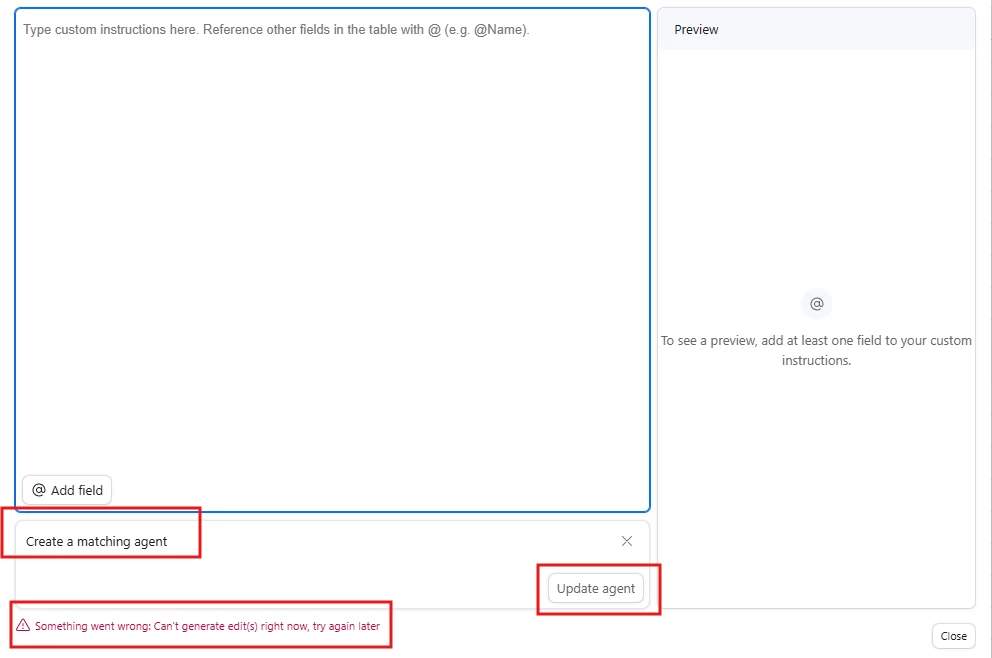
- More space for your prompt — We've expanded the prompt writing surface based on your feedback. The prompt area can now be expanded to give you more space for drafting.
- @ symbol for field references — In addition to the existing { shortcut, you can now use @ to reference fields in your prompt.
- Clearer settings organization — Field agent configuration is grouped into 3 sections:
- Inputs: Field agent name, type, tools, and model are grouped at the top of the config
- Prompt and preview: You can view the prompt and preview in the config, or expand to see the larger prompt/ preview surface
- Outputs and triggers: The bottom section contains output-related settings - select options, formatting options, etc. It also contains the triggers listed above.
We're excited to see how you put triggers to work. Have a use case you're building toward? Drop it in the comments below 👇