



Hi everyone, I'm Akshar Patel (AP), a Product Manager here at Airtable. As we close out Q1, I wanted to share a few quality of life improvements we've been working on. These are the kinds of updates that make your Airtable experience meaningfully better every day.
Comment Resolution & File Attachments
Earlier this quarter we launched the ability to resolve comments and attach files to comments on records. Now, we're bringing those same capabilities to our proofing viewer (attachments set to “versions” mode). If your team reviews creative assets in Airtable, you can now resolve comments and attach files directly within the attachment viewer keeping all your feedback organized and actionable right where the review happens.
Date Dependencies Auto-Calculate Start Date
For my fellow date dependency fans, we've updated the date calculation logic for Fixed dependency mode to auto-calculate the Start Date of a record when its predecessor is selected. As soon as a predecessor is linked to a record the start date will be calculated as the next valid day. No more manually setting start dates every time you link a predecessor. We also added the ability to set a default value on Duration fields, which means end dates can now be auto-calculated as well when a predecessor is added.
Grid View in Dashboards
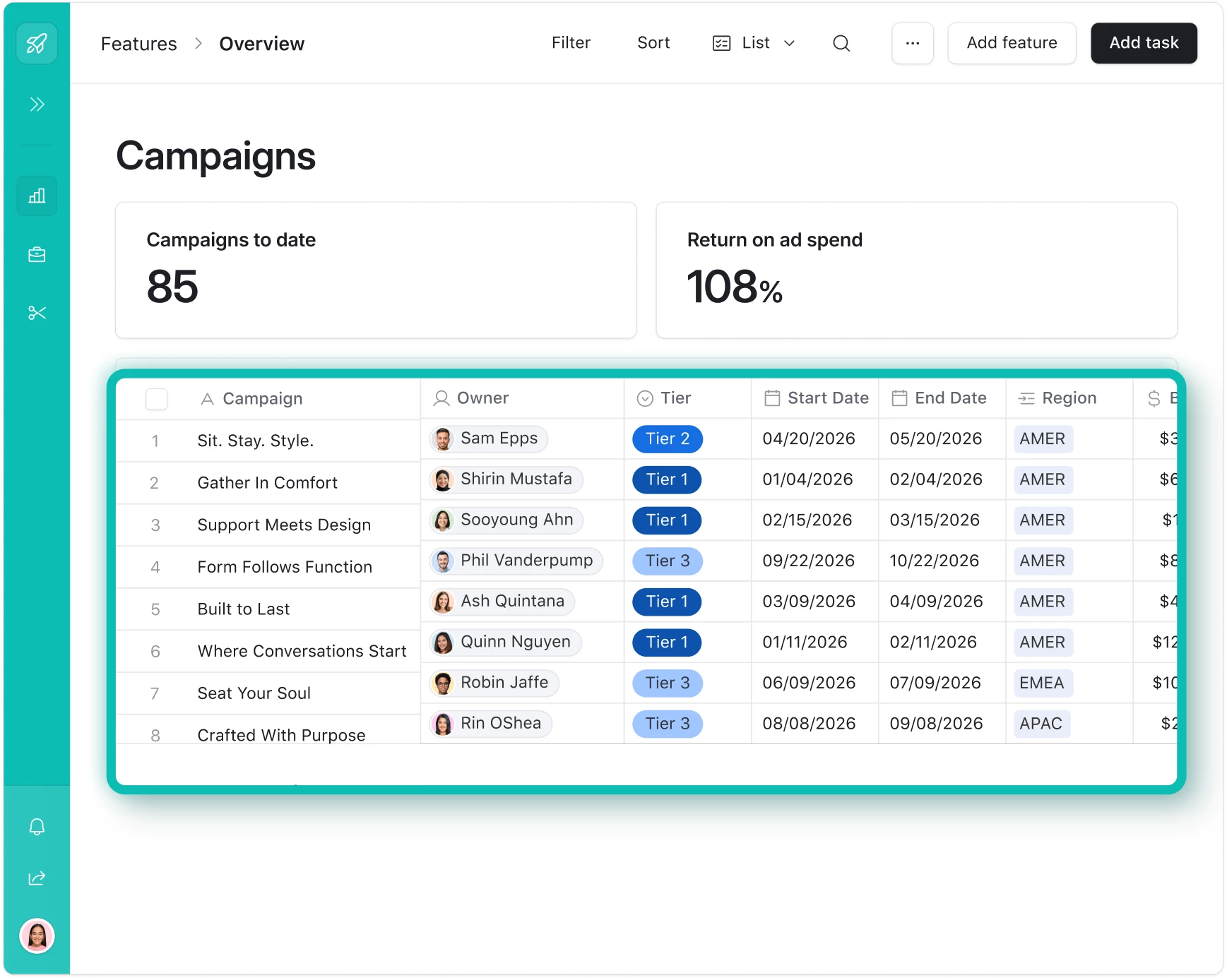
You can now add a grid view directly into Interface dashboard layouts, right alongside your charts, timelines, kanban boards, and other elements. This is especially helpful when you need to freeze columns on super wide grid elements.
Prevent Inline Select Option Creation
Builders can now prevent end users from adding new options to single and multi select fields inline on List and Grid interface pages. This gives you more control over your data and your carefully curated dropdown options stay exactly the way you set them up.
Reorder Linked Records Without Enabling Link/Unlink
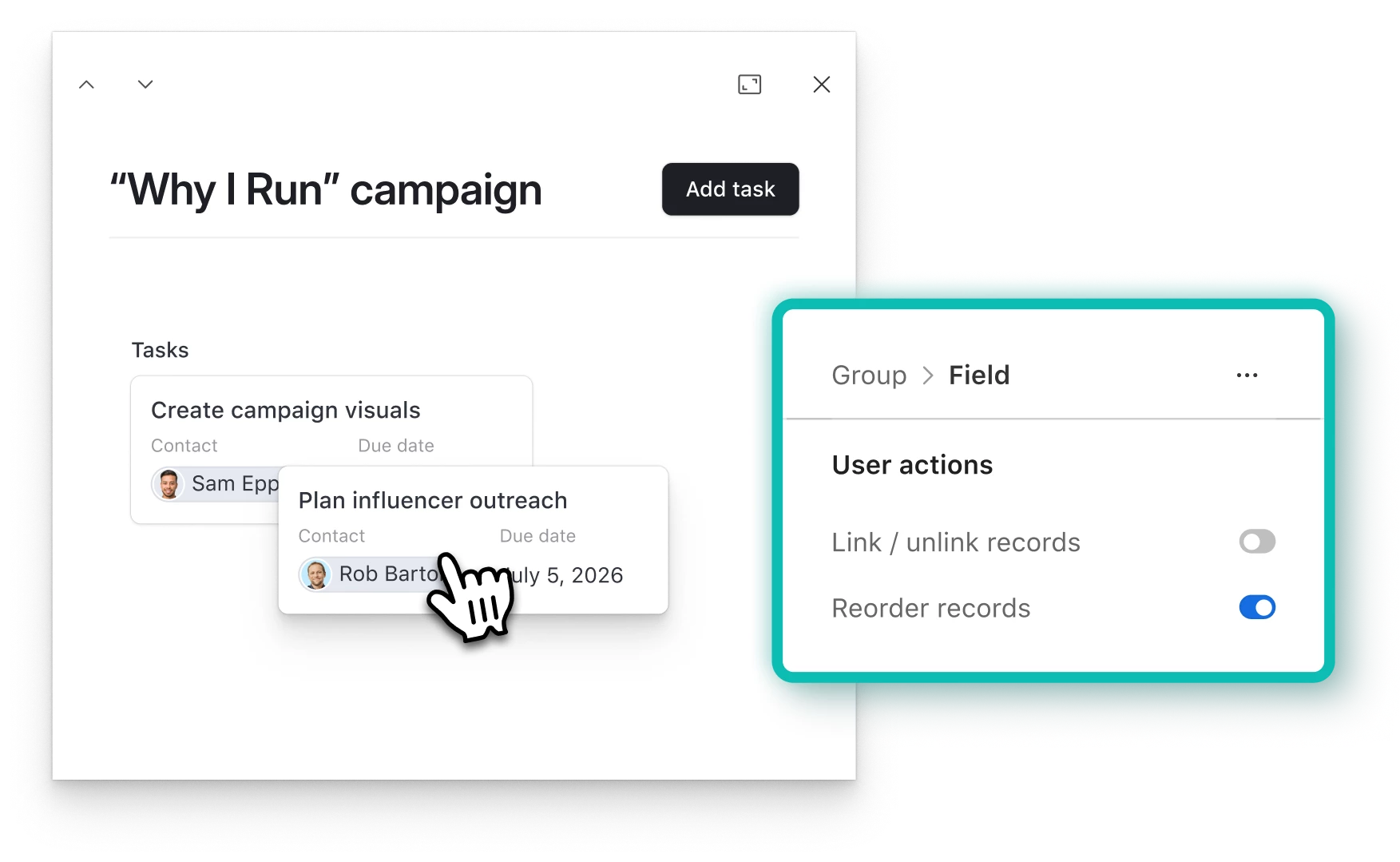
We've added a new setting to Linked Records (in Card style) that lets end users reorder records without needing link/unlink to be turned on. Previously, the only way to allow users to reorder Linked Records was to also enable link/unlink. Now builders can separate those permissions and give users the flexibility to rearrange without the risk of accidentally unlinking records.
Linked Records with Conditions Work in Pre-fill Form Links
Prefilled form links now support Linked Record fields that have selection conditions set. If you've been using selection conditions to control which records can be linked, those same conditions will now be respected when a form is opened via a pre-fill link.
We're going to keep releasing quality of life improvements throughout the year. If there's something that's been bugging you, drop it in the comments.
Thanks for being part of this community!
~AP