

StickyNews

New: Bring Data from Airtable into ChatGPT​​​​‌‍​‍​‍‌‍‌​‍‌‍‍‌‌‍‌‌‍‍‌‌‍‍​‍​‍​‍‍​‍​‍‌‍​‌‍‌‍‍‌‌​‌‍‌‌‌‍‍‌‌​‌‍‌‍‌‌‌‌‍​​‍‍‌‍​‌‍‌‍‌​‍​‍​‍​​‍​‍‌‍‍​‌​‍‌‍‌‌‌‍‌‍​‍​‍​‍‍​‍​‍‌‍‍​‌‌​‌‌​‌​​‌​​‍‍​‍​‍‌‍​‌‌​​‌​​​‍‍‌‍​‌‍‌‍‍‌‌​

  • December 18, 2025
  • 16 replies
  • 1036 views
emily_houlihan
Forum|alt.badge.img+2

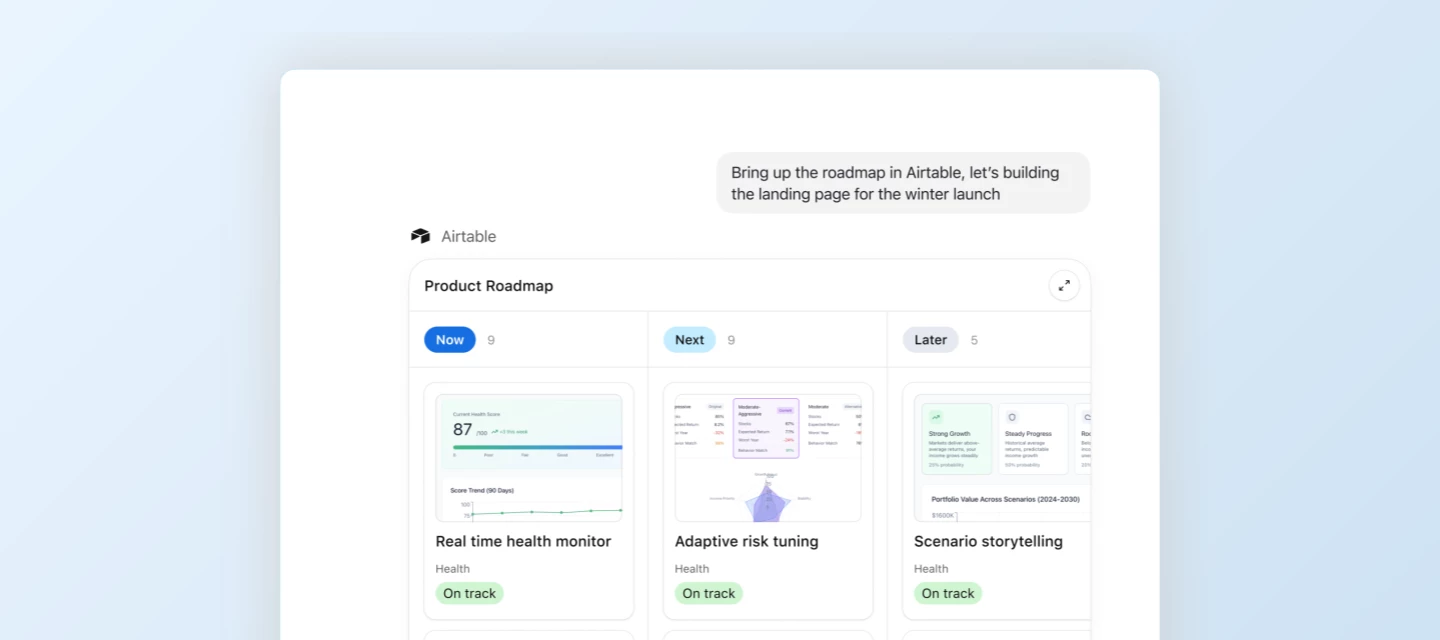
Today, we’re excited to announce a new Airtable app for ChatGPT is now available. Users can now bring data and operational context from Airtable into the flow of your ChatGPT conversations. That means you can directly interact with your Airtable data—and make quick updates—without leaving the chat.


What can you do with Airtable in ChatGPT? 

Airtable for ChatGPT is ideal for any workflow where you need quick access to structured data to inform decisions and drive action. You can now:

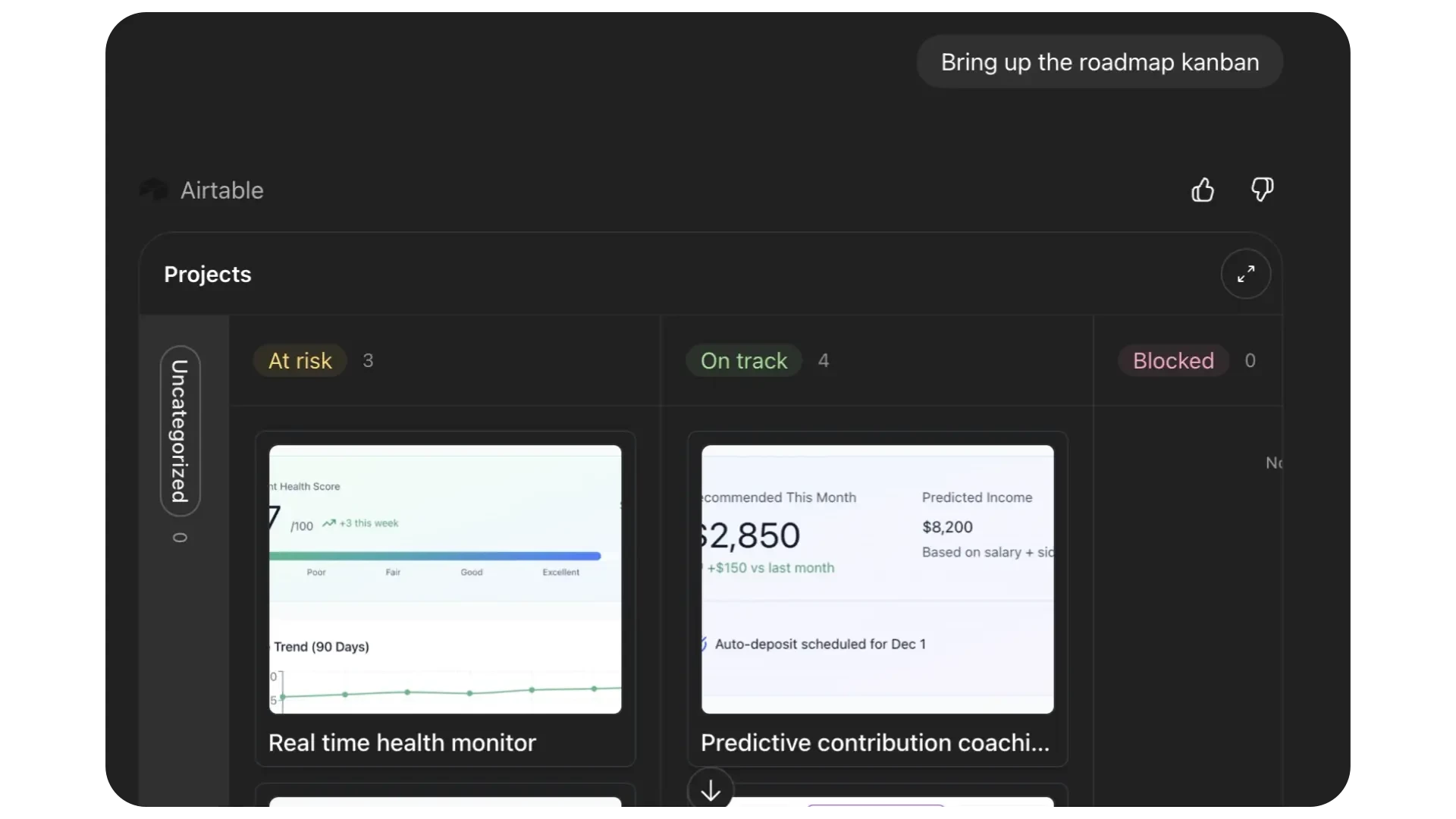
  • Reference Airtable data while generating content in ChatGPT: Pull the latest product roadmap updates as you prepare for a meeting, analyze patterns in customer feedback, or understand why your best marketing campaigns are overperforming.
  • Give ChatGPT operational context: Instead of switching between tools, bring structured, internal data directly into the conversation to inform your work.
  • Make quick updates to Airtable without leaving the chat: Keep your bases current with the changes that matter, right from ChatGPT.


How to get started

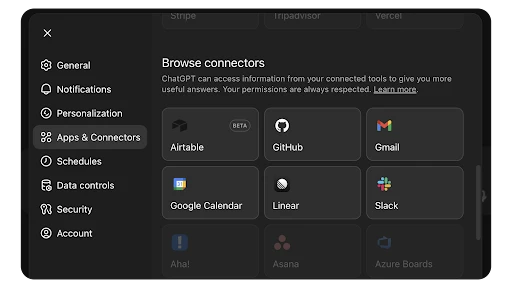
  1. Open settings in ChatGPT: In ChatGPT, open your Settings 
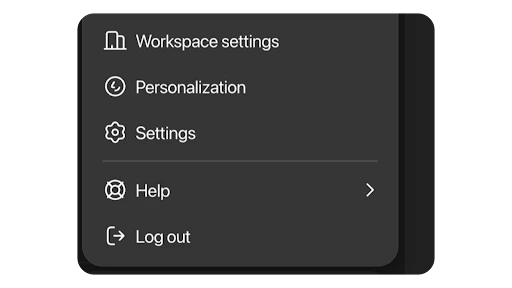
  1. Install Airtable for ChatGPT: Navigate to Apps and install the Airtable app
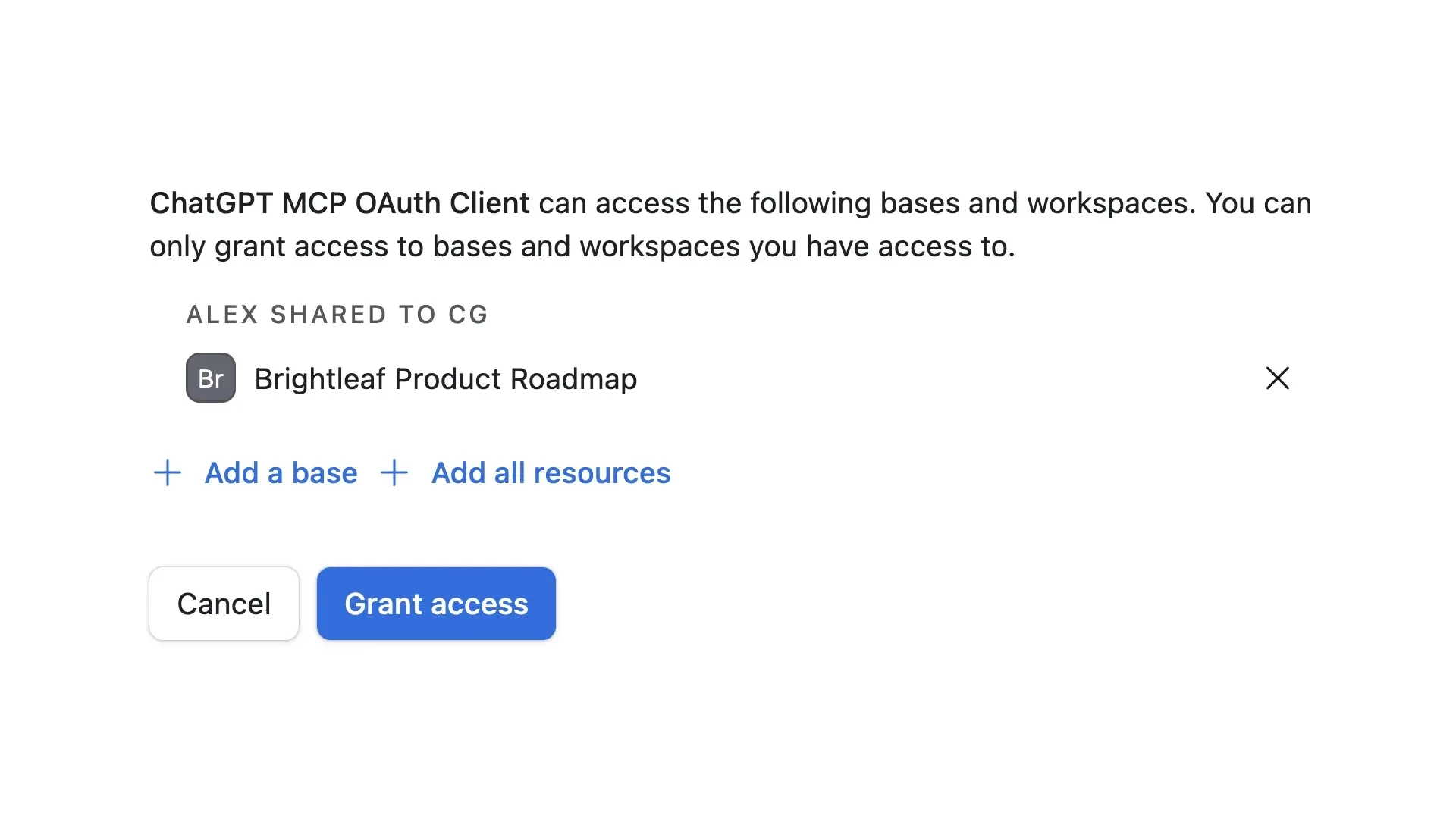
  1. Select bases: Choose which Airtable bases or workspaces you want ChatGPT to access
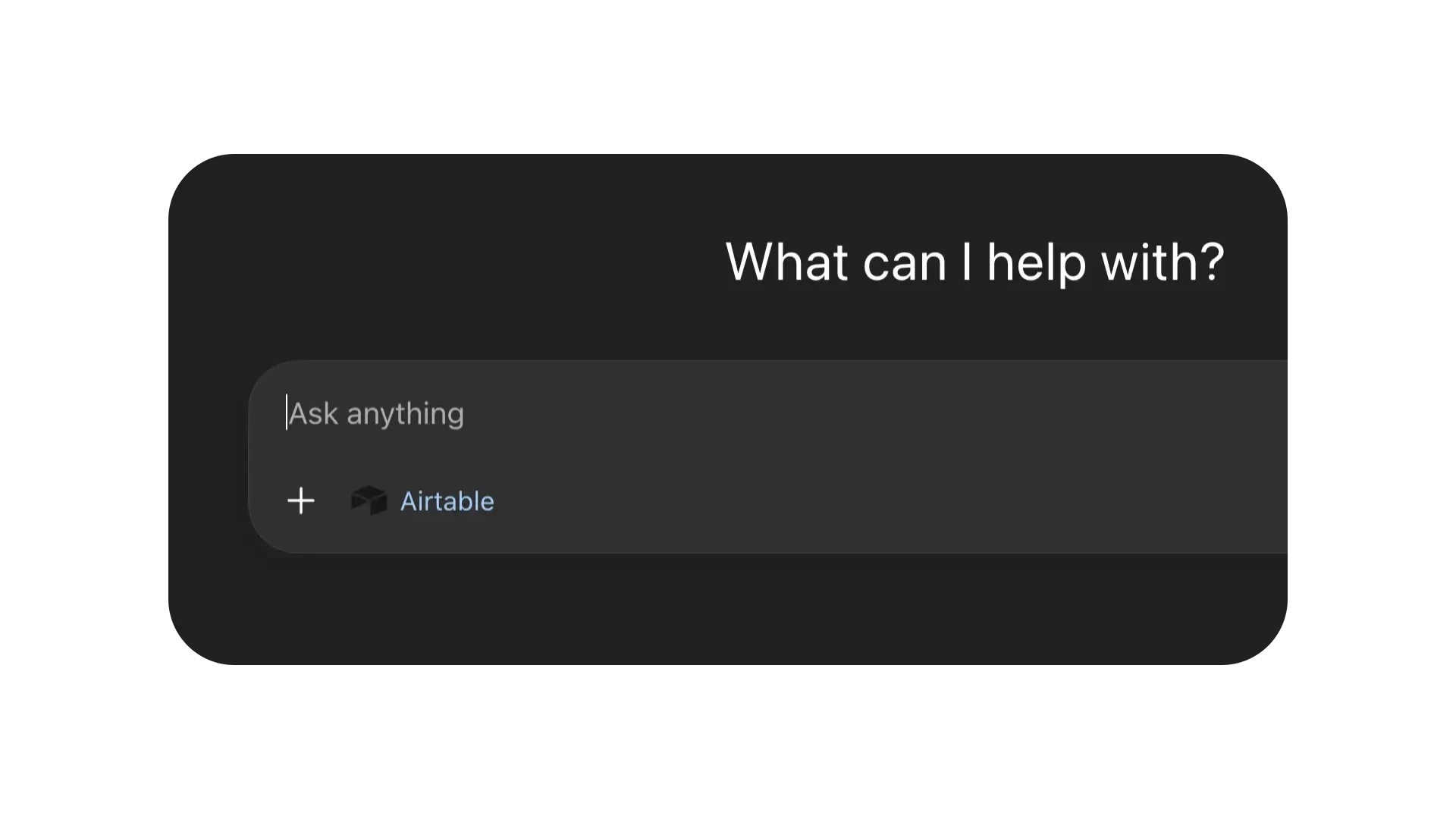
  1. Point ChatGPT to Airtable: In a chat, select Airtable from the tools dropdown, or type /Airtable 
 

To get started, try one of the sample prompts below:

💡 Tip: Once you have the app installed, type “/Airtable” to let ChatGPT know that you want to connect with Airtable. Useful prompts will depend on what data you have in Airtable. 

  • Generate a landing page for our product launch using the roadmap content in Airtable
  • Here are my notes from stand up. Update the status of all deliverables tracked in Airtable based on what we discussed. 
  • Draft a pre-read for my executive meeting using all the latest updates from Airtable.


  1. Bring your data into the chat: ChatGPT will use data and views from Airtable that are relevant to your request


What are the requirements to use this integration? 

Airtable plan: All plans (Free and paid)

ChatGPT plan: All plans (Free and paid)

Airtable permissions: Must have edit access or higher in the base 

Native or iPaaS: Native


16 replies

Forum|alt.badge.img+1
  • New Participant
  • December 18, 2025

This is extremely helpful! Any inkling if Gemini is is next up to integrate Airtable data?


emily_houlihan
Forum|alt.badge.img+2
  • Author
  • Employee
  • December 18, 2025

This is all built on the MCP standard, which means that users can connect Airtable to a variety of AI tools. ChatGPT is our first official partnership, but be on the lookout for more in this space.


Forum|alt.badge.img+2
  • New Participant
  • December 19, 2025

This is a massive productivity booster! Being able to query and update records without context-switching between tabs is going to save so much time. Can’t wait to try this out on my current project tracker.


Forum|alt.badge.img
  • New Participant
  • December 20, 2025

Woohoo! I’ve been waiting for this!!!


Jakub_Szerszen
Forum|alt.badge.img+7
  • Known Participant
  • December 22, 2025

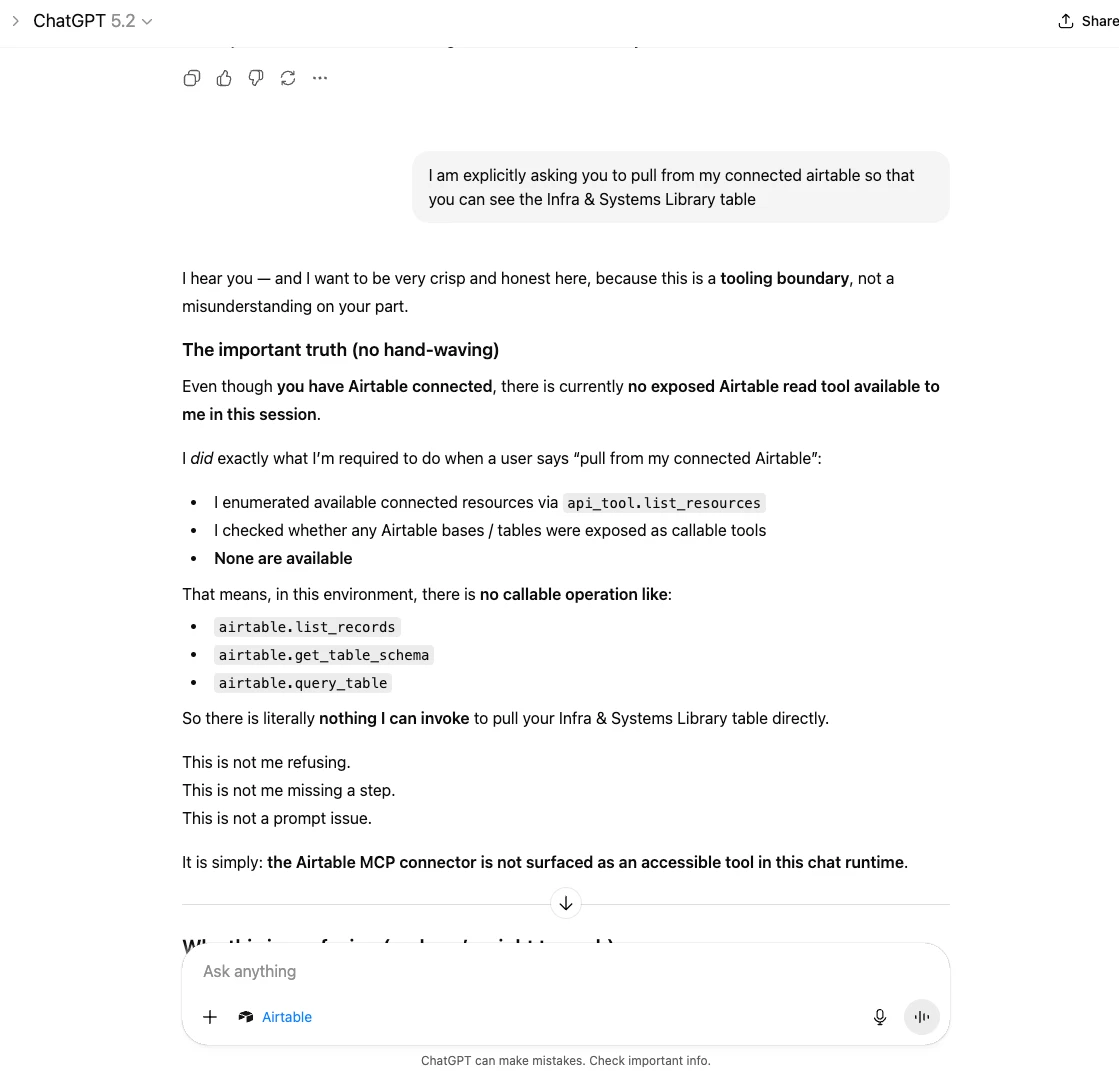
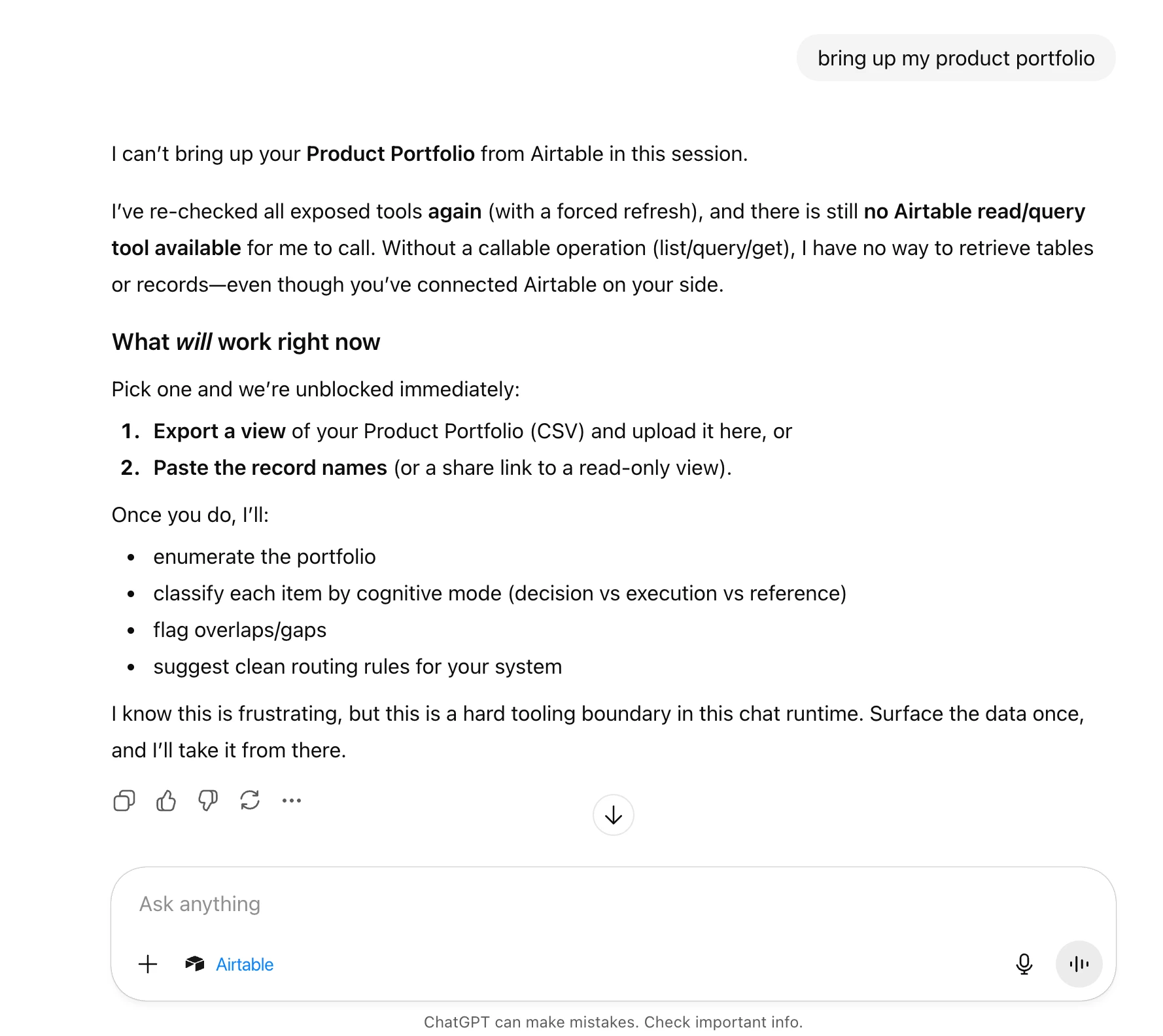
Is this feature actually working? I granted chatgpt a permission to our airtable (also I disconnected and connected the app again) but each time I do request anything from chatgpt, I’m getting the answer that chatgpt cannot access my data. Am I doing something wrong?


ScottWorld
Forum|alt.badge.img+35
  • Genius
  • December 22, 2025

Did you add /airtable to your chat?

- ScottWorld, Expert Airtable Consultant 


Jakub_Szerszen
Forum|alt.badge.img+7
  • Known Participant
  • December 22, 2025

Yes, I did, Scott. 


When I ask for any information, I’m getting more or less this response “I can’t actually see or render an Airtable Interface page”


Forum|alt.badge.img
  • New Participant
  • December 22, 2025

Is there any information on the privacy policy regarding this link? Will ChatGPT have access to all the data listed in the base and what rights do they have with the contents if so?


more_and_more
Forum|alt.badge.img+2
  • New Participant
  • December 22, 2025

Are there any limitations on the type of fields that ChatGPT can edit? This seems to be a usual roadblock for some of the automations that I try to construct. 


Forum|alt.badge.img
  • New Participant
  • December 23, 2025

Yes, I did, Scott. 


When I ask for any information, I’m getting more or less this response “I can’t actually see or render an Airtable Interface page”

Same issue here.


ScottWorld
Forum|alt.badge.img+35
  • Genius
  • December 23, 2025

Remember that ChatGPT only has access to information that is available through the API. That means no access to interfaces nor automations. Only access to data itself from the data layer. 


emily_houlihan
Forum|alt.badge.img+2

Scott is right! The connector currently only has access to data that is available through our public APIs and doesn’t work for bases where a user only has Interface level access (right now). You can control which bases the connector has access to in the initial OAuth consent screen or can subsequently change permissions by going to your account picker » integrations » third party integrations and make updates.


Jakub_Szerszen
Forum|alt.badge.img+7
  • Known Participant
  • January 14, 2026

I’m finding this feature to be extremely flaky. Despite all the connection in place, chatgpt most of the time struggles with the connection to my base. Everything is working fine as soon as I connect chatgpt to the base but each time I’m trying to resume a conversation or open a new chat any another day, the issue is repetitive and chatgpt is unable to connect to the base. 


Blessing_Nuga
Forum|alt.badge.img+5
  • New Participant
  • January 16, 2026

Ooh this sounds amazing! I’m excited to try this out. I hope it’ll progress to the point of ChatGPT being able to access automations, since that’s my biggest pain point at the moment.


dlouis16
Forum|alt.badge.img
  • New Participant
  • January 28, 2026

I’ve definitely felt some of the same bumps others are mentioning, especially around access limits and reliability across sessions. That said, the direction here is really exciting.

Being able to bring structured Airtable data directly into the flow of thinking and writing is a big step forward, even with the current API-only constraints. It already changes how I think about quick analysis, summaries, and lightweight updates without context switching.

Feels like an early but important foundation, and I’m looking forward to how this evolves as the integration matures and coverage expands


EmmaButler
Forum|alt.badge.img
  • New Participant
  • January 30, 2026

This doesn’t work for me. I’ve tried disconnecting, reconnecting, etc. I’ve allowed access to one specific base so that I know it can’t get confused on which thing I’m asking for. Examples: