


Hi everyone,
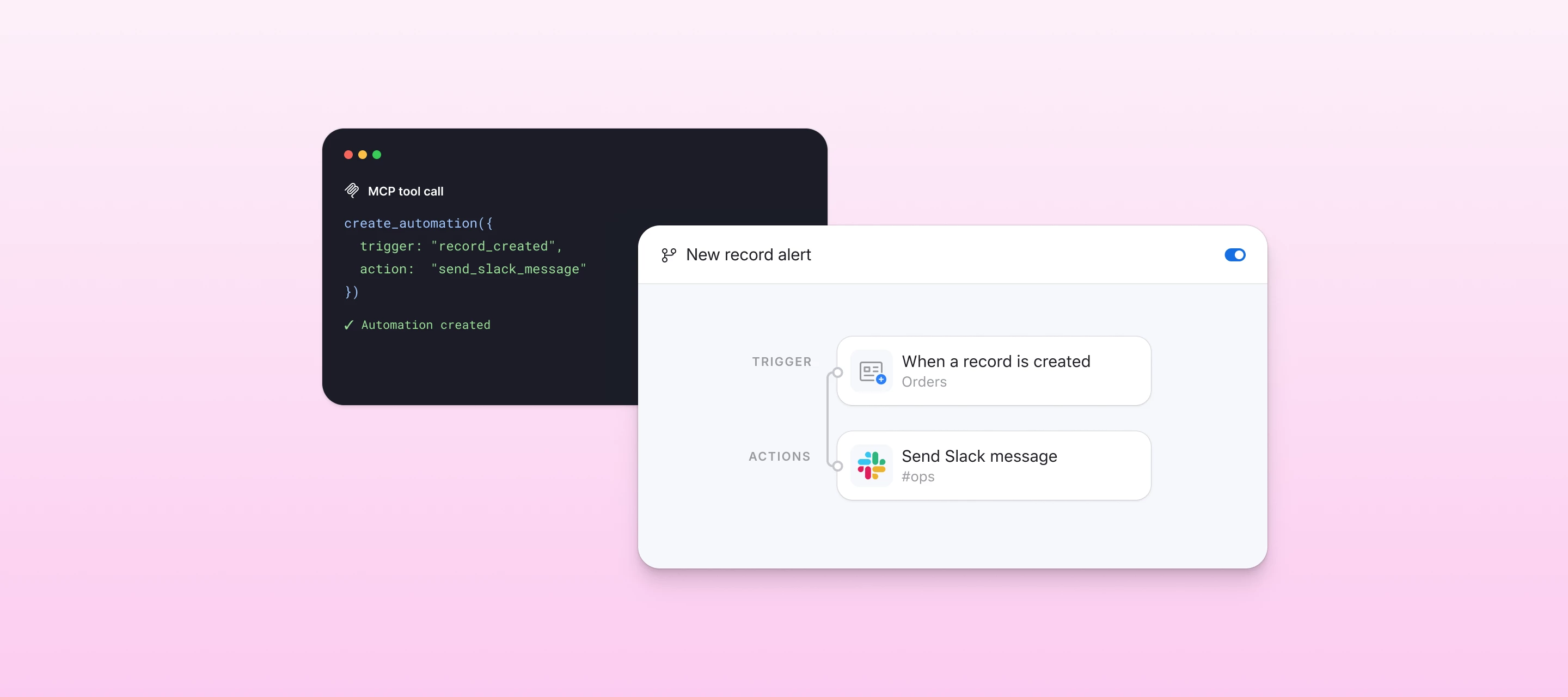
You can now build and manage Airtable automations from AI assistants connected to Airtable’s MCP server. Connect Airtable to Claude, ChatGPT, or another MCP-compatible tool, then describe the workflow you want in plain language. Your assistant can configure the trigger, actions, conditions, and dynamic data for you—without setting up every step by hand.
Agents can build complex workflows with branching logic, repeating groups, and data passed between steps—so you can put AI to work on even your most advanced automations.
What can your agent do?
- Create automations with conditional and repeating groups, including nested groups
- Configure field values across supported triggers and actions
- Use dynamic data and token functions (such as Uppercase and Trim)
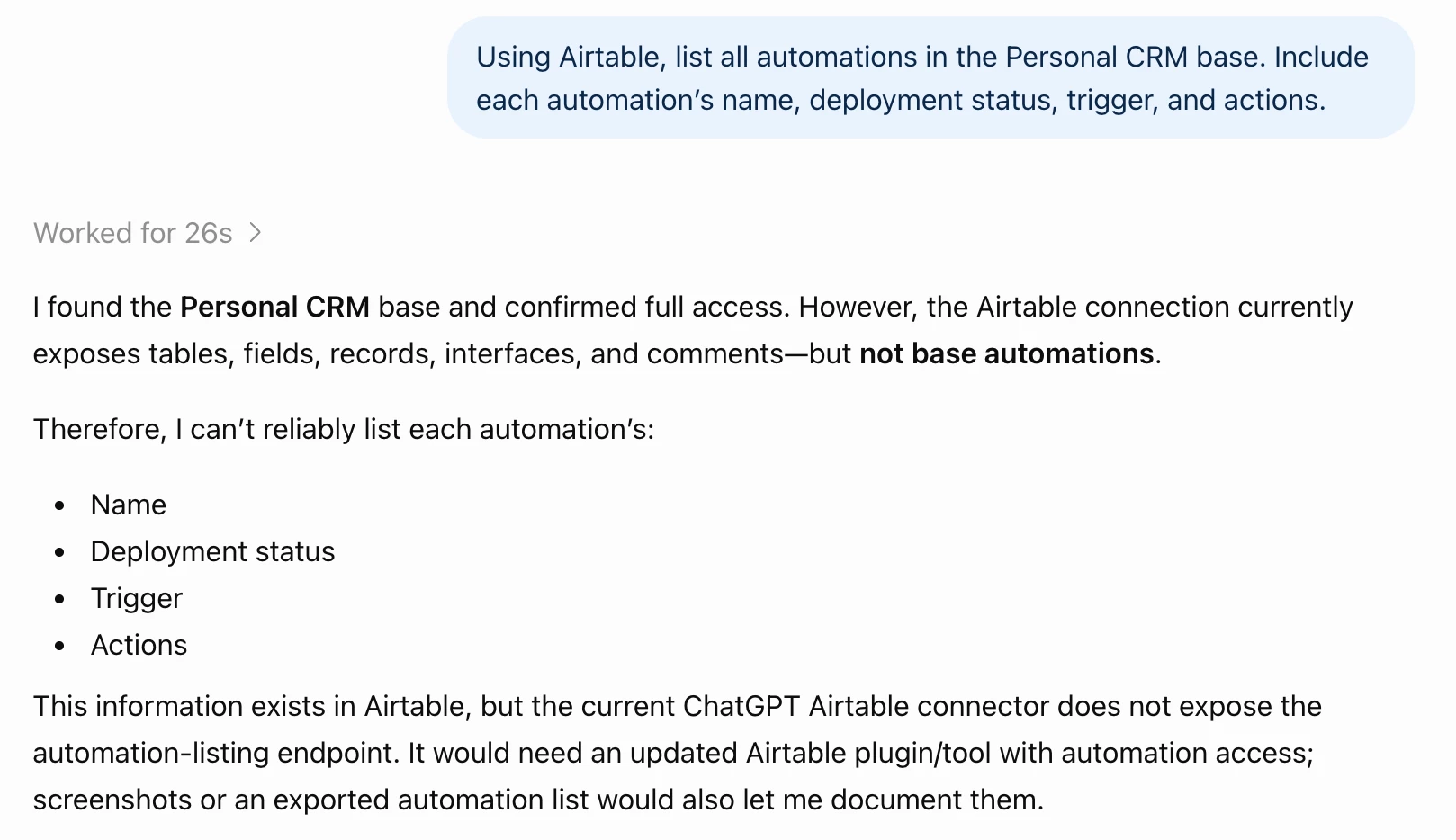
- List and review the automations in a base
- Read, update, and delete existing automations
For example, you could ask your assistant to:
- “When a new request is submitted, route it based on priority, assign an owner, and notify the right Slack channel.”
- “Every Monday, find overdue projects and email each project owner a personalized reminder.”
- “Use AI to categorize new feedback, update the record with structured results, and notify the product team.”
Fully supported triggers
- When a record is created
- When a record is updated
- When a record matches conditions
- At a scheduled time
- When a form is submitted
- When a record enters a view
Fully supported actions
- Create record
- Update record
- Find records
- Sort a list
- Send email
- Send a message to Slack
- Send email through Gmail or Outlook
- Generate text with AI
- Generate structured data with AI
How to get started
- Connect your preferred AI assistant to Airtable’s MCP server.
- Tell it which base you want to work in and describe the automation you need.
- Follow the link your assistant provides to review the automation in Airtable.
- Turn it on when you’re ready.
A few things to know
- New automations created through MCP start paused, so nothing runs until you review and activate them in Airtable.
- Agents can prepare changes to an active automation, but those changes won’t affect the live version until you apply them in Airtable.
- Turning automations on or off still happens in Airtable.
- Custom script actions can’t currently be created or edited through MCP (but we’re actively working on adding this!)
- Actions that use services such as Slack, Gmail, or Outlook require an account already connected to Airtable.
- The fully supported list will continue to grow. Agents can also create many other triggers and actions with a smaller set of configuration options.
- Airtable permissions still apply. Only Base owners and creators can build or modify automations through MCP.
Give it a try, and let us know what you build—or what you’d like agents to support next!