



Hey Airtable Community,
We're excited to announce two key updates for Enterprise Scale customers: a brand-new Databricks sync integration and expanded custom SQL support for both Databricks and Snowflake.
What's new
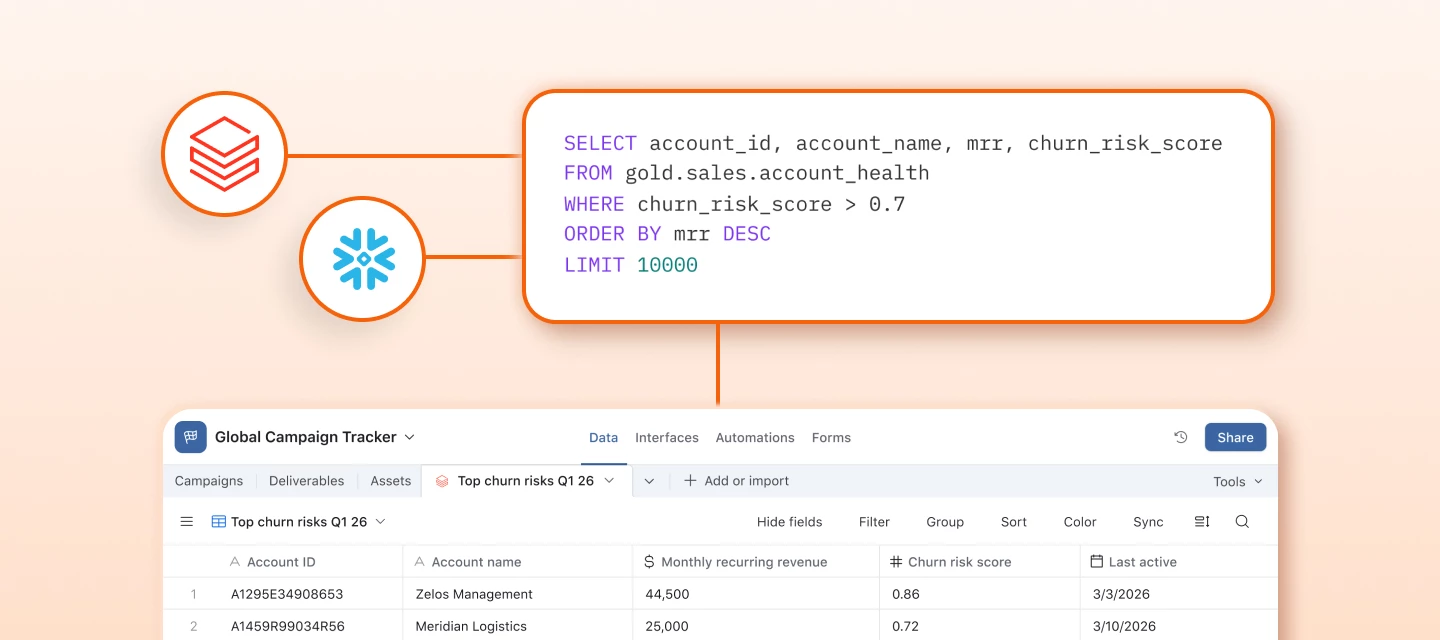
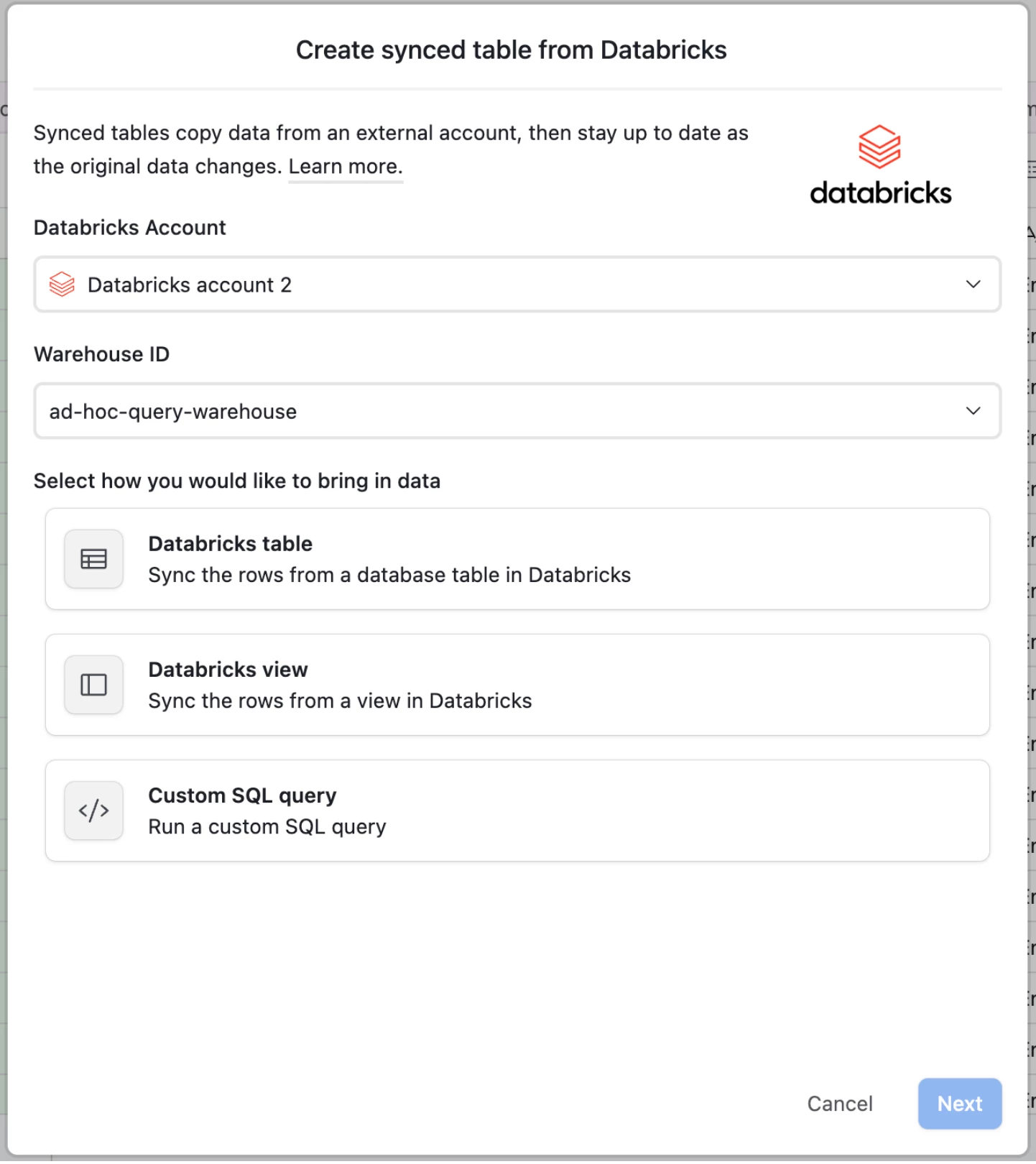
Databricks is now available as a native sync source. And for both Databricks and Snowflake, you can now sync the result of any custom SQL query, not just predefined views or tables, directly into Airtable.
This means any user with permission to execute queries within a warehouse can write precise queries to sync data to Airtable tables on a schedule, ready for automations, interfaces, and cross-functional workflows.
Why this matters
Data warehouses hold your company's most trusted data, but that data has historically been locked behind SQL and BI dashboards. With these syncs, you can operationalize warehouse data directly in Airtable: users can enrich warehouse data with local context, trigger automations on data thresholds, surface prioritized records for sales and ops teams, and power reporting interfaces and dashboards for leadership.
Some use cases we're seeing:
- Lead prioritization: Sync a curated ML lead-scoring dataset from Snowflake to surface high-intent accounts for BDRs, enriched with AI-drafted outreach in Airtable
- Performance monitoring: Sync performance monitoring to operational teams. Use Databricks to calculate SLA violations or usage anomalies and trigger escalation workflows automatically. Databricks powers the analysis, Airtable is where support, engineering, and leadership teams action on the results.
- Marketing and ops tracking: Pull aggregated metrics from Databricks into Airtable to power campaign management, approval workflows, and stakeholder reporting
What you need to know
- Available on Enterprise Scale plans only
- Record limit: 100,000 records per sync
- Requires a one-time admin setup
Admin setup required
Both Snowflake and Databricks sync require admin setup from both Airtable and data warehouse admins. We use OAuth to connect to both platforms, so after this one-time configuration, all users within your organization will be able to connect from Airtable. See full instructions here.
If you already have the existing Snowflake integration configured, the new custom SQL and scheduling options are available to existing Snowflake connections with no re-configuration required. All you need to do is start setting up a new sync table from Databricks or Snowflake.
What are you planning to build on top of your warehouse data? We'd love to hear what use cases you're unlocking.