


Hi everyone,
Two quality-of-life improvements just landed in Automations, both aimed at making it easier to pass data from one step of your automation to the next.
Insert as JSON
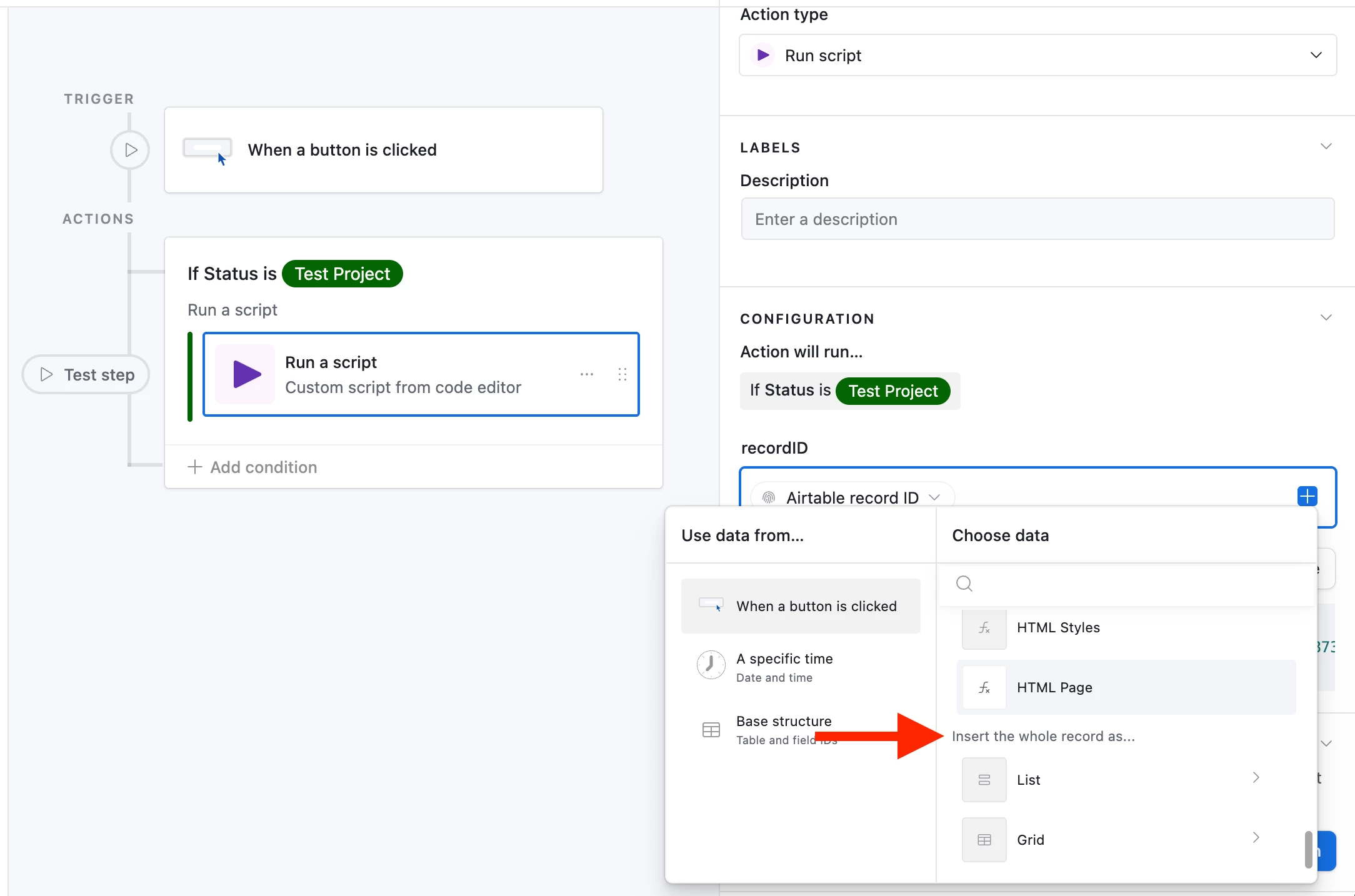
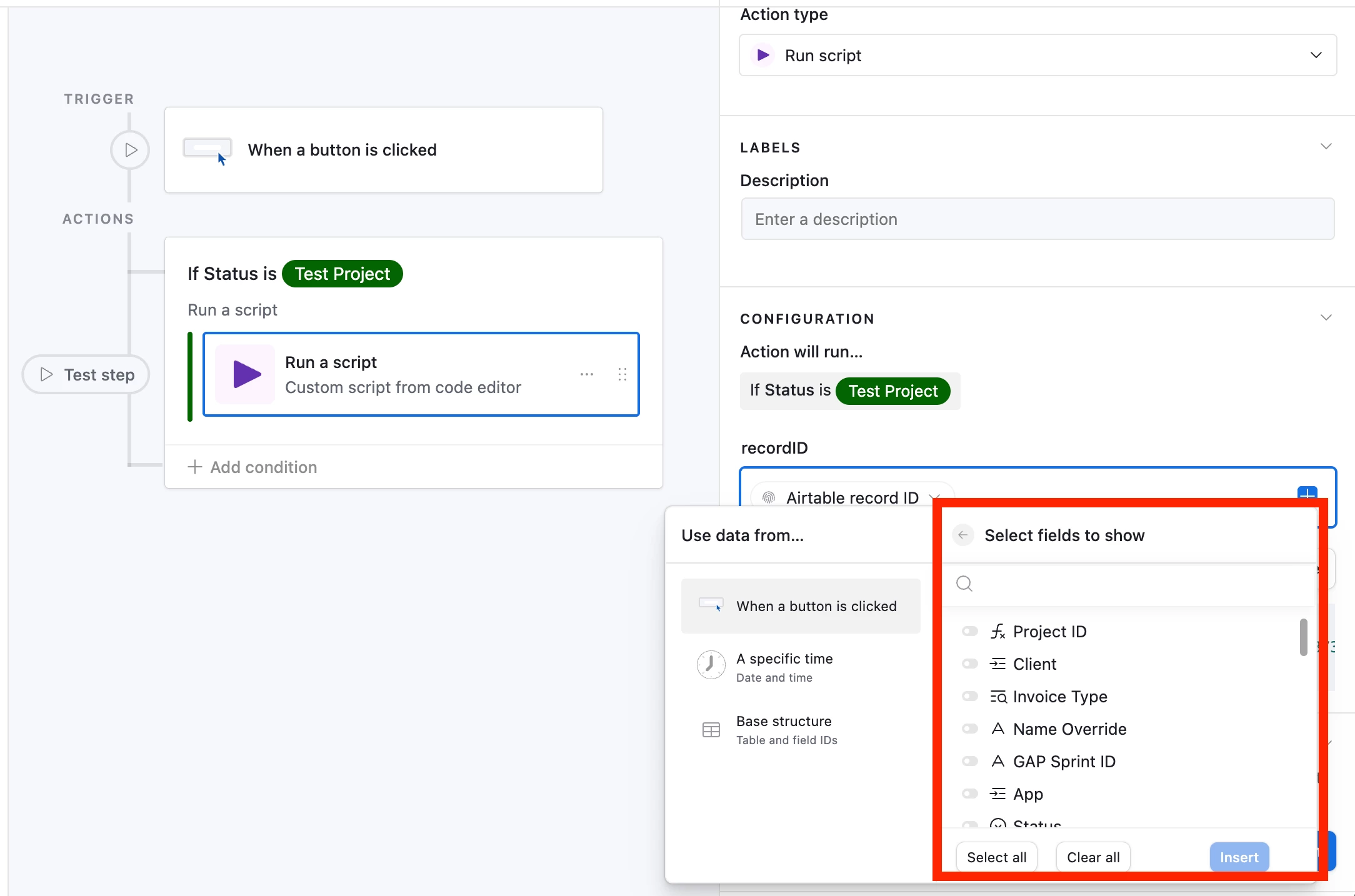
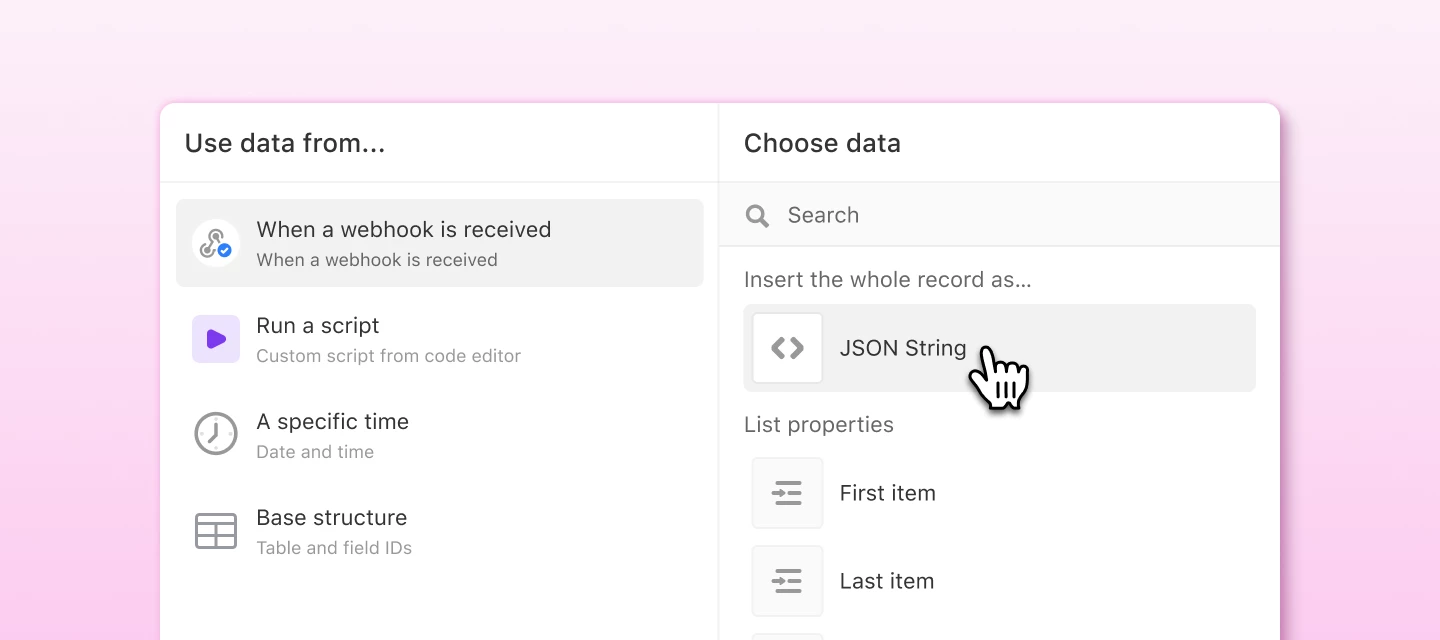
When you're inserting dynamic data into a later action, you've always been able to pull in individual values one at a time. Now there's a faster option: you can insert a whole group of related data at once with the new "Insert as JSON" token. This works for both a single group of details (an object) and a list of items (an array).
This is especially handy when you're working with data that has a lot of nested detail, like the response from an incoming webhook trigger or the output of a "Generate structured data" action. Instead of drilling in and picking each property by hand, you can grab the whole thing in one step.
You'll see one of two versions, depending on where you're inserting it:
- **Insert as JSON string** — appears when you're inserting into a text field.
- **Insert as JSON data** — appears for inputs on the "Run a script" action.
If you've ever wrestled with getting webhook data into a script, this one's for you.
First item and Last item
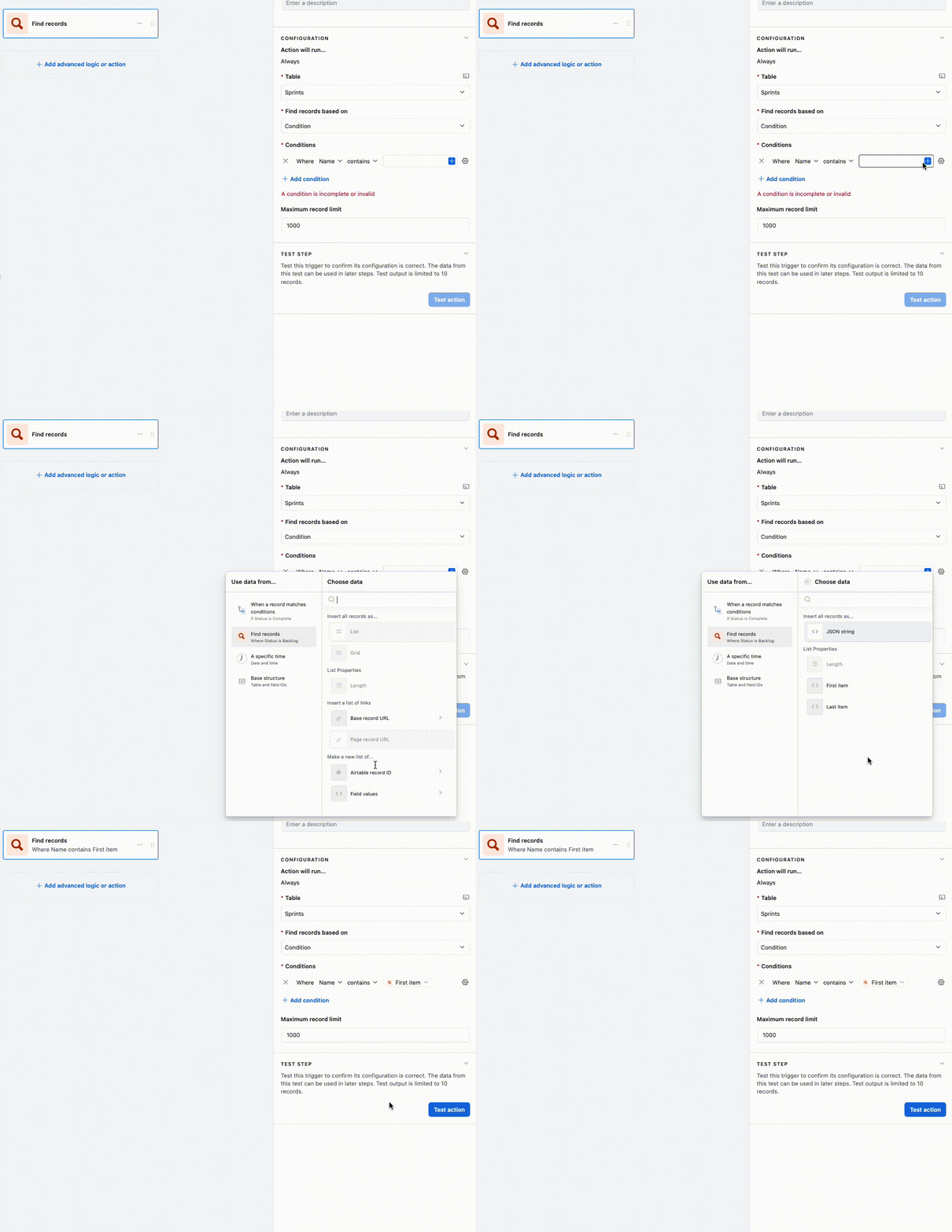
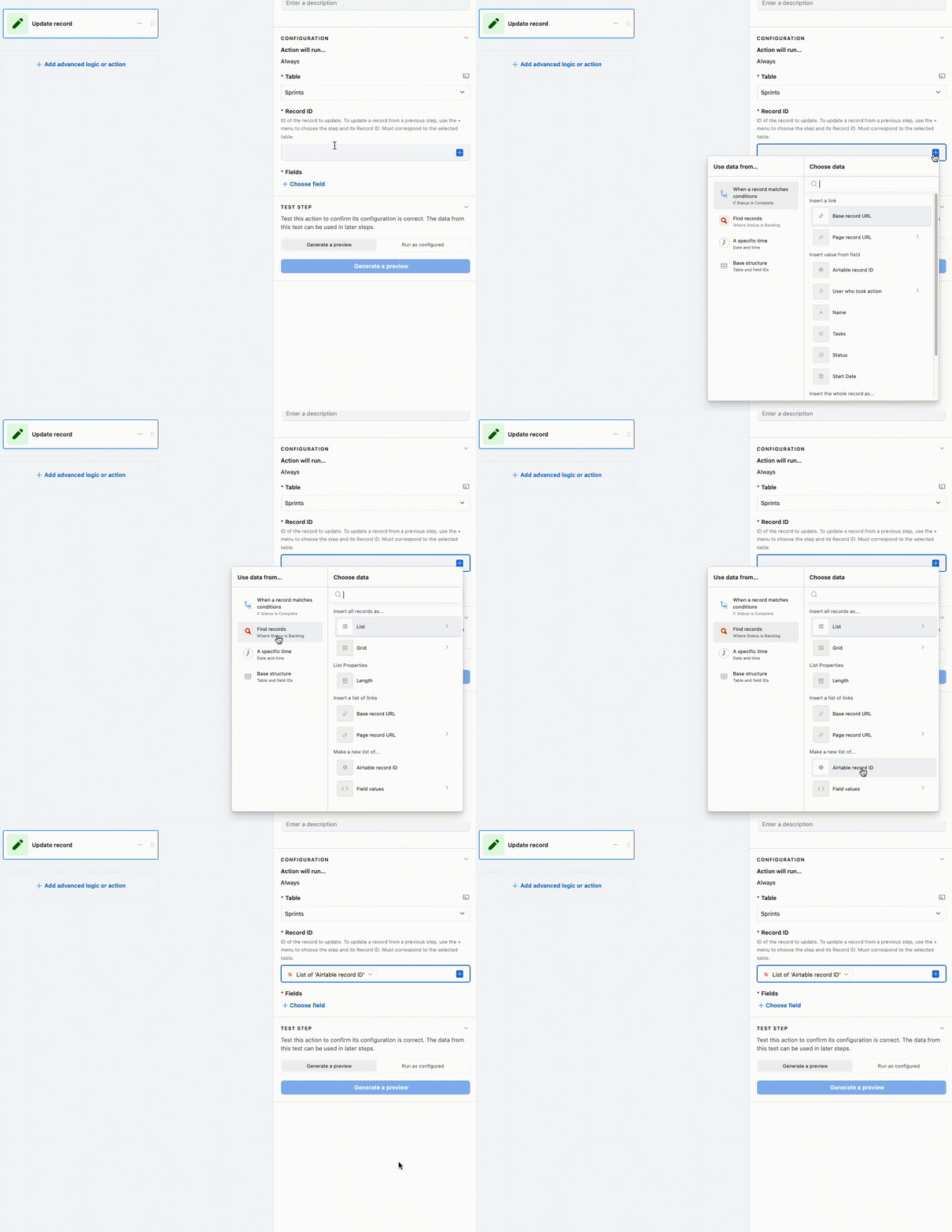
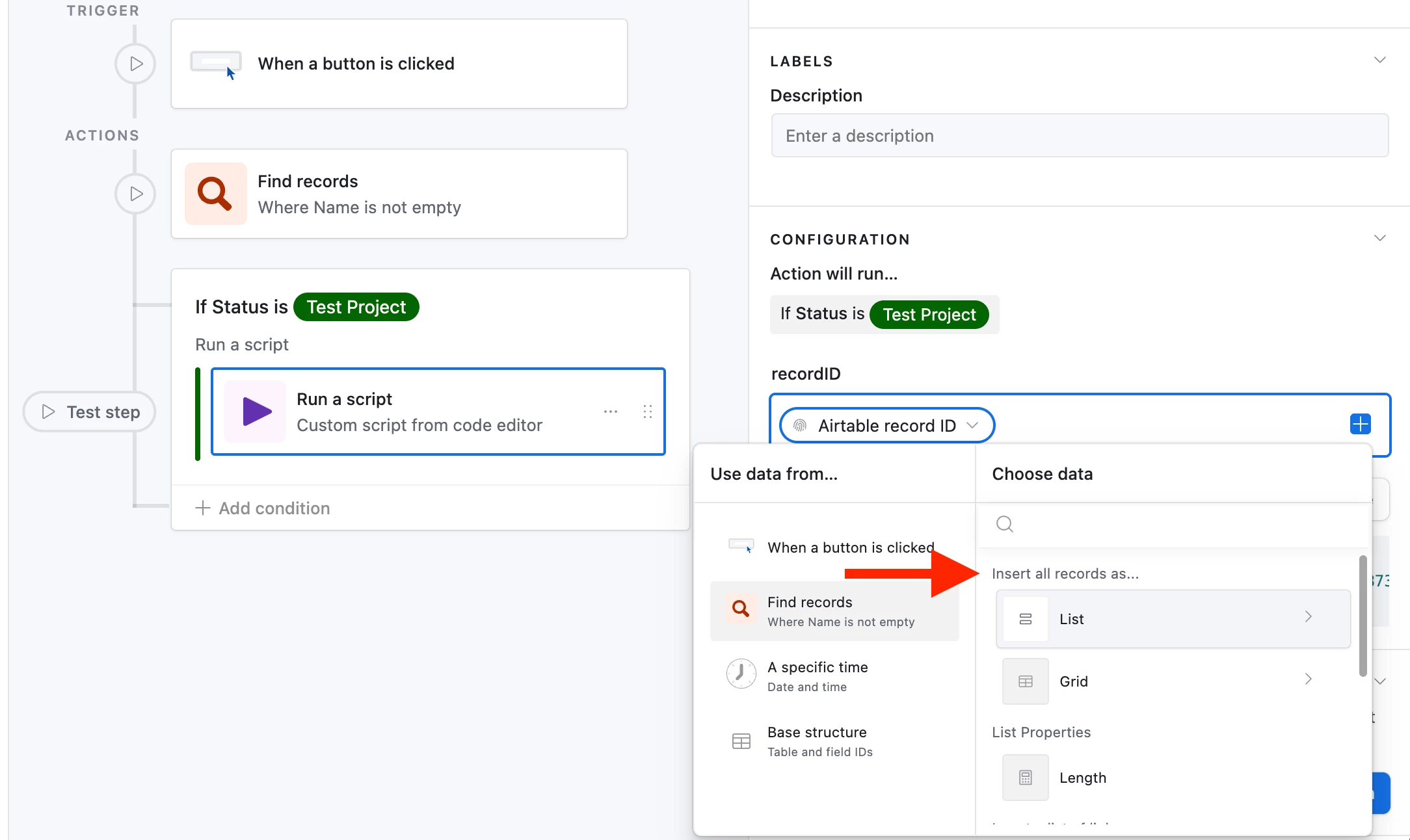
Some data in Airtable always comes through as a list, even when there's only one thing in it. Linked records, lookups, and the output of the "Find records" action all behave this way. If you've ever tried to drop one of those into a condition and hit an error like "Cannot assign list of string to string," this is the fix.
Now, whenever you're referencing a list, you'll see two new options: "First item" and "Last item." These read a single value out of the list so you can use it directly in conditions, and comparisons — no more workarounds like an extra formula field or a script step.
Both features are available now. Give them a try, and let us know what you think or if you run into anything. We'd love to hear how you're putting them to use!